Sora 2 Custom Characters, 20-Second Videos, and Video Continuation: What's New
OpenAI's Sora 2 now supports custom characters, 20-second video generation, video continuation, and batch generation. Here's what changed and what it means for AI video creators.

OpenAI quietly opened the Sora 2 Video API to developers on March 12, 2026. There was no big launch event - just a new API endpoint, updated docs, and five features that directly address the biggest frustrations with AI video generation.
Here's what changed - and what you can already do with Sora 2 on Veevid.
1. Custom Characters and Objects
Character consistency has been the single biggest pain point in AI video for the past two years. You generate a protagonist in scene one. She has a red jacket, dark hair, and a strong jawline. In scene two, with the same prompt, you get someone else entirely.
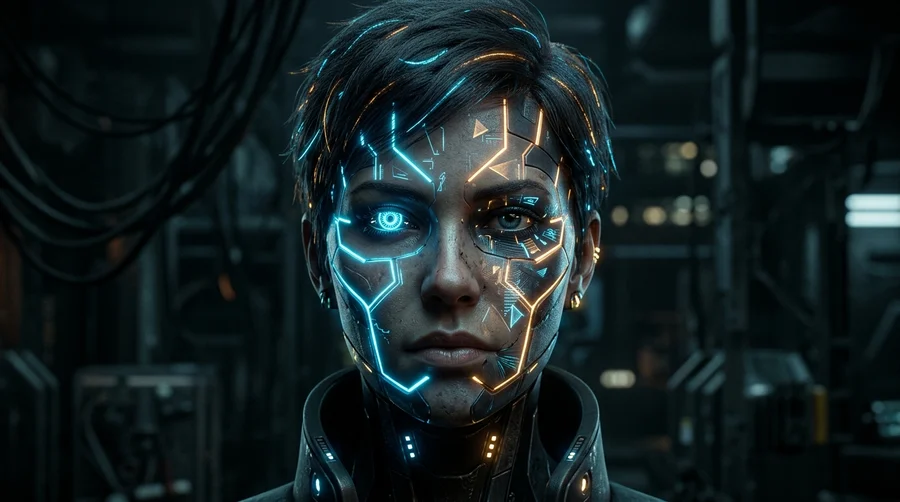
The new API lets you predefine a character's appearance, clothing, and props before you start generating. The model then carries that definition across multiple clips - so the character in scene three matches the one in scene one.
This closes the gap that has kept AI video at the "B-roll only" stage for narrative work. Ads, product demos, short films, educational content - anything that requires a consistent person across multiple shots becomes viable. You can try character-consistent video generation on Veevid today.
2. Video Continuation
Before this update, generating a longer video was a lottery. You'd prompt for a 20-second clip, and either it worked or it didn't. If the first ten seconds were good, you couldn't build on them - you had to re-roll the entire thing and hope.
Video continuation changes that. You can now extend an existing completed clip programmatically, building longer scenes in stages. Generate the first ten seconds, review it, then extend from where it ends. It works the same way a video editor would approach it: build in chunks, not in single long gambles.
3. 20-Second Clips
Both Sora 2 and Sora 2 Pro now support 16- and 20-second generations. Previously, API generations were capped at 4, 8, or 12 seconds. A full 20-second clip is enough for a complete scene - a product reveal, a short ad, a character introduction.
Combined with video continuation, you can chain clips to reach 120 seconds total, with full control over each segment before extending.
4. Dual Aspect Ratio: 16:9 and 9:16
The API now exports both landscape and portrait in a single job. One generation, two formats - horizontal for YouTube and desktop, vertical for short-form video platforms. You no longer need to run two separate generation jobs or crop after the fact.
Sora 2 Pro supports 1920x1080 and 1080x1920 for 1080p output in both orientations.
5. Batch Generation
For teams running at scale, the API integrates with OpenAI's Batch API for offline render queues. You can submit large batches of generation jobs without managing individual API calls.
Sora 2 vs Sora 2 Pro
The API ships with two model variants:
| Sora 2 | Sora 2 Pro | |
|---|---|---|
| Best for | Rapid iteration, social media, prototypes | Cinematic output, marketing assets, high-fidelity |
| Max resolution | 1280x720 | 1920x1080 / 1080x1920 |
| Speed | Faster | Slower |
| Cost | Lower | Higher |
| Max duration | 20s | 20s |
Use Sora 2 when you're experimenting with tone, structure, or visual style. Switch to Sora 2 Pro when you need production-quality output.
What This Means for Video Creators
The character consistency and video continuation features together shift what AI video can do. Previously, AI video was useful for one-off clips and B-roll. With persistent characters and composable scene building, it can support narrative workflows that weren't practical before.
The 20-second cap still applies per generation, but the ability to chain clips means longer-form output is now tractable. The dual aspect ratio export removes one post-processing step. And batch generation makes the API usable at production scale.
The underlying model hasn't changed - these are infrastructure and workflow features that change how you use it.
Wondering how Sora 2 stacks up against other models? See our Best AI Video Generators 2026 comparison.
Try Sora 2 on Veevid
Veevid lets you generate video with Sora 2, LTX 2.3, Kling 3, Runway, and more - without managing API keys or infrastructure.