Turn anything into a 30-second video
Wan 3.0 reads text, images, clips, audio, documents and webpages in the same prompt, then renders up to 30 seconds in a single take with sound already in place.
Text to Video
What Wan 3.0 does differently
Four clips from Alibaba's official Wan 3.0 release, each showing one capability you can use here today.
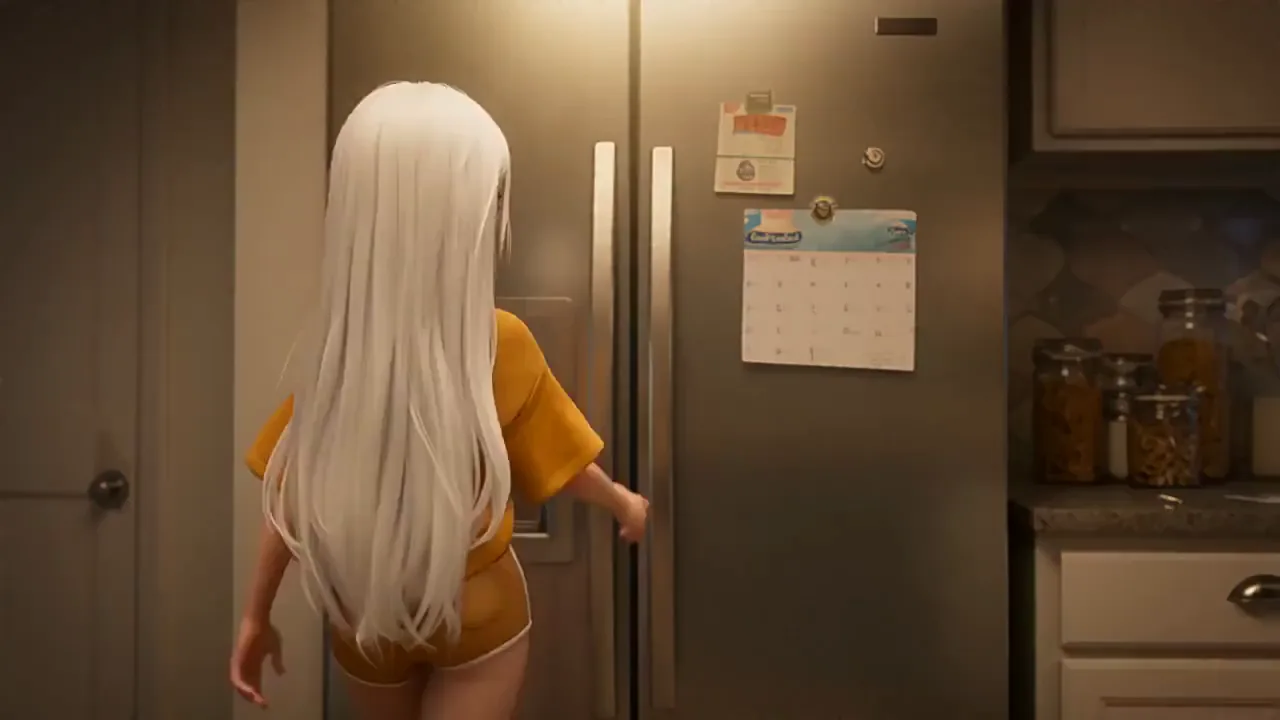
Omni-Creation
Combine up to 20 reference assets in one prompt, including a document or a webpage. Wan 3.0 reads them all before it renders a frame.
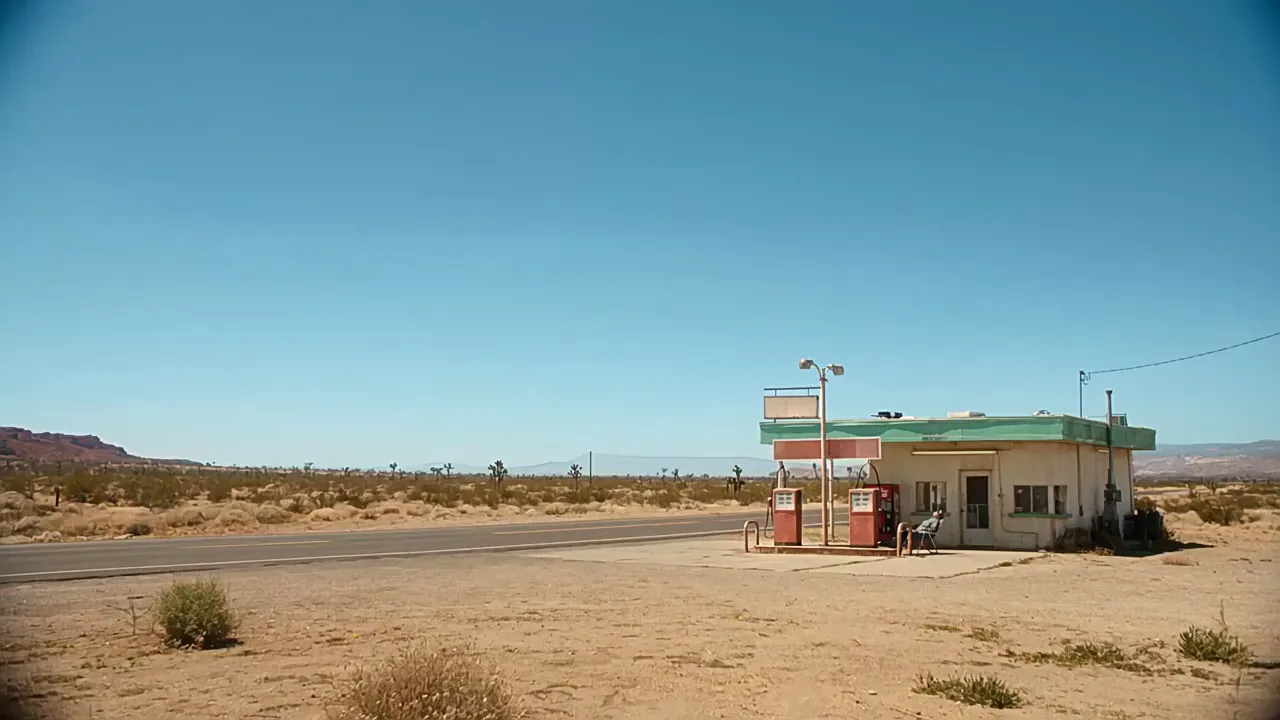
Native 30-second duration
Thirty seconds generated as one continuous take, not stitched from shorter clips. Long enough for a scene that actually goes somewhere.
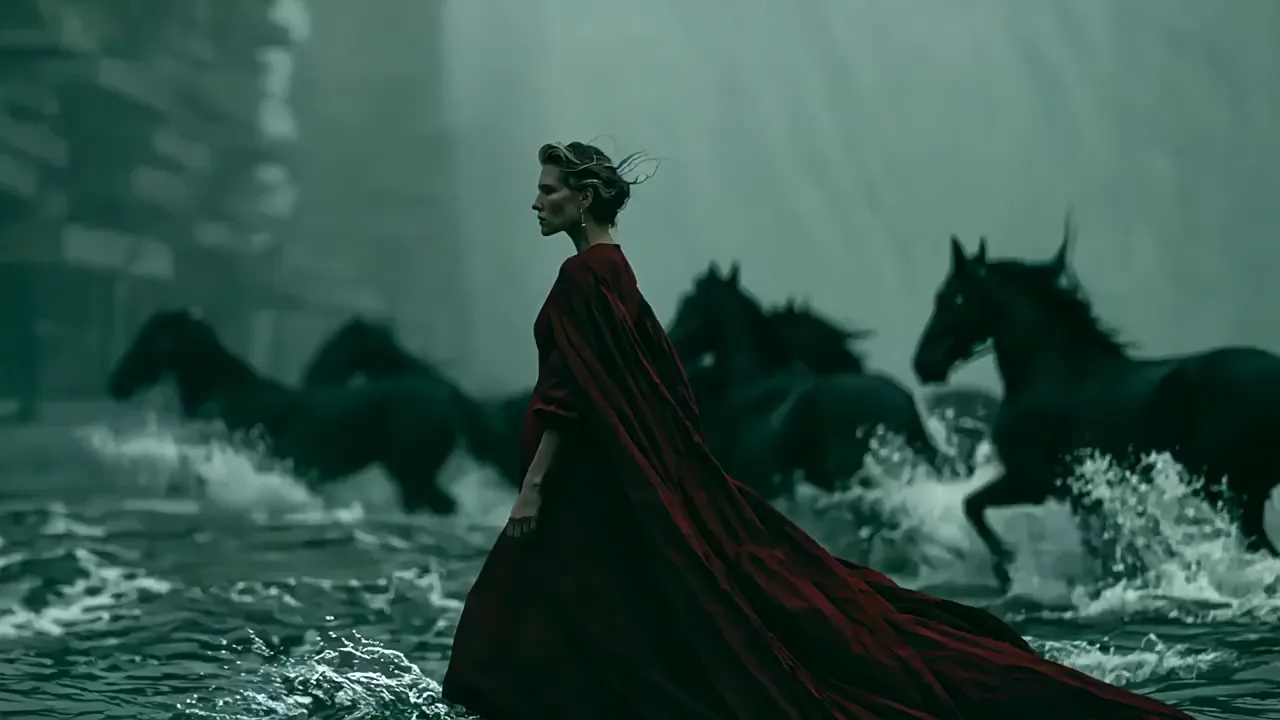
Pixel-perfect consistency
Characters, products and environments hold their look as the scene changes, which is what makes a model usable in a production pipeline.
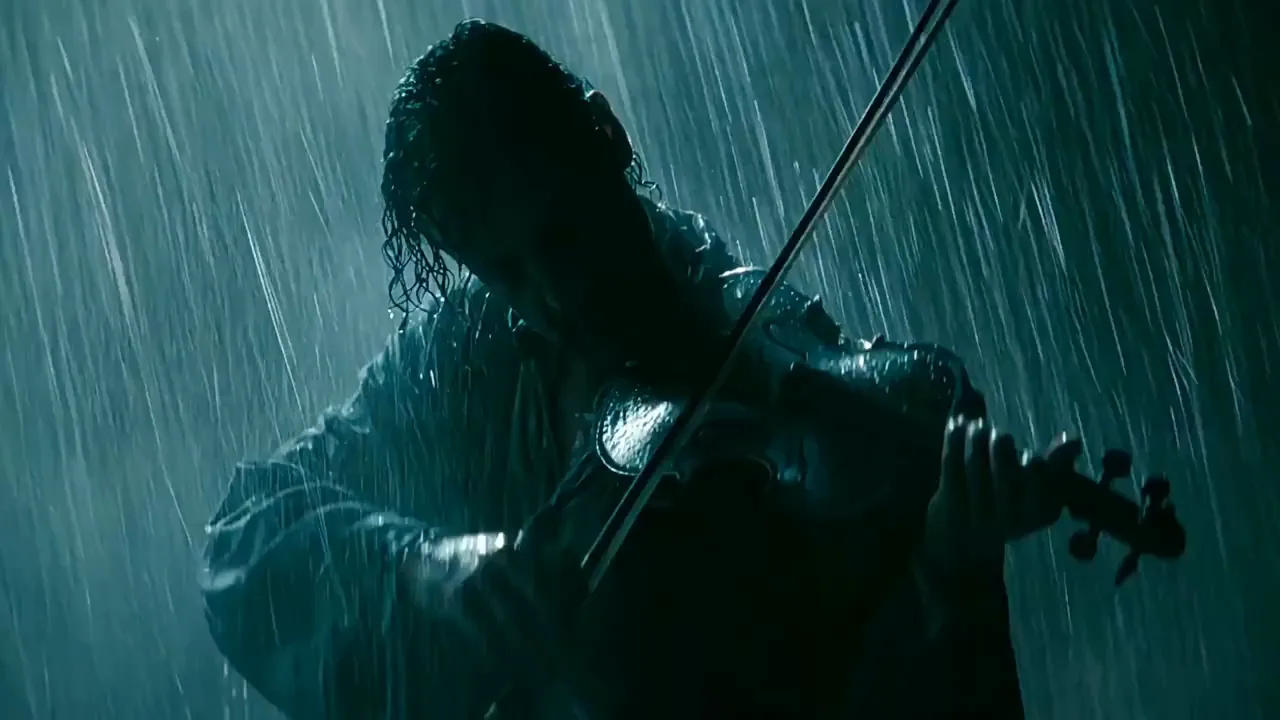
Sound generated with the picture
Dialogue, effects and ambience come out of the same pass as the visuals, so they land on the right frame instead of needing a sync step.
Source: wan.video
Every input Wan 3.0 accepts
One model, six kinds of input. Mix them in a single prompt and reference each one by name.
Up to 30 seconds
Pick any length from 2 to 30 seconds. Reference clips count toward a 30-second total, so the slider adjusts as you add footage.
10 images, 5 clips, 5 audio files
Call them out as @Image1, @Video1 or @Audio1 in your prompt and Wan 3.0 knows which asset you mean.
Document to video
Hand it a PDF, deck, spreadsheet or Pages file up to 100MB and 50 pages. Wan 3.0 parses the content and builds the video from it.
Webpage to video
Paste a public URL instead of writing a brief. The page has to be reachable without a login.
Native audio
Dialogue, sound design and music are generated together with the visuals rather than added afterwards.
First and last frame
Set where a shot starts and where it ends, and let Wan 3.0 work out the motion in between.
How to generate a Wan 3.0 video
Three steps, no setup.
Choose how you want to start
Write a prompt on Text to Video, upload a starting frame on Image to Video, or open Reference to Video to bring in clips, audio, a document or a webpage. Already have footage? Start on AI Video Editor or AI Video Extender instead.
Set length and resolution
Pick 2 to 30 seconds and 480p, 720p or 1080p. The credit cost updates as you change them, and reference footage is included in that number.
Generate and download
Rendering takes a few minutes. The finished clip lands in My Creations with its audio track already in place.
Wan 3.0 questions
What people ask before their first render.
Where to use Wan 3.0
The model is available across these tools.
Text to Video
Start from a written scene.
Image to Video
Animate a still, or set both ends of a shot.
Reference to Video
Bring in clips, audio, a document or a webpage.
AI Video Editor
Change what happens in a clip you already have.
AI Video Extender
Carry a clip on past where it ends.
Compare models
See how Wan 3.0 sits next to the rest.
Make your first Wan 3.0 video
Thirty seconds, sound included, from whatever you already have.
Start generating