AI Hug Video Generator
Upload one photo of each person, pick a scene and watch them share a warm, natural hug. No need to merge the photos first, and it works with couples, family, pets and old black-and-white photos.
Create Your Hug Video
Use one photo per person or pet with the face clearly visible. Old and black-and-white photos work too.
Pick a preset or write your own scene. Both faces and outfits are kept consistent for you.
79 / 500Adds background sound such as footsteps, wind or a crowd. It costs more at 720p and 1080p; 4K costs the same either way.
AI Hug Video Examples
Each video below was made from the two photos next to it and one of the built-in scenes. Click Try this to load the same photos and scene into the generator.


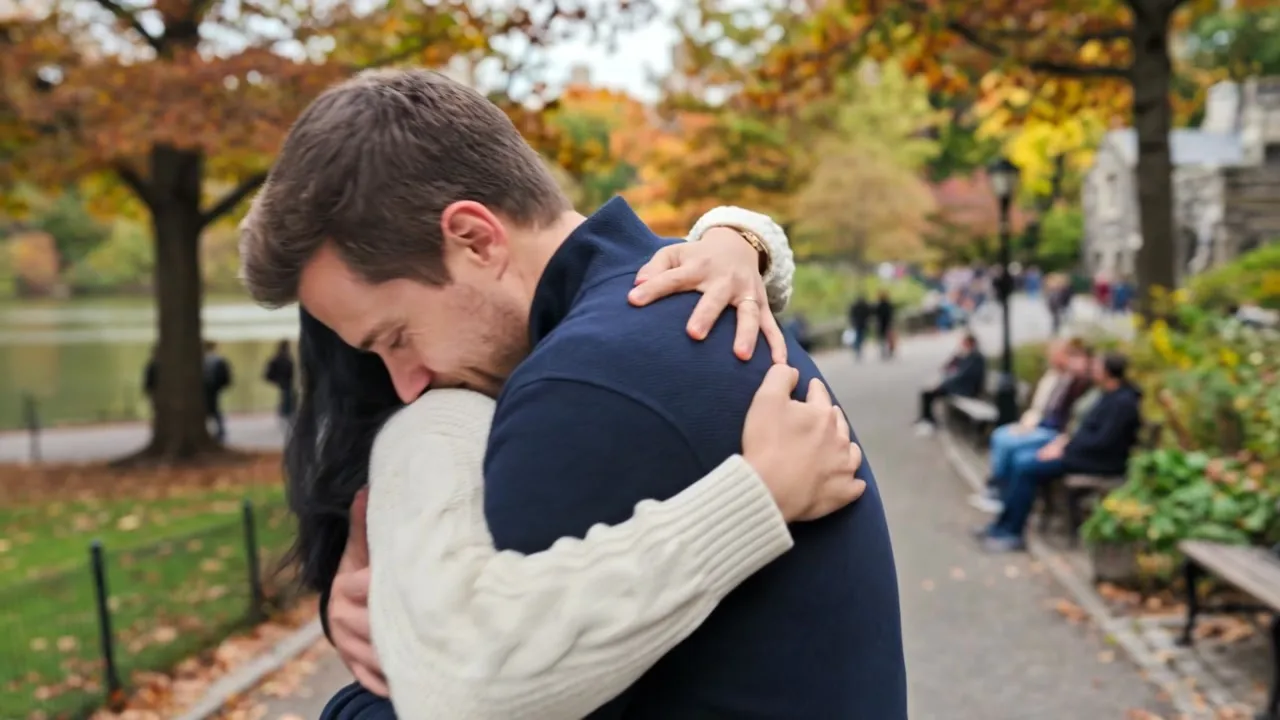
Warm Reunion
They spot each other in a sunlit park, walk closer and share a warm, tight hug.

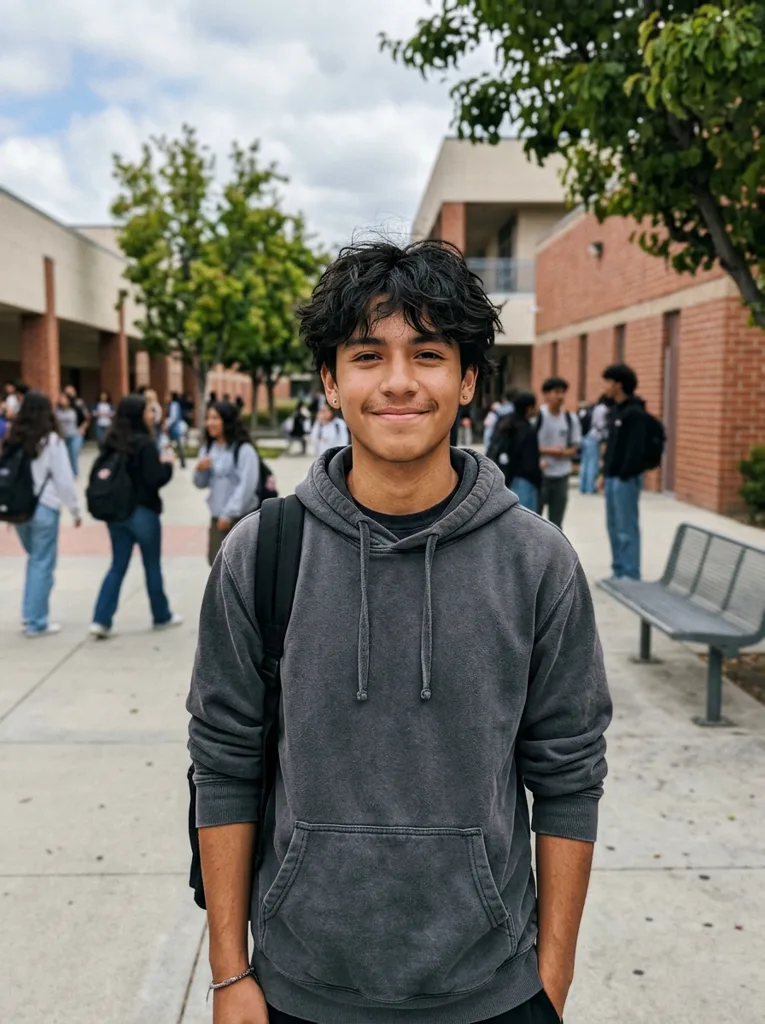
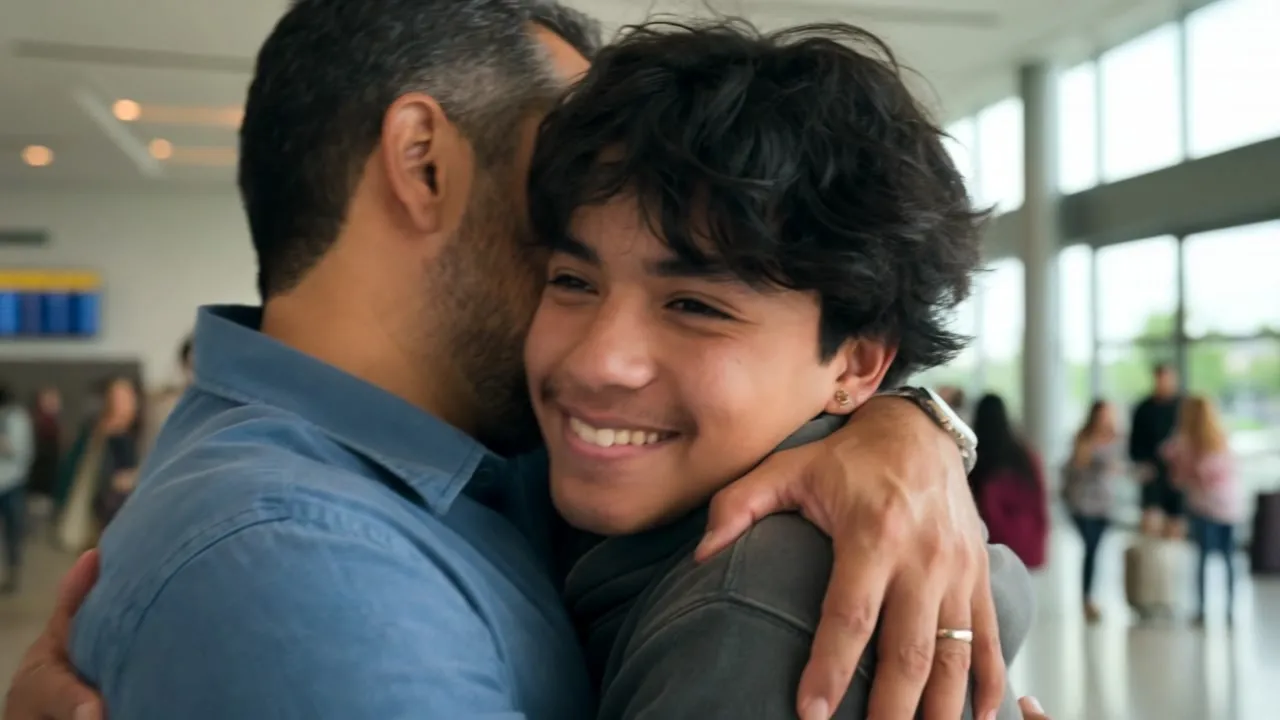
Airport Reunion
They run toward each other in a busy airport arrivals hall and hug tightly after a long time apart.
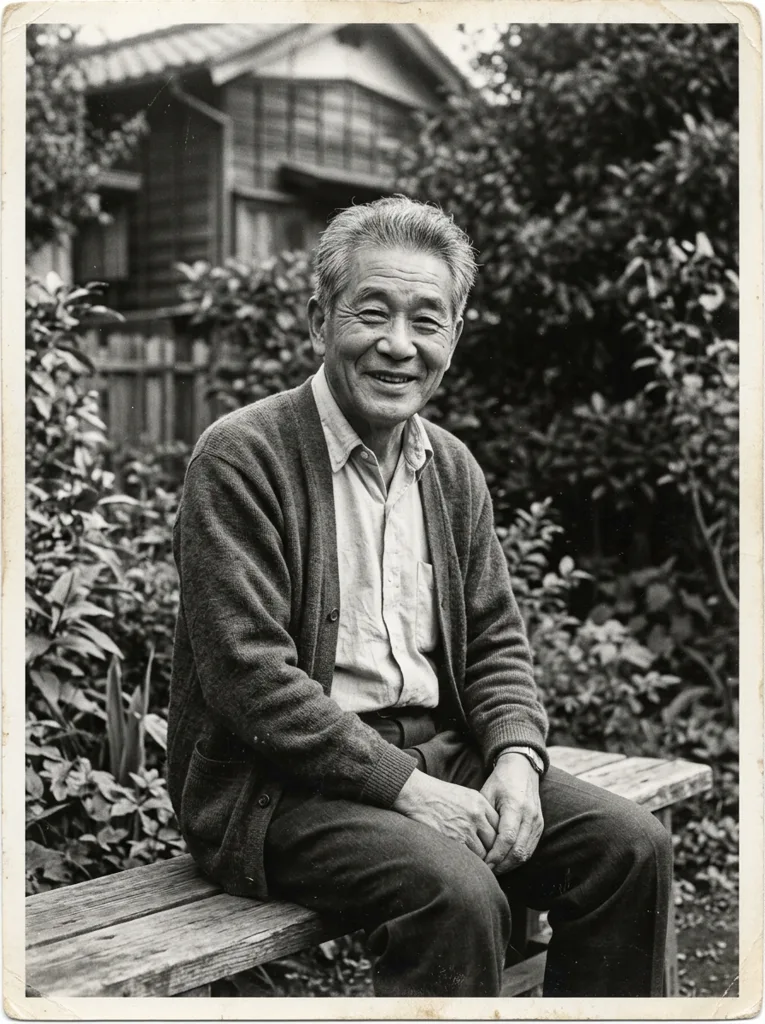

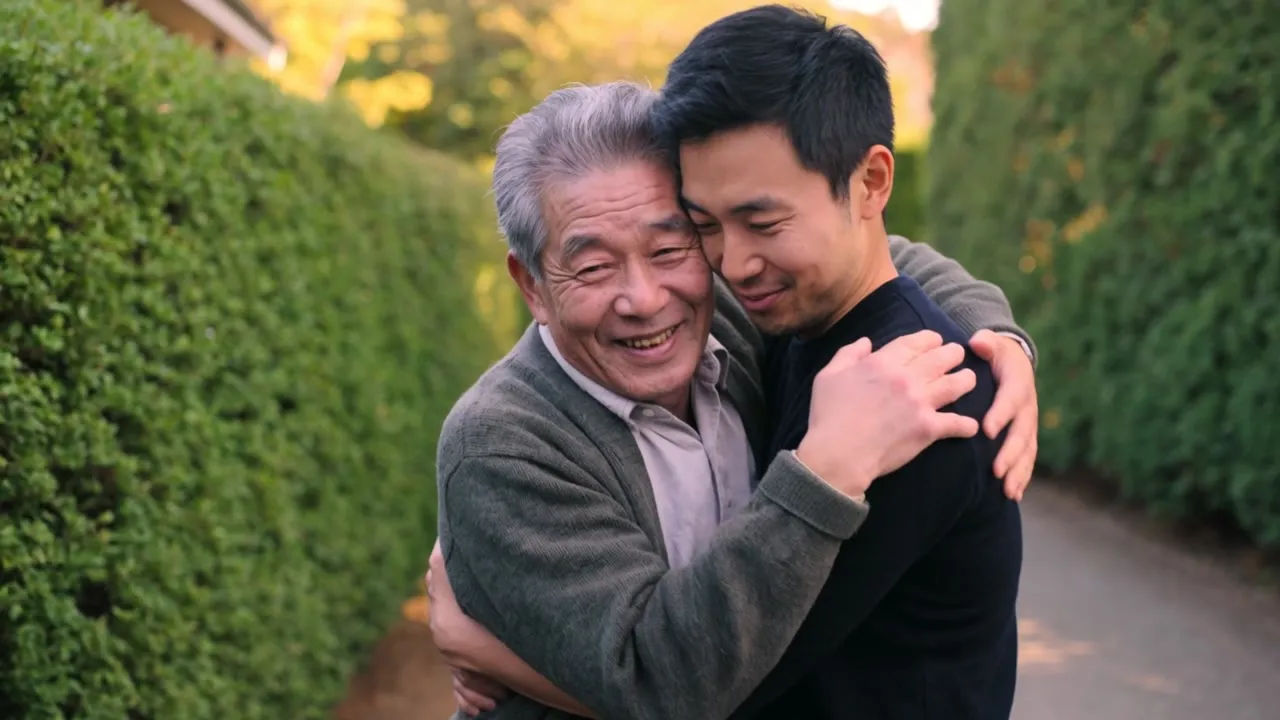
Hug Again
They meet in a quiet sunlit garden and embrace gently, smiling with tears of joy.


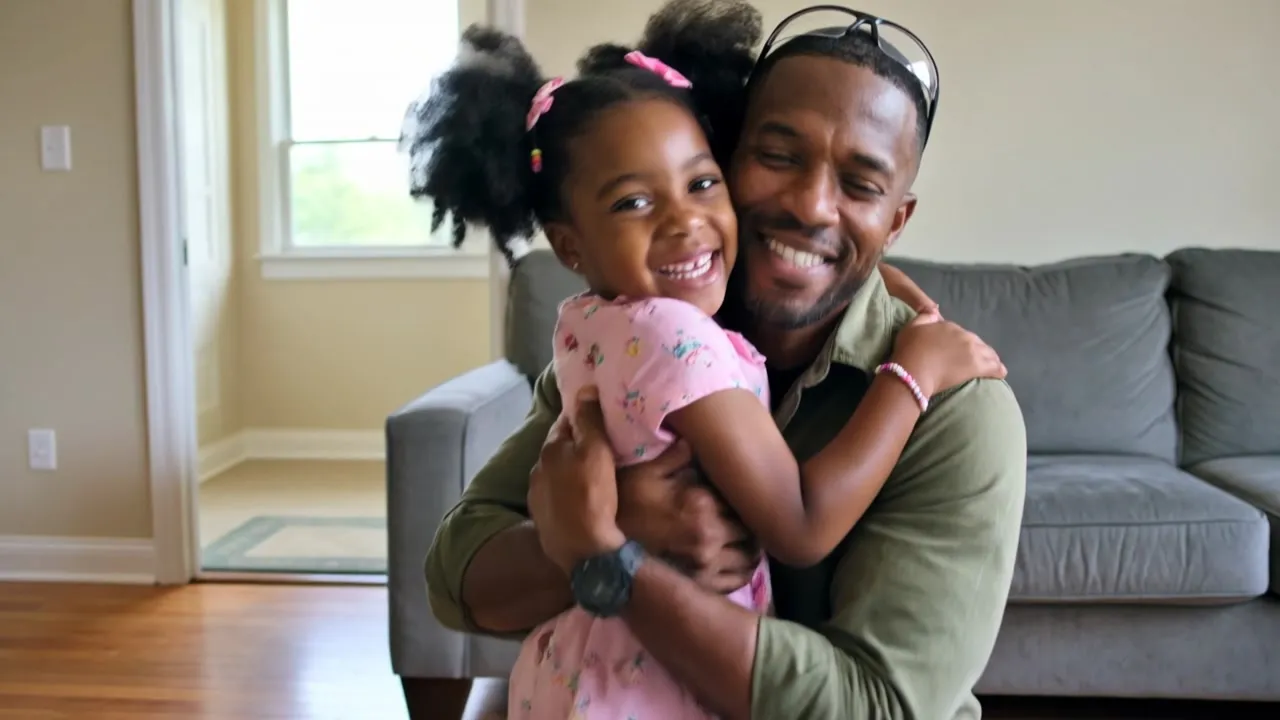
Parent & Child
The parent kneels down and the child runs into their arms for a big hug.
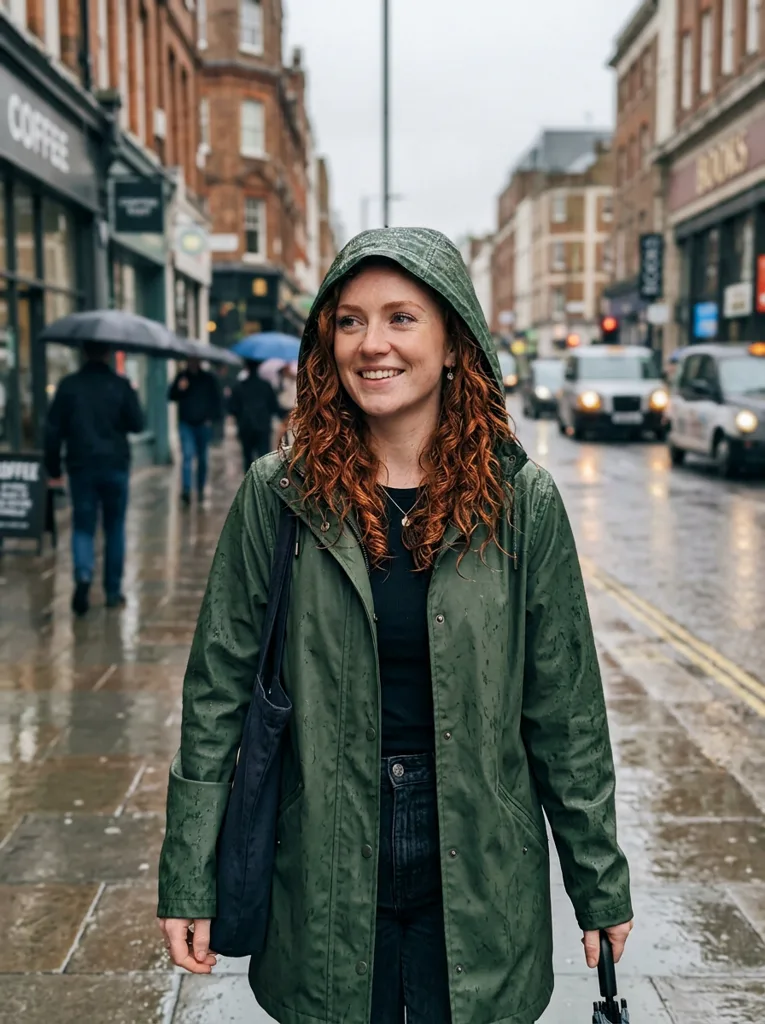
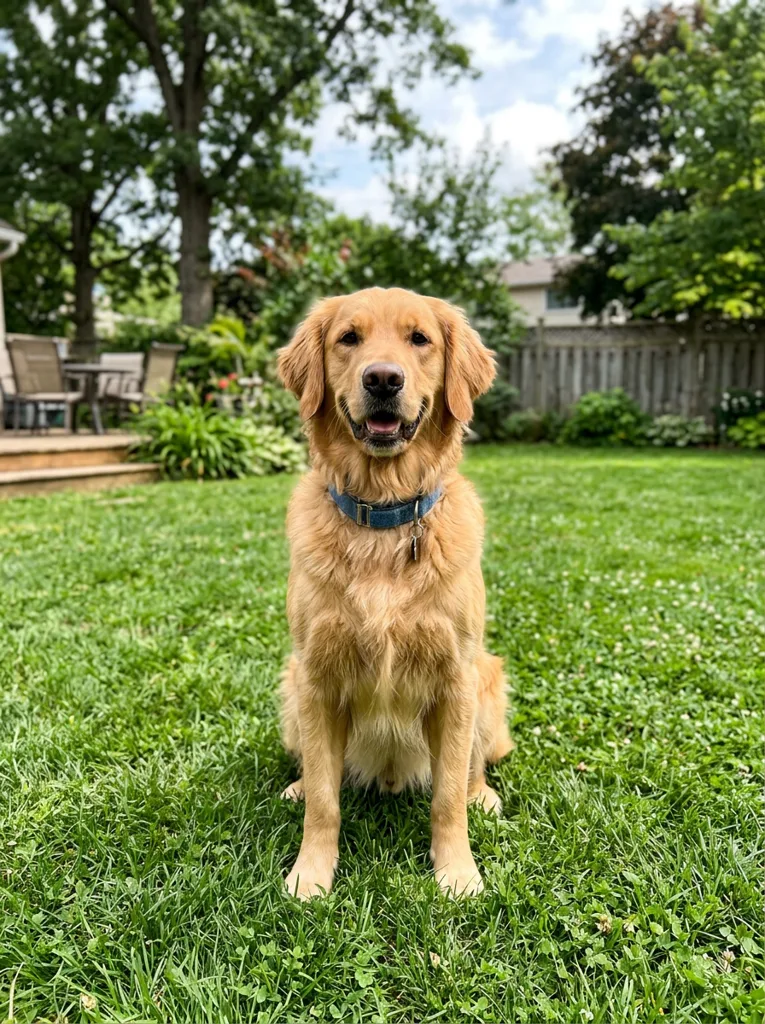
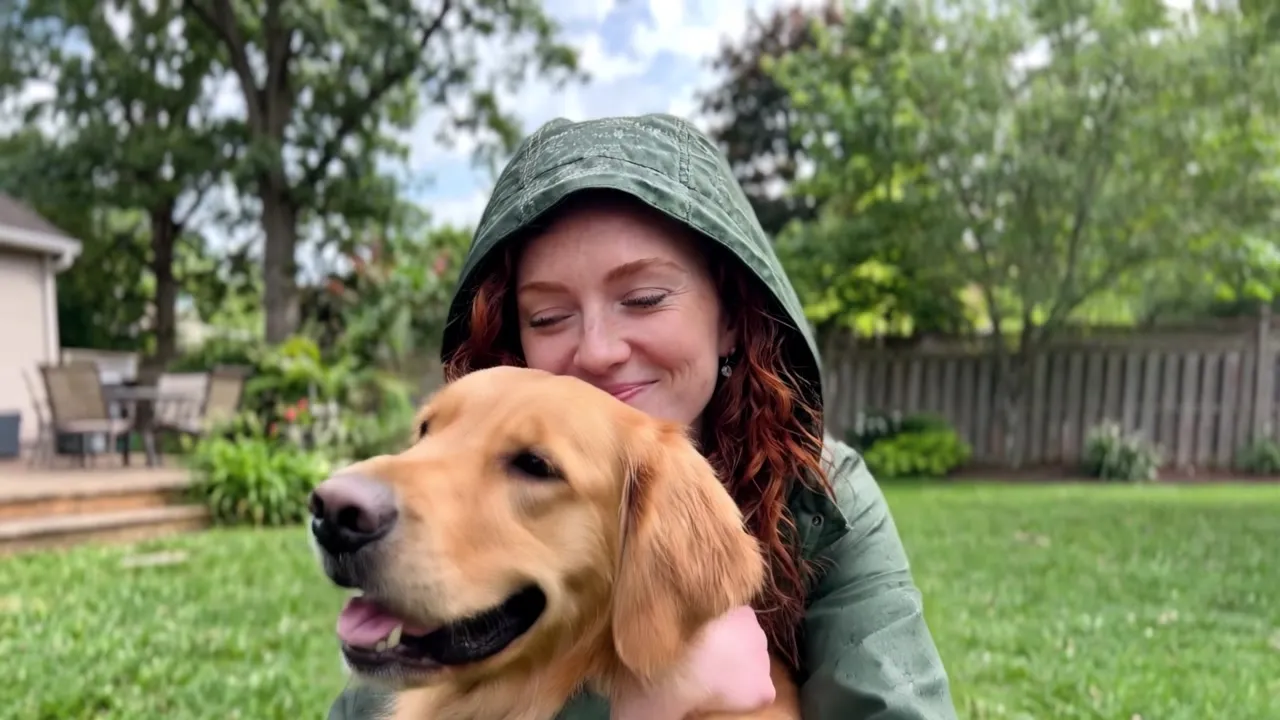
Hug Your Pet
The person kneels on the grass and the pet runs into their arms for a happy hug.


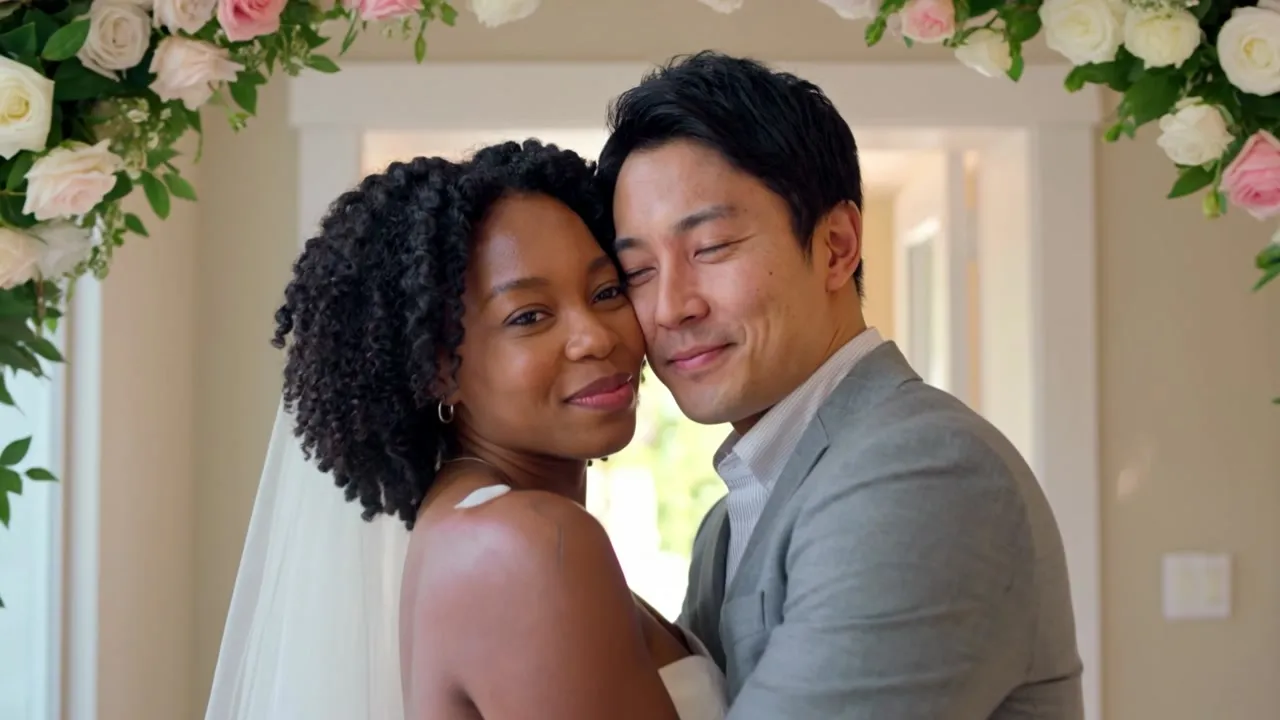
Wedding Day
On their wedding day, they share a tender hug under a flower arch as petals fall around them.
Why Use the Veevid AI Hug Video Generator
Turn two photos into one warm moment, whether it is a reunion, a wedding, a hug with your pet or a hug you have been missing.
Two separate photos, no merging
Upload one photo of each person. There is no need to paste them into the same picture first: the AI brings both of them into one scene and keeps each face recognizable.
Ready-made scenes or your own
Start from Warm Reunion, Airport Reunion, Hug Again, Parent & Child, Hug Your Pet or Wedding Day, or describe any scene in one sentence.
People and pets
Hug your dog or cat, or bring a child and a grandparent into the same frame. Each photo can show a person or a pet.
Old and black-and-white photos
Scanned prints and black-and-white portraits work too, so someone from an old family album can join you in a new moment.
Up to 4K and 15 seconds
Choose 720p, 1080p or 4K, a length from 3 to 15 seconds, a 16:9, 9:16 or 1:1 frame, and optional ambient sound.
Natural motion, consistent looks
Both people keep the faces, hairstyles and clothing from their photos while they walk up to each other and hug with natural body motion.
Hug a Loved One Who Has Passed Away
Some hugs can no longer happen in person. If you are missing a parent, a grandparent, a partner or a friend, you can upload a photo of yourself and a photo of them and see the two of you share a gentle hug in a quiet, sunlit garden.
Old prints and black-and-white photos are welcome. Choose the Hug Again scene, or describe a place that meant something to you both, such as the family kitchen, a favorite beach or the front porch.
The video is an AI interpretation, not a recording, and it may not capture everything about the person you love. Go at your own pace, and keep it private or share it with family, whatever feels right to you.
How to Make an AI Hug Video
Three simple steps. The video usually renders in a few minutes, and you can leave the page while it does.
Upload two photos
Add one photo for Person A and one for Person B. Each photo should show one person or one pet with the face clearly visible.
Pick a scene
Choose one of the six scenes, or write your own sentence describing where they meet and how they hug.
Generate your hug video
Pick the resolution, length, aspect ratio and ambient sound, then click Generate. Download the video or find it later in your creations.
AI Hug Video Generator FAQ
Answers to common questions about making hug videos from photos.
Upload one photo of each person (or of a person and a pet), pick one of the six scenes or write your own, choose the resolution, length and aspect ratio, and click Generate. The two photos become one video where they walk up to each other and hug. It usually takes a few minutes, and the finished video appears in the preview and in your creations.
You do not need to combine them first. Many guides tell you to paste both people into one picture before uploading, but here each photo goes into its own slot, Person A and Person B. The AI uses each photo as the reference for that person and places both of them in the same scene, so photos taken years apart, in different places or with different backgrounds work fine.
Yes. Many people use it to see themselves hugging a parent, grandparent or friend who is no longer with them. Upload a photo of yourself and a photo of your loved one, even an old or black-and-white one, then choose the Hug Again scene or describe a place that meant something to you both. Please keep in mind that it is an AI interpretation rather than a real memory, and it may not capture every detail of the person you miss.
Clear, well-lit photos with one person or pet each and the face fully visible work best. Front-facing or slightly angled portraits give the most recognizable result, and half-body or full-body shots help match clothing and build. Avoid heavy filters, sunglasses, very small faces and group photos. Old, scanned and black-and-white photos are supported. JPG, PNG and WEBP files up to 10MB are accepted.
Yes. Upload a photo of yourself as Person A and your dog, cat or other pet as Person B, then pick the Hug Your Pet scene, where the pet runs into your arms for a happy hug. It works for pets who are with you today and for ones you miss.
No. Each preset fills in a short scene sentence for you, so you can generate right away. For a different setting, edit that sentence or pick Write your own scene and describe where they meet and how they hug, for example: They meet on a snowy street at night and hug under the lights. You only describe the scene; keeping both faces and outfits consistent is handled for you.
The AI hug trend is a style of short video on TikTok and Instagram where two people from separate photos, often someone and a loved one who has passed away, walk toward each other and share a hug. It is sometimes called a heaven hug. You can make this kind of video from your own photos here and share it in 9:16 for stories and reels, 16:9 or 1:1.
Each video uses credits based on its resolution, length and whether ambient sound is on. At 720p without sound it is 16 credits per second, so a 5-second video uses 80 credits. 1080p and 4K cost more per second, and ambient sound adds to the price at 720p and 1080p. The exact number is shown on the Generate button before you start, and credits are returned automatically if a generation fails.
Bring Two Photos Together in One Hug
Upload two photos, pick a scene and create a hug video to keep or to share with the people you love.
Create a Hug Video