AI Christmas Photo Generator
Turn your photo into a Christmas picture with AI. Pick one of 8 styles or describe your own, from cozy fireplace portraits to Santa photos. Works for one person, couples and pets.
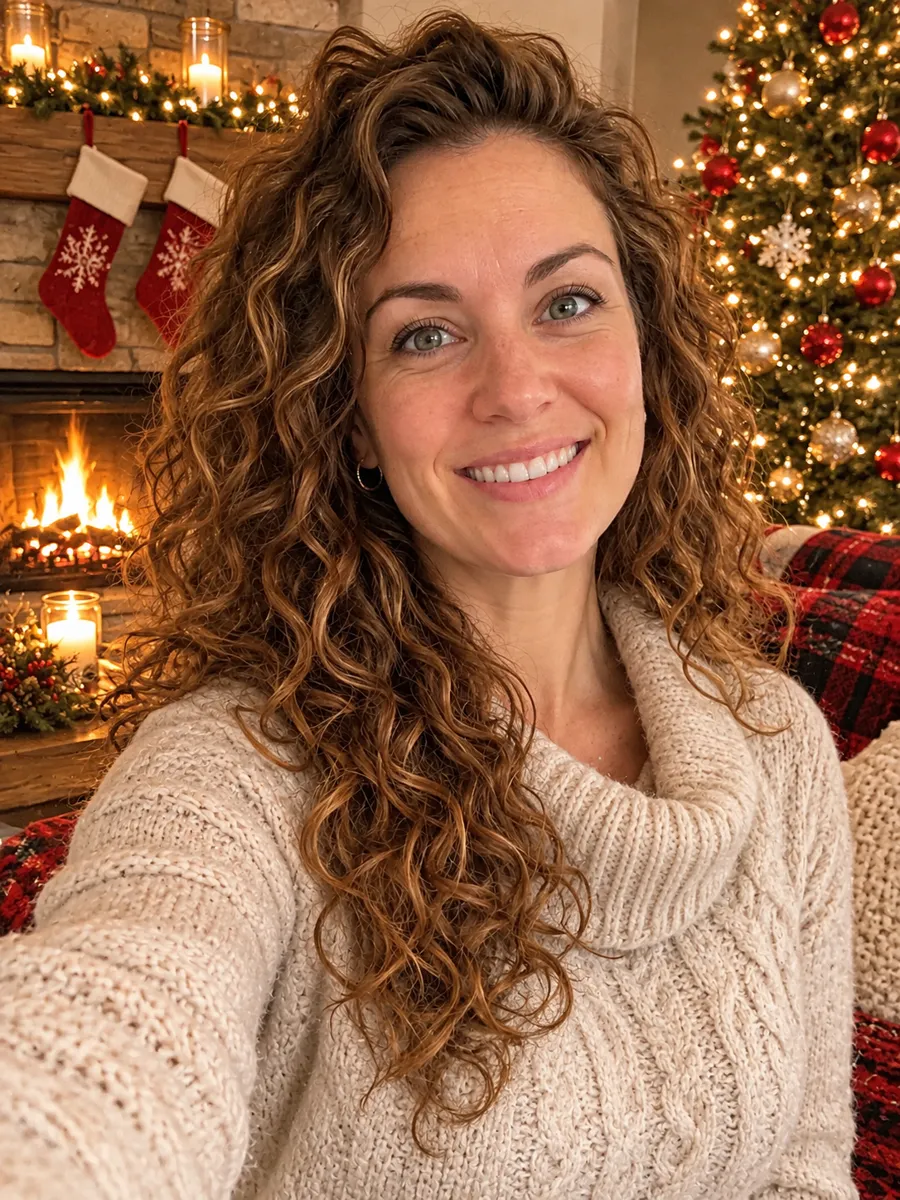 Example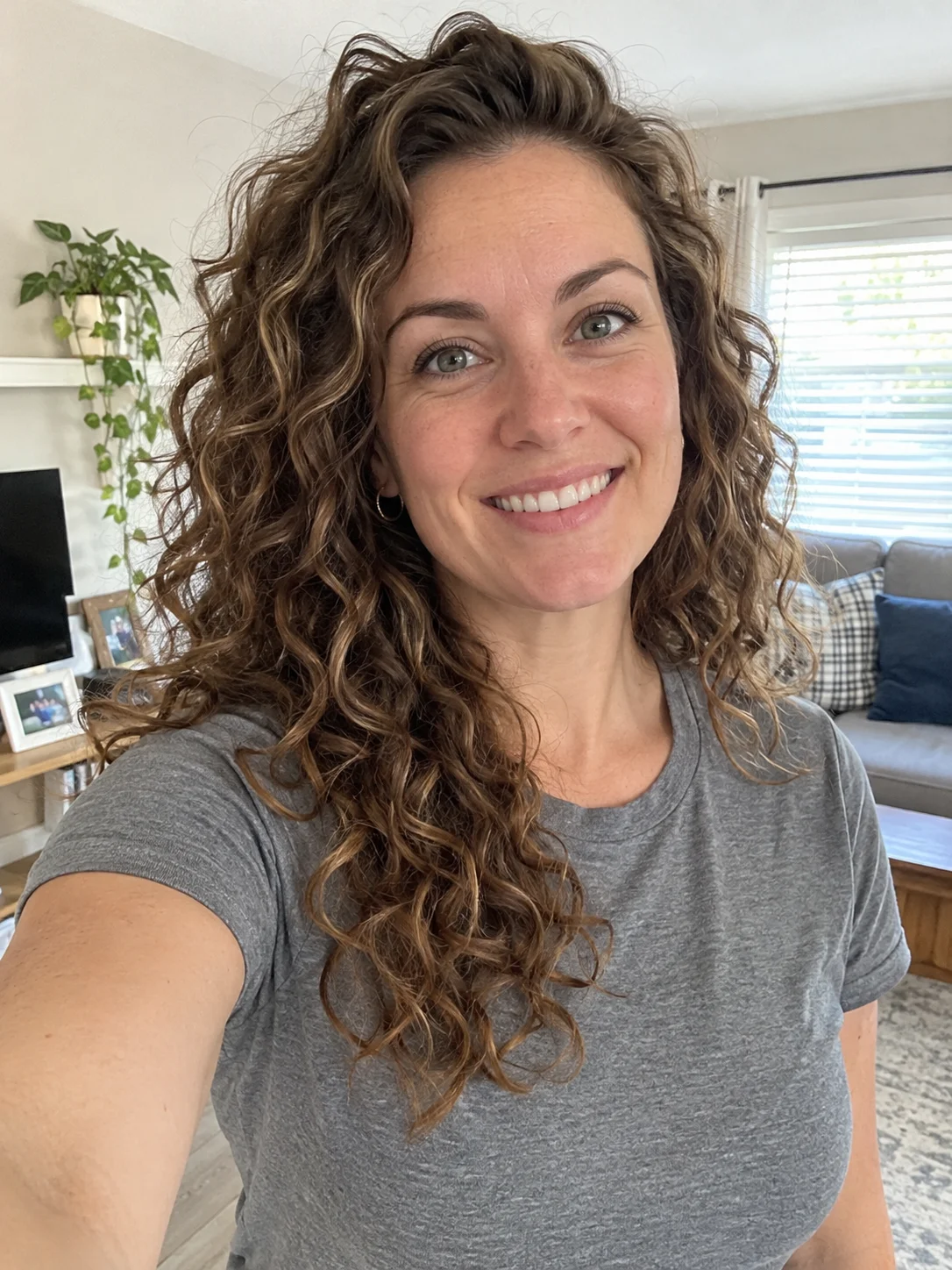
Create Your Christmas Photo
Use clear photos with faces fully visible, JPG, PNG or WEBP up to 10MB. One photo works for a person, a couple or a pet. Not in the same picture? Add one photo of each and the AI puts everyone together.
AI Christmas Photo Prompts and Styles
Every example was made with this tool, using AI-generated people and pets. Copy a prompt, or click Try this to load the style into the generator.
OriginalCozy Fireplace
Turn this photo into a cozy Christmas portrait in a warm living room: a stone fireplace with stockings, a decorated tree with glowing lights, soft knit sweaters, warm candlelight.
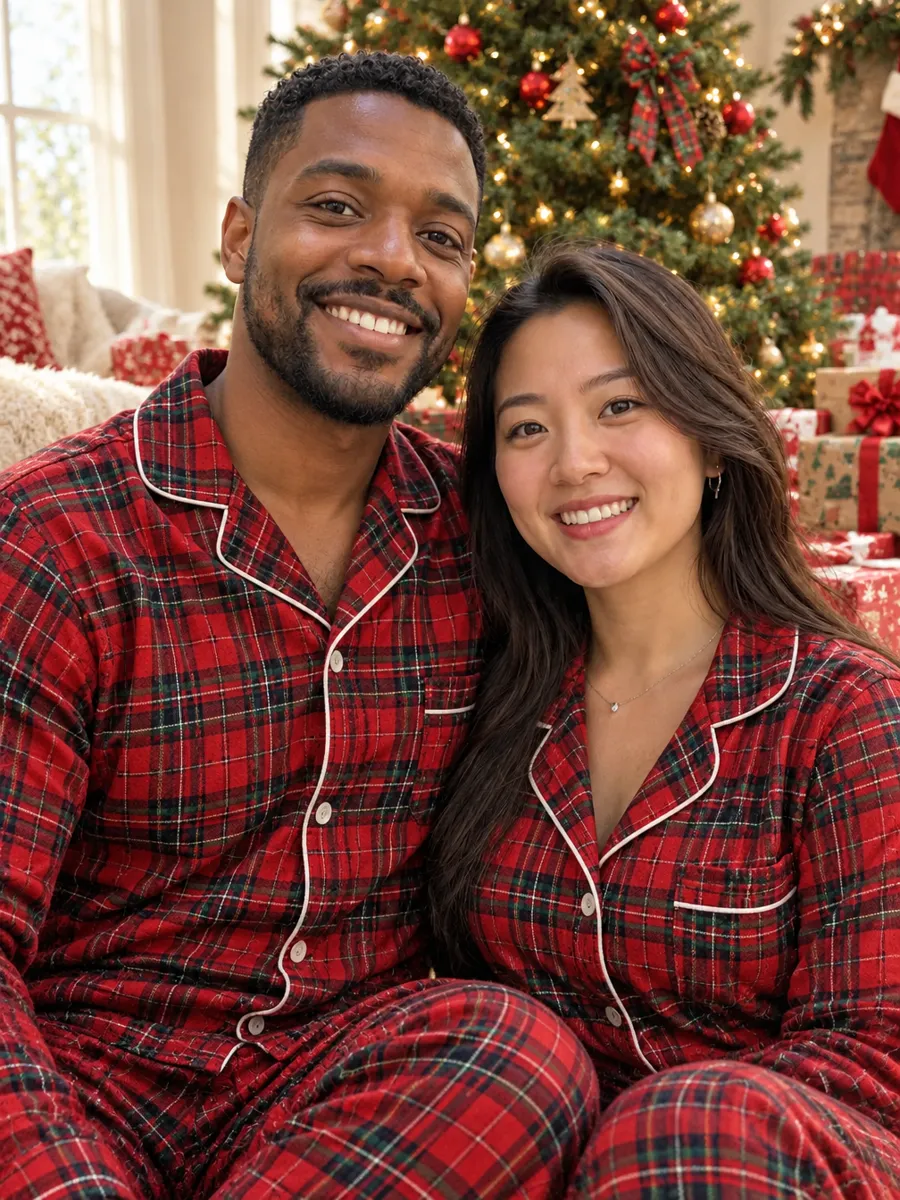
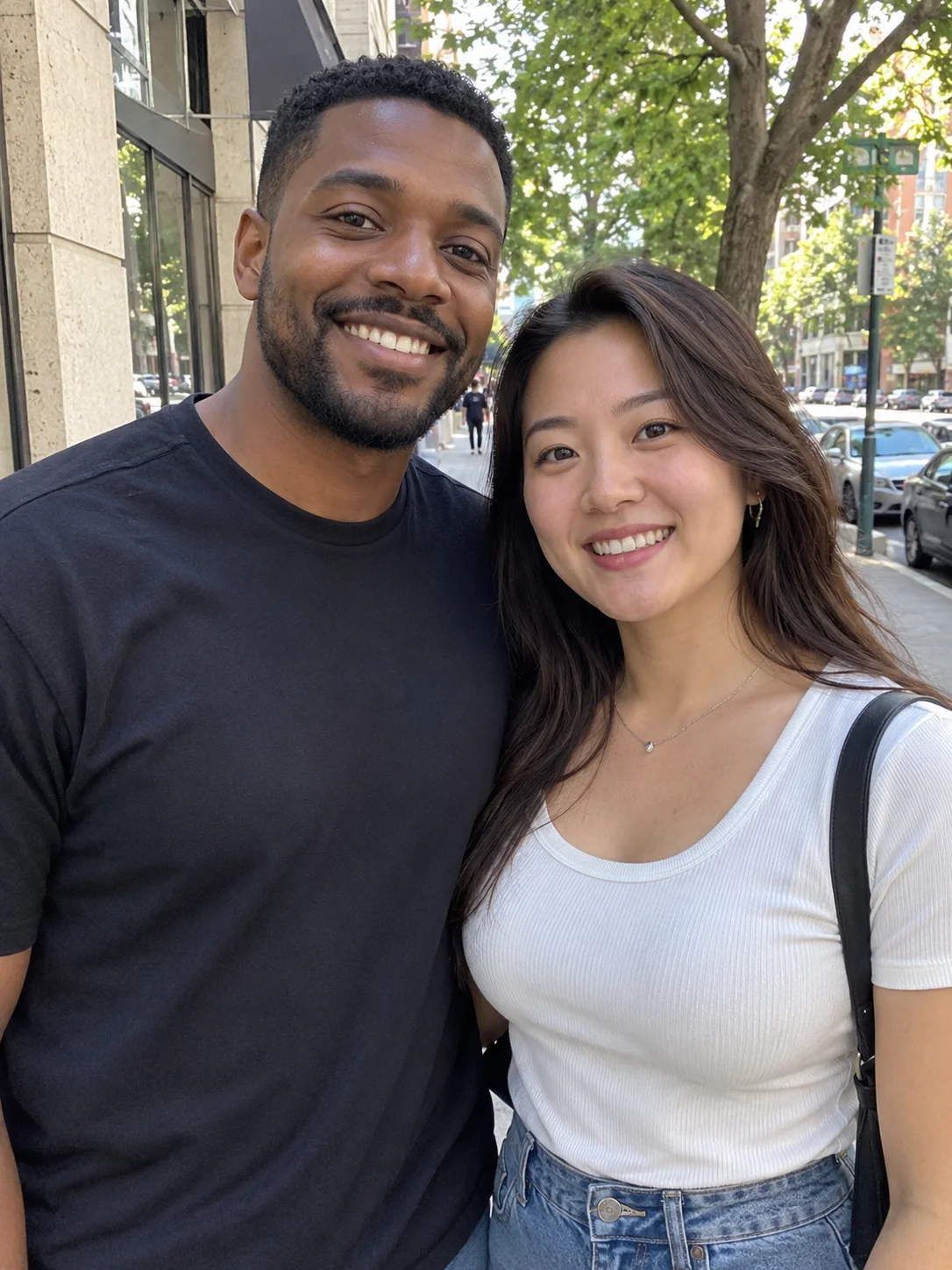 Original
Matching Pajamas
Turn this photo into a playful Christmas morning portrait: matching red plaid pajamas, sitting by a decorated tree surrounded by wrapped gifts, soft morning light.
 Original
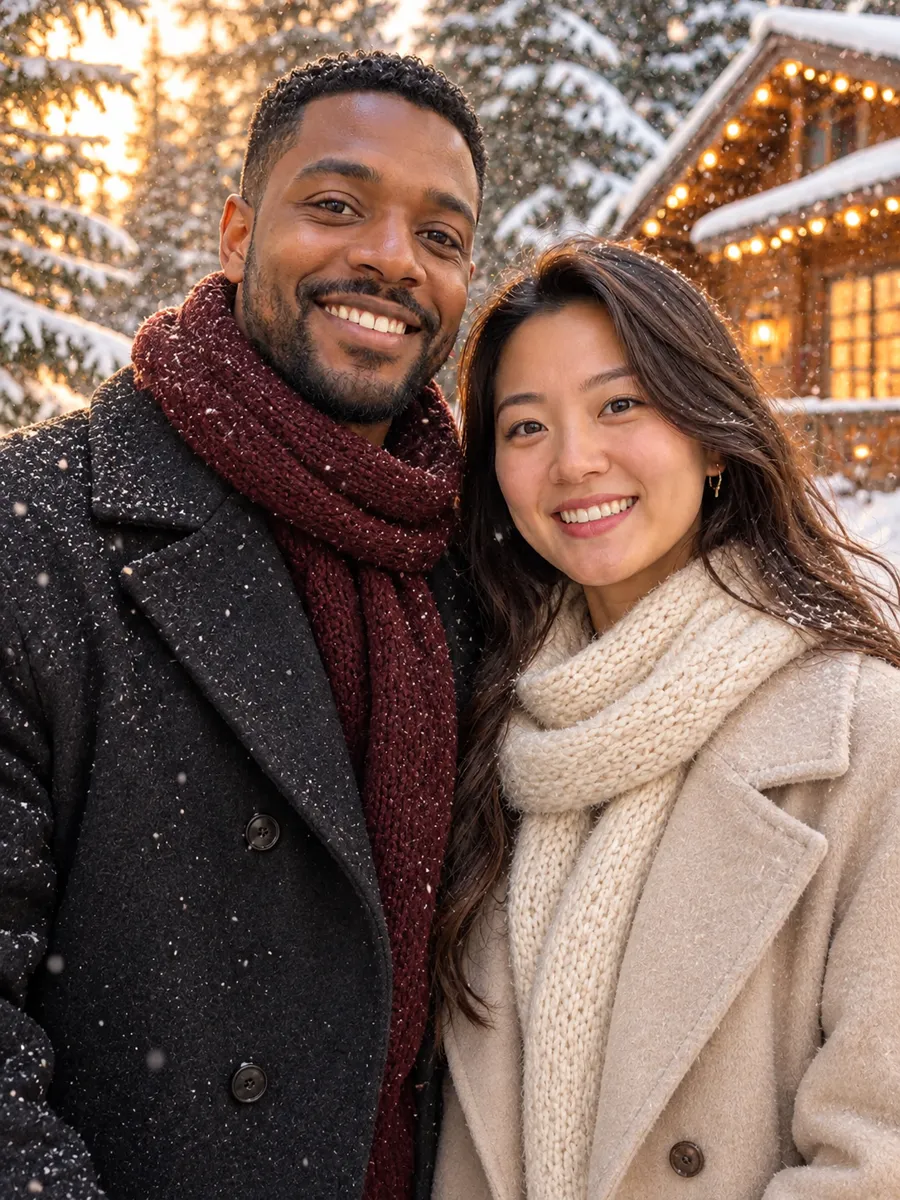
Snowy Cabin
Turn this photo into a winter holiday portrait outdoors: falling snow, snow-covered pine trees and a wooden cabin with warm lights, stylish wool coats and scarves, golden hour glow.
 Original
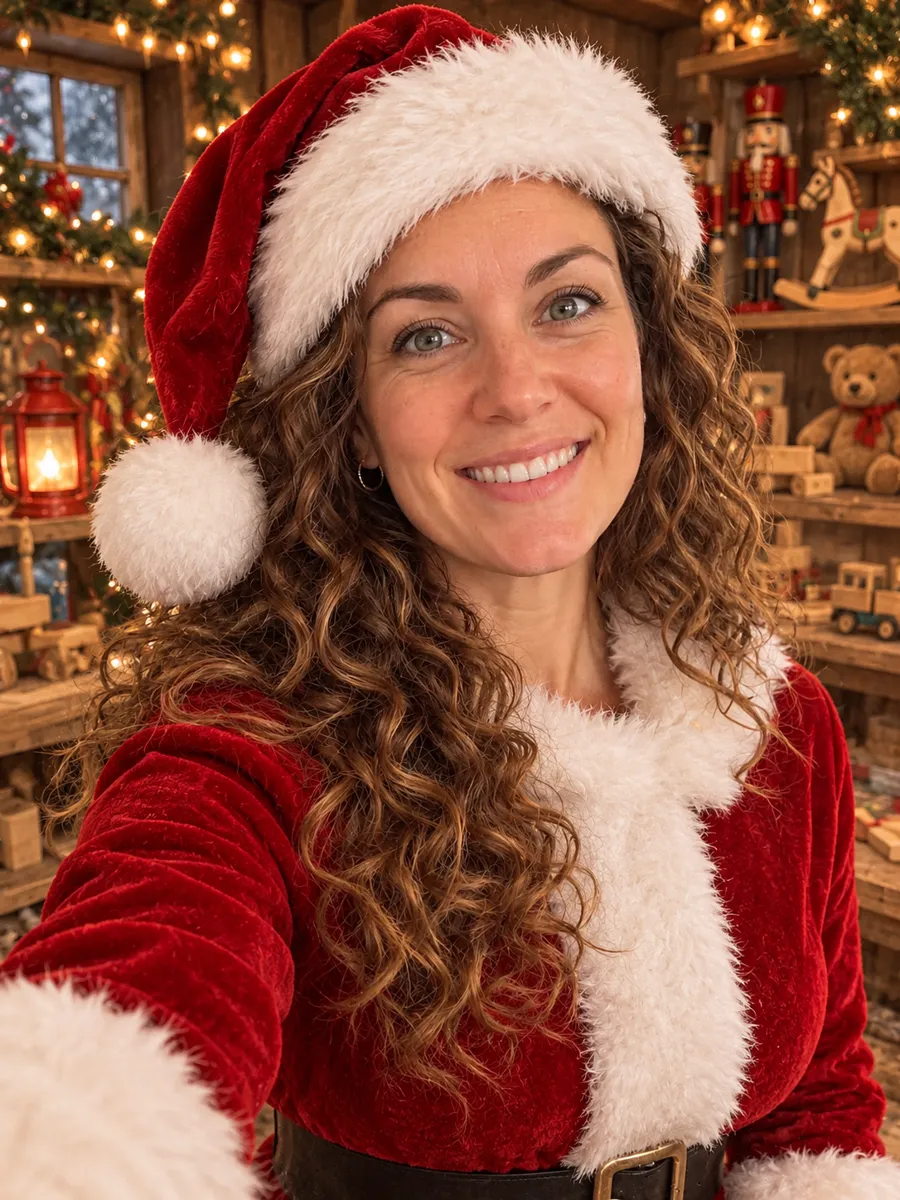
Santa Suit
Turn this photo into a festive Santa portrait: a classic red Santa suit with white fur trim and a Santa hat, in a cozy workshop with shelves of wooden toys and warm string lights.
 Original
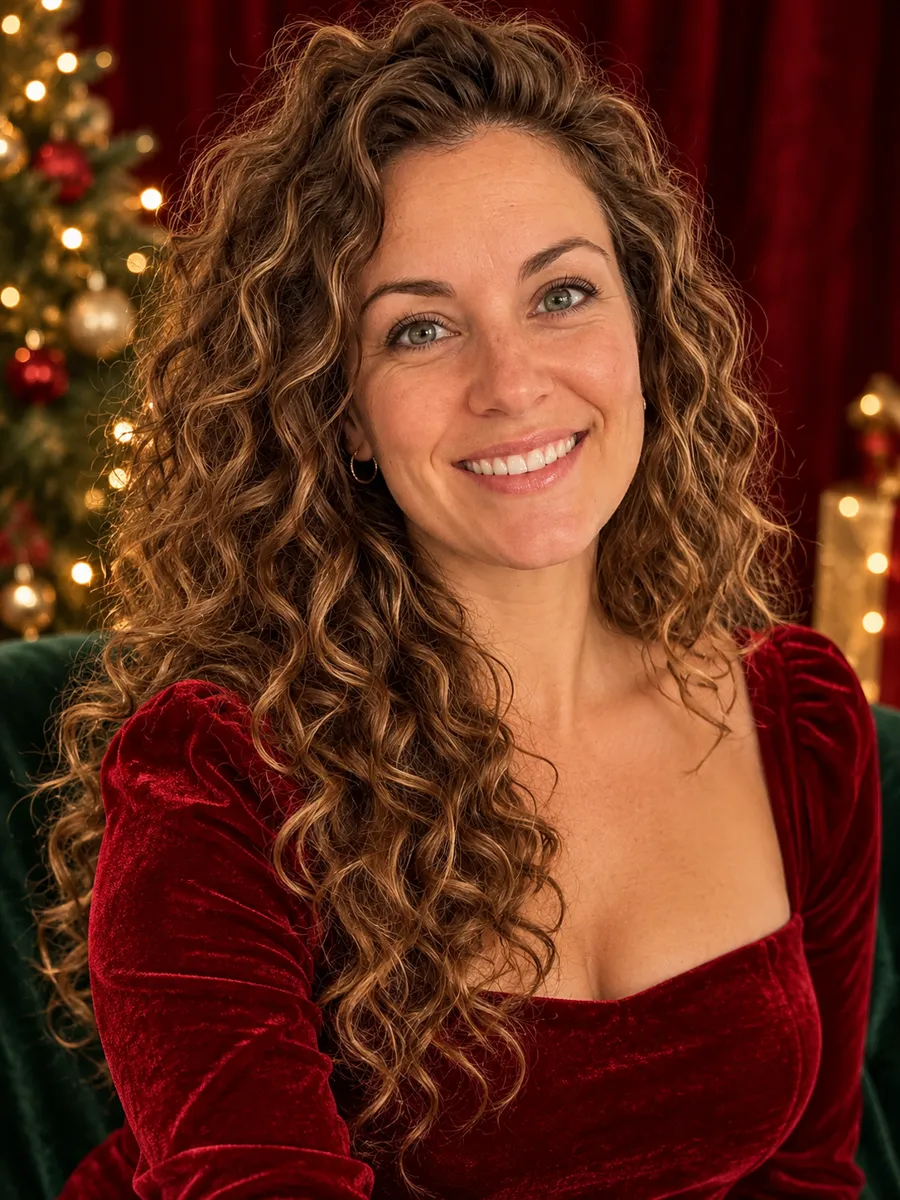
Studio Portrait
Turn this photo into an elegant Christmas studio portrait: formal holiday outfits in deep red, emerald and gold, a dark red velvet backdrop with softly blurred gold lights, professional studio lighting.
 Original
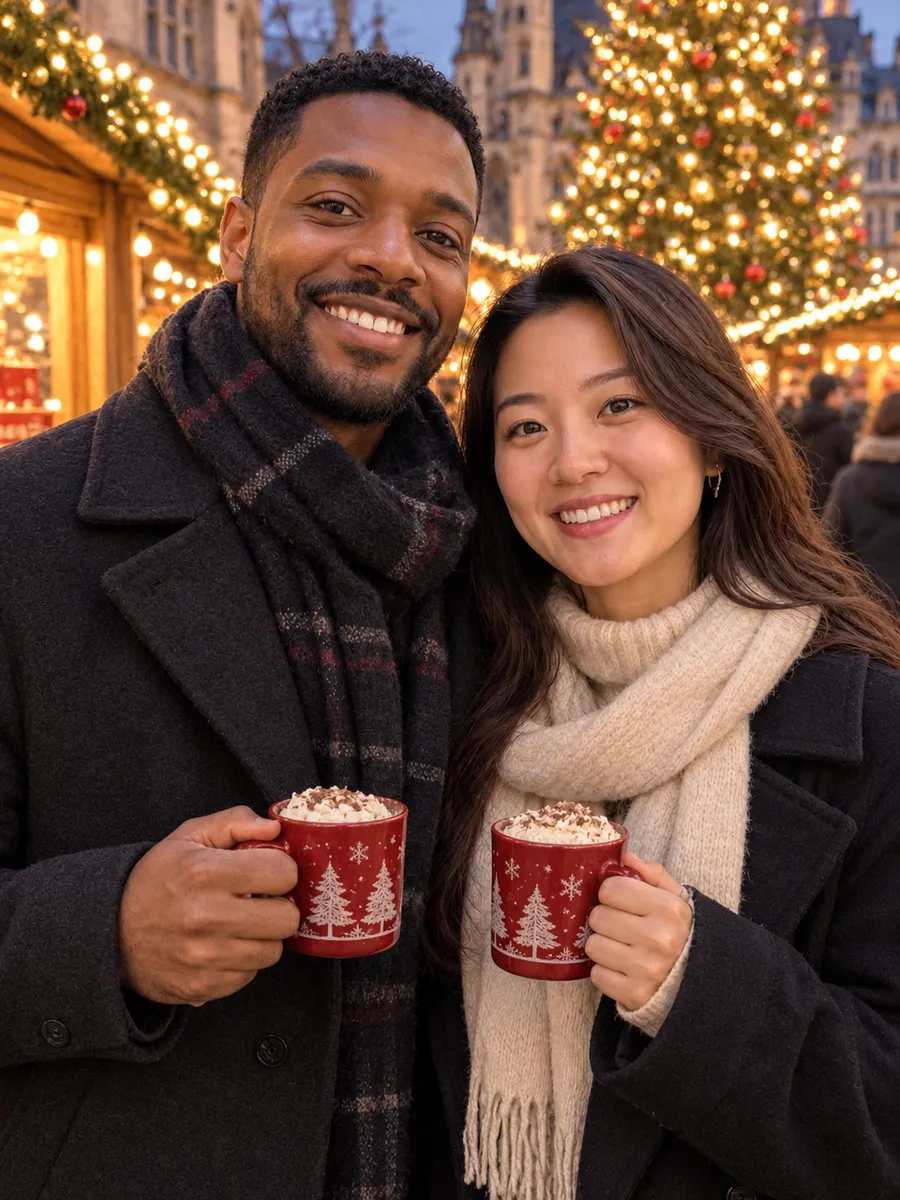
Christmas Market
Turn this photo into an evening portrait at a European Christmas market: wooden stalls, strings of warm lights, a large decorated tree in the background, cozy winter coats, holding mugs of hot cocoa.
 Original
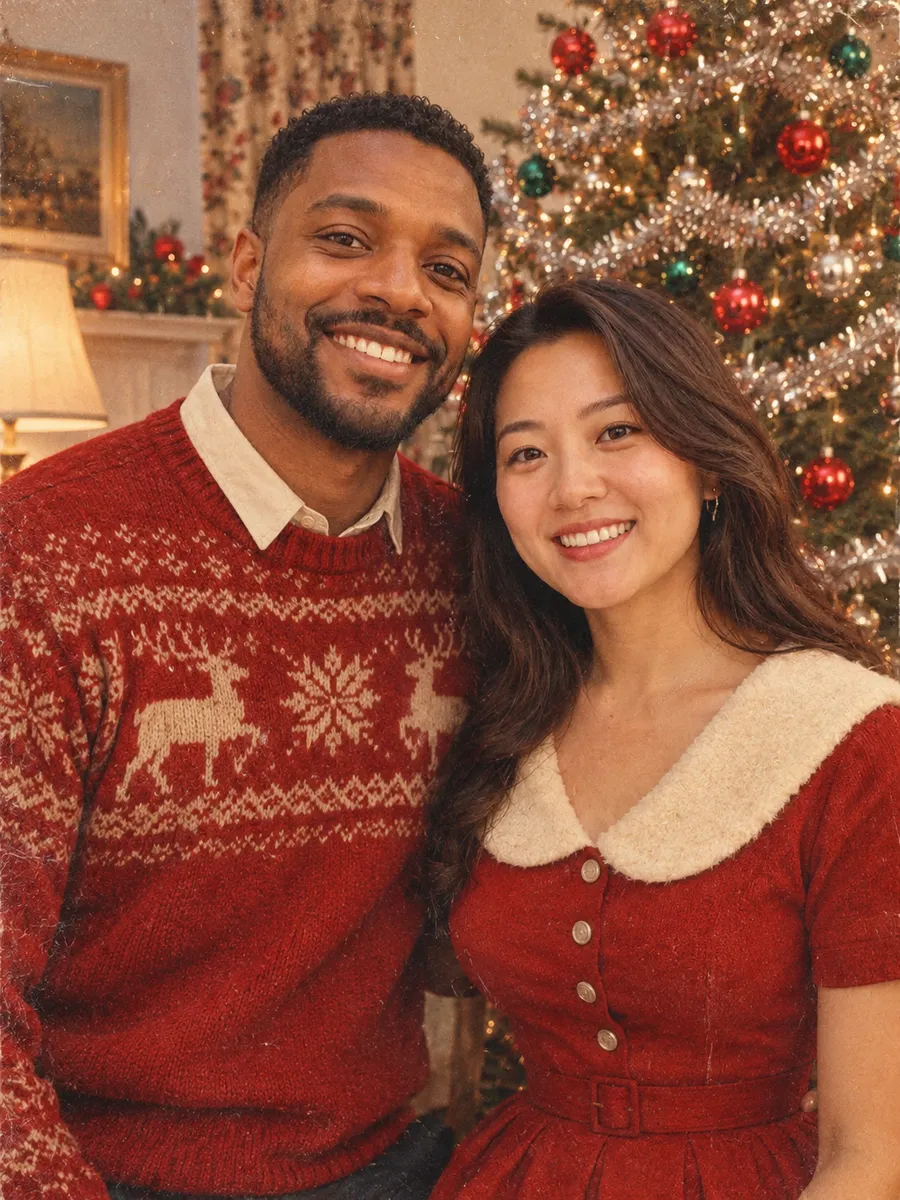
Vintage 1950s
Turn this photo into a 1950s vintage Christmas photograph: classic holiday clothing, a retro living room with a tinsel tree and glass ornaments, faded Kodachrome film colors, soft focus and visible film grain, like an old family print.
 Original
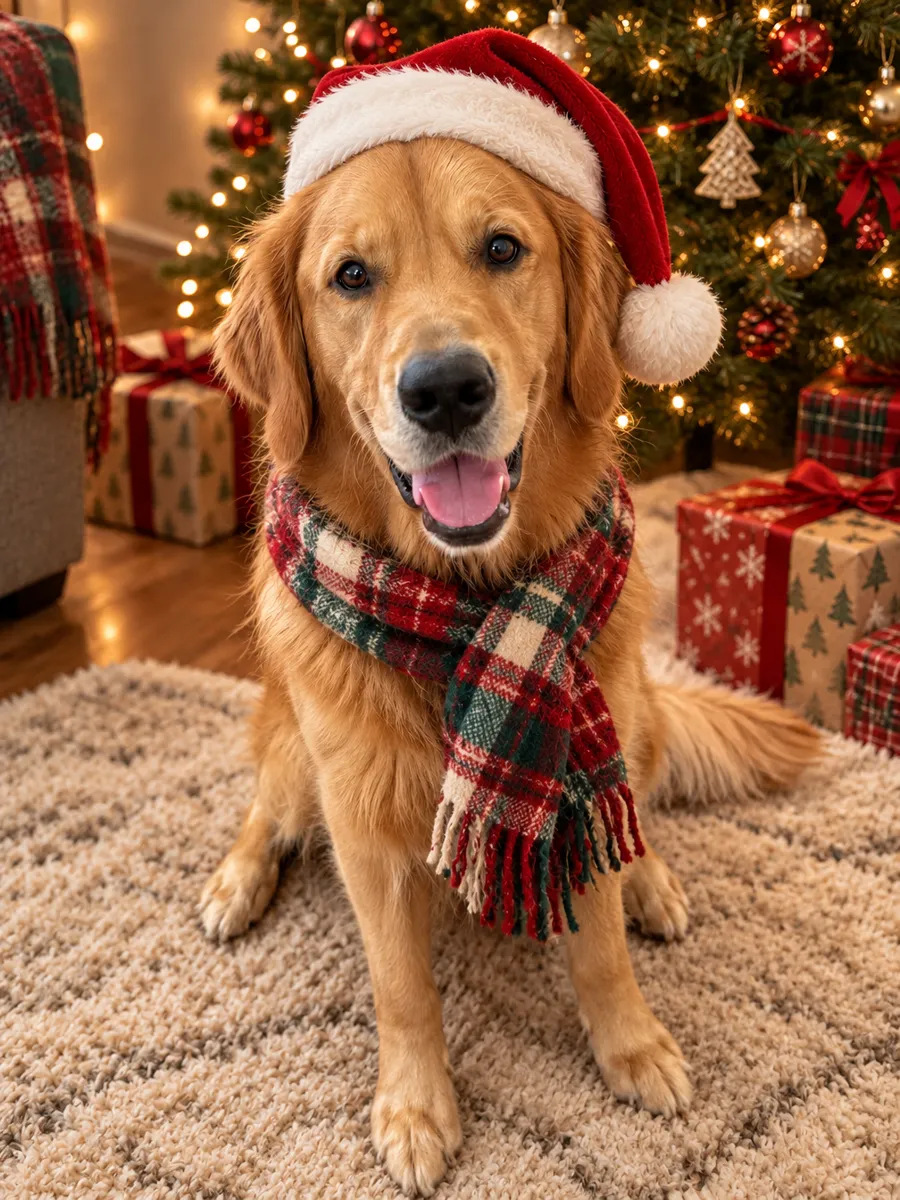
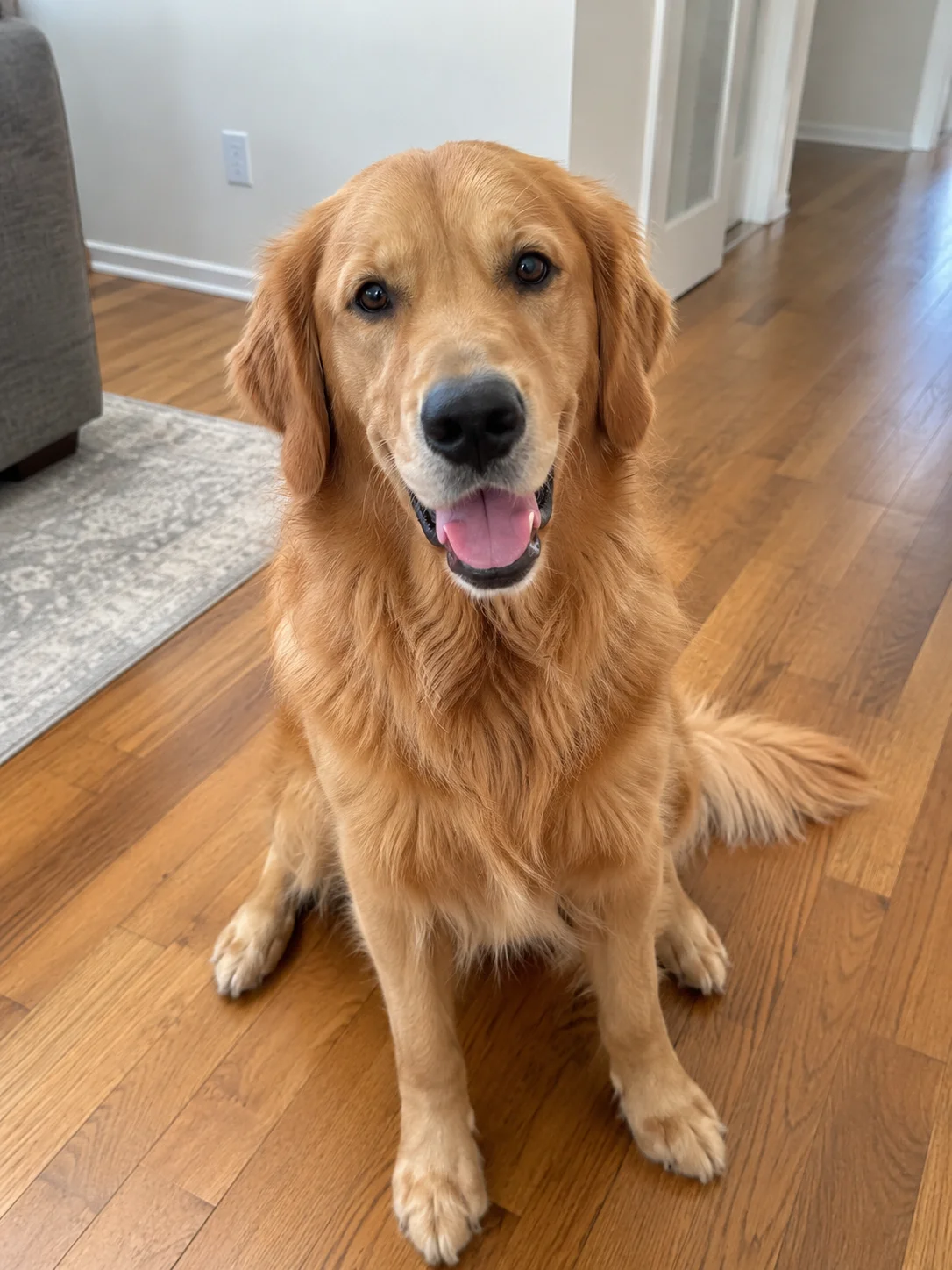
Pet Santa
Turn this photo into a cute Christmas pet portrait: a red Santa hat and a soft plaid scarf, sitting on a cozy rug in front of a decorated tree with wrapped gifts and warm lights.
How to Make an AI Christmas Photo
Three steps, no editing skills needed.
Upload a photo
Pick a clear photo of yourself, a couple or your pet with faces fully visible. Not in the same picture? Add up to 4 separate photos.
Choose a Christmas style
Select a scene like Cozy Fireplace, Snowy Cabin or Santa Suit, then pick an aspect ratio.
Download or animate it
Save the finished photo, or send it to the video generator to bring it to life.
What You Can Make With AI Christmas Photos
One photo is enough for a holiday profile picture, a card or a social post.
AI Christmas pictures of you
Turn a selfie into a Christmas picture with a new outfit and a holiday scene, without a photoshoot.
AI Santa photos
Wear the full Santa suit with the Santa Suit style, or use Custom Style to stand next to Santa.
Couple Christmas photos
Upload a photo of the two of you, or one photo each if you are apart, and get matching pajamas, a snowy cabin or an evening at a Christmas market.
Pet Christmas portraits
Give your dog or cat a Santa hat, a plaid scarf and a cozy scene by the tree.
AI Christmas Photo FAQ
Upload a clear photo, choose one of the Christmas styles, and click Generate. The AI keeps your face and changes the outfit and scene.
A good prompt describes the setting, the outfit and the lighting, and asks the AI to keep the person recognizable. You can copy any of the 8 prompts on this page, use them with one click, or write your own with Custom Style.
Yes. Pick the closest style, then choose Custom Style. The prompt is filled in for you, so you can change the scene, outfit or lighting, or replace it with your own. The tool keeps your face.
It means turning an everyday selfie or couple photo into a festive portrait with AI and sharing it on social media. You can make the same kind of photo here with styles like matching pajamas, fireplace portraits and snowy outdoor scenes.
Yes. Use the Santa Suit style to dress as Santa, or choose Custom Style and describe yourself standing next to Santa.
Yes. The tool works with one person, a couple or a pet in the same photo. Pet Santa is made for dogs and cats, and the other styles work for people.
Yes. Add up to 4 photos, one of each person or pet, and the AI puts everyone in one Christmas photo. It helps long-distance couples, friends and adult relatives who cannot be in the same place. It costs the same as using one photo.
No. Photos of minors are not allowed on this tool. You can use photos of adults who agreed to it, couples and pets, including separate photos of each.
Yes. Download the finished photo and add it to your card design. The 3:4 aspect ratio is close to a standard 5x7 card. With Custom Style you can also ask for a greeting in the image, but check the spelling before you print.
Each Christmas photo costs 3 credits. Credits are charged when you generate, and the cost is shown on the Generate button.
Yes. After your photo is ready, click To Video to open it in the image to video tool with a gentle snowfall prompt already filled in. Video generation uses its own credits.