AI Virtual Try-On for Clothes and Outfits
Upload a photo of a person and the clothes you want to see, and AI dresses them in the new outfit while keeping their pose and background.
Example
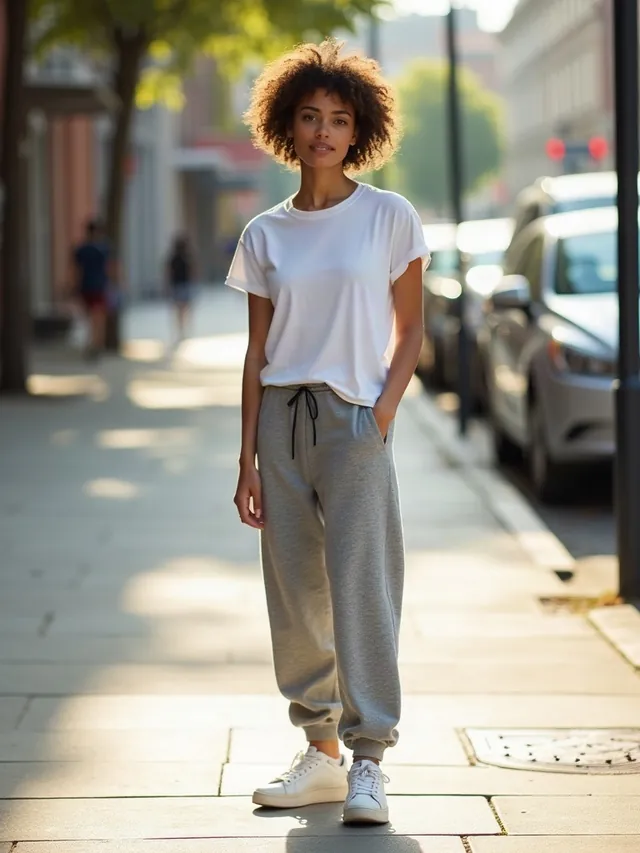
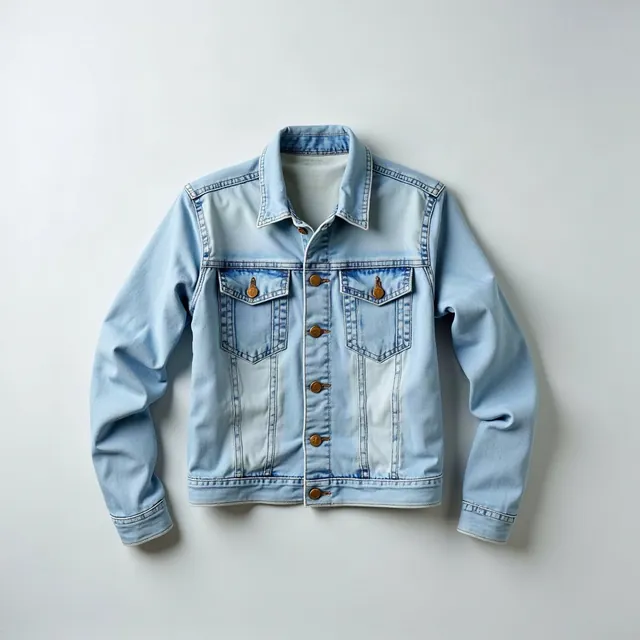
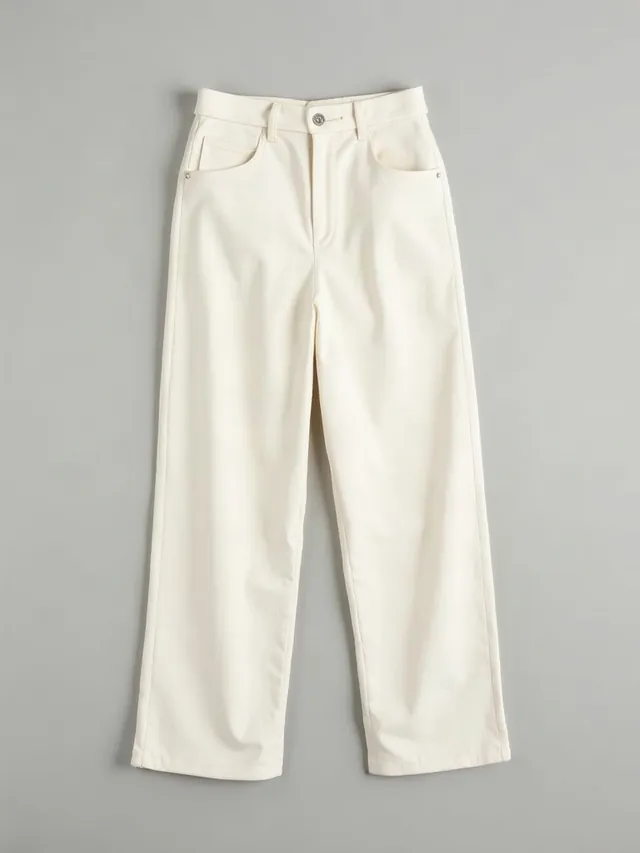
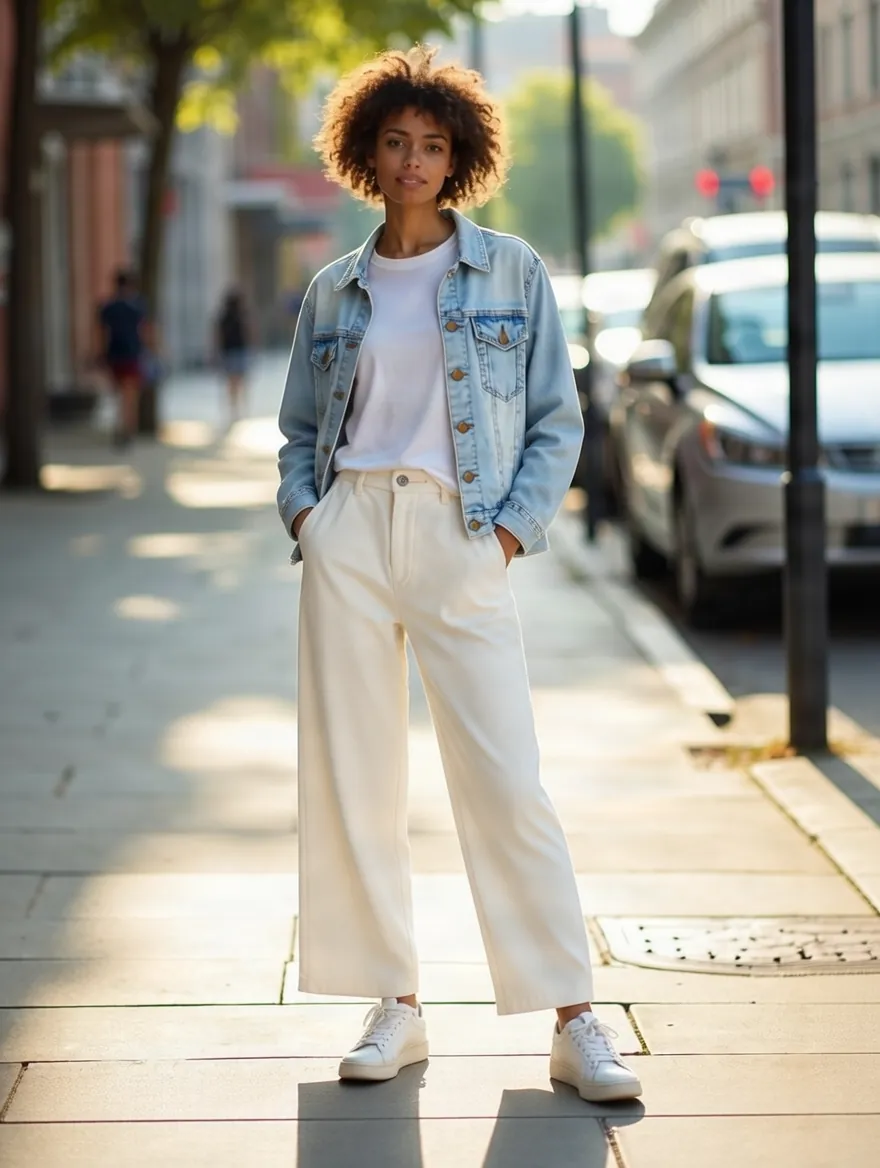
Dress the person in up to 3 garments or accessories at once.
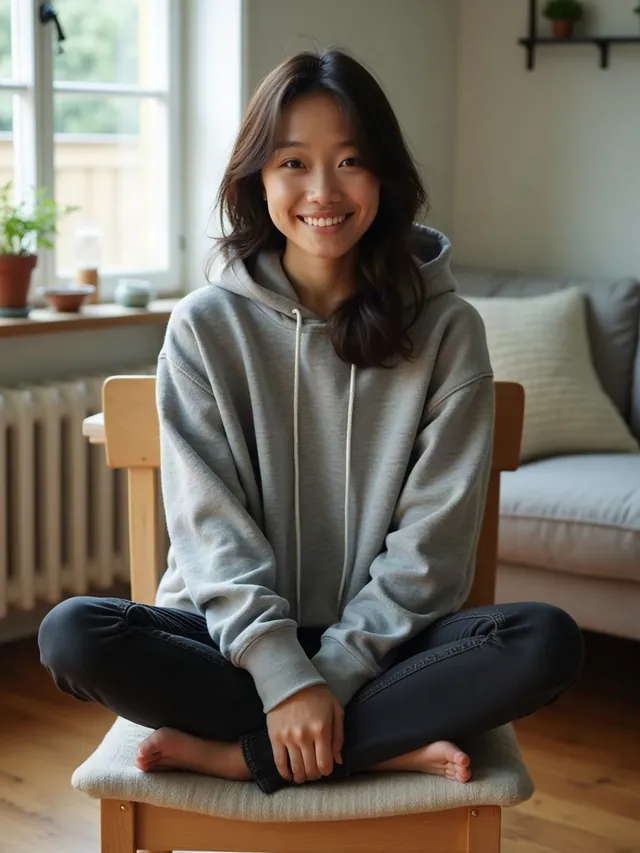
Use a clear photo where the person is fully visible. The result keeps their pose and background.
8 credits per image
Virtual try-on examples
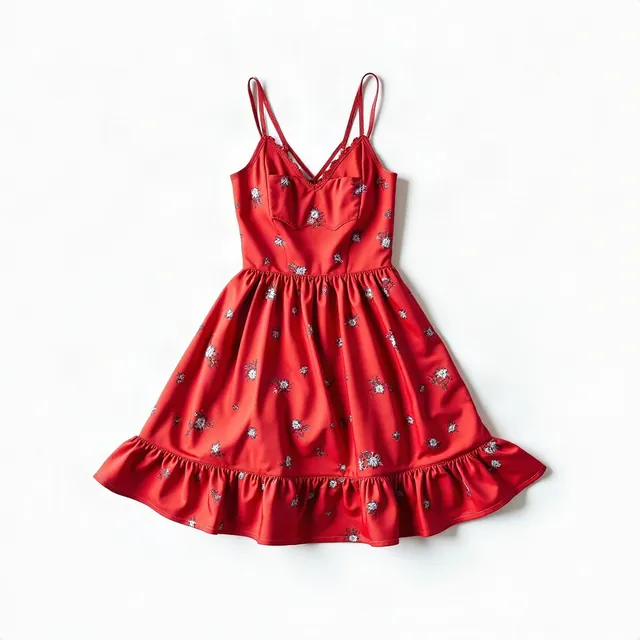
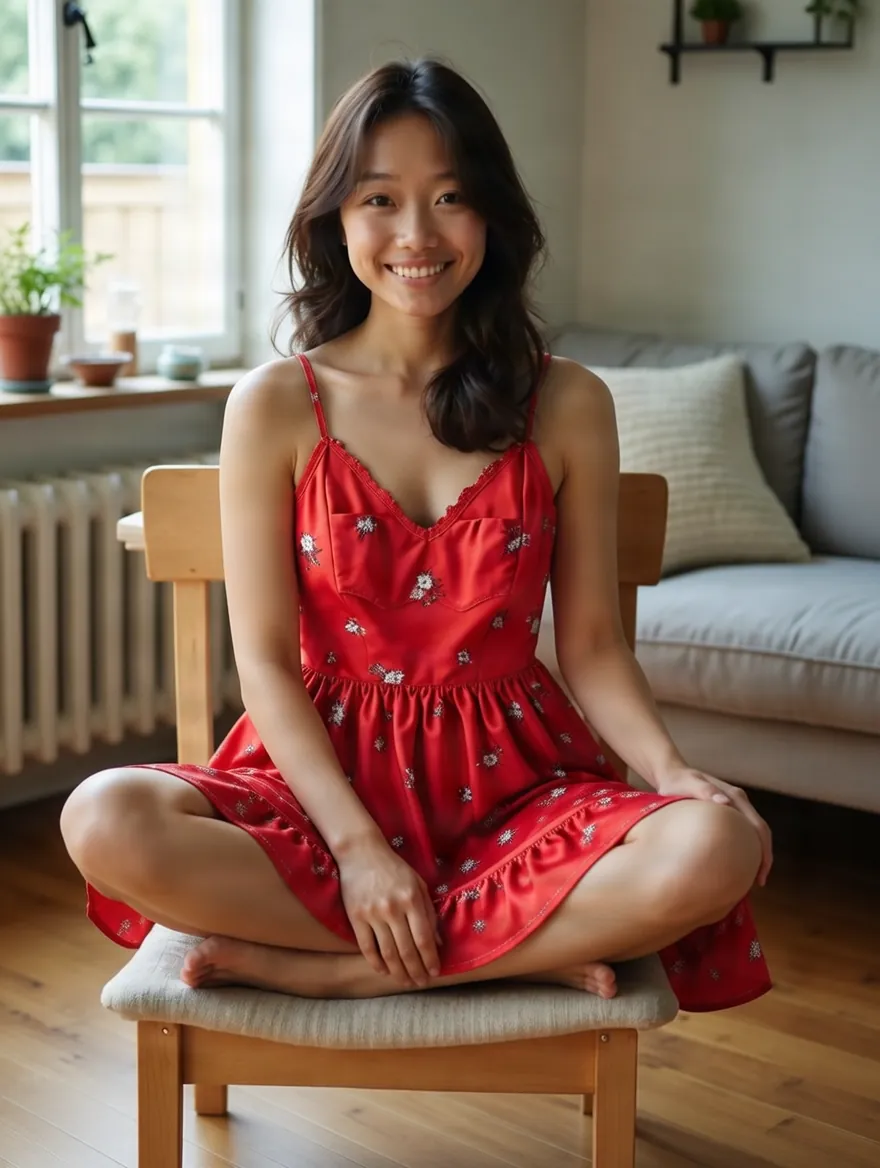
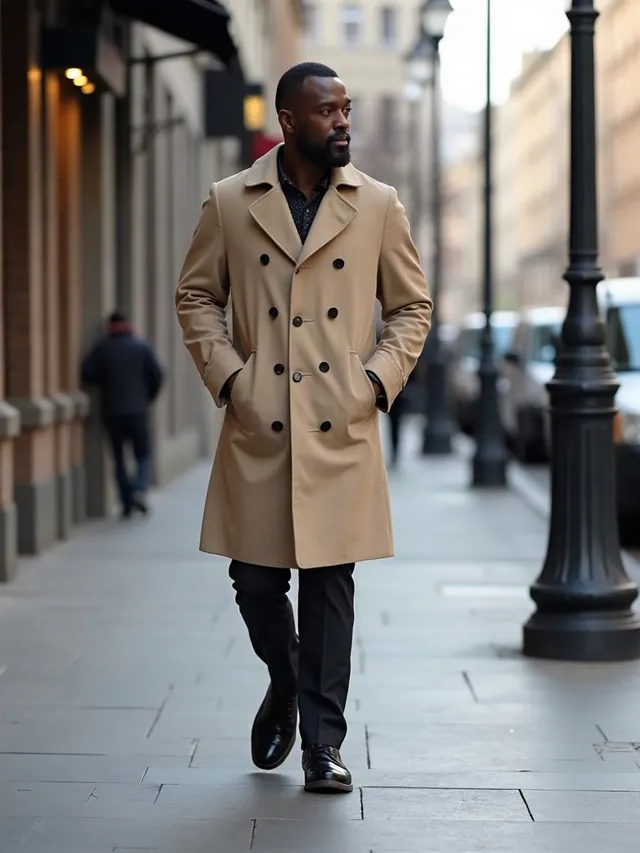
Real results from this tool, with no retouching. A person photo and the clothes or product go in, one image comes out.
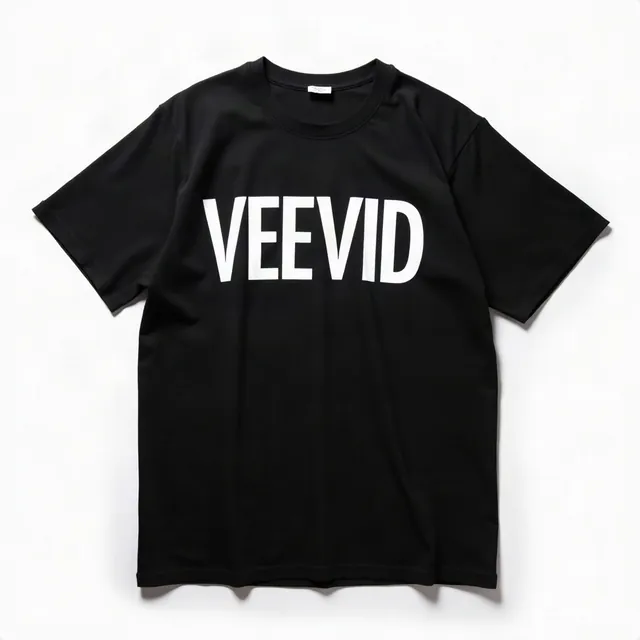
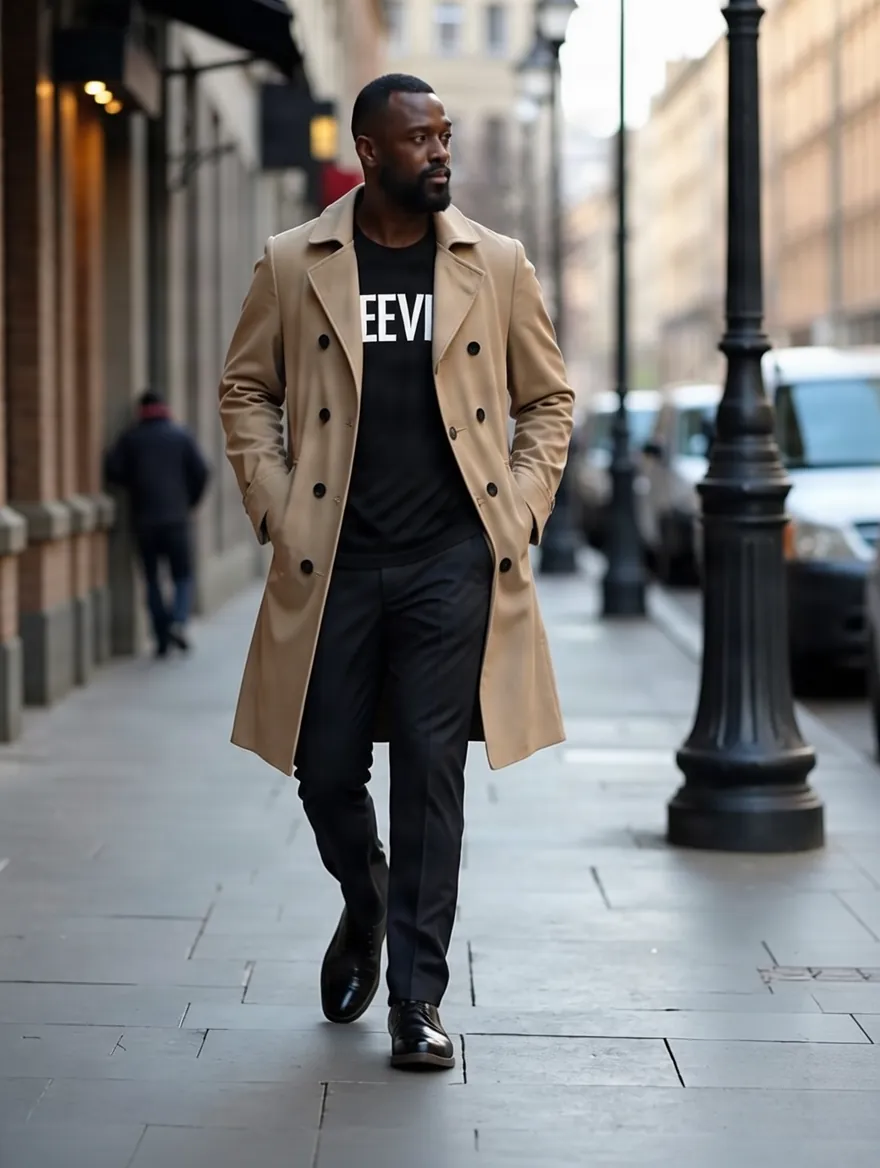




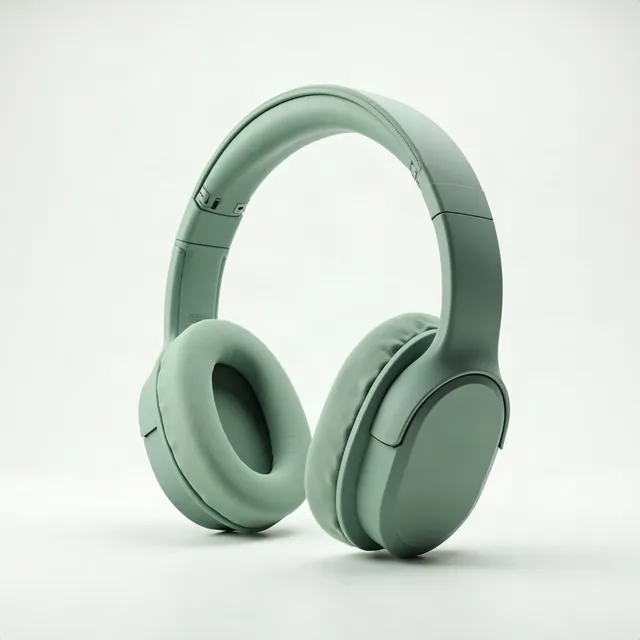
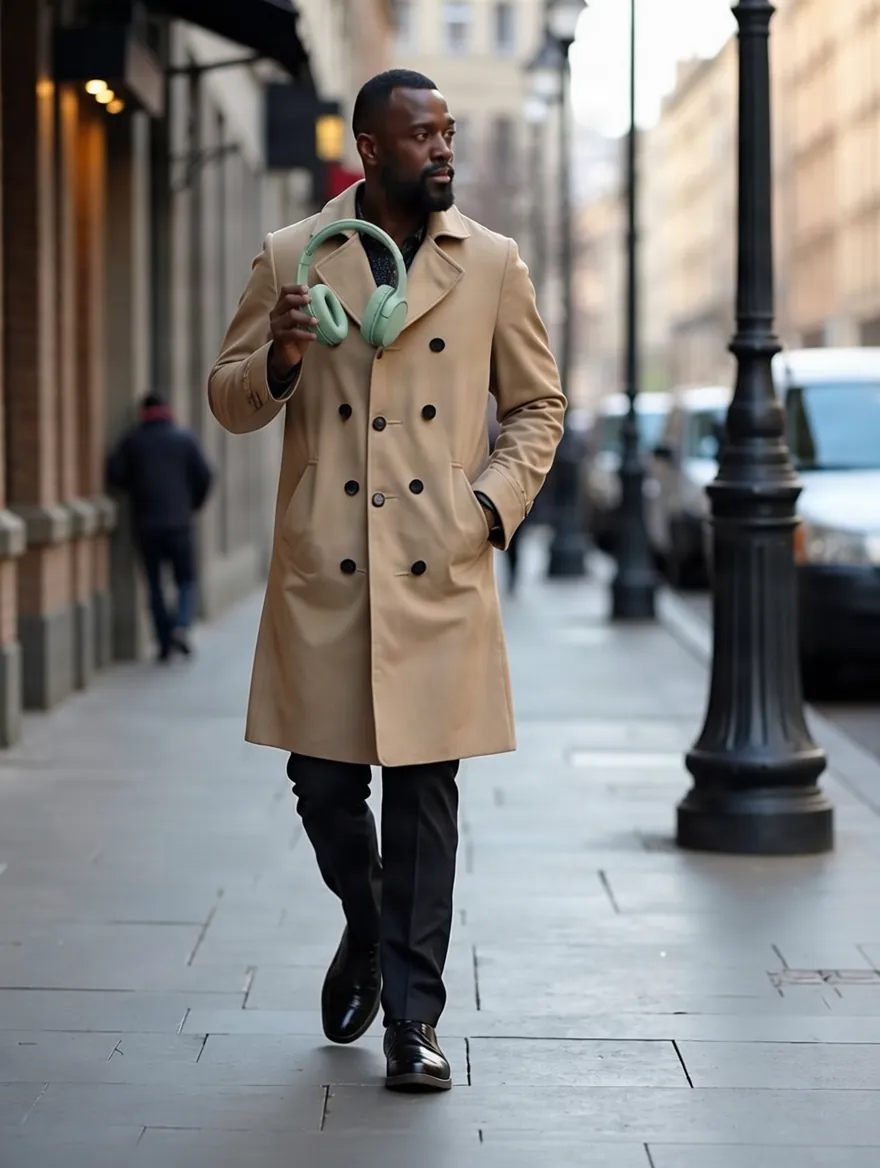
What you can do with AI virtual try-on
Swap outfits on a real photo, or put your product in someone's hands.
Try on up to 3 items at once
Add a top, trousers and a jacket together, or mix clothes with accessories, and see the whole outfit in one image.
Keeps the pose and background
The person, their pose and the scene stay as they were. Only the outfit changes, so the result still looks like your photo.
Show people holding your product
Switch to Product Holding to place a bottle, box or device in someone's hands. Add up to 3 product shots, such as the packaging or a second angle.
Guide it with one sentence
Say how things should be worn or held, like a jacket worn open or a label facing the camera. It is optional.
Pick the output shape
Keep the shape of the original photo, or choose from 9 ratios from 9:16 for stories to 16:9 for banners.
Turn the result into a video
Send any result to Image to Video with one click and bring the new outfit to life.
How to try on clothes with AI
Three steps, no photoshoot needed.
Upload a person photo
Use a clear photo where the person is fully visible. It can be you, a model or a customer photo you have rights to.
Add the clothes or product
Add up to 3 garment or accessory images on Virtual Try-On, or up to 3 product images on Product Holding. Plain product or flat-lay photos work best.
Generate and download
Your image appears next to the editor and in My Creations. Download it, or animate it into a video.
Frequently asked questions
How AI virtual try-on works, what it can and cannot tell you, and what it costs.
See the outfit on a real photo
Upload a person photo and the clothes you want to see. Every result is saved to My Creations.
Start trying on