AI Character Swap - Replace Any Person in a Video
Upload a video and a photo of the new character. AI swaps the person and keeps the motion, camera moves, cuts and sound of your original clip.
AI Character Swap Examples
Each example shows the original clip, the photo of the new character and the swapped video. The scene, camera moves, cuts and sound come from the original.
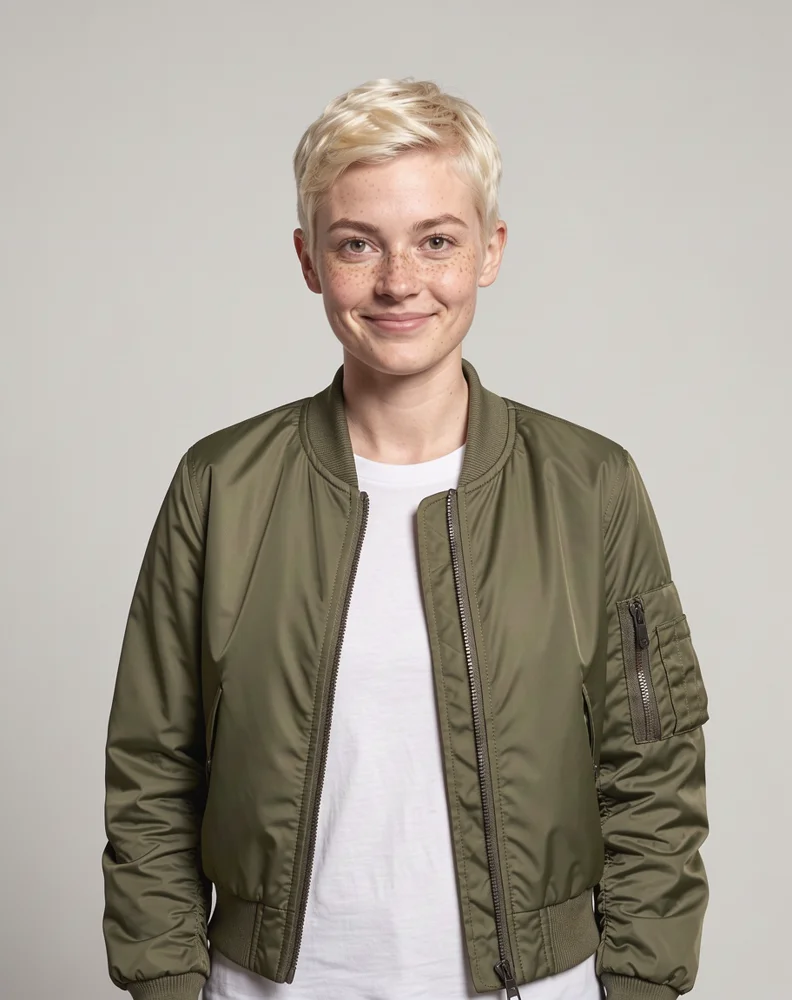
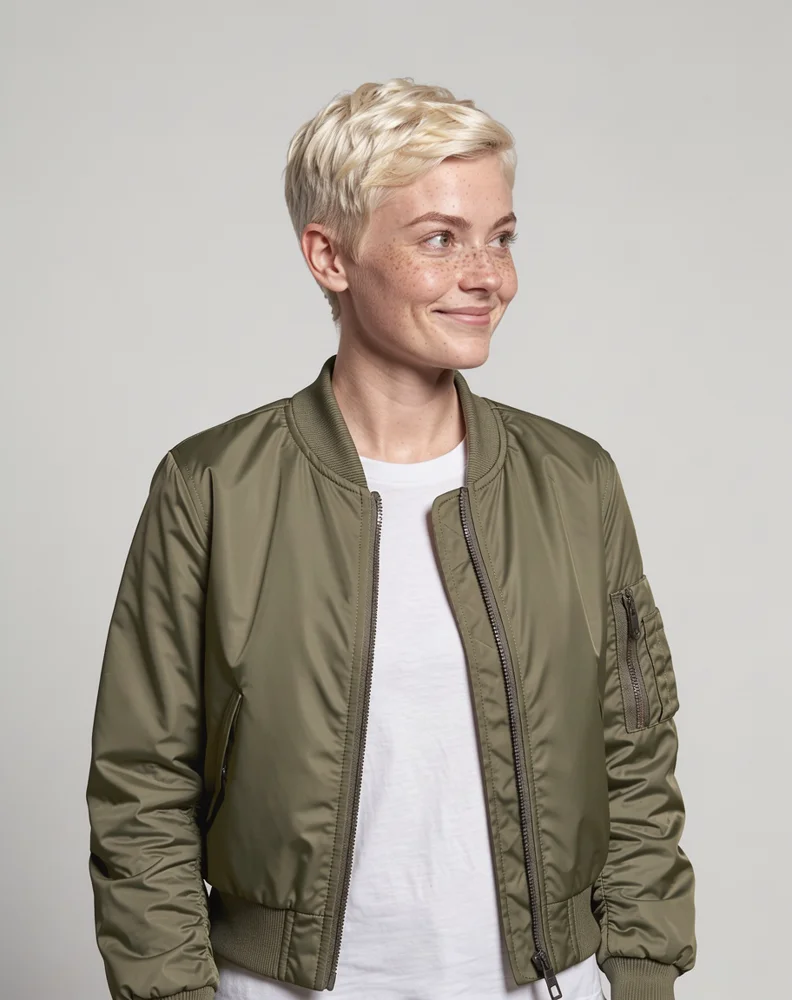
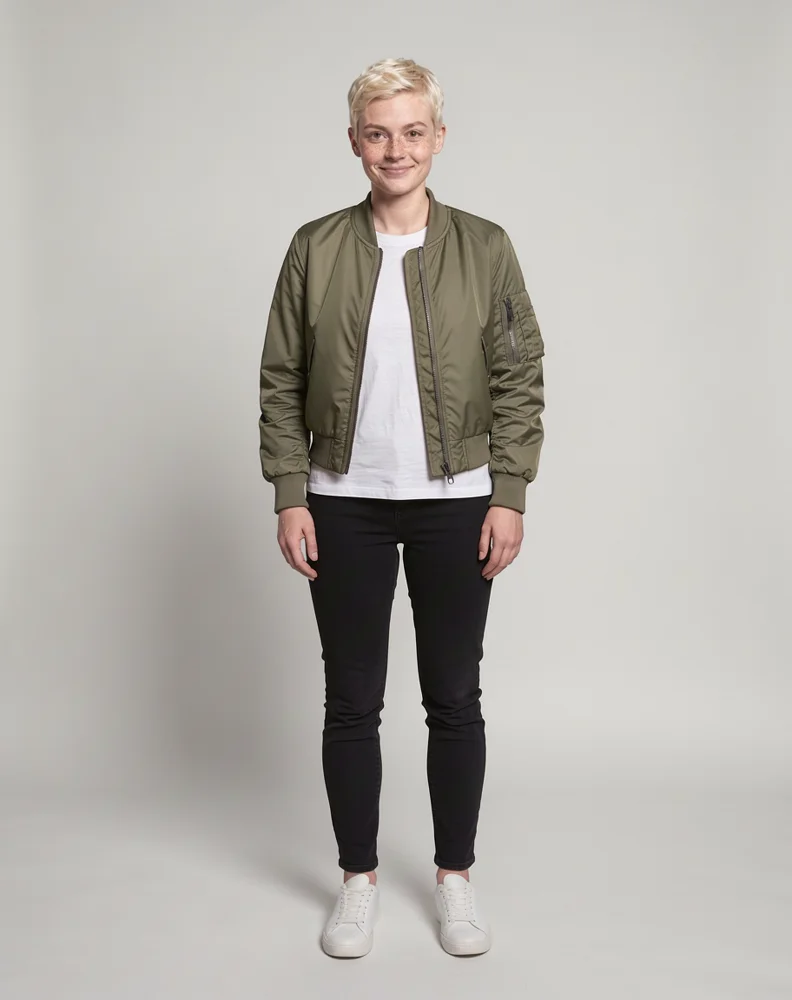
Several photos of the same person
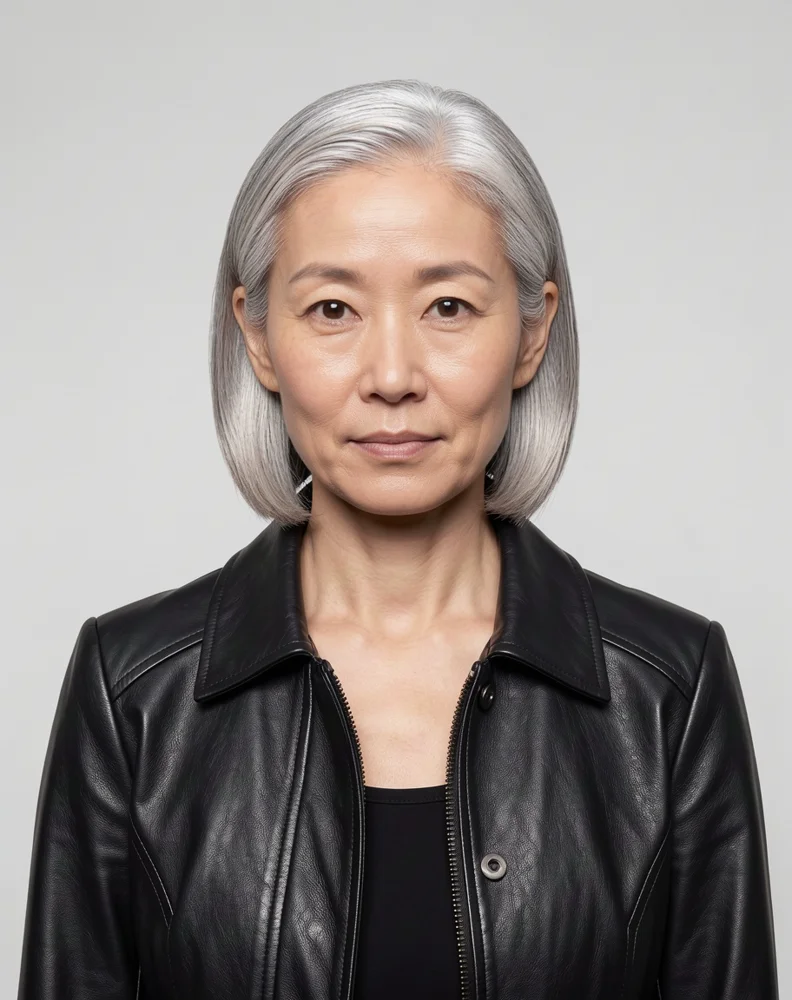
Three photos of one person (front, side and full body) replace the runner, with no instruction written. The slow motion, backlight and lens flare are the original shot's.

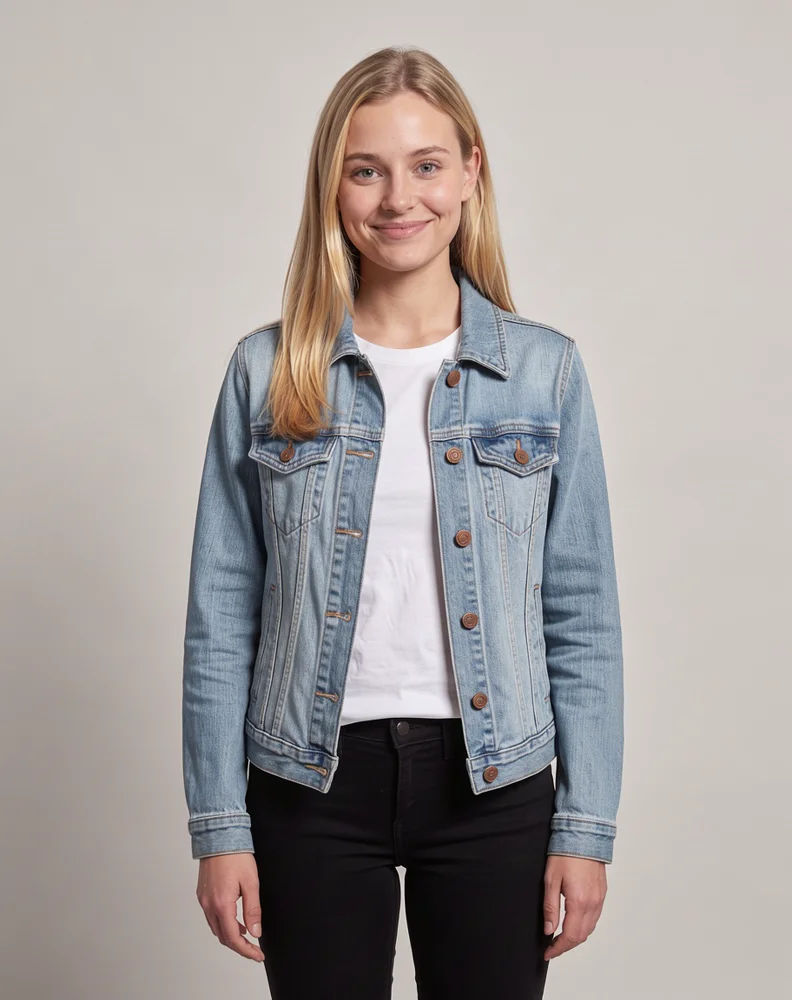
Swap two people in one video
Two photos for two people. The photos replace the people in the clip from left to right, so the man on the left takes the first photo and the woman on the right takes the second.
Keep the same character across a cut
This clip cuts from a wide shot to a close-up. The same new character appears in both shots. The instruction "Keep the yellow raincoat" kept the original outfit.
Full body swap from one photo
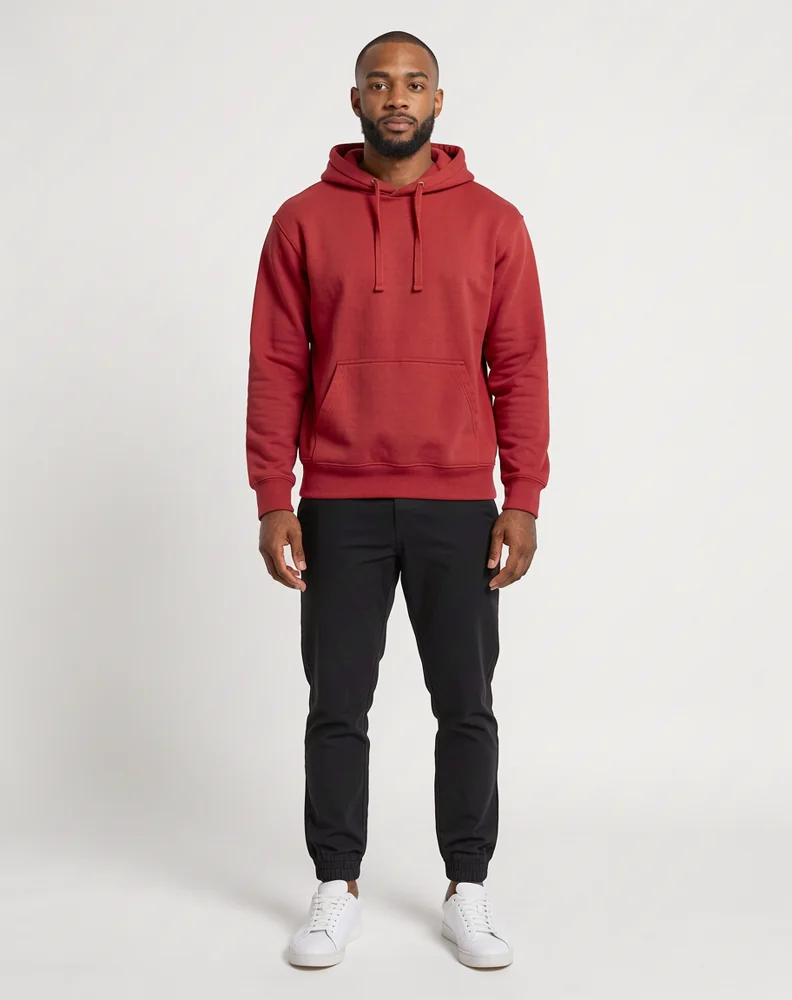
A full-body photo replaces the person from head to toe: face, hair, build and outfit. The walk, the wave and the boardwalk stay as they were filmed.
How to Swap a Character in a Video
Three steps. No masking, tracking or frame-by-frame editing.
Step 1: Upload your video
Add an MP4 or MOV clip between 5 and 30 seconds long, up to 50MB. Pick a clip where the people you want to replace are clearly visible.
Step 2: Add a photo of the new character
Upload one photo for each person you want to replace, up to 4. A clear, well-lit photo works best. For a closer likeness, add 2 or 3 photos of the same person from different angles, and use a full-body photo if the outfit should change too.
Step 3: Generate the swapped video
Choose 768P or 1080P and click Generate. Add a short instruction if you need to say who becomes whom or what to keep. Most videos are ready in a few minutes.
What This AI Character Swap Does
Change who is on screen without another shoot.
Replaces the whole person, not just the face
The new character takes over the face, hair, build and clothes of the person in your clip. It works as an AI body swap, so you do not end up with a new face on someone else's body.
Keeps the scene, camera and sound
The background, camera moves, cuts and original audio track stay in place, and the new character follows the performance of the person they replace.
Up to 4 people in one video
Add one photo per person. Photos are matched to people from left to right, or you can write a short instruction to say who becomes whom. The 4 photos can also be split differently, for example 3 angles of one person.
Follows a character through cuts
In a clip with several shots, each person is replaced with the same new character every time they appear, from wide shot to close-up.
Frequently Asked Questions
What to know before you replace a character in a video with AI.
An AI character swap replaces a person in an existing video with a different person or character from a photo. The new character appears in the same scene and follows the same performance, so you get a new version of the video without filming again. You may also see it called character replacement or recasting a video.
A face swap changes only the face and keeps the original hair, body and clothes. A character swap replaces the whole person, including hair, build and outfit, based on your photo. Use it when you want a different person in the video, not the same person with another face.
Yes. Upload a full-body photo and the new character's body and outfit replace the original person's. To keep part of the original look, say so in the instruction, for example "Keep the yellow raincoat".
Yes, up to 4. Upload one photo per person. By default the photos replace the main people from left to right. To be specific, add an instruction such as "Replace the man in the green jacket with the man in image 1".
One clear photo is enough. For a closer likeness you can upload 2 or 3 photos of the same person from different angles, such as front, side and full body. You can use up to 4 photos in total. If the video has several people and some of your photos show the same person, say so in the instruction, for example "Images 1 and 2 show the same person".
Videos must be MP4 or MOV, 5 to 30 seconds long and up to 50MB, with no single shot longer than 15 seconds. Clips where the person is clearly visible give the best results. Very fast movement such as dancing is followed in overall rhythm and position, but may not match move for move. For photos, use a JPG, PNG or WebP of one person with a visible face and even lighting.
Yes. The original soundtrack is kept, including speech, music and background sound. The swapped video has the same length as your clip.
It costs 60 credits per second at 768P and 90 credits per second at 1080P, based on the length of your video. Photos are not charged. The exact price is shown on the Generate button before you start, and credits are returned if a generation fails.
Only use videos and photos you have the right to use, and only swap in a real person with their consent. Do not use the tool to impersonate someone or to mislead people.
Change Who Is in Your Video
Upload a clip and a photo of the new character. Get the same video back with a different person in it.
Start Swapping