AI Sticker Maker
AI Sticker Generator: Turn Any Photo Into Stickers
Our AI sticker generator turns any photo to sticker in one step: a die-cut sticker with a white border on a transparent background, a cartoon sticker, or an animated GIF sticker. Works with selfies, friends and pets. No watermark.
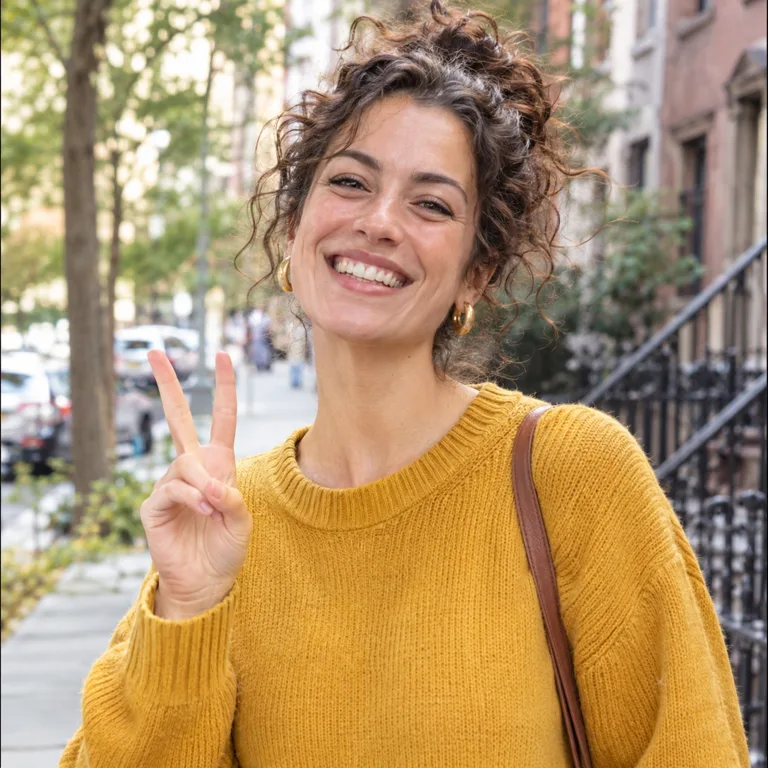
 Sample Image
Prompt: Turn this photo into a die-cut sticker. Keep the woman exactly as in the photo: same face, same pose, same clothes, same colors, photorealistic, no redrawing or stylizing. Remove the whole background, and add a thick clean white sticker border that follows the outline of the woman, with a soft subtle drop shadow. Transparent background outside the white border. No text.
Describe what you want to change in the image
Drag & drop or browse
PNG, JPG, JPEG or WEBP (max 10MB each)
Support multiple images • 0/16 uploaded
Describe what you want to change in the image
One Photo, Three Sticker Styles
The three stickers below were made with the AI sticker generator from the photo on the left and the prompt shown. Click Try this to load the photo, prompt and output settings into the generator.
PhotoThe original photo. Same photo, three prompts.
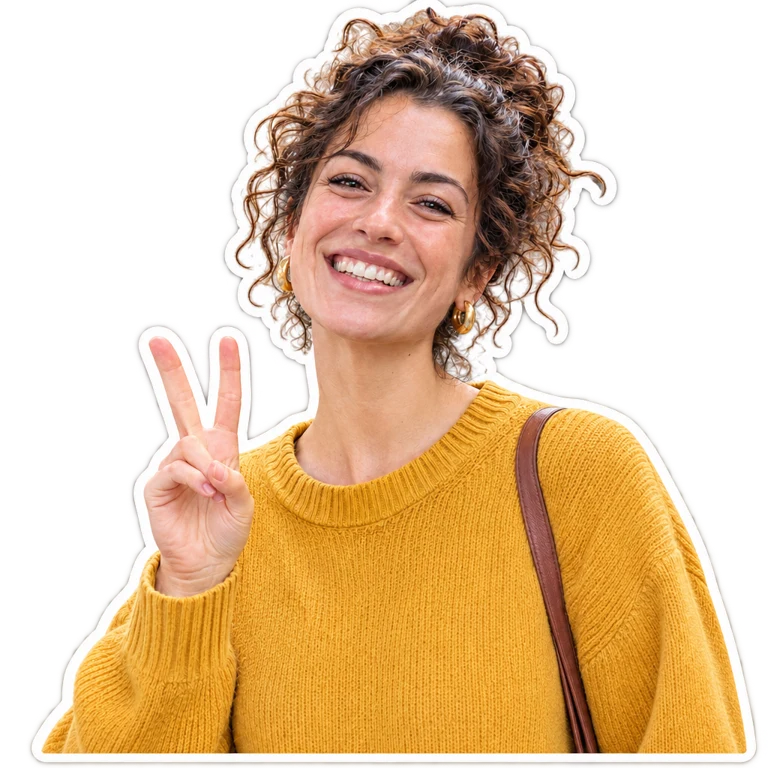
PNGCut-out photo sticker
Your photo kept as it is, cut out with a thick white die-cut border. Transparent PNG, ready for chats or printing.
Prompt: Turn this photo into a die-cut sticker. Keep the woman exactly as in the photo: same face, same pose, same clothes, same colors, photorealistic, no redrawing or stylizing. Remove the whole background, and add a thick clean white sticker border that follows the outline of the woman, with a soft subtle drop shadow. Transparent background outside the white border. No text.
 PNG
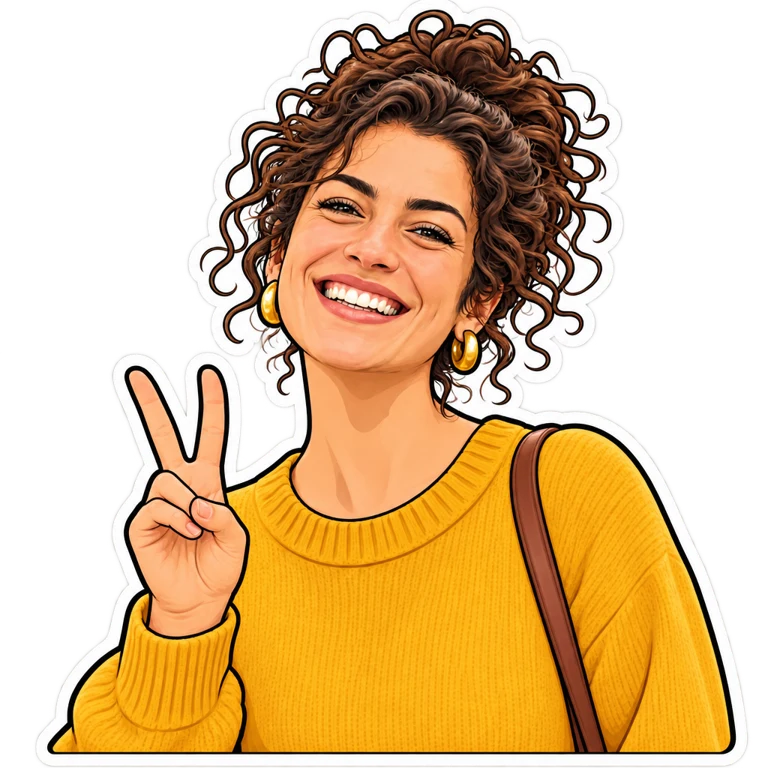
Cartoon sticker
The same person redrawn as a flat cartoon sticker with a bold outline. Transparent PNG.
Prompt: Turn this photo into a cute cartoon sticker of the same person: same curly dark hair in a messy bun, same mustard yellow sweater, same gold earrings, same happy laughing expression and peace sign. Flat vector sticker style with clean shapes, a thick dark outline and a thick white die-cut sticker border. Transparent background outside the white border. No text.
 GIF
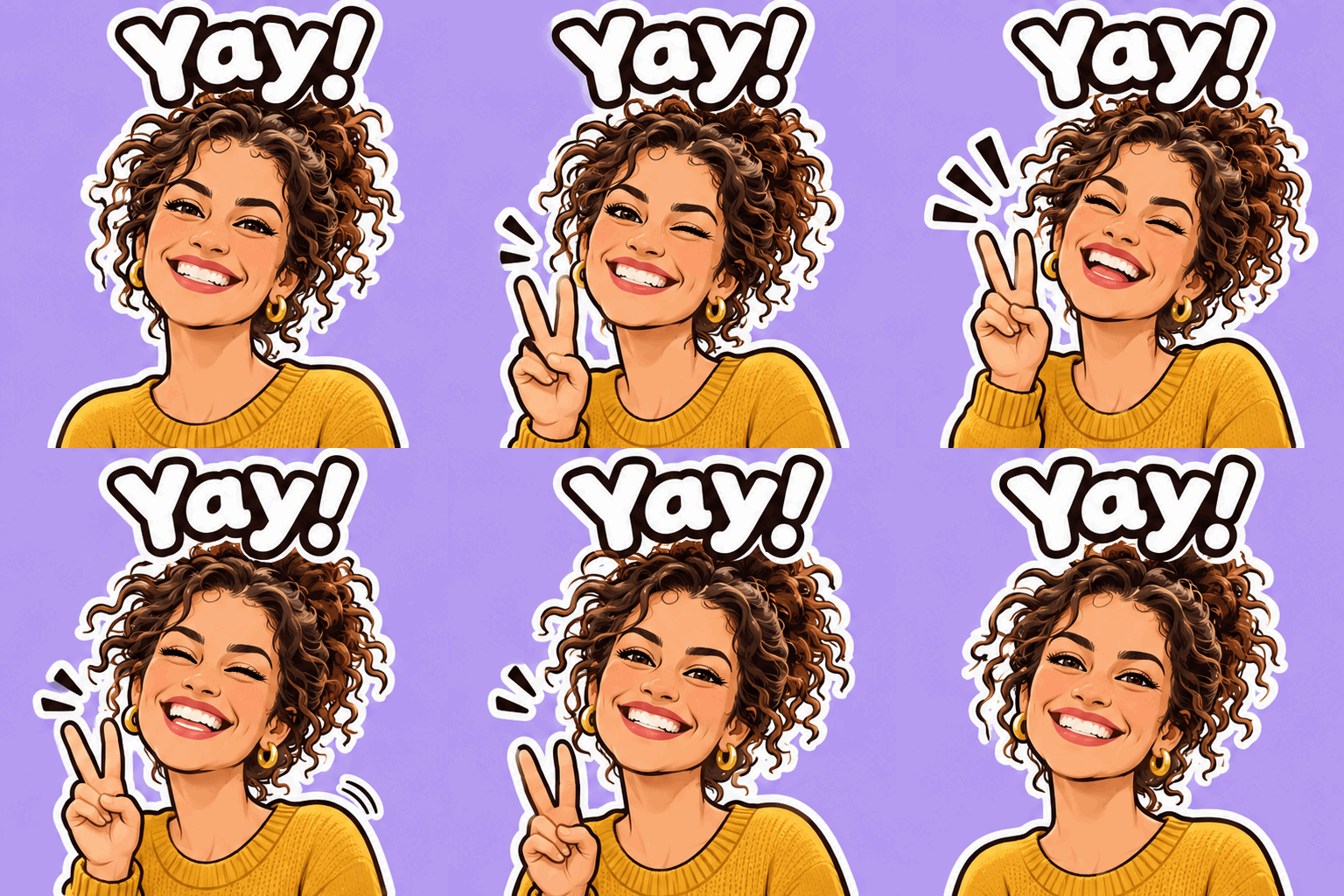
Animated sticker
A looping GIF sticker (512×512, 9 frames) with a short caption, for chats and reactions.
Prompt: Create a single animation sprite sheet for a seamless looping GIF reaction sticker from this photo. Turn the woman in the photo into a cute cartoon sticker version of the same person (same curly dark hair in a messy bun, same mustard yellow sweater, same gold earrings), flat vector sticker style with a thick dark outline and a white die-cut sticker border, on a plain lavender background. The sequence: she laughs, winks and flashes a peace sign with one hand, bouncing slightly, then returns to the starting pose. The word "Yay!" in bold rounded white letters with a dark outline stays identical above her head in every frame. No other text. Fixed front camera, same character in every frame. Clear incremental motion; the last frame transitions smoothly back to the first. No borders between frames, no gutters.
Create Stickers From Text
No photo needed: describe a sticker and get a transparent PNG. Text to sticker works for characters, food, animals and emoji. Click Try this to load the prompt and settings into the generator.
 PNG
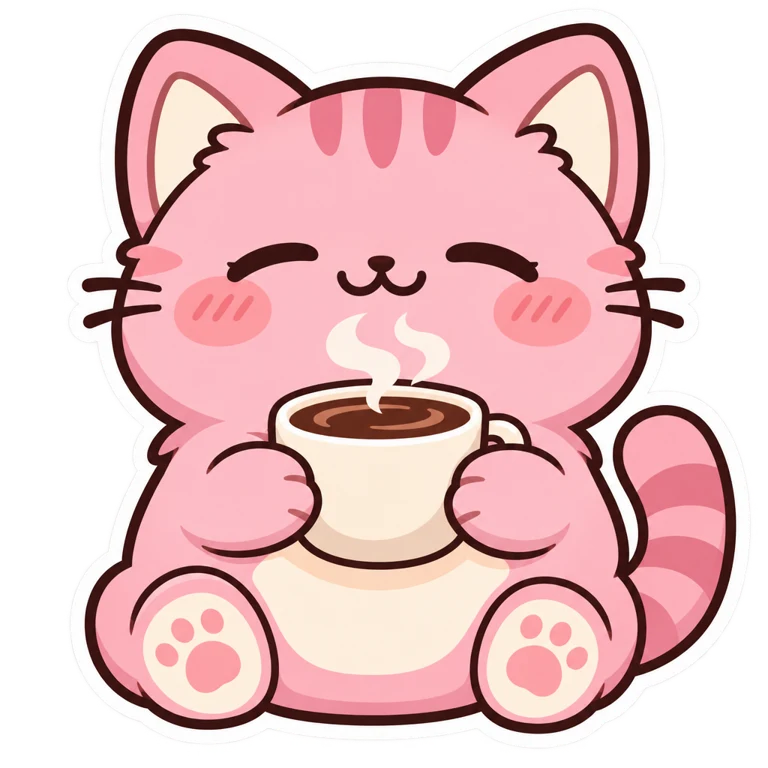
Kawaii cat sticker
Prompt: A cute kawaii sticker of a chubby pink cat holding a steaming cup of coffee with both paws, sleepy happy eyes and blushing cheeks. Flat vector sticker style with soft pastel colors, a thick dark outline and a thick white die-cut sticker border. Transparent background outside the white border. No text.
 PNG
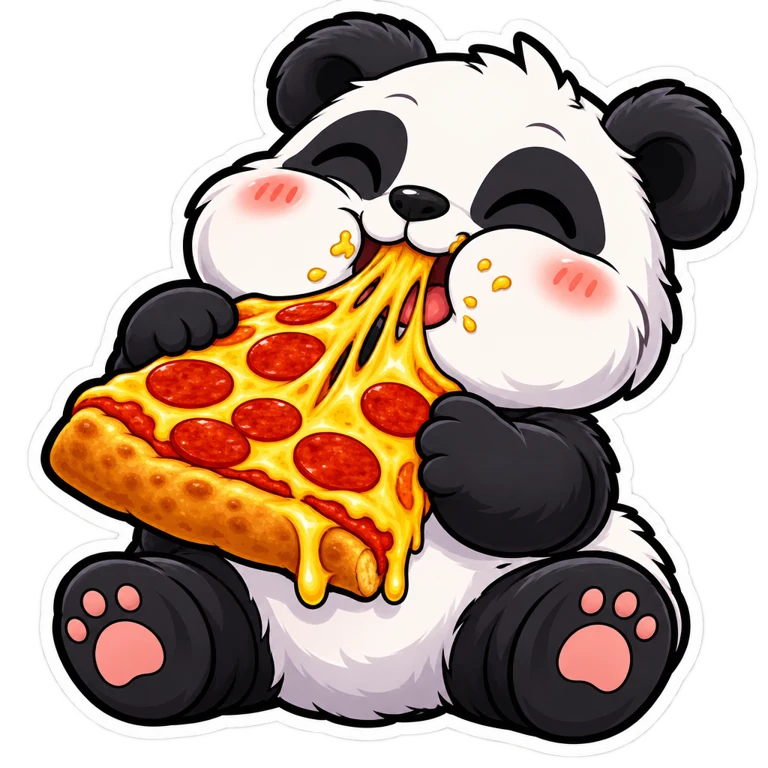
Panda pizza sticker
Prompt: A funny cartoon sticker of a baby panda happily eating a big slice of pepperoni pizza, cheese stretching, cheeks puffed. Bold cartoon sticker style with bright colors, a thick dark outline and a thick white die-cut sticker border. Transparent background outside the white border. No text.
 PNG
Laughing emoji sticker
Prompt: A funny emoji sticker: a round yellow face laughing so hard it is crying tears of joy, with a tiny hand slapping its cheek. Glossy 3D emoji style, a thick dark outline and a thick white die-cut sticker border. Transparent background outside the white border. No text.
Pet Photo to Sticker
Dogs and cats work too: the same prompt with "dog" in place of "woman" turned this corgi into a die-cut sticker.
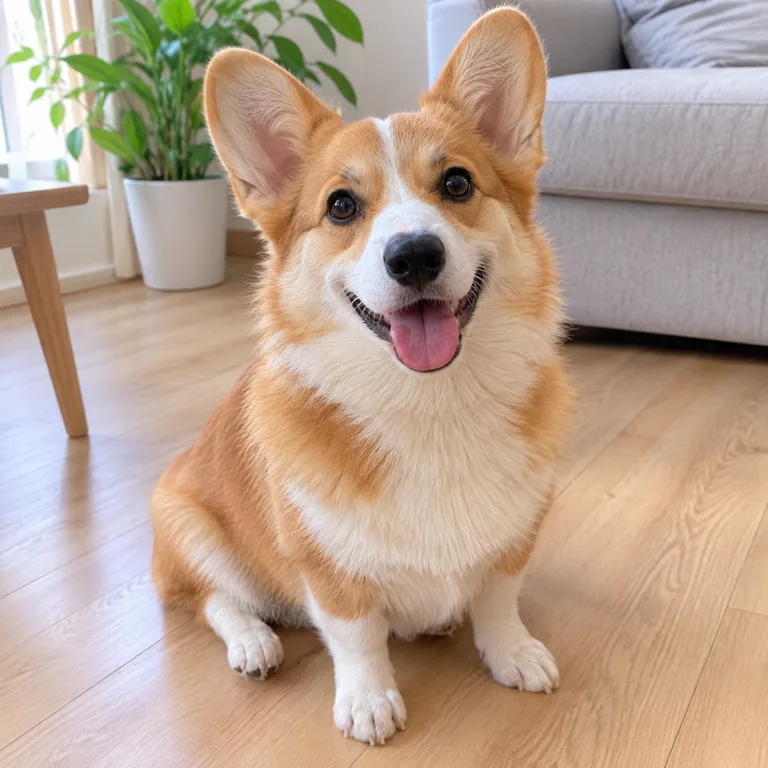 Photo
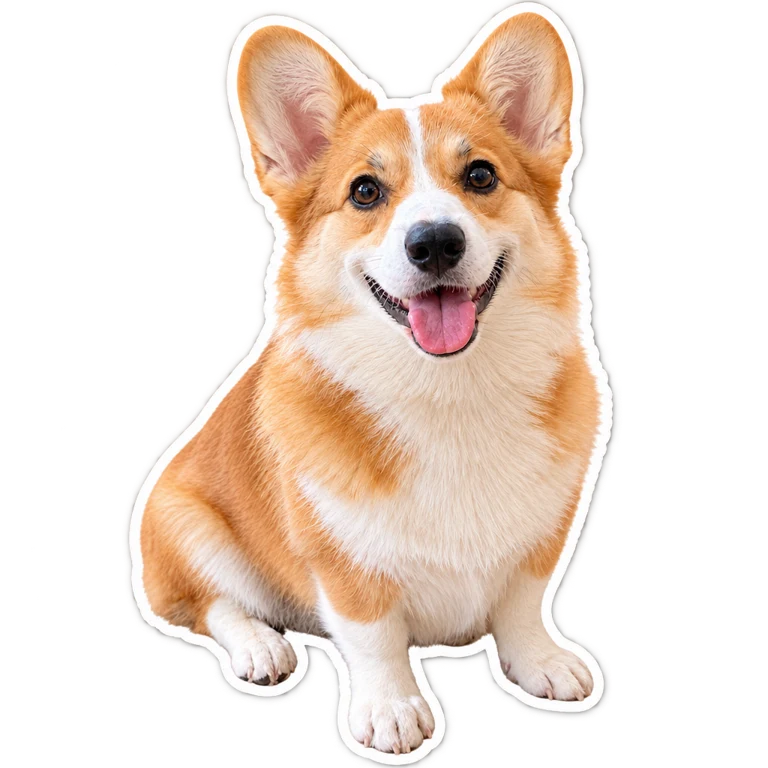 PNG
Prompt: Turn this photo into a die-cut sticker. Keep the dog exactly as in the photo: same face, same pose, same clothes, same colors, photorealistic, no redrawing or stylizing. Remove the whole background, and add a thick clean white sticker border that follows the outline of the dog, with a soft subtle drop shadow. Transparent background outside the white border. No text.
Make a Sticker Pack
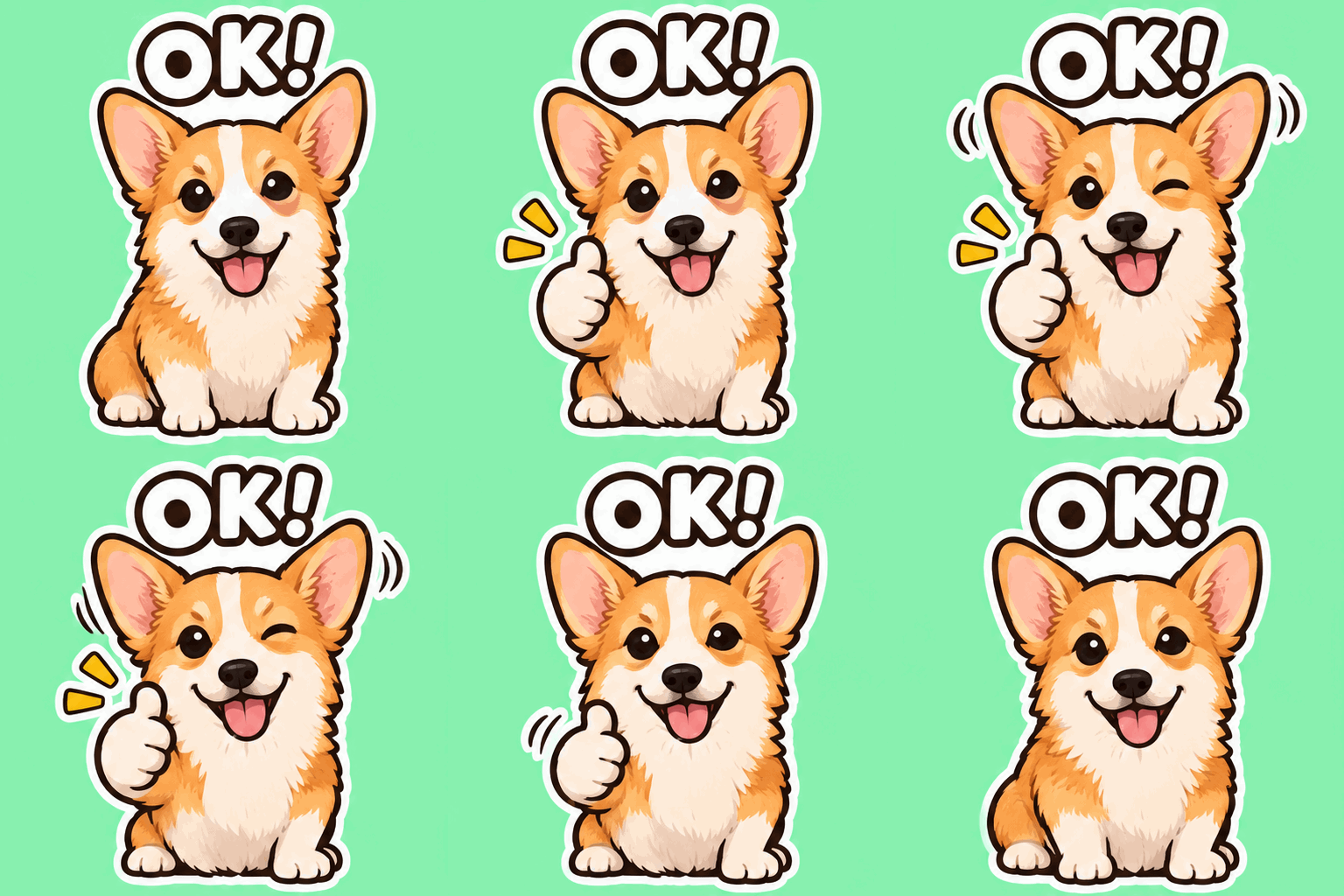
One photo, four animated stickers. All four started from the same photo and the same sticker-style wording; each prompt changes the action, the caption and the background color. Keeping the photo and the style wording the same helps the stickers look like a set.
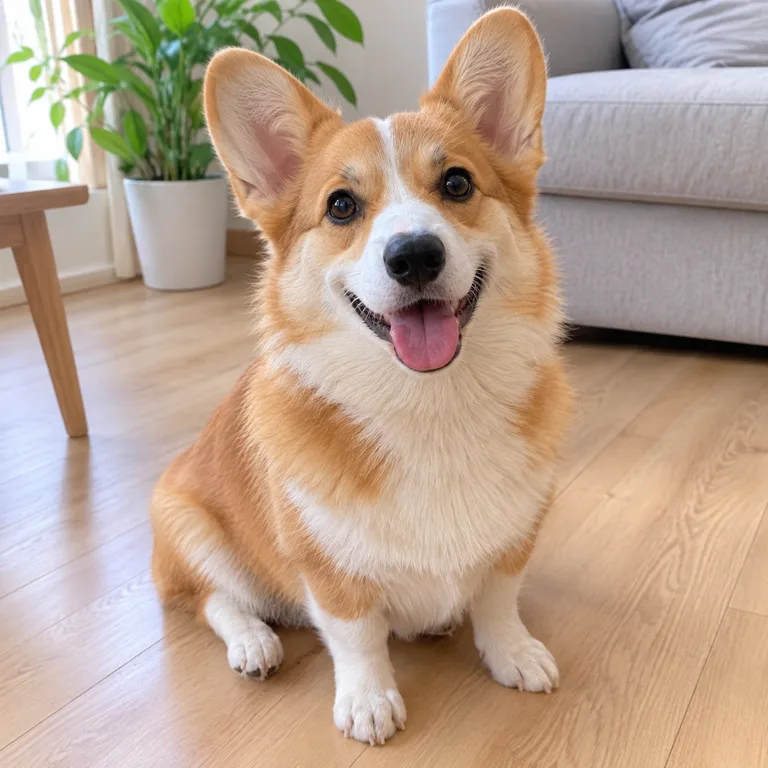 Photo
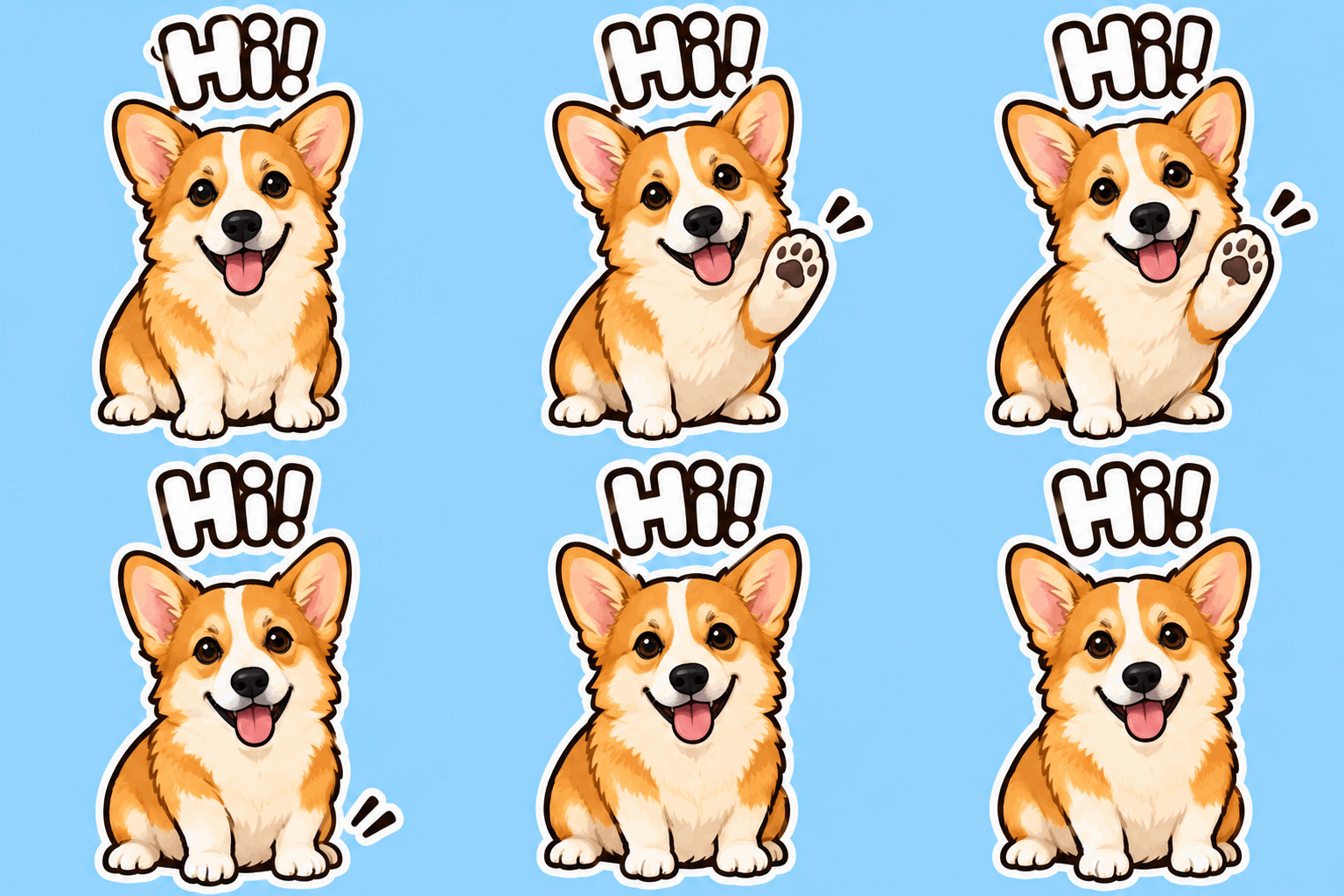 GIF
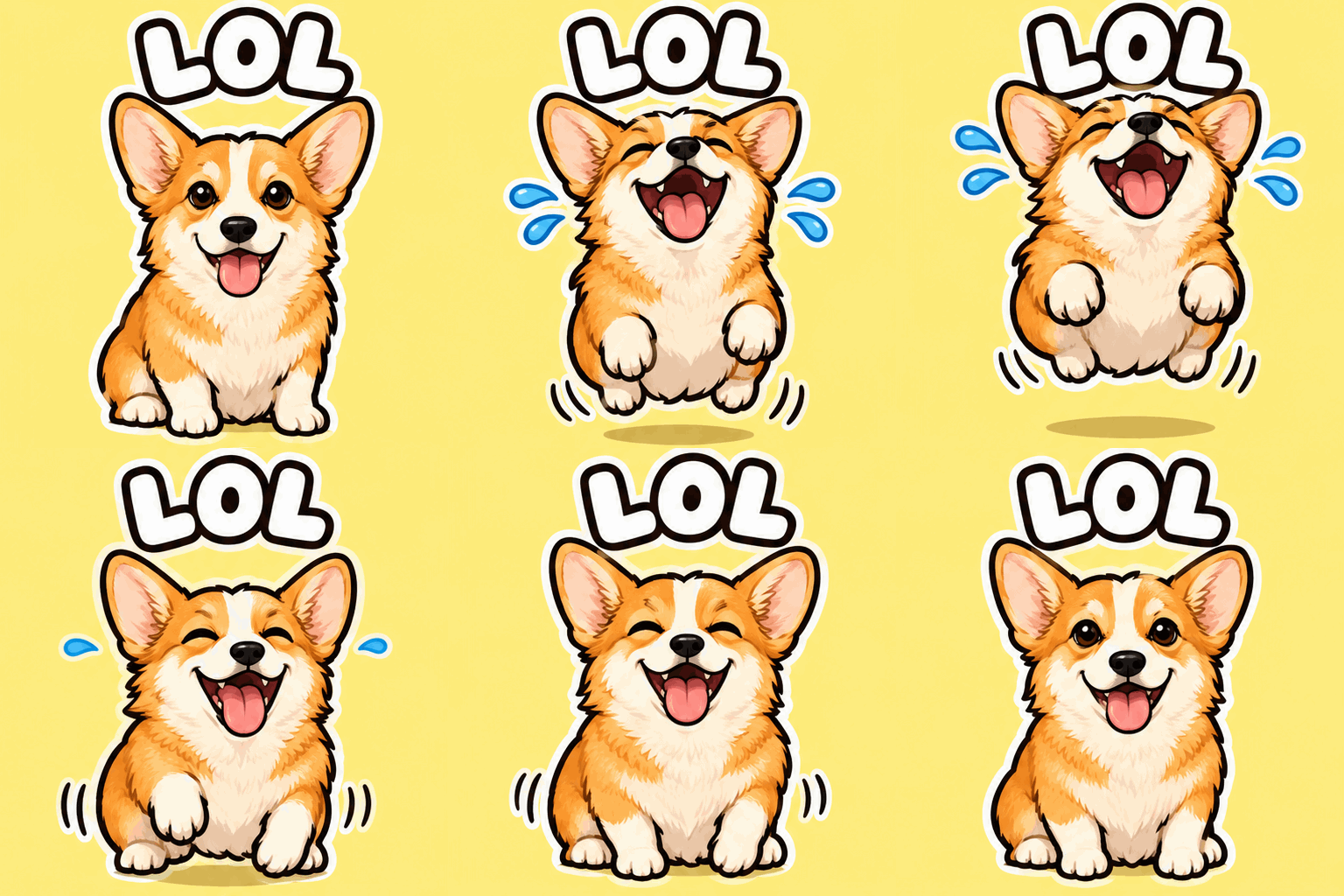 GIF
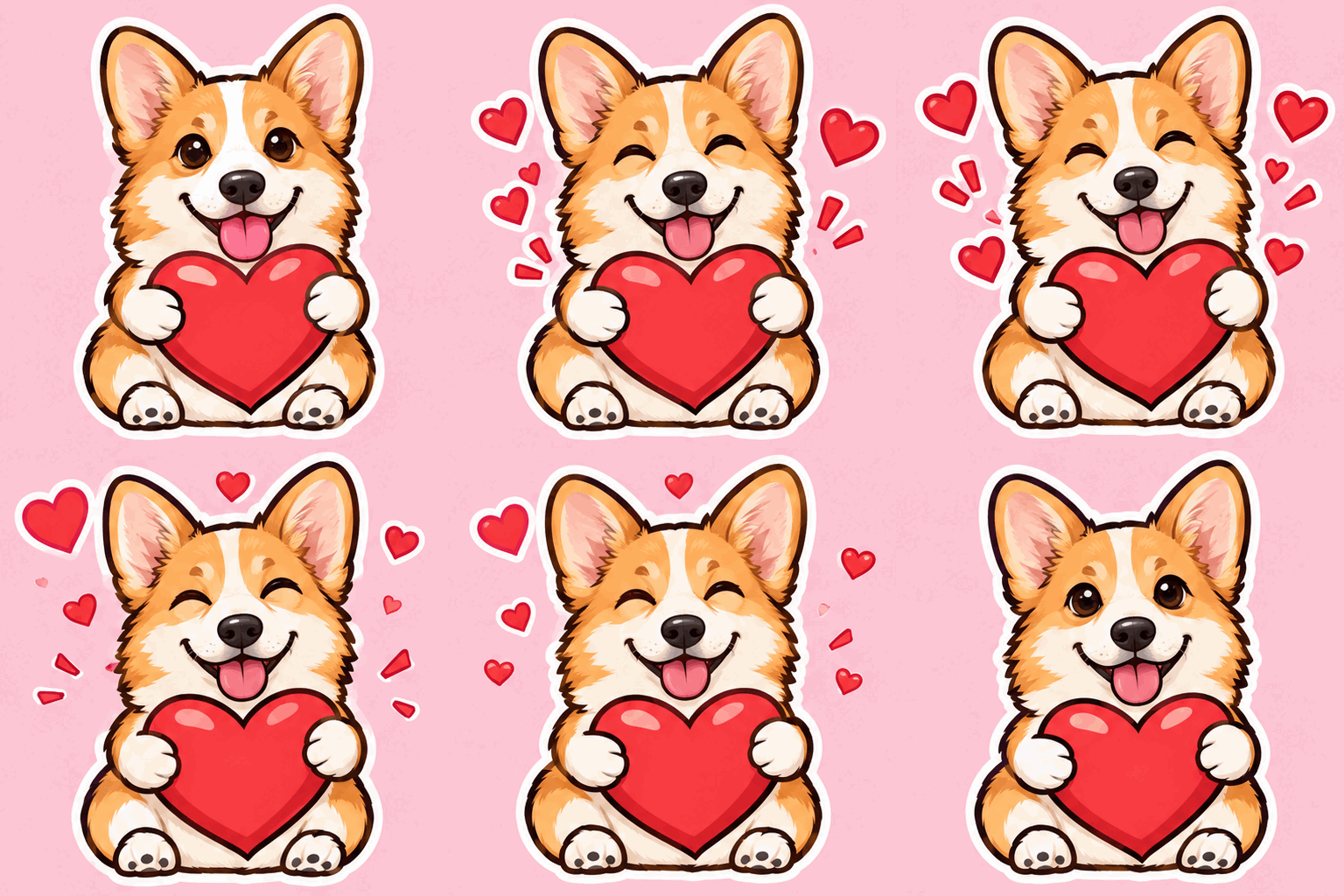 GIF
 GIF
How to Turn a Photo Into a Sticker
Photo to sticker in three steps, no design skills needed.
Upload a Photo
Upload a clear photo of a person or a pet. One subject in a simple pose gives the cleanest outline.
Pick a Sticker Style
Click an example to load its prompt, or write your own: cut-out, cartoon or animated. PNG with a transparent background is already selected; choose GIF for an animated sticker.
Generate and Download
Download the sticker without a watermark, add it to WhatsApp, iMessage or Telegram, or send it to print.
What You Can Make with an AI Sticker Generator
Custom stickers from your own photos, for chats, print and gifts.
WhatsApp, iMessage and Telegram Stickers
Turn selfies and friends into custom stickers and make emoji from your photos. Transparent PNGs work in sticker maker apps, and GIF stickers work as custom emoji or animated reactions in most chats.
Printable Die-Cut Stickers
The white border follows the outline, so the PNG is ready for die-cut sticker paper, laptop stickers, labels and party favors.
Pet Stickers
Turn your dog or cat into a sticker that looks just like them, as a photo cut-out or as a cartoon.
Sticker Packs
Use one photo with several prompts (different poses, captions or styles) to build a matching sticker pack.
Frequently Asked Questions
Everything you need to know about the AI sticker generator and turning a photo to sticker.
An AI sticker generator turns a photo into a sticker for you: it cuts out the person or pet, adds a white die-cut border and removes the background, or redraws the photo as a cartoon sticker. No photo? Type a description instead (text to sticker) and it draws a new sticker with a transparent background. You describe the style in plain words instead of tracing outlines by hand. On Veevid it is powered by GPT Image 2.6.
Yes. Static stickers come out as PNG with Background set to Transparent, so everything outside the white border is see-through and the sticker sits cleanly on any chat or design. If you switch to JPEG the background becomes solid, because JPEG has no transparency.
Yes. Upload a photo of your dog, cat or other pet and use the same prompt with "dog" or "cat" in place of "woman", like the corgi above. A clear photo where the whole animal is visible gives the cleanest outline.
Yes. Photo to emoji works the same way: upload a selfie or a pet photo and ask for a cartoon sticker with a big expression, like a laugh, a wink or a heart. Change the expression in the prompt to make a matching set, so the AI sticker generator works as a custom sticker maker for your own emoji in WhatsApp, iMessage or Telegram.
Yes. The PNG has a white border that follows the outline, which is what die-cut sticker paper and most sticker printing services expect. Stickers come out at 1K (1024×1024) by default; pick 2K or 4K in the settings for larger prints.
Yes. Download the PNG and add it with your messaging app's sticker feature or a sticker maker app; most of them accept transparent PNGs. GIF stickers work anywhere that accepts GIFs: add them as custom emoji in WeChat, Slack or Discord, or send them as animated images in iMessage, Telegram and most chats. WhatsApp's own animated stickers use the WebP format, so convert the GIF with a sticker maker app first.
Yes, it also works as an animated sticker maker: choose GIF output and describe one short action, as in the "Yay!" example above. GIF stickers are 512×512 with 9 frames and loop. For a whole pack, keep the same photo and change the action in each prompt, like the corgi sticker pack above; its prompts are in the AI GIF Generator.
A static sticker costs the same as one standard 1K image, and an animated GIF sticker costs a little more. The generator shows the exact credits before you generate, and all plans and credit packs are on the pricing page. Stickers download without a watermark.
Make Your First Sticker
Upload a photo and let the AI sticker generator turn it into a transparent PNG sticker or an animated GIF sticker. No watermark.
Make a sticker