Grok Imagine AI Video Generator
Generate 6 to 30-second videos with 3 creative modes, automatic audio, and reference-guided generation. Powered by xAI's Grok Imagine model.
Text to Video
See What Grok Imagine Can Create
From text prompts to reference-guided videos - explore Grok Imagine's creative range
Text to Video
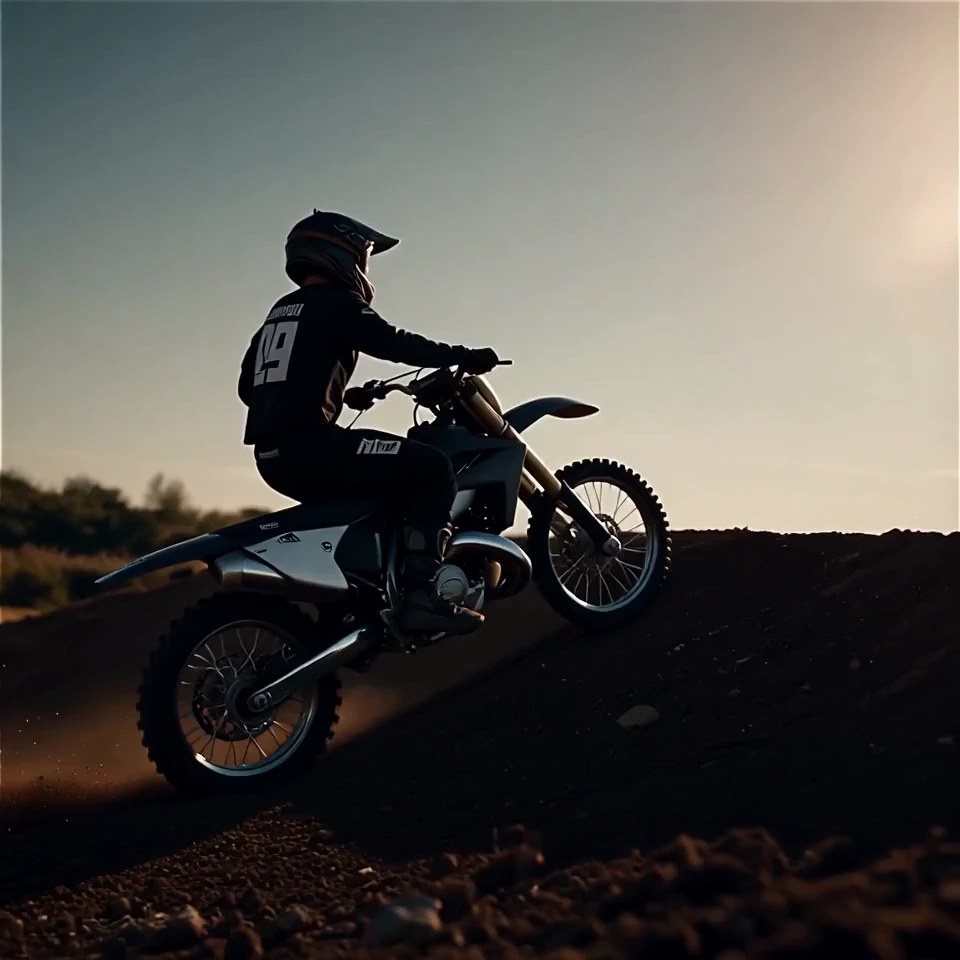
A motocross rider performing mid-air flips on a dusty track, silhouetted against a bright sunrise sky.
Image to Video
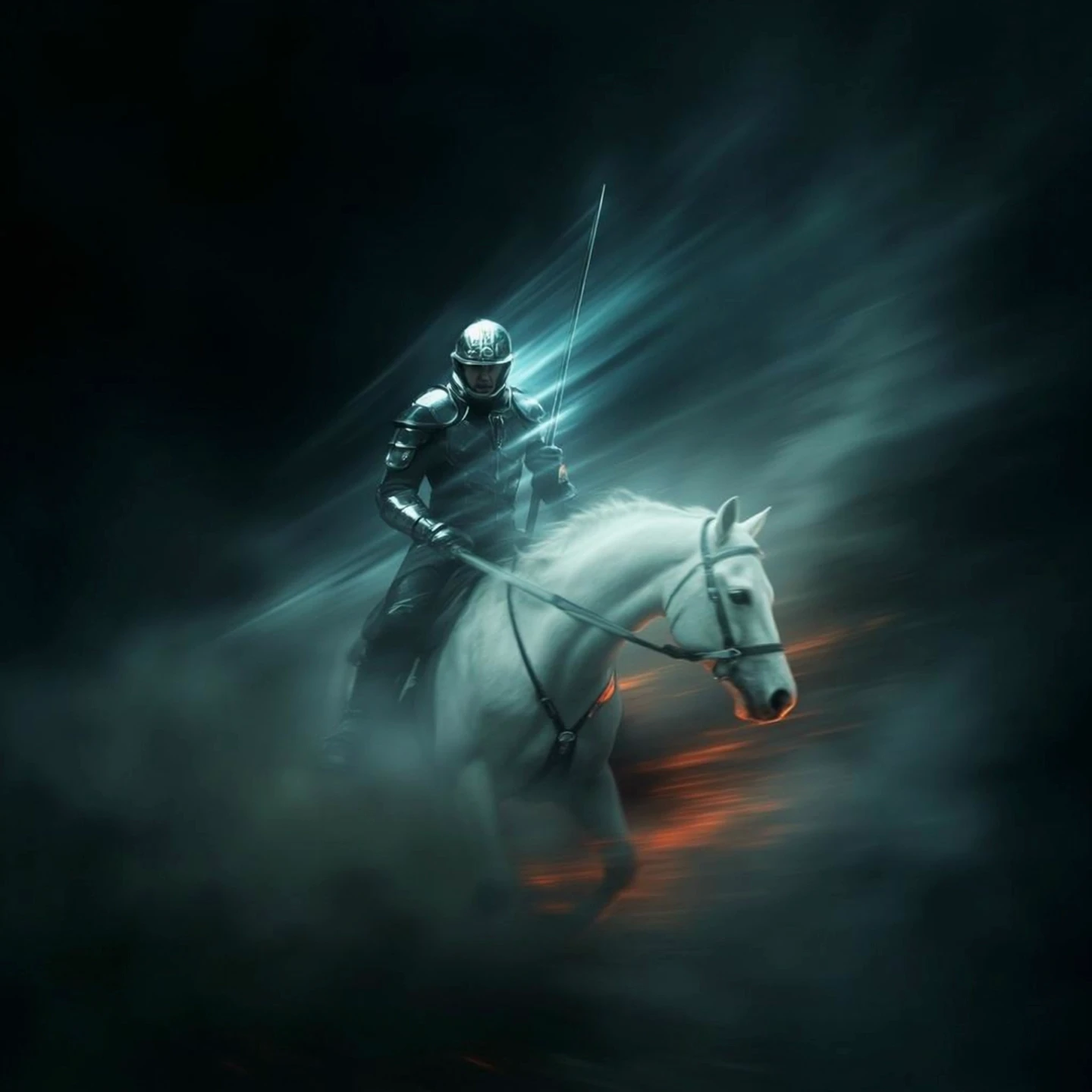
A knight in armor walking through ancient stone ruins intertwined with glowing blue magical energy in a lush forest.
Reference-Guided Generation
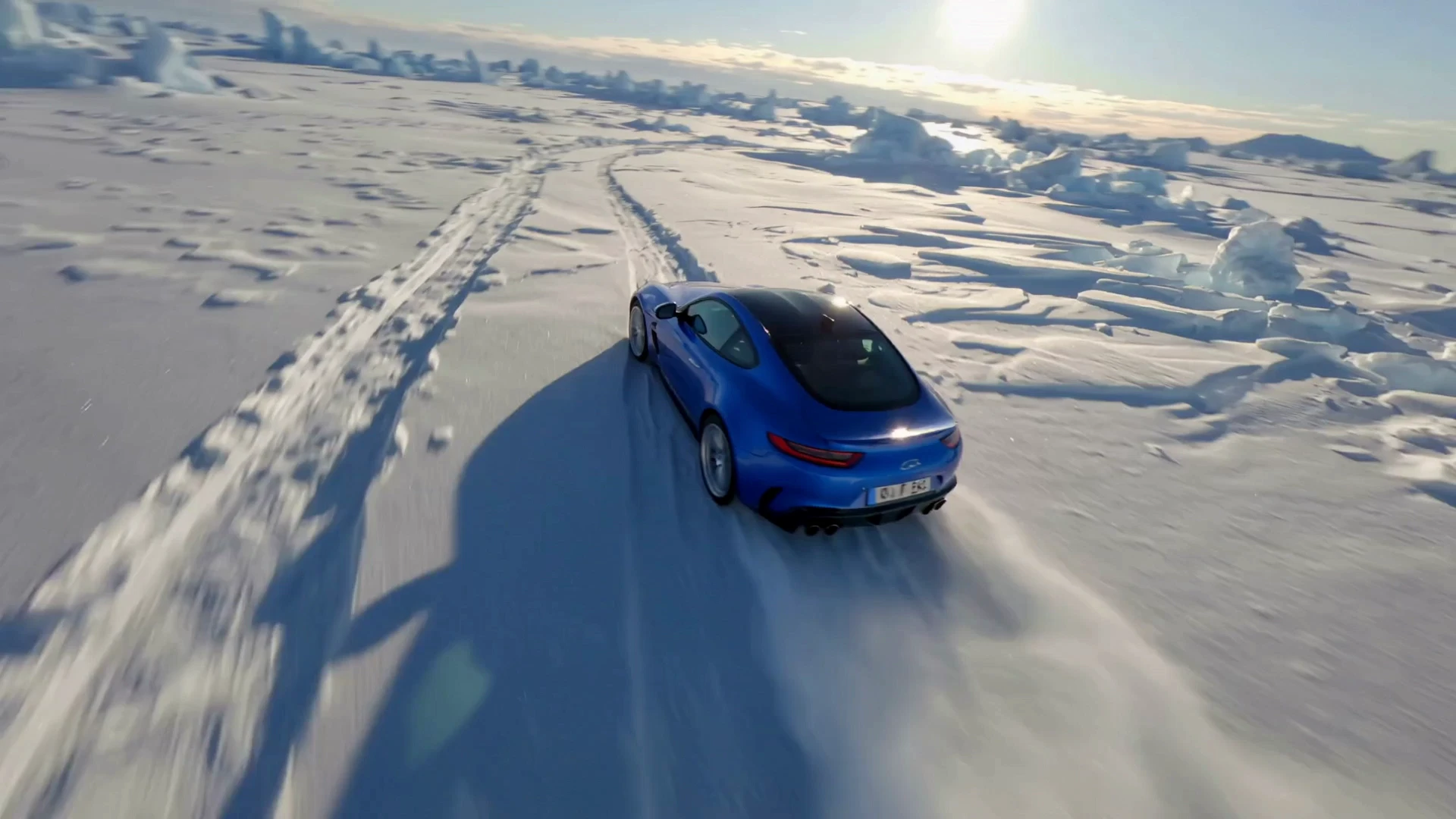
A dynamic top-down aerial shot of a sports car drifting through a snow-covered landscape under bright sun.
Video Extension
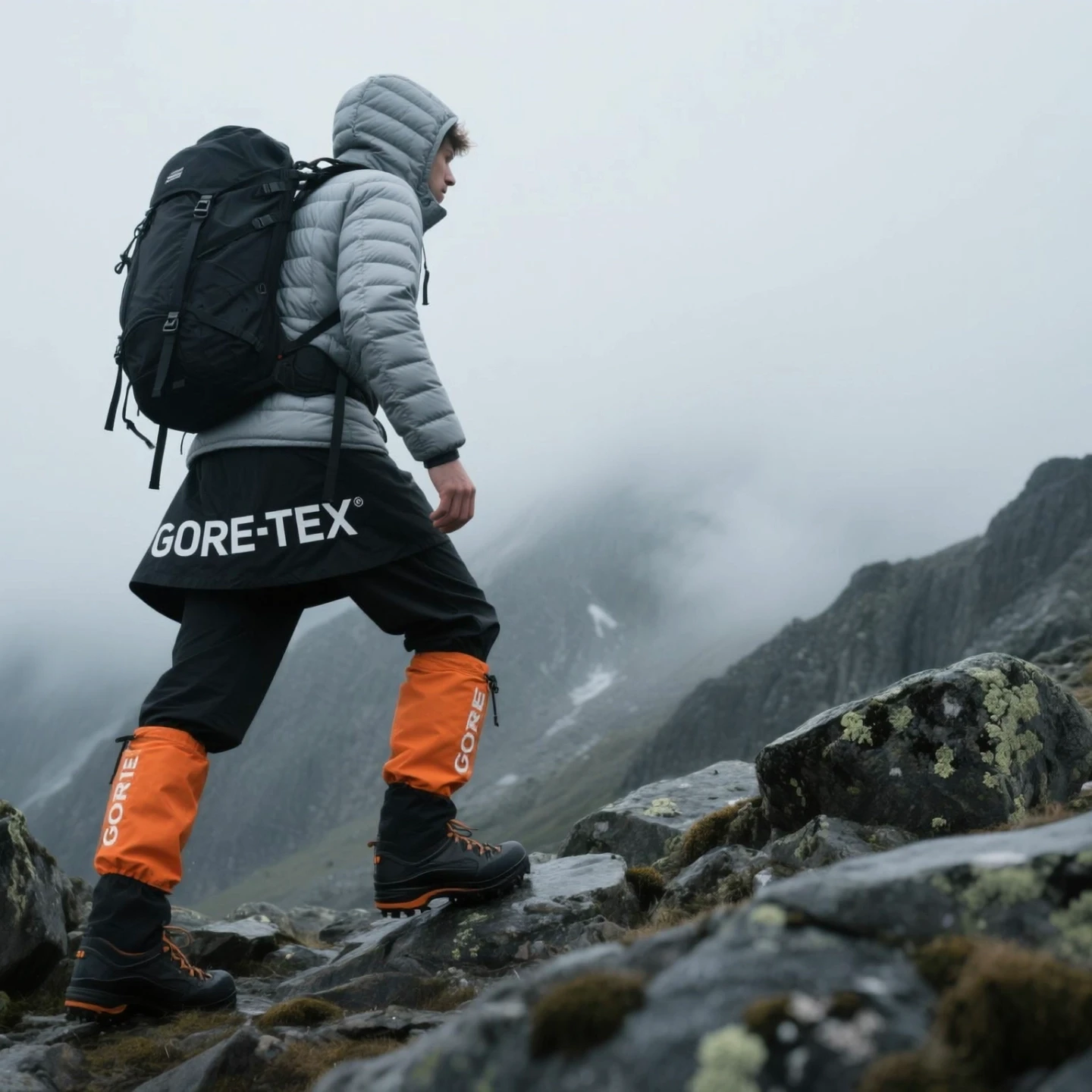
A cinematic hiking scene - a man in outdoor gear walks through foggy, rocky mountain trails.
Grok Imagine Features
Versatile video generation with creative modes, flexible duration, and automatic audio
3 Creative Modes
Choose from Fun, Normal, or Spicy modes to match your creative vision. Spicy mode delivers the most imaginative results but does not support external image inputs - it automatically falls back to Normal when images are uploaded.
5 Aspect Ratios
Generate videos in 2:3, 3:2, 1:1, 9:16, or 16:9 to fit any platform - from vertical TikTok to widescreen YouTube.
Flexible Duration
Slide from 6 to 30 seconds for initial generation. Need more? Extend any clip by 6 or 10 seconds to build longer narratives.
Dual Resolution
Choose between 480p for fast drafts and 720p for polished output. Higher resolution uses more credits but delivers sharper detail.
Auto Audio Sync
Grok Imagine automatically generates synchronized audio for your video - ambient sounds, effects, and music that match the visual content.
Reference-Guided Generation
Upload up to 7 reference images to guide character appearance, style, and scene composition. Use @image1, @image2 in your prompt to control placement.
Frequently Asked Questions
Everything you need to know about Grok Imagine video generation
Grok Imagine is available through Veevid's credit-based system. You can start generating videos with the credits included in your plan. Higher resolution and longer duration videos use more credits.
Spicy mode is Grok Imagine's most creative generation style, producing highly imaginative and stylized results. However, Spicy mode does not support external image inputs (image-to-video or reference images). When you upload images with Spicy mode selected, it automatically switches to Normal mode to ensure compatibility.
Initial generation supports 6 to 30 seconds using a duration slider. You can then extend any generated video by 6 or 10 seconds to create longer content. This makes it possible to build videos well beyond the initial 30-second limit.
Grok Imagine supports two resolution options: 480p for quick previews and drafts, and 720p for higher-quality output. Both resolutions support all 5 aspect ratios (2:3, 3:2, 1:1, 9:16, 16:9).
Yes, Grok Imagine automatically generates synchronized audio for every video. The AI creates ambient sounds, effects, and music that match the visual content - no separate audio generation step needed.
Discover More AI Tools
Explore our full suite of AI-powered video and image creation tools
Ready to Create with Grok Imagine?
Generate creative AI videos with flexible duration, automatic audio, and reference-guided generation. Try Grok Imagine on Veevid now.
Get Started Now