GPT Image 2.6
GPT Image 2.6 AI Image & GIF Generator
Create images and animated GIFs with OpenAI GPT Image 2.6, released November 4, 2026. OpenAI says it is 50% faster than before; on Veevid, Flare finished a 1K image in about 9 seconds in our tests. Edit a photo and only the part you ask for changes. From 12 credits.
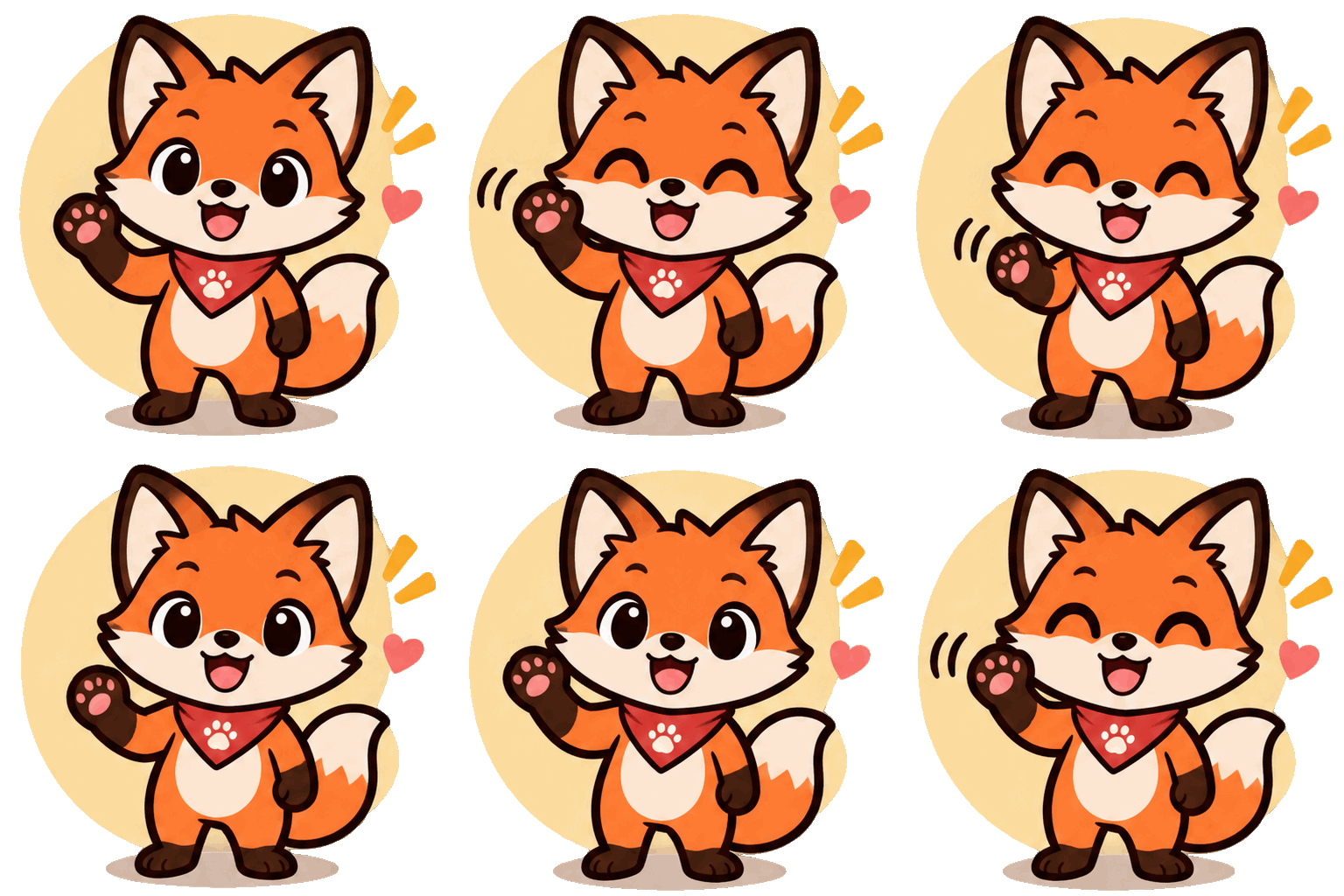
A cute orange fox brand mascot waving hello and blinking, flat vector sticker style, thick outline, pastel background, seamless loop
 Sample Image
Describe what you want to generate
See What GPT Image 2.6 Does Differently
Every image on this page came out of GPT Image 2.6 on Veevid, with no retouching.
Animated GIFs, straight from the model
Pick GIF as the output and you get a 512×512 loop with 9 frames. Start from a photo or from a line of text.
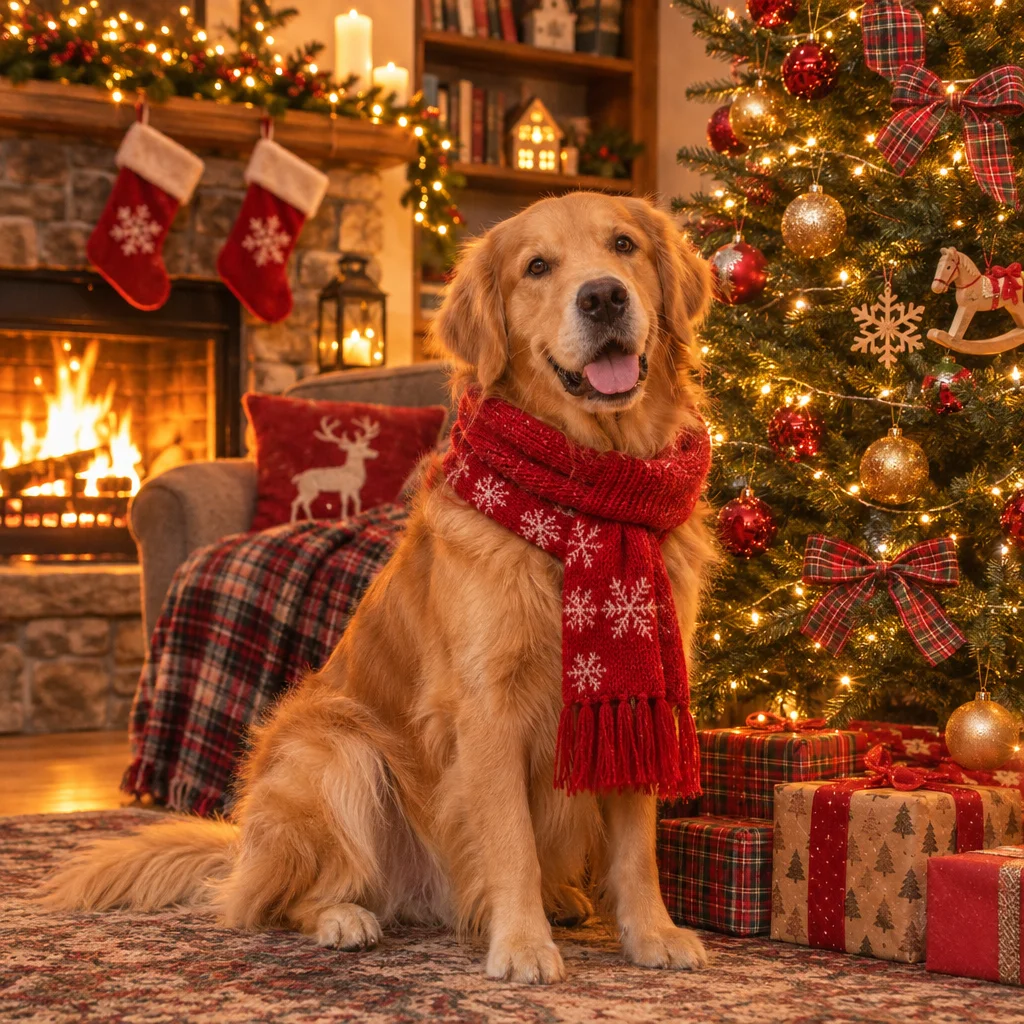 Photo
 GIF
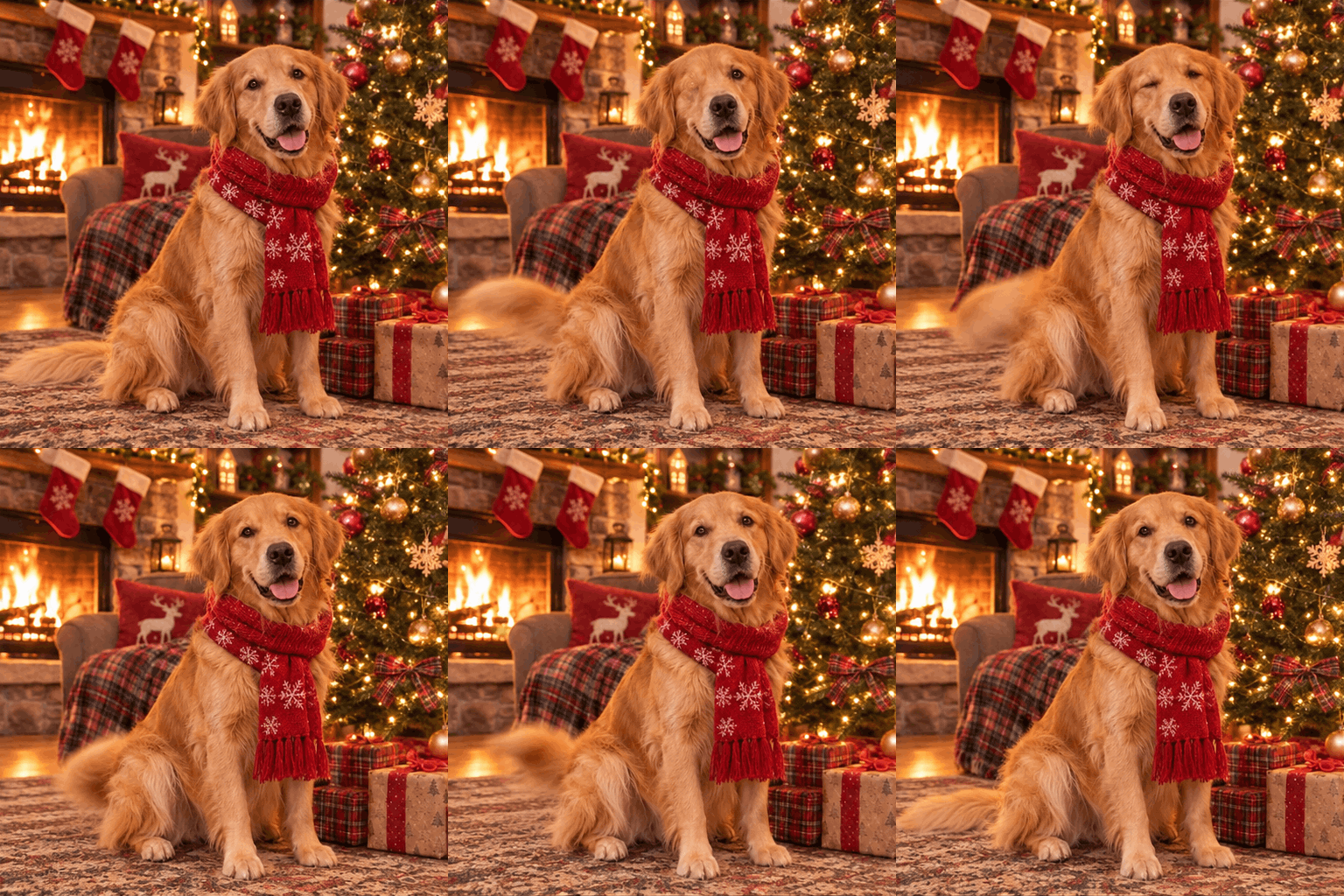
From a photo
We uploaded the dog photo and asked: "Animate this: the dog wags its tail and blinks, gentle loop."
Prompt: Animate this: the dog wags its tail and blinks, gentle loop
 GIF
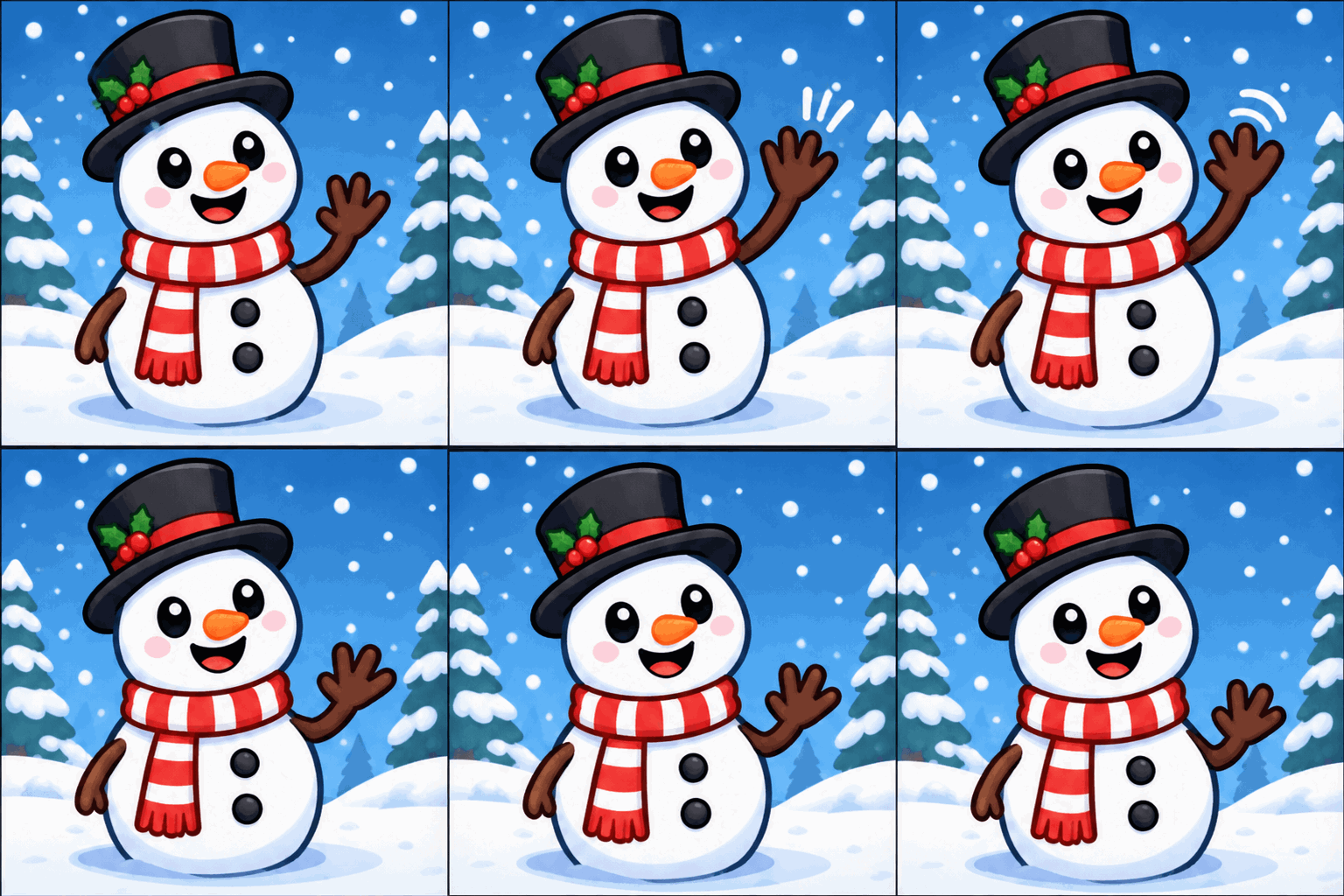
Cartoon snowman waving
Prompt: A cute cartoon snowman mascot waving hello, snow gently falling, simple loop animation, flat sticker style
GIFCute orange fox brand mascot waving, flat sticker style
Prompt: A cute orange fox brand mascot waving hello and blinking, flat vector sticker style, thick outline, pastel background, seamless loop
 GIF
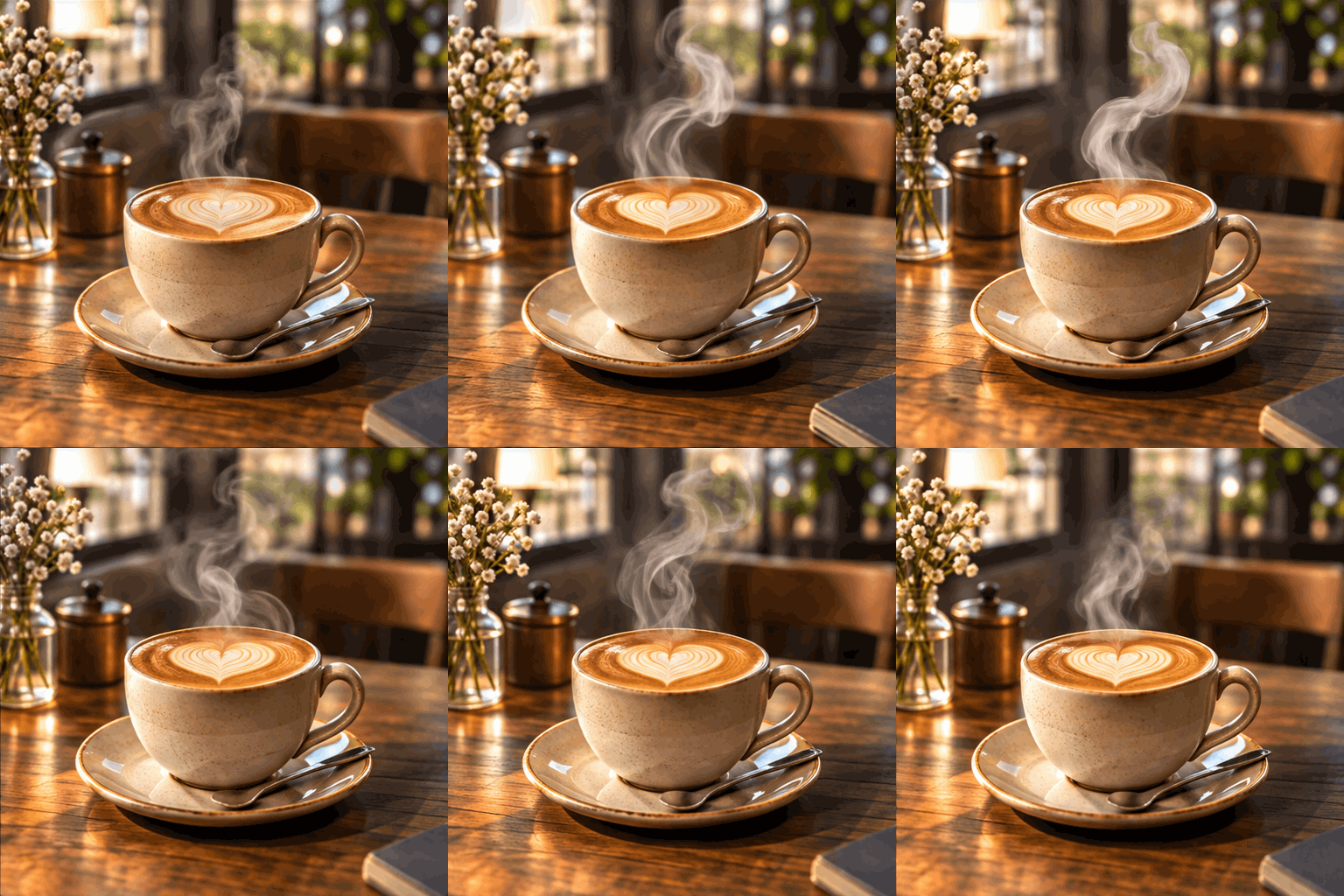
Steaming coffee cup with latte art, seamless loop
Prompt: A steaming ceramic coffee cup with heart latte art on a wooden cafe table, soft steam curling upward, warm morning window light, seamless loop
Change one thing, keep the rest
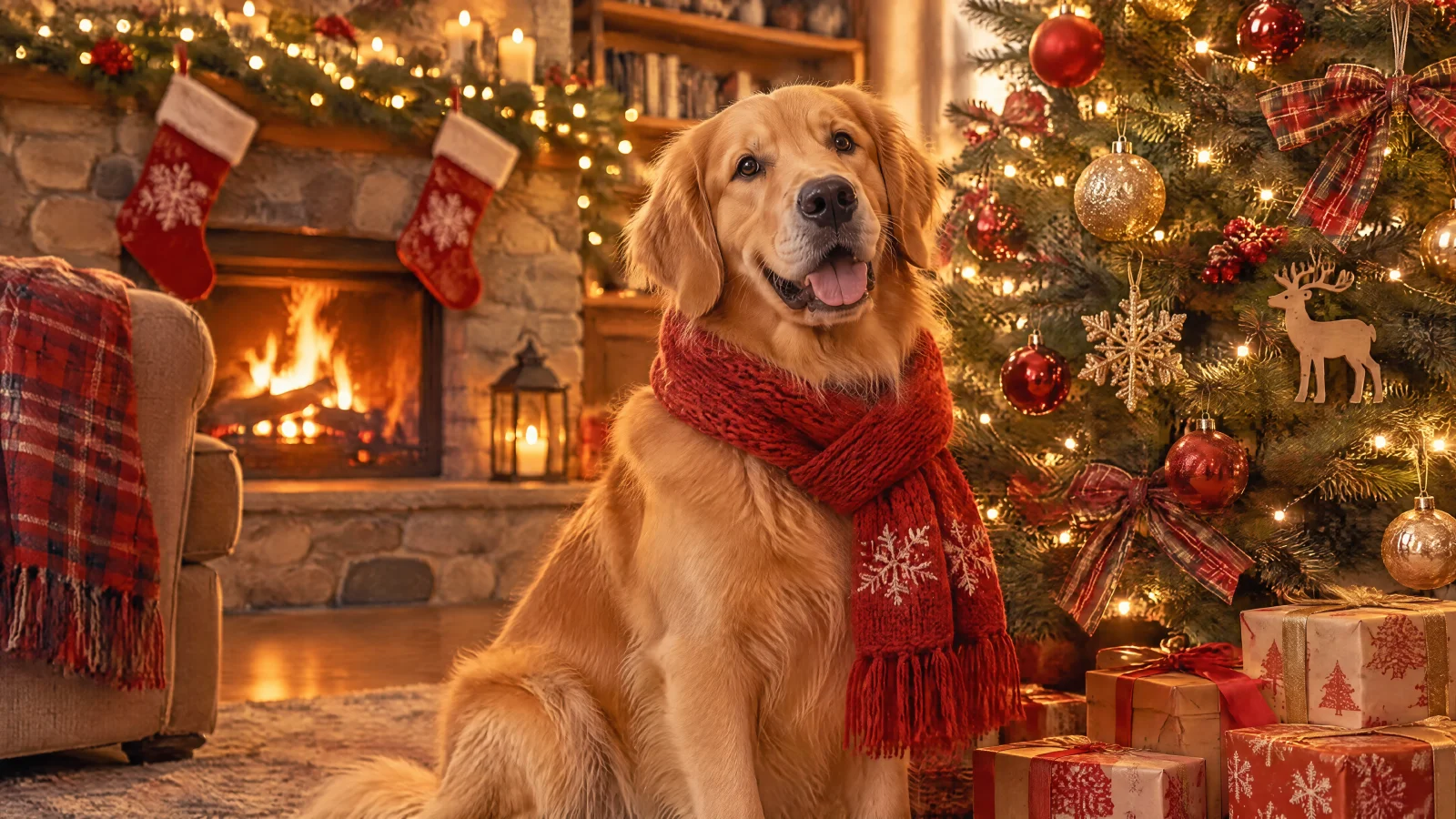
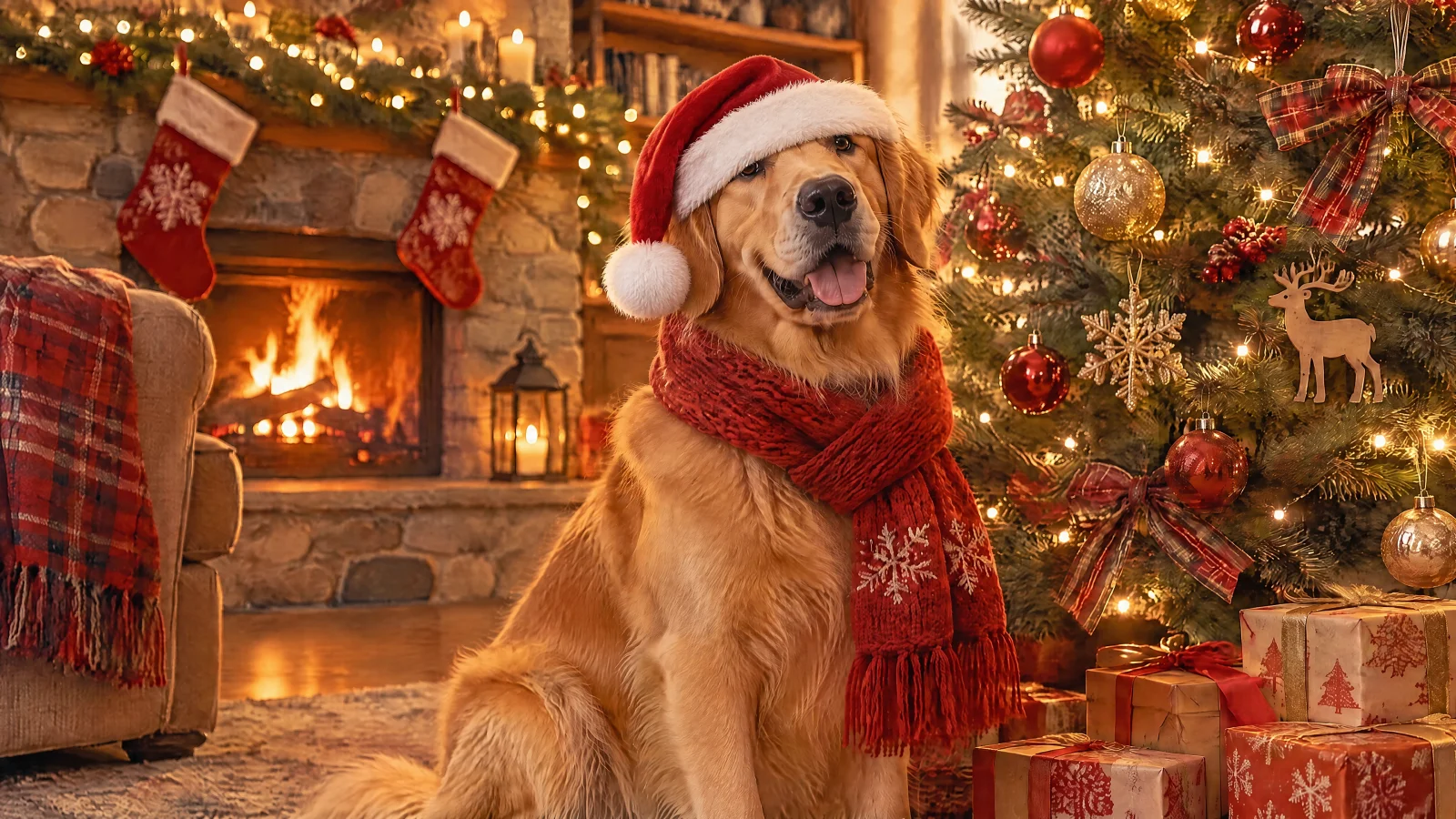
Each edit asks for a single change. Look at what did not move.
 Before
 After
Add a Santa hat
Prompt: "Put a red Santa hat on the dog." The hat appears; the scarf, the pose, the tree and the room stay exactly as they were.
Prompt: Put a red Santa hat on the dog
 Before
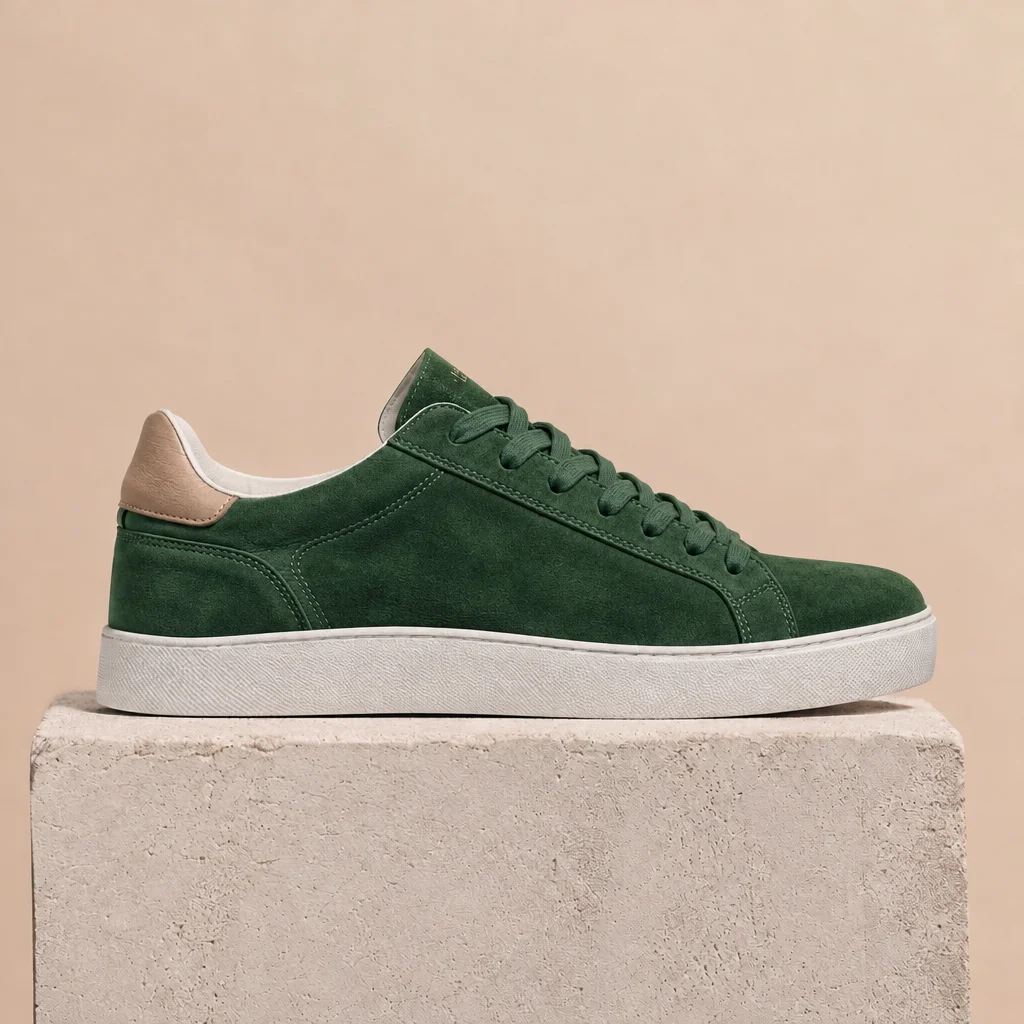 After
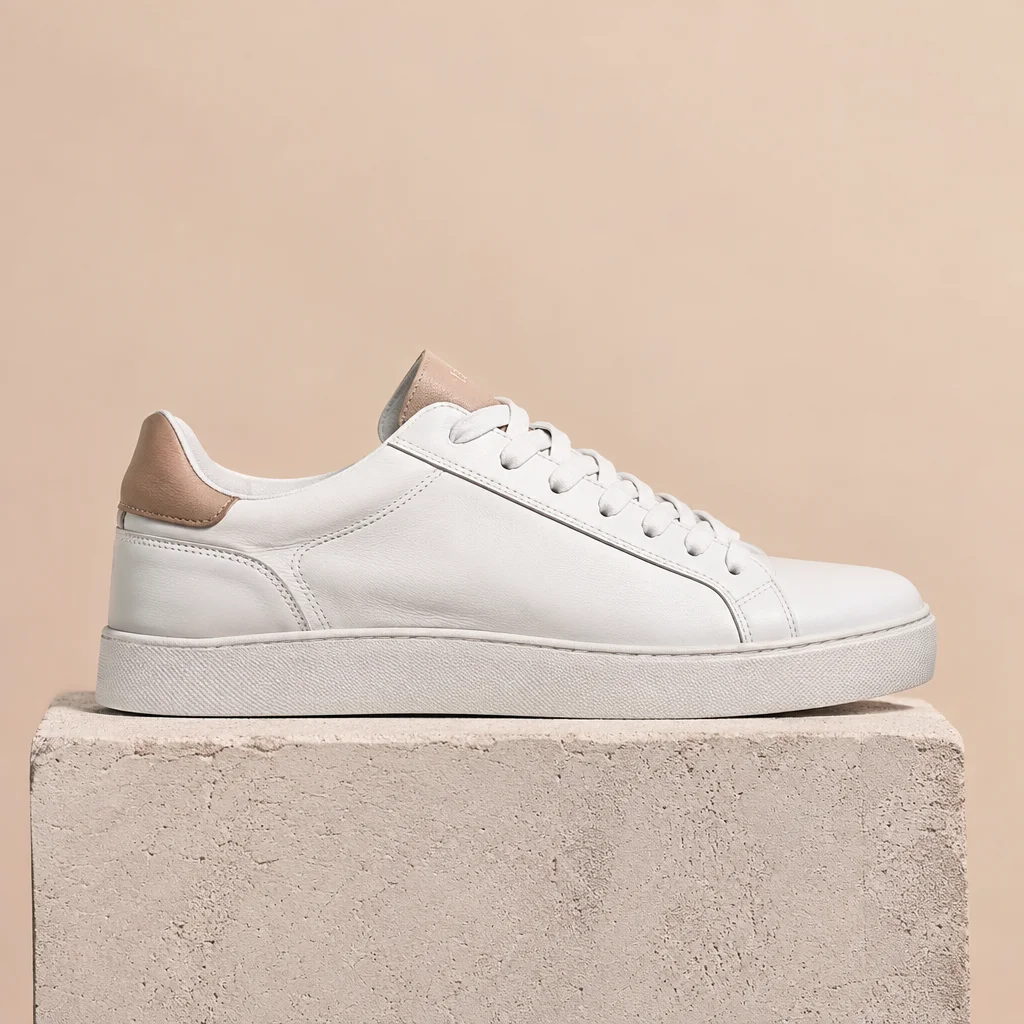
Recolor a product
Prompt: change the white leather to forest green suede and keep everything else. Shape, laces, the block it stands on, lighting, shadow and background are unchanged.
Prompt: Change the sneaker color to forest green suede. Keep the shoe shape, laces, block, lighting, shadow and background exactly the same.
Posters and photos from text
OpenAI says Flare improves layout for posters and product imagery. Put headline text in quotes and say where it goes.
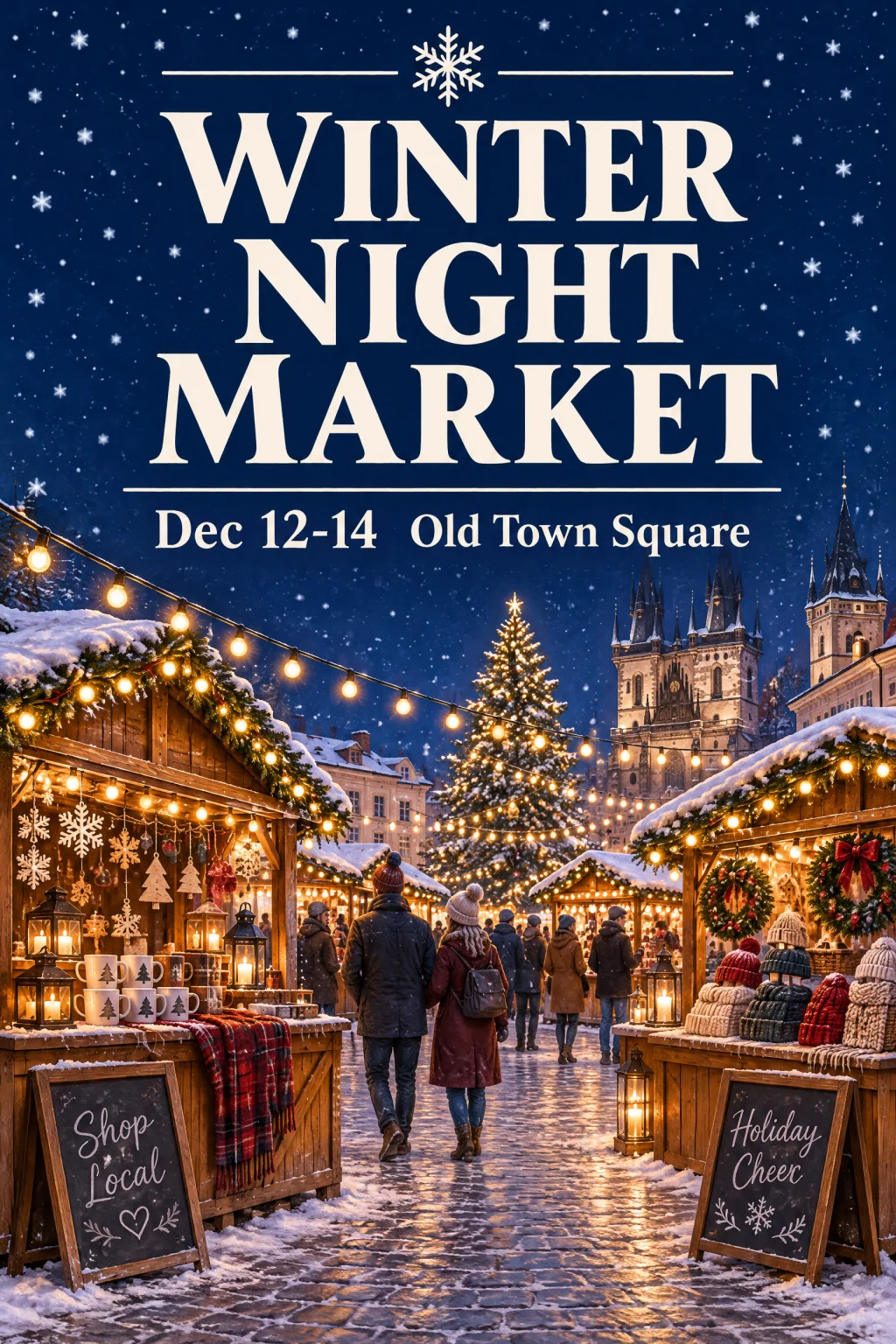
Holiday market poster (2K)
Prompt: Vertical event poster for a holiday market. Large headline text "WINTER NIGHT MARKET", subline "Dec 12-14 Old Town Square". Illustrated wooden stalls with warm string lights, snow falling, deep navy sky, clean modern layout with generous margins
Christmas living room photo (1K)
Prompt: A cozy Christmas living room with a golden retriever wearing a red scarf next to a decorated tree, warm cinematic light, photorealistic
Flare vs Sunburst
Same prompt, same 1K size, same 12 credits. The difference is time and detail.
FlareFlare: about 9 seconds
The default. This 1K image took about 9 seconds in our test. Use it for drafts, social posts and anything you iterate on.
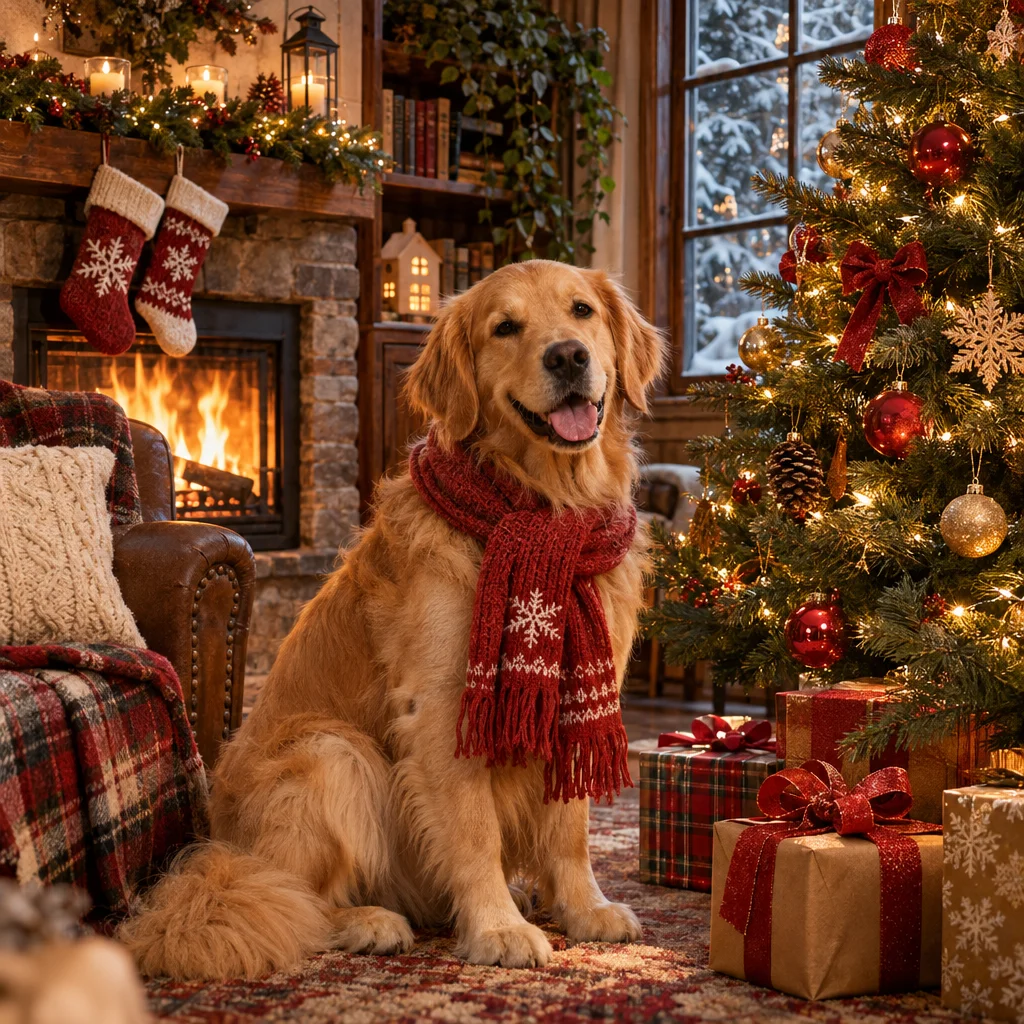 Sunburst
: about 55 seconds
Takes longer. OpenAI says it brings higher quality and even greater consistency across edits. Use it for final assets.
What's New in GPT Image 2.6
OpenAI's November 2026 image model: quicker results, motion, and steadier edits.
50% Faster, About 9 Seconds
OpenAI says Images 2.6 generates images 50% faster than before. On Veevid, Flare returned a 1K image in about 9 seconds in our tests, so you can try several versions of an idea while it is still fresh.
Animated GIF Output
Choose GIF and the model returns a looping 512×512 animation with 9 frames, from a prompt or from an uploaded image. Good for mascots, stickers, reactions and product loops.
Edits That Stay Put
OpenAI built 2.6 to keep characters, products and brand details consistent as you edit. Ask for one change and the subject, composition and background stay where they were.
Flare or Sunburst, Same Price
Flare is the fast default. Sunburst takes longer for more detail and, according to OpenAI, even greater consistency across edits. Both cost the same credits on Veevid.
Cleaner Posters and Product Shots
OpenAI says Flare improves layout quality for posters, product imagery and other professional visuals. Put headline text in quotes and say where it should go.
8 Ratios, up to 4K
Choose from 1:1, 3:2, 2:3, 4:3, 3:4, 16:9, 9:16, 21:9, and export at 1K, 2K or 4K (up to 3840×2160). For edits, upload up to 16 reference images.
How to Use GPT Image 2.6 on Veevid
From prompt to image or GIF in three steps.
Write a Prompt or Upload Images
Describe the image in the box above, or switch to Image to Image and upload up to 16 reference images to edit or combine.
Pick Flare or Sunburst and the Output
Flare is the fast default; Sunburst takes longer for more detail. Choose a ratio and 1K, 2K or 4K, or pick GIF for a 512×512 animation.
Generate and Download
Images and GIFs download without a watermark. Not quite right? Describe the one change you want and edit again.
Frequently Asked Questions
Everything you need to know about GPT Image 2.6 on Veevid.
GPT Image 2.6 is the image generation and editing model behind Images 2.6, which OpenAI released on November 4, 2026 in ChatGPT, Codex and the API. In the API it comes in two versions, GPT-Image-2.6 Flare and GPT-Image-2.6 Sunburst. OpenAI says it generates images 50% faster than before, can output animated GIFs, and keeps characters, products and brand details consistent as you edit.
Three things: it is faster, it can make animated GIFs, and edits are steadier, so the parts you did not ask to change stay the same. Both models can return a transparent background. GPT Image 2.5 is still on Veevid and has a few aspect ratios 2.6 does not, such as 27:16 and 9:8, plus an auto ratio.
OpenAI says Images 2.6 generates images 50% faster than before. In our tests on Veevid, a 1K image took about 9 seconds with Flare and about 55 seconds with Sunburst. Times vary with resolution, prompt and load.
Yes. Choose GIF as the output and you get a looping GIF with 9 frames. It works from a text prompt or from an uploaded image, for example "Animate this: the dog wags its tail and blinks". GIFs come in 1:1, 16:9, 9:16, 4:3 or 3:4 and cost 16 credits each. OpenAI's own examples include animating a brand mascot or character, turning a product shot into a loop, reactions and memes for social media, and animated storyboards before video production; even a simple sketch can become an animated character. Prompt tip: describe the motion step by step, keep the same character and a fixed camera, and ask for the last frame to flow back into the first so the loop is seamless.
Yes. Set Background to Transparent and you get a PNG (or WebP, if you pick that format) with a real alpha channel, ready for logos, stickers and product cutouts. It works for GIFs too: the animation comes back with a transparent backdrop. GIF pixels are either fully transparent or fully solid, so the edges have no soft fade and can show a thin hard outline on dark backgrounds. If that matters, pick Opaque and ask for a background color that matches where the GIF will go. Opaque paints the background your prompt describes, and Auto lets the model choose. GIFs start on Opaque, because on Auto the model often ignores the background color you asked for. The price is the same whichever you pick.
Start with Flare: it is the default and the fastest. Switch to Sunburst for final assets where detail matters, or for edits where consistency is critical; OpenAI says Sunburst brings higher-quality images and even greater consistency across edits. Both cost the same credits on Veevid, so the choice is only speed against detail.
Switch to Image to Image, upload up to 16 reference images and describe the change, for example "Change the sneaker color to forest green suede and keep everything else the same". Saying what should stay unchanged helps. The first reference image is included in the price; each extra image adds 2 credits (3 images at 1K = 16 credits).
8 aspect ratios: 1:1, 3:2, 2:3, 4:3, 3:4, 16:9, 9:16, 21:9. Output comes in 1K, 2K or 4K, and 4K goes up to 3840×2160. GIFs come in five sizes: 1:1 512×512 / 16:9 768×432 / 9:16 432×768 / 4:3 576×432 / 3:4 432×576. Still images download as PNG (default), JPEG or WebP, all at the same price. Making a logo, icon or illustration? Pick SVG to get a scalable vector file (12 credits, text to image only).
12 credits for a 1K image, 24 for 2K, 24 for 4K, 16 for a GIF, and 12 for an SVG. When editing, the first reference image is included and each extra one adds 2 credits, GIF edits included. Flare and Sunburst cost the same.
Discover More Image Tools
Explore the full suite of AI image and video generators on Veevid.
Start creating with GPT Image 2.6
Faster images, animated GIFs and steadier edits, from 12 credits. No watermark.
Generate Now