GPT Image 2
Photoreal output. Sharp text. Pixel-level edits.
OpenAI's ChatGPT Images 2.0 brings greater precision and control to image generation - from dense editorial posters and multilingual typography to photoreal product shots and faithful scene edits.
Text to Image
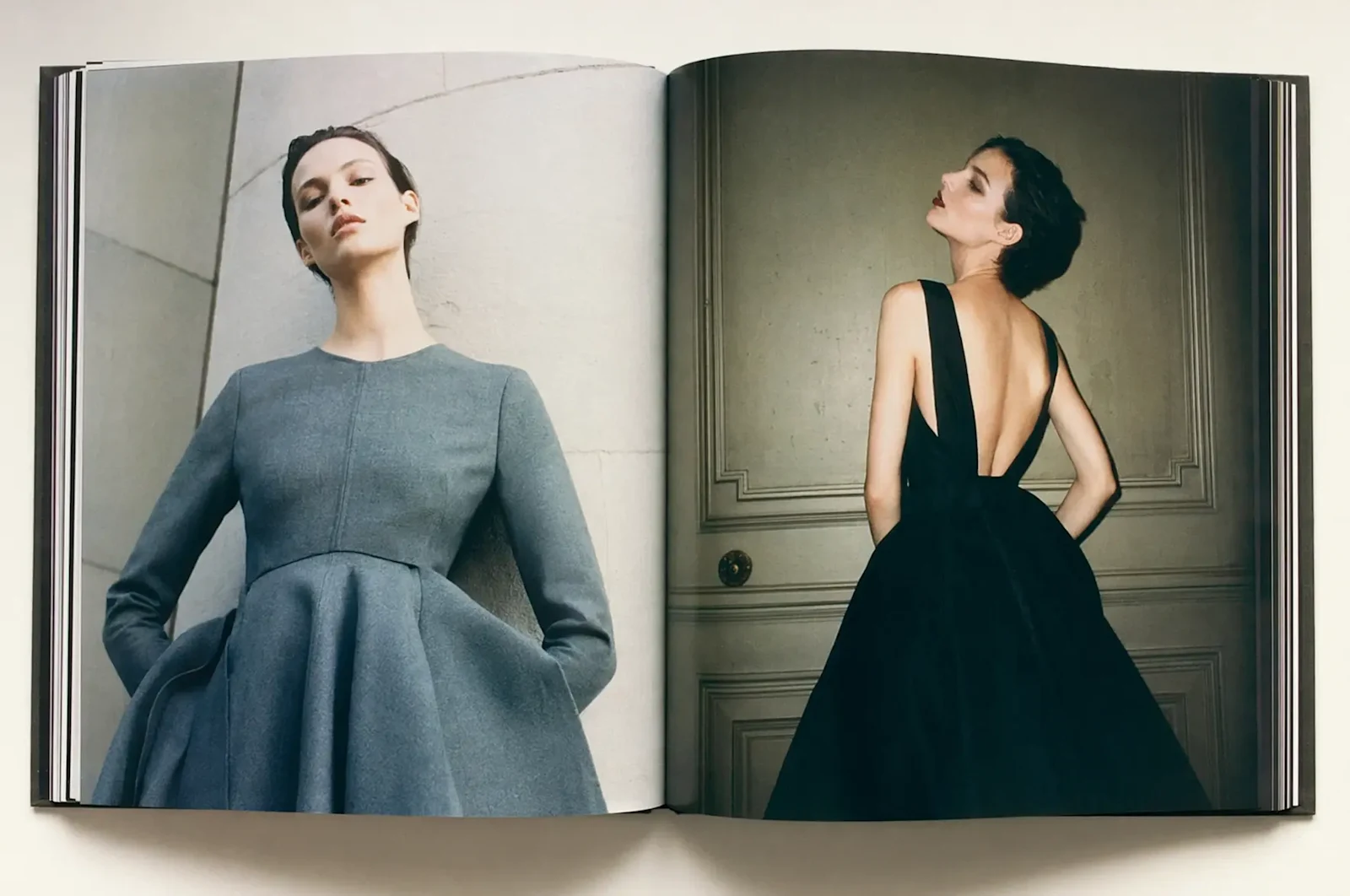
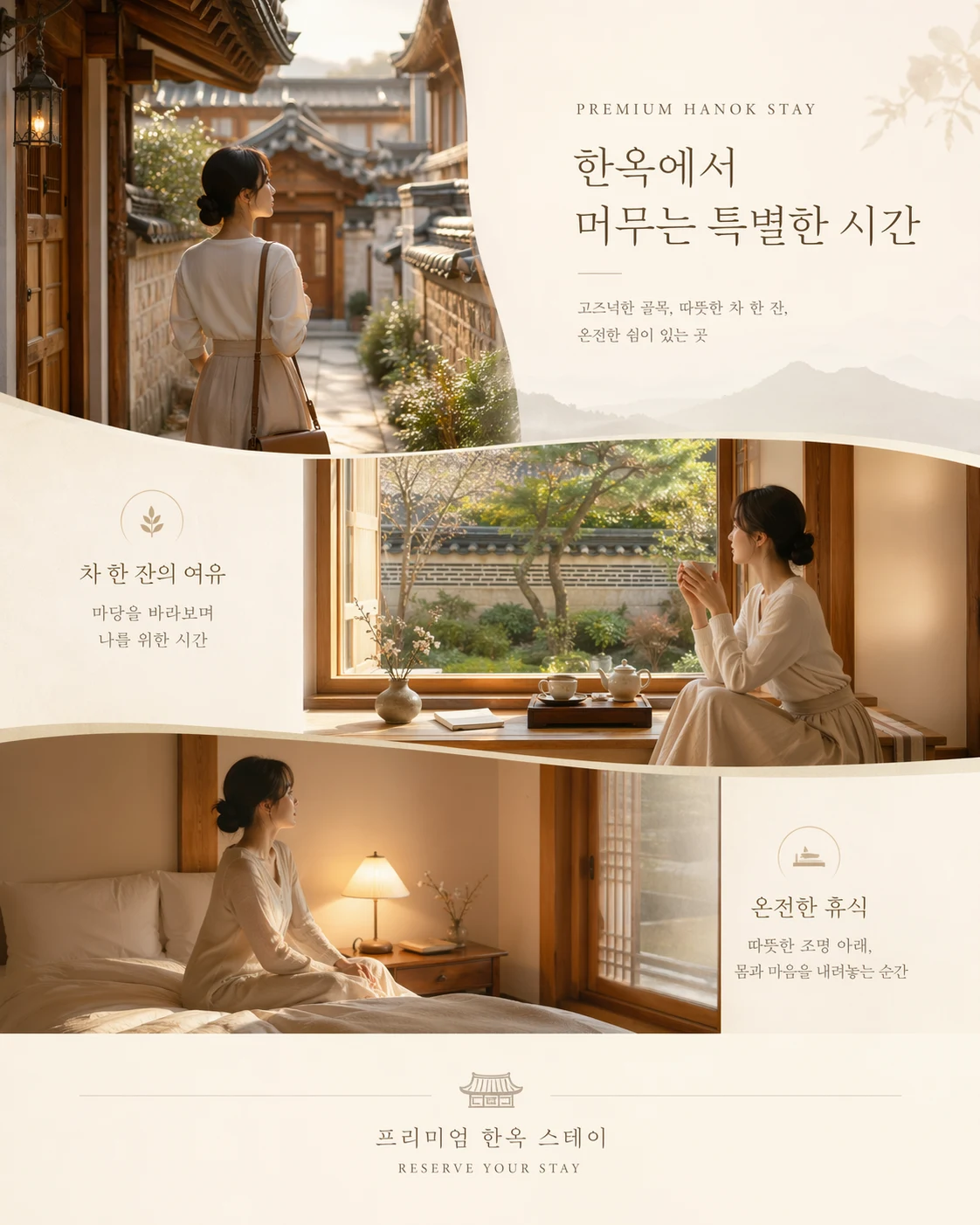
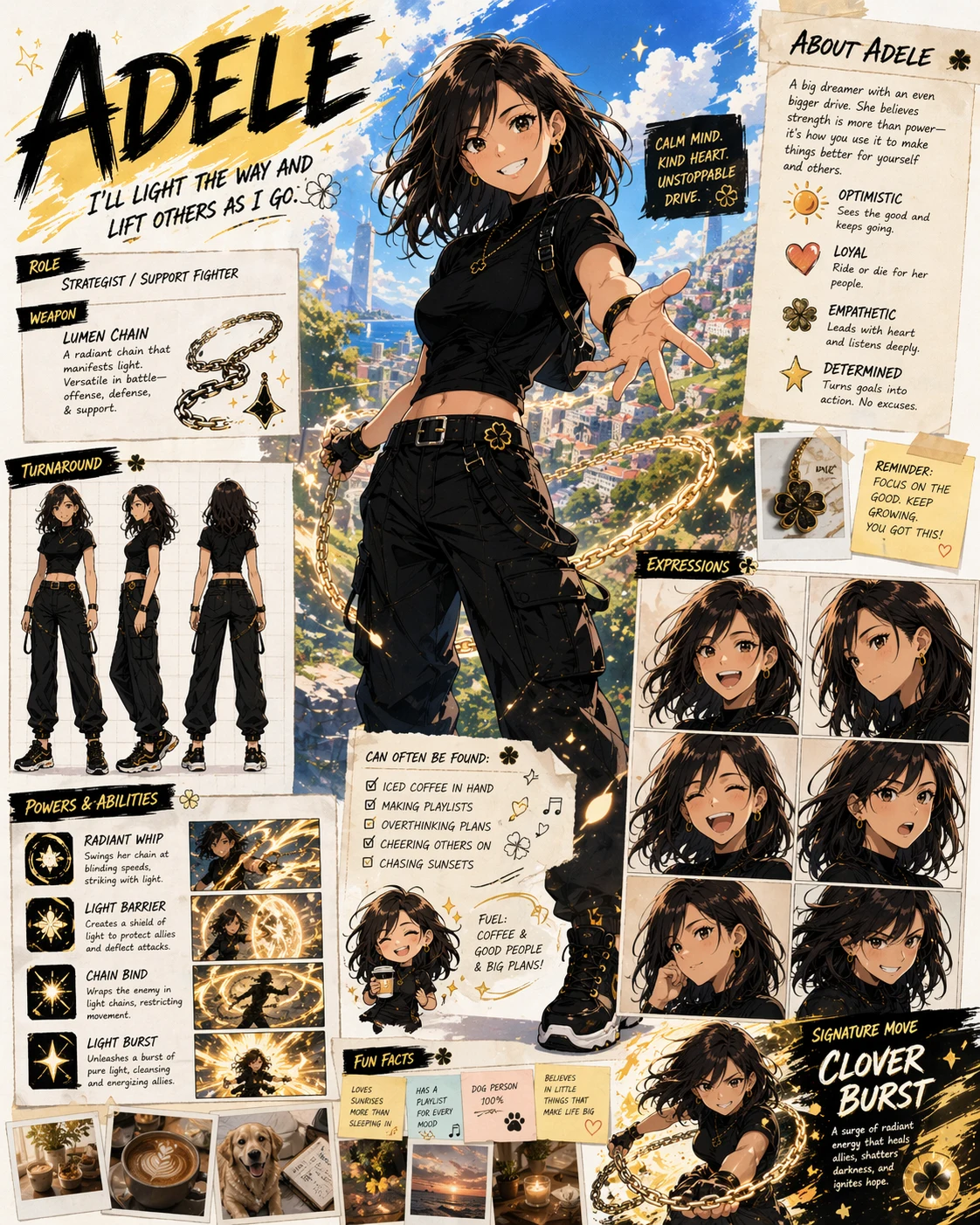
See What GPT Image 2 Can Create
Editorial posters, multilingual typography, photoreal scenes, and precise pixel-level edits - all from one prompt.
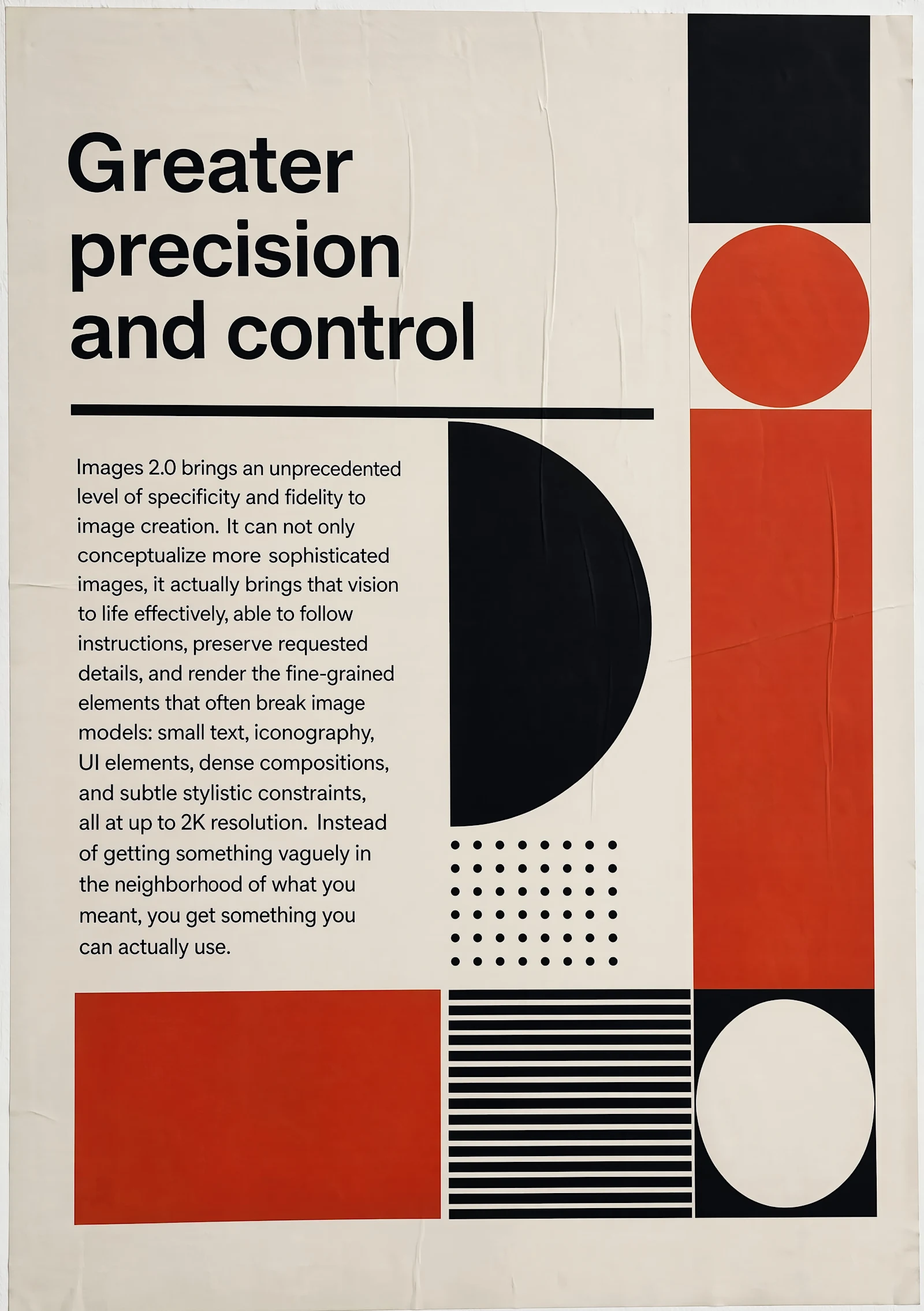
Editorial Posters
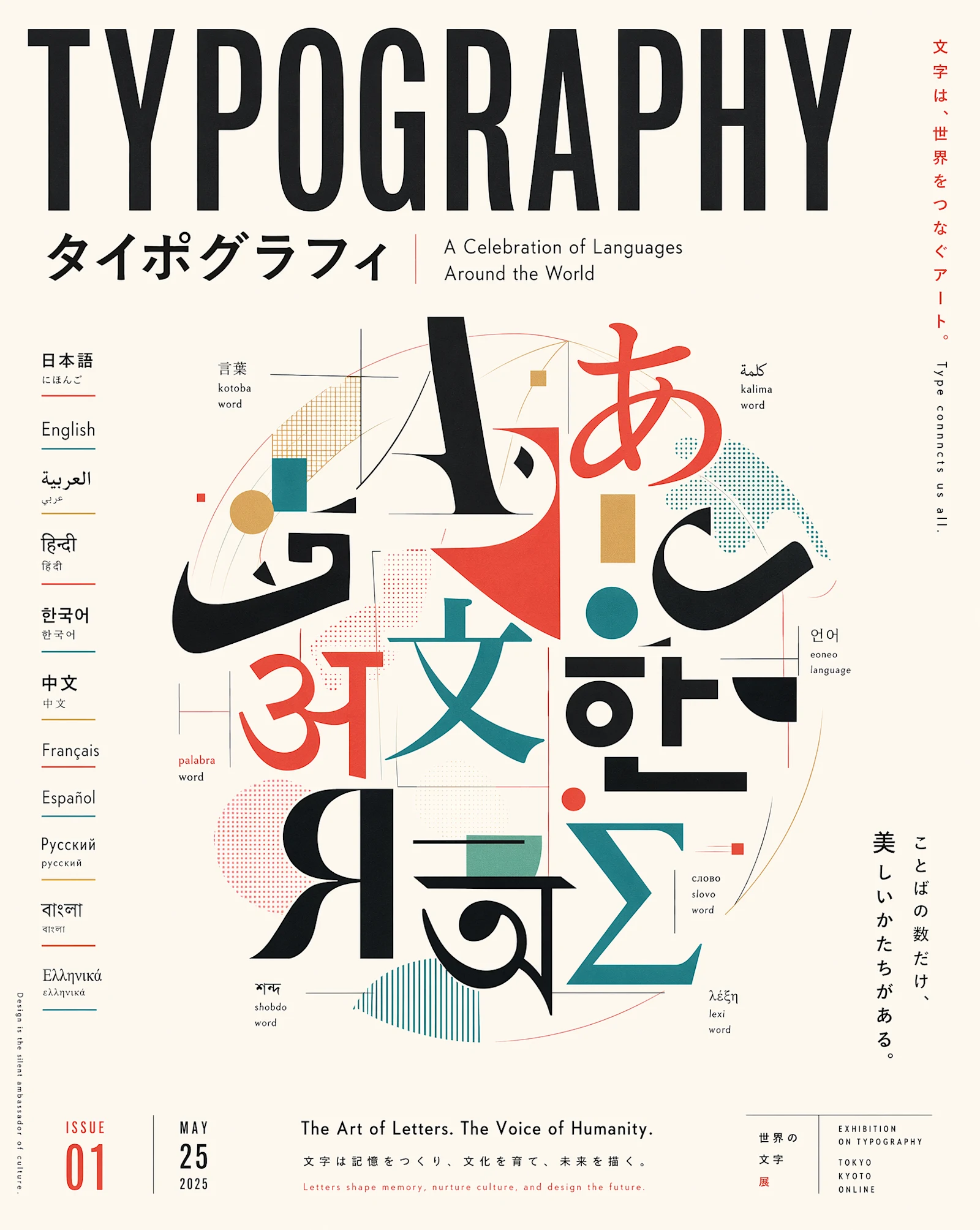
Multilingual Typography
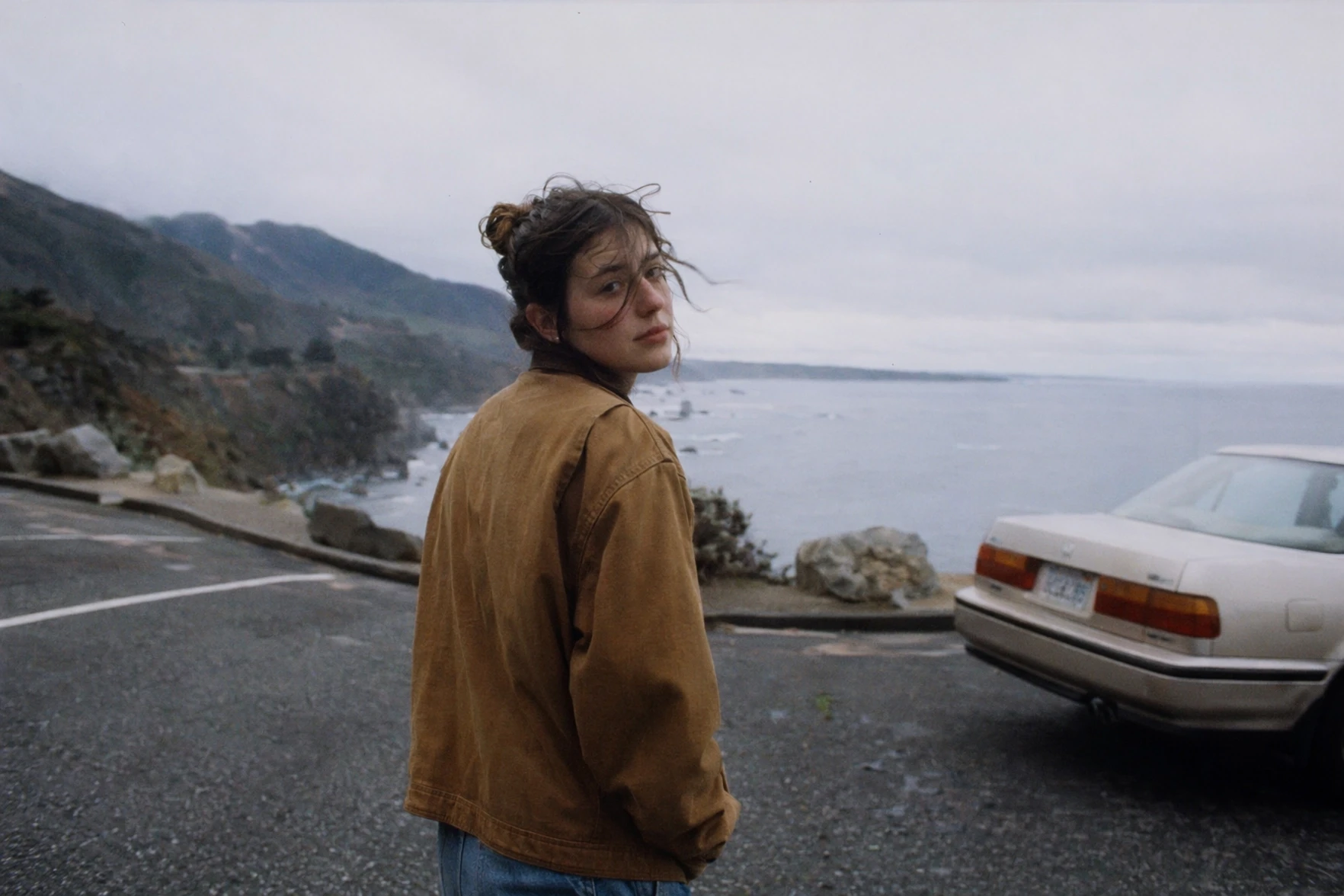
Photoreal Scenes
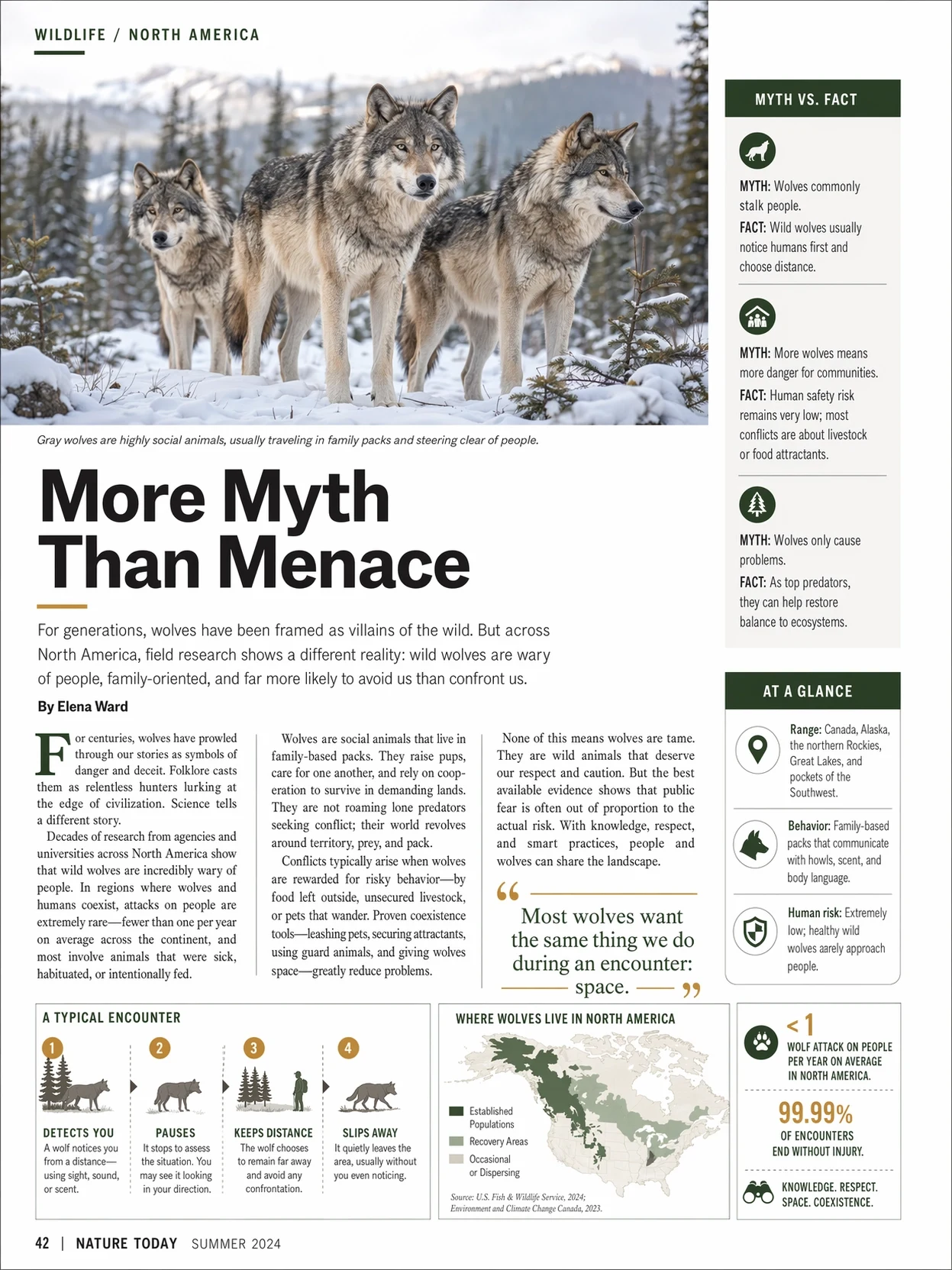
Dense UI and Infographics
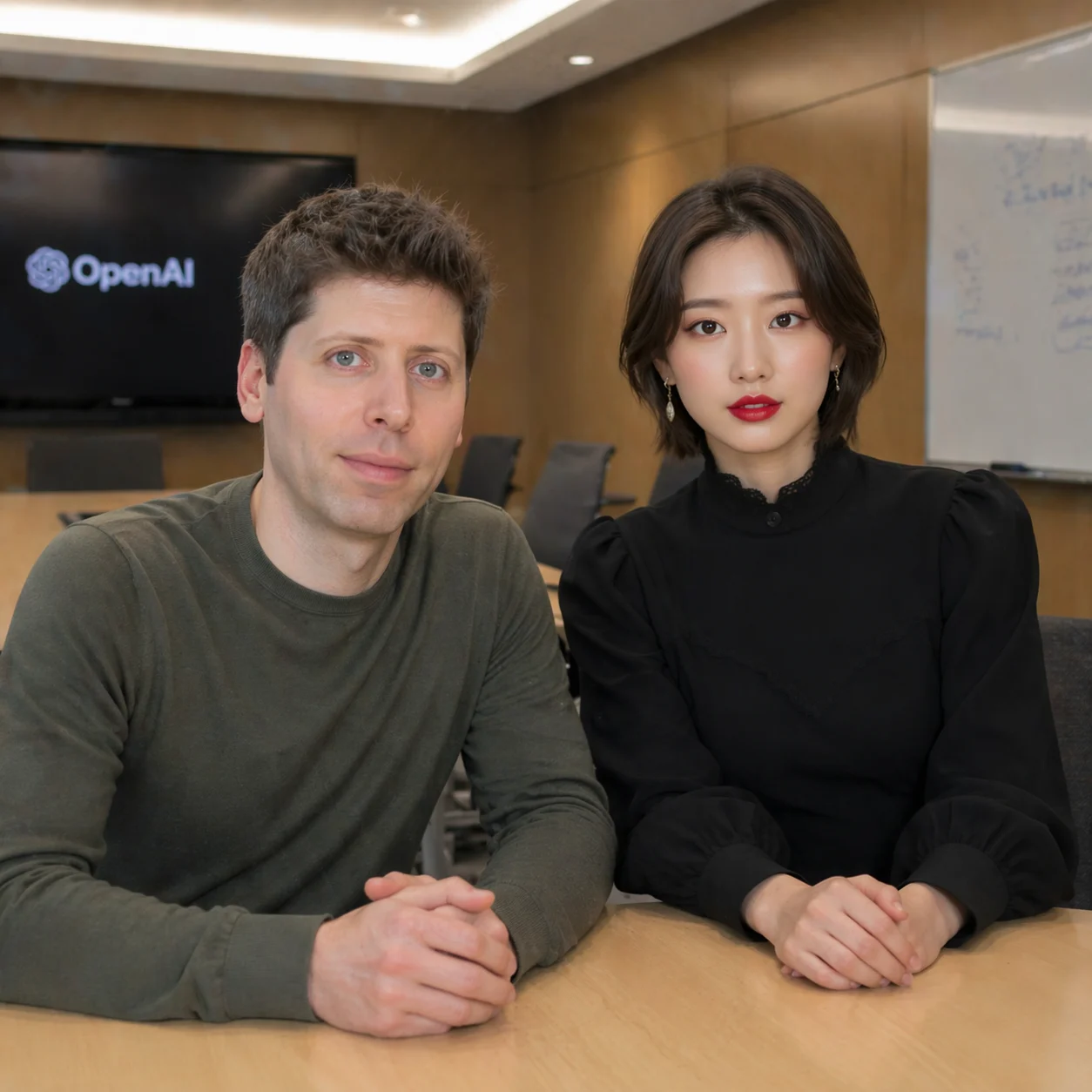
Pixel-Level Editing
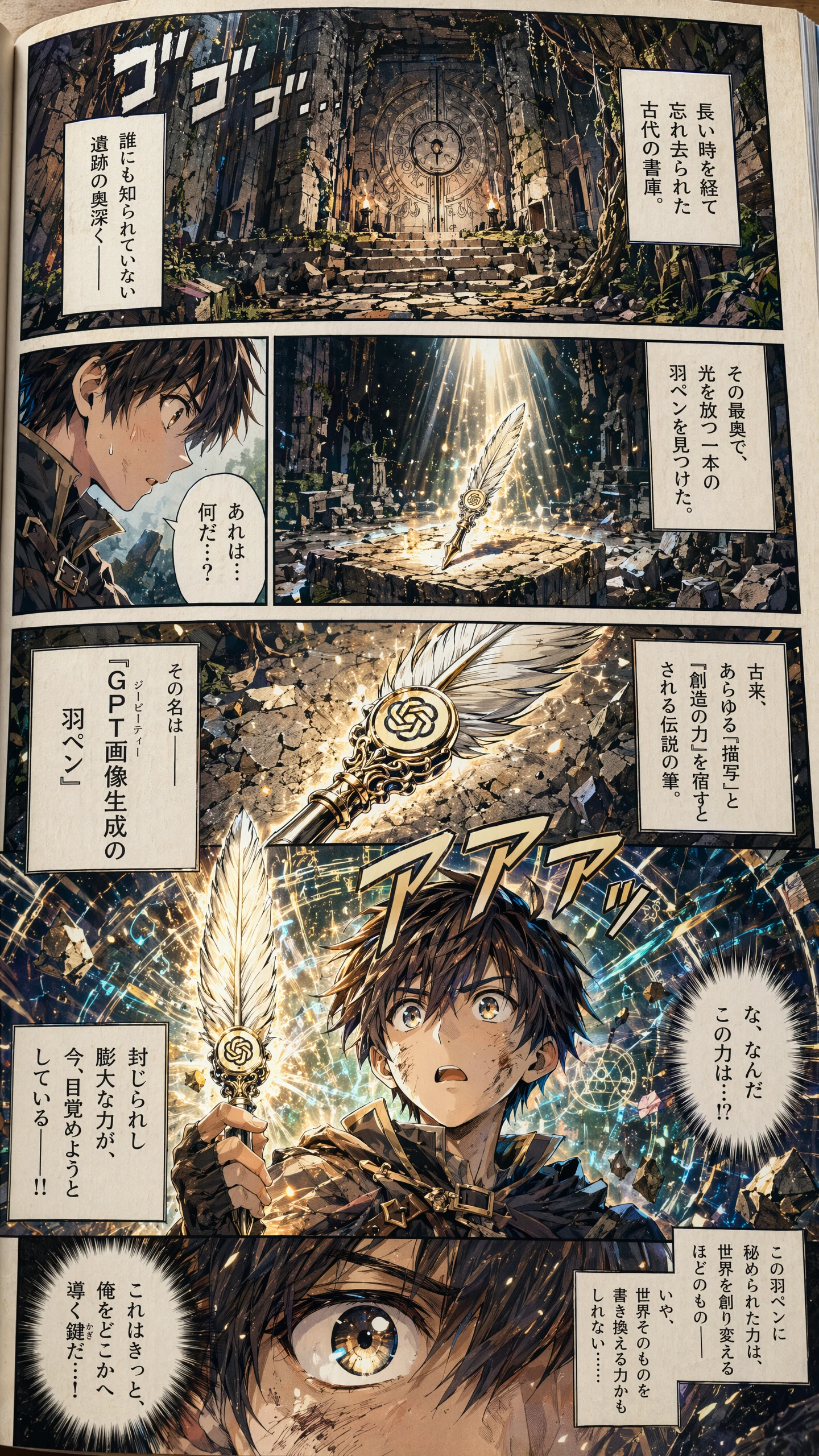
Manga & Anime Illustration
What Makes GPT Image 2 Different
OpenAI's latest image model focuses on precision, typography, and faithful instruction following - the fundamentals that commercial workflows rely on.
Greater Precision and Control
Dense compositions, multi-subject scenes, UI mockups, and structured layouts render without dropping key details. Your prompt actually shows up in the image.
Sharp In-Image Text
Render headlines, product labels, menu copy, captions, and long phrases with clean typography, consistent casing, and readable kerning across image sizes.
Stronger Across Languages
Accurate rendering for Japanese, Korean, Chinese, Arabic, Hindi, Bengali, Cyrillic, and more - purpose-built for localized ads, packaging, and global campaigns.
Stylistic Range and Realism
One model covers photorealism, illustration, manga, pixel art, architectural visualization, and editorial design - all with coherent art direction.
Pixel-Level Editing
Change a background, swap a product, recolor an object, or refine a scene without disturbing lighting, shadows, or surrounding style.
High-Fidelity Input Processing
Reference images are processed at full fidelity by default, so subject identity, layout, and visual style carry through to the generated output.
How to Use GPT Image 2 on Veevid
Go from prompt to production-ready image in three steps.
Write Your Prompt
Describe the subject, composition, typography, and style. GPT Image 2 handles dense, multi-subject prompts well - be as specific as you want.
Upload a Reference (Optional)
Switch to Image to Image and upload up to 16 reference images to preserve subject, style, or layout from existing assets.
Generate and Download
Hit Generate. Results arrive in seconds and download clean, watermark-free, ready for commercial use.
Frequently Asked Questions
Everything you need to know about GPT Image 2 on Veevid.
GPT Image 2 is OpenAI's latest image generation model, launched as ChatGPT Images 2.0 in April 2026. It focuses on greater precision and control, sharper in-image text, stronger multilingual typography, and faithful instruction following for dense compositions and commercial workflows.
Text-to-image and image-to-image workflows: editorial posters, marketing creatives, product shots, UI mockups, infographics, menus, packaging, comic pages, and photoreal scenes. Upload up to 16 reference images for image-to-image edits and style preservation.
GPT Image 2 is OpenAI's most accurate image model for text rendering, handling long phrases, punctuation, and multilingual scripts including Japanese, Korean, Chinese, Arabic, Hindi, and Cyrillic. It is well suited to headlines, product labels, UI copy, and campaign visuals.
GPT Image 2 on Veevid is priced by output resolution, the same for text-to-image and image-to-image: 1K costs 3 credits, 2K costs 5 credits, and 4K costs 8 credits. Note that the Auto aspect ratio only supports 1K, and 1:1 does not support 4K. Credits come with every plan, and you can top up as needed. See the Pricing page for current tiers.
Yes. Images generated with GPT Image 2 on Veevid can be used for personal and commercial projects - social media, advertising, branding, packaging, client work - with no additional licensing fee and no watermarks.
Discover More Image Tools
Explore the full suite of AI image and video generators on Veevid.
Start creating with GPT Image 2
OpenAI's latest image model - photoreal, text-accurate, commercial-ready. Generate your first image in seconds.
Generate Now