Image AI
Seedream 5.0 Pro AI Image Generator
Generate and edit images with ByteDance's Seedream 5.0 Pro. Edit an exact region by marking it or giving coordinates, render text in 14 extra languages, and blend up to 10 reference images.
Describe what you want to generate
Preview
Generated image will appear here
What Seedream 5.0 Pro Can Do
Real outputs from the model, including before and after pairs for image editing.
Image editing: before and after
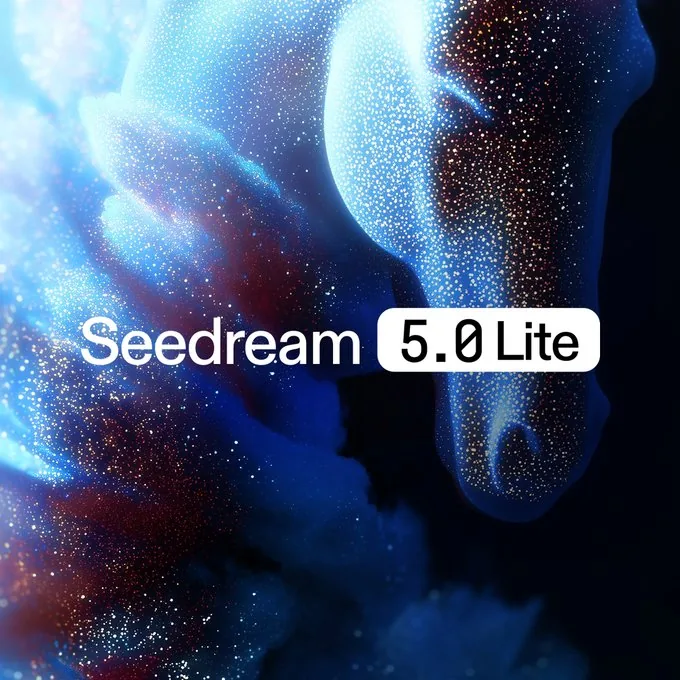
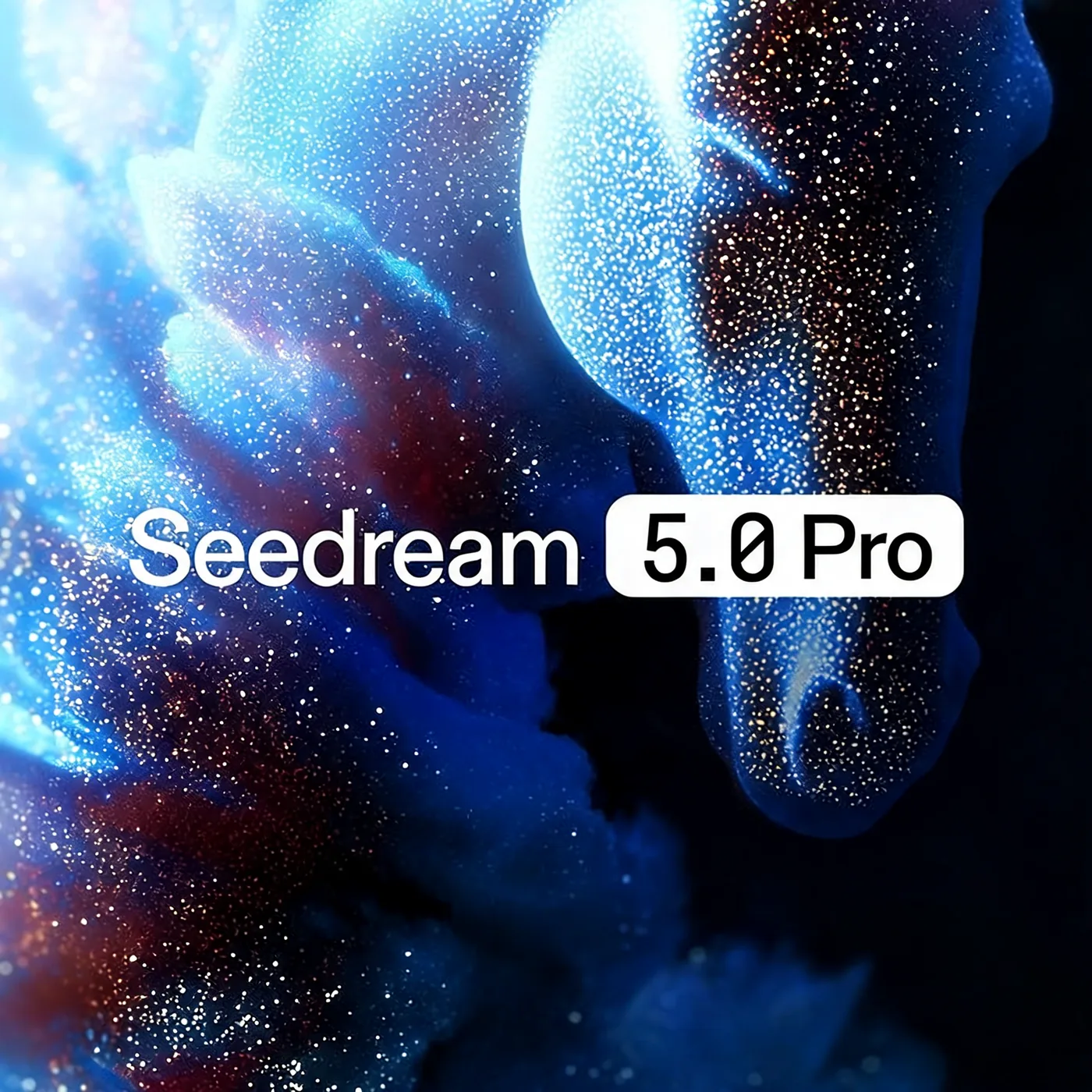
Swap text inside an image
change text "Lite" into "Pro"
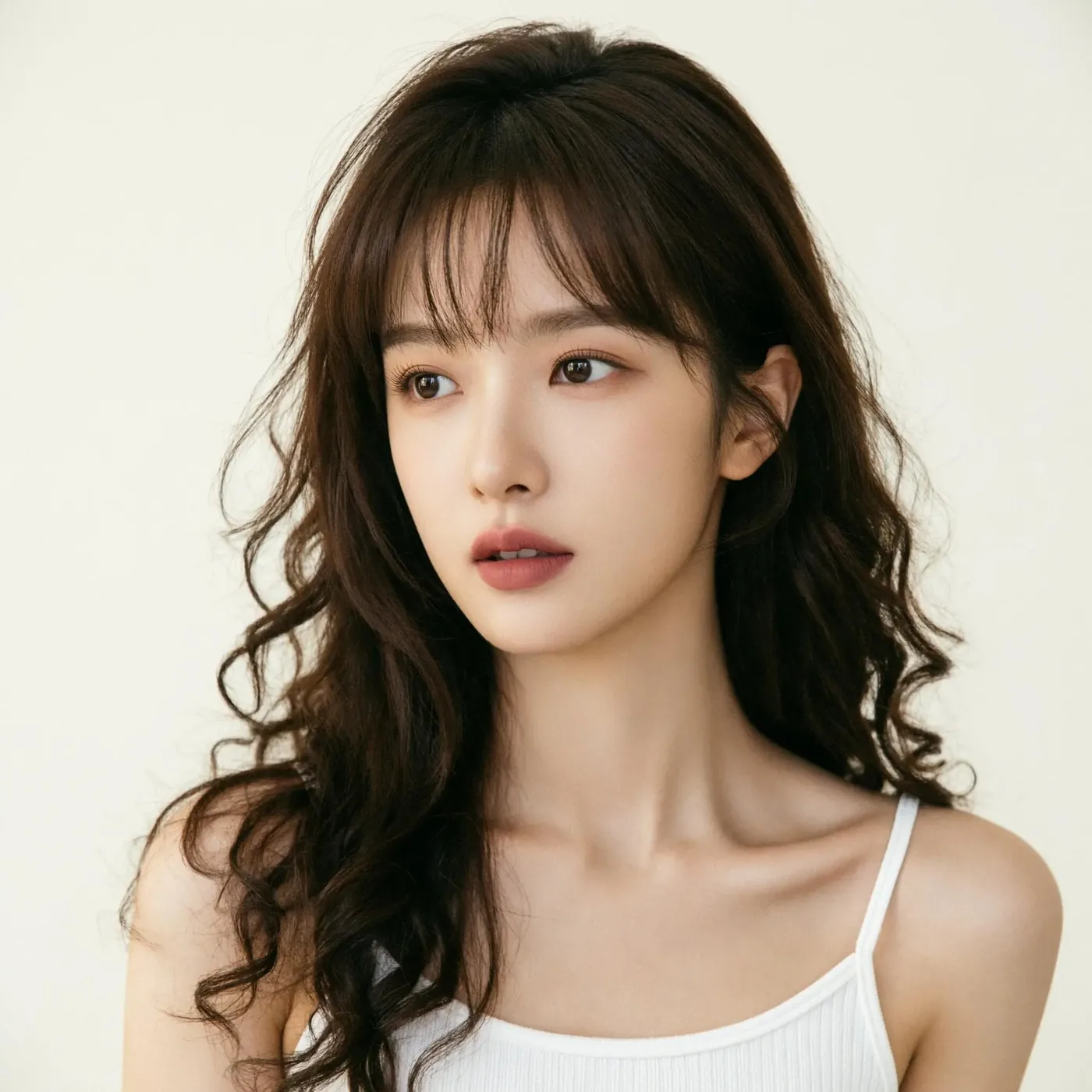
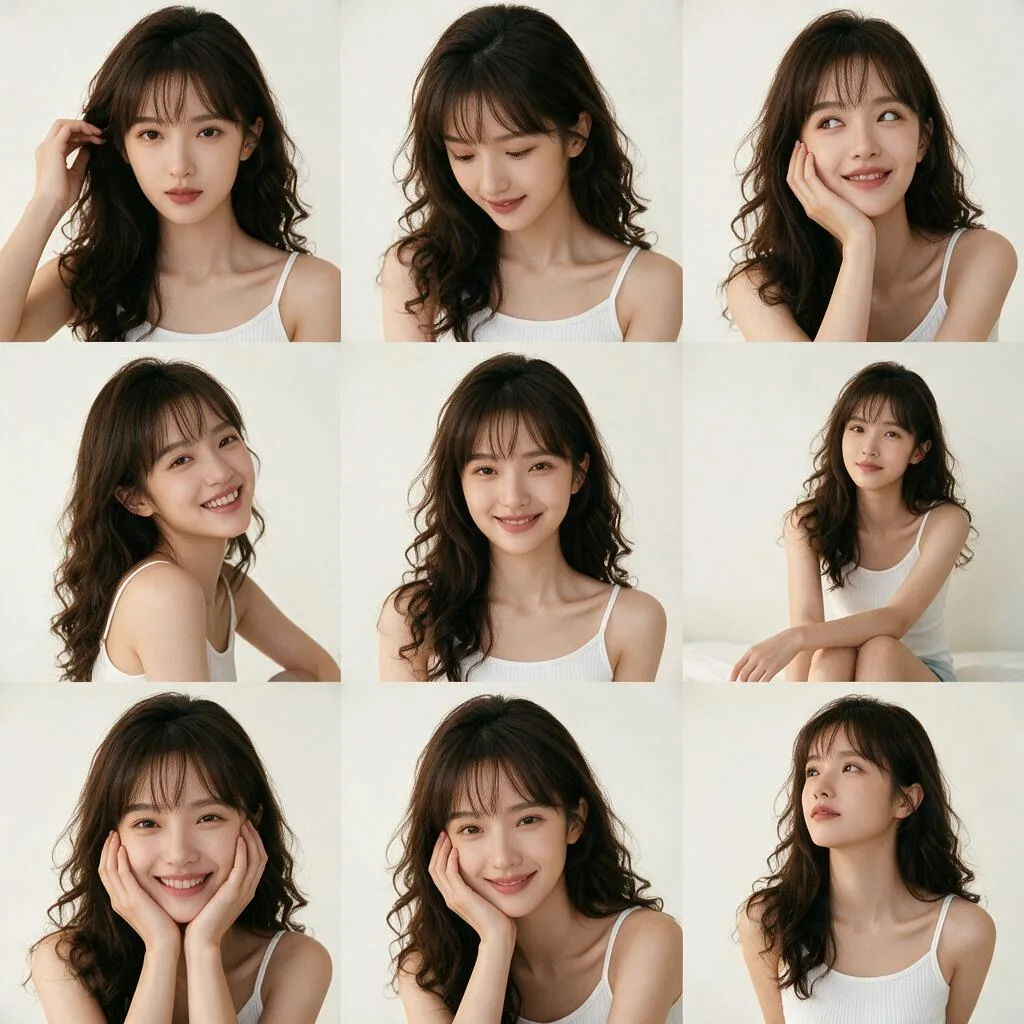
One photo to a pose sheet
Generate a nine-grid image set featuring different poses

Sketch to photoreal render
Turn this drawing into a photorealistic image, preserving the exact layout, proportions and perspective
Text to image
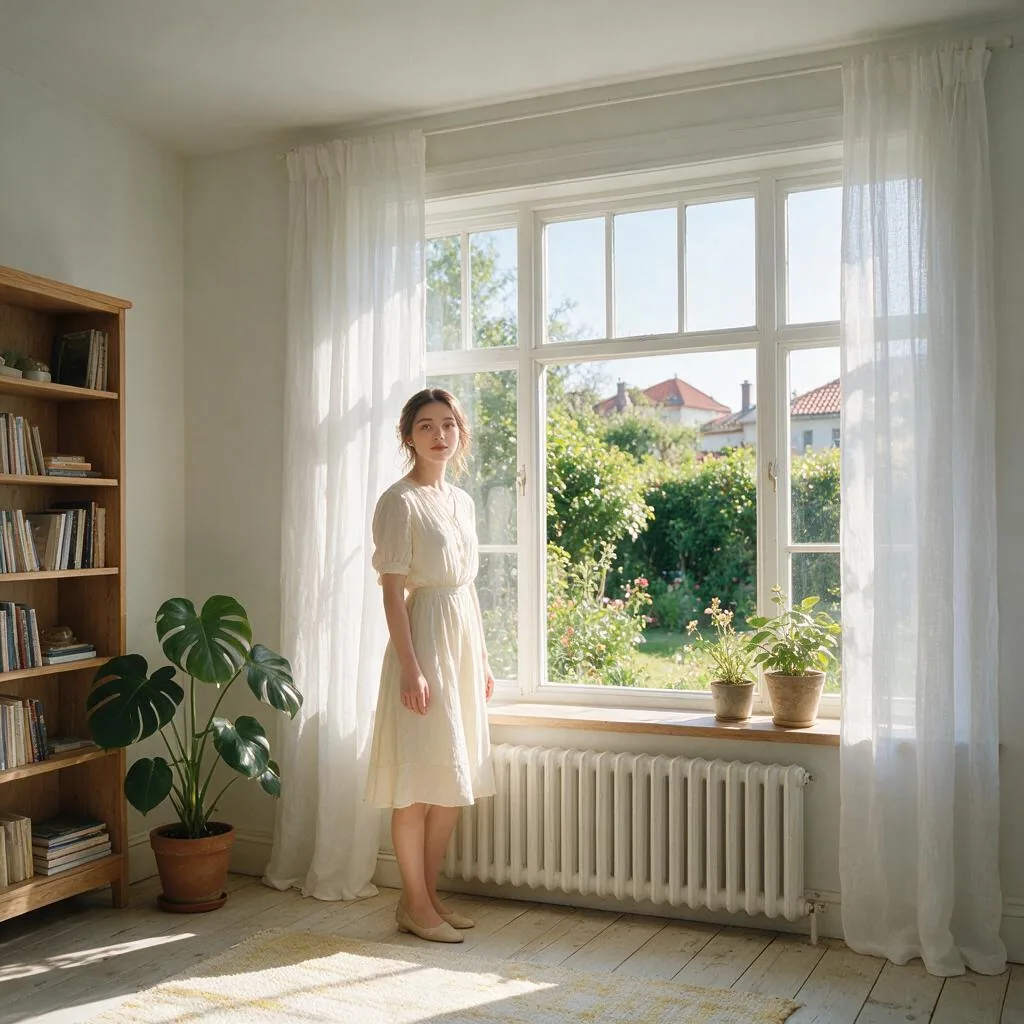
Realistic portraits
A realistic portrait of a young woman standing by a large window in a bright room

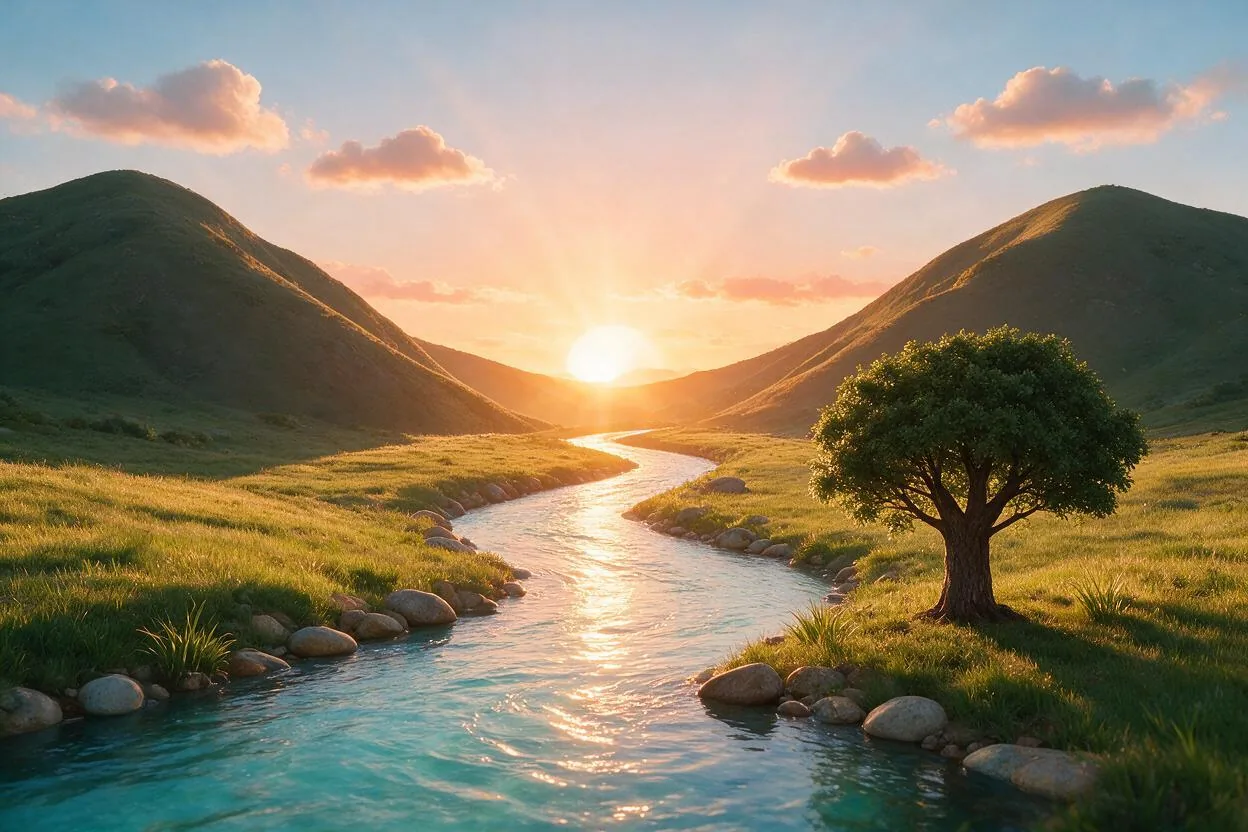
Cinematic landscapes
A dreamy lavender field at sunset with rows of purple flowers stretching into the distance
Built for Work Where Details Matter
Seedream 5.0 Pro is ByteDance's multimodal image model, built for high-precision generation with control over where each element lands.
Pinpoint editing
Mark up the reference image, or give coordinates in the prompt, and the model edits only that region. Replace an object, drop a subject at an exact spot, or swap the words on a sign while the original typeface and lighting stay put.
14 extra languages
Native text generation in Russian, Arabic, Filipino, Thai, Turkish, Korean, Malay, Spanish, Portuguese, Indonesian, French, German, Vietnamese and Japanese, not pasted-on lettering.
Dense information layouts
Charts, labelled diagrams and posters where small type has to stay readable, not dissolve into texture at the edges of the canvas.
Realistic portraits
Skin, hair and fabric hold up under natural light, with consistent lighting direction across the frame.
Up to 10 reference images
Blend subjects, styles and compositions from several photos at once to build product series or consistent character sets.
Sketch to finished render
Feed a line drawing or rough layout and get a photorealistic version back with the original proportions and perspective intact.
How to Use Seedream 5.0 Pro
Three steps from prompt to finished image.
Pick your mode
Start from text, or switch to Image to Image and upload up to 10 reference images to edit or combine.
Write the prompt
Describe the subject, layout and any text that has to appear. Be specific about wording you want rendered inside the image.
Set size and generate
Choose an aspect ratio and 1K or 2K, then generate. Download the result or send it straight into another Veevid tool.
Seedream 5.0 Pro FAQ
What people ask most about the model.
Seedream 5.0 Pro is ByteDance's multimodal image model. It generates images from text and edits existing ones from reference images, with particular strength in rendering readable text inside the image and in dense layouts like infographics and posters.
Pro is tuned for precision work: editing text inside an image, dense information layouts and realistic portraits. Lite is the cheaper option for everyday generation and multi-image blending, and it supports higher output resolutions. Both are available on this page from the model dropdown, so you can try the same prompt on each.
Two output tiers: 1K and 2K. 2K roughly doubles the pixel count and costs more credits, which is worth it when small type or fine detail has to stay sharp. If you need higher than 2K, use Seedream 5.0 Lite instead.
Yes. Switch to Image to Image and upload up to 10 reference images. It handles targeted edits such as replacing text or an object, as well as combining several references into one composition. Every generation needs a specific aspect ratio, so pick one that matches your source image.
Generation runs on credits: 7 credits for a 1K image and 14 for 2K. The first reference image is included in that price, and each additional one adds a fraction of a credit, so a 10-image composition costs 12 credits at 1K. Credits come from a subscription or a one-off pack, and pack credits never expire.
Yes. Images you generate on Veevid are yours to use in commercial work, including client projects, ads and product listings. You are responsible for making sure your prompts and reference images do not infringe anyone else's rights.
More Ways to Create
Other Veevid tools that pair well with Seedream 5.0 Pro.
Try Seedream 5.0 Pro
Generate from a prompt or edit an image you already have, at 1K or 2K.
Start Creating