NEW MODEL

Seedance 2.5 AI Video Generator

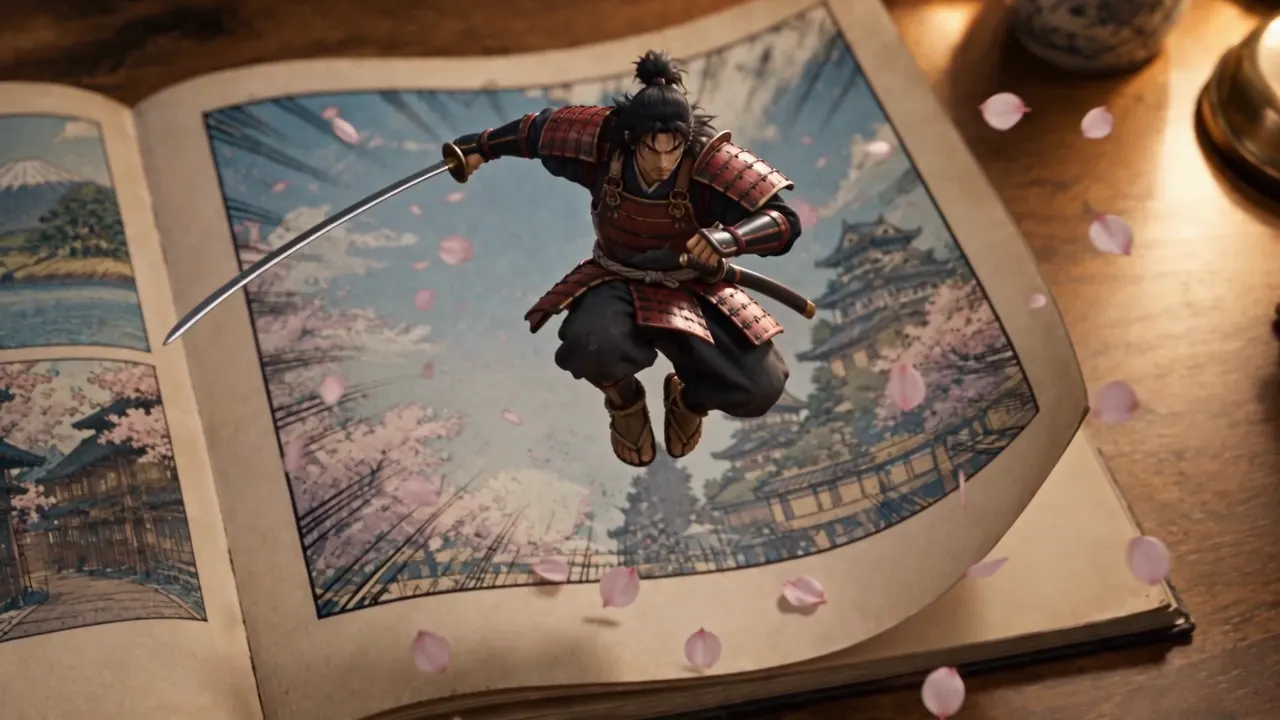
One continuous 30-second take with native audio, no stitching. Guide the shot with up to 50 image, video and audio references, then edit or extend the result in place.

Text to Video

0

Made with Seedance 2.5

Editing, extension, first-frame animation and multilingual audio, all from the model itself.

Region-Level Editing

Remove everyone except the protagonist. Output keeps the source video's 5:4 ratio and length.

Video Extension

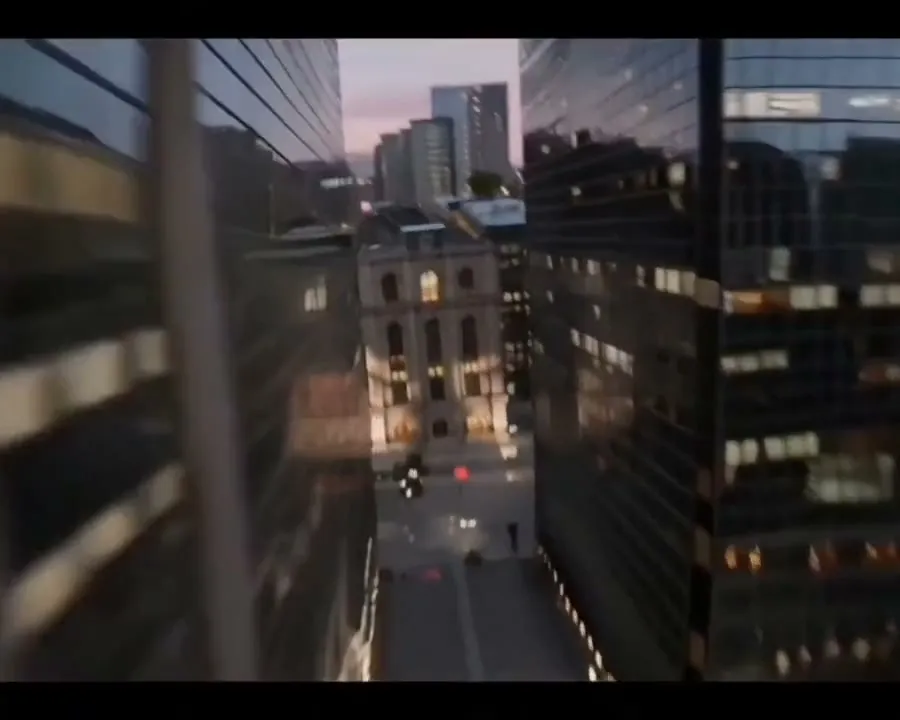
Continue a clip into a new scene. Output keeps the 7:5 ratio of the video being extended.

First Frame to Video

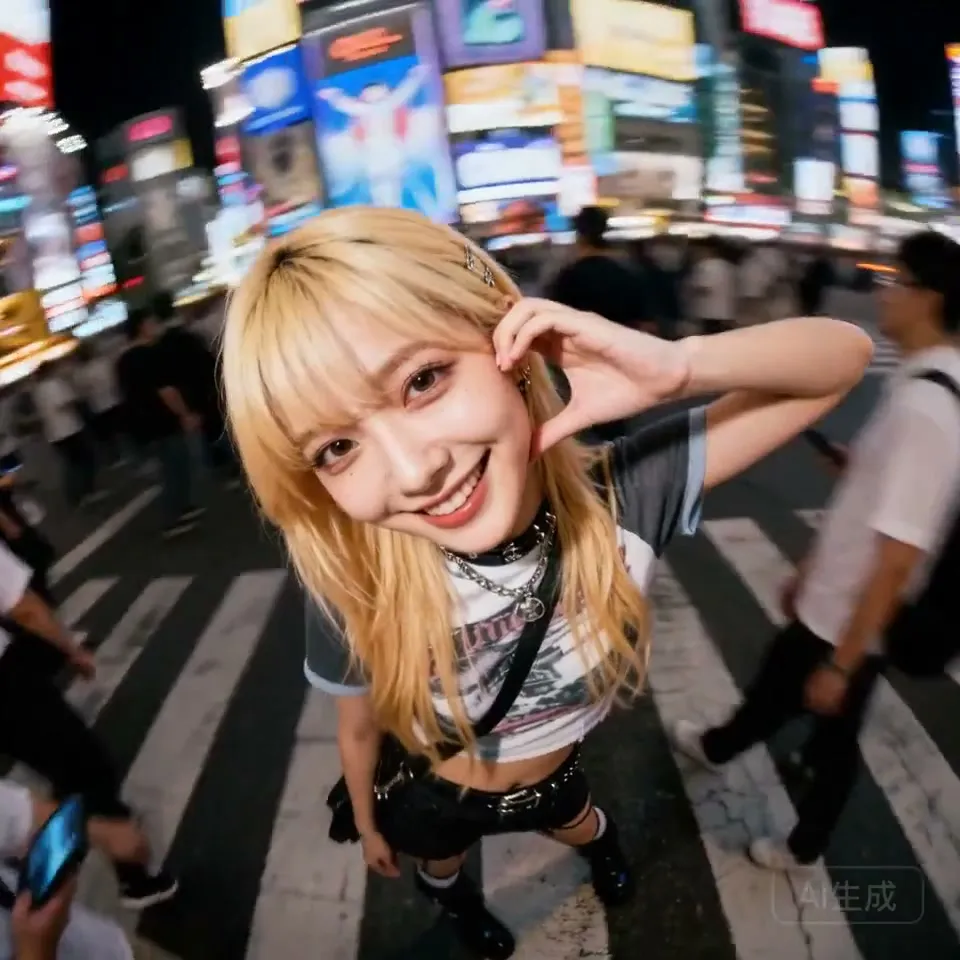
Animate a still image. Output ratio follows the 1:1 of the first-frame image.

Multilingual Audio

Speech generated alongside the picture, with native output across 11 languages. Tap the speaker icon to hear it.

What Seedance 2.5 Adds

Longer takes, far more reference slots, and editing that works on footage you already have.

01

30 Seconds in One Pass

Generate up to 30 seconds of continuous video in a single render, double the 15-second ceiling of the Seedance 2.0 series. A full spot comes back whole instead of stitched from short clips.

02

Up to 50 References

Feed 30 images, 10 videos and 10 audio clips in one request to lock character, set and palette. The 2.0 series caps at 9 images and 3 clips.

03

Audio-Only Reference

A voice, music or sound-effect track can drive pacing, beat matching and lip sync on its own. The 2.0 series requires an image or video alongside any audio.

04

Region-Level Editing

Swap a subject, add or remove an object, or replace the soundtrack while the rest of the frame stays untouched. Output keeps the length and aspect ratio of your source video.

05

Extend in Both Directions

Continue a clip past its last frame or generate the moment before its first, holding character and rhythm across the seam. Reference videos can run up to 30 seconds.

06

1080p and MOV Output

Render natively at 480p, 720p or 1080p. The 1080p tier uses 10-bit color, and MOV output carries yuv444p chroma with PCM audio for editing workflows.

How to Use Seedance 2.5

Three steps from a written brief to a finished take.

1

Describe the Shot

Write the subject, action, camera move and lighting. Timestamped beats such as 0-3s and 3-6s help the model pace a longer take.

2

Attach References

Add images for character and style, videos for motion and composition, or audio to drive rhythm. Refer to them as @Image1 or @Video1 inside the prompt.

3

Generate and Refine

Pick resolution, duration and output format, then render. Send the result back through editing or extension without losing the take you liked.

Frequently Asked Questions

What Seedance 2.5 changes, and where its limits are.

Seedance 2.5 is ByteDance's video generation model built around long single takes and multimodal references. It renders up to 30 seconds in one continuous pass with audio generated alongside the picture, and accepts up to 50 reference assets to hold a character, set or style across the shot.

Three changes matter most. Maximum duration doubles from 15 to 30 seconds. Reference capacity goes from 15 assets to 50. And audio can now be used on its own as a reference, where the 2.0 series required an image or video alongside it. On resolution the two currently overlap up to 1080p, and Seedance 2.0 also offers a 4K tier today.

Not yet. Seedance 2.5 currently outputs 480p, 720p and 1080p, with the 1080p tier using 10-bit color. 4K is on the roadmap and will be added once the model exposes it, so this page will pick it up when it lands. If you need 4K right now, Seedance 2.0 already supports it.

Between 4 and 30 seconds, generated as one continuous take rather than stitched segments. You can also let the model pick the length itself, in which case an edit keeps the length of your source video.

Yes. Editing changes one region of a clip, such as replacing a subject or removing an object, and leaves the rest of the frame alone. Extension adds time before or after an existing clip. Both accept source videos up to 30 seconds, and editing preserves the original length and aspect ratio.

Generation runs on credits, charged per second of output. Cost scales with resolution, so a 480p clip costs far less than the same clip at 1080p. Requests that include a reference video are charged across the combined input and output duration. The exact credit cost is shown before you generate.

Discover More AI Tools

Explore the rest of our video and image generation suite.

Start Your First 30-Second Take

Bring your references, write the brief, and let Seedance 2.5 render the whole scene in one pass.

Get Started Now