AI GIF Maker
AI GIF Generator: Turn Text or a Photo into a Looping GIF
Describe a motion or upload a photo and get a looping 512×512 animated GIF with 9 frames, for reactions, memes, brand mascots and product loops. 16 credits per GIF, no watermark.
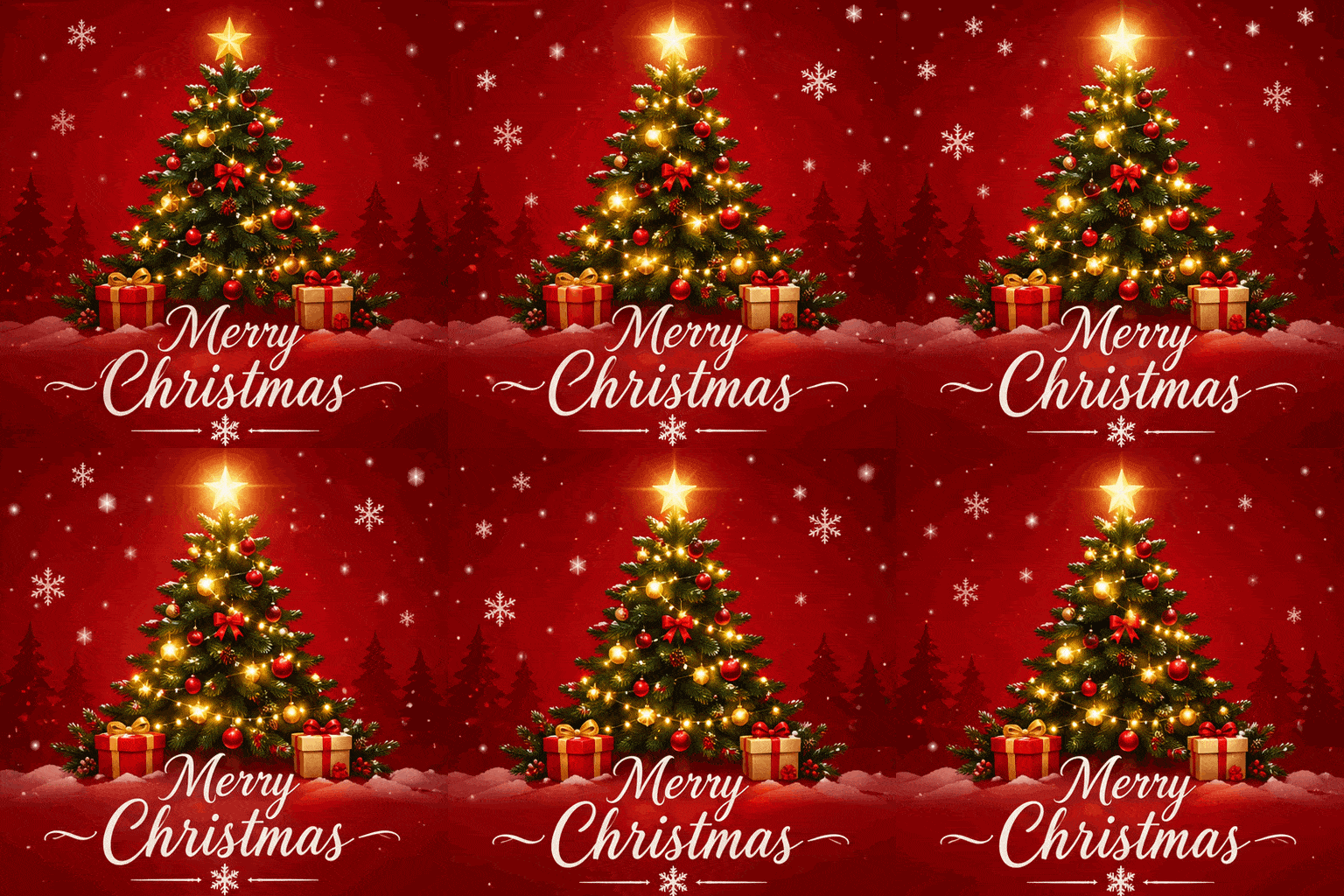
Create a single animation sprite sheet for a seamless looping GIF. A festive Christmas greeting card: a small decorated pine tree with glowing string lights on a deep red background, with the words "Merry Christmas" in elegant white script below the tree. The sequence: the tree lights twinkle on and off in a gentle wave, snowflakes drift down across the card, and the gold star on top glows brighter, then softer. Fixed front camera, same card layout; the text stays sharp and identical in every frame. The last frame transitions smoothly back to the first. Flat illustrated holiday card style. No other text, no borders, no gutters.
 Sample Image
Describe what you want to generate
GIF sizes: 1:1 512×512 / 16:9 768×432 / 9:16 432×768 / 4:3 576×432 / 3:4 432×576. 9 frames at 200 ms each.
AI GIF Examples with Prompts
Every GIF below was made from the prompt shown, with the same settings this generator uses: 512×512, 9 frames. Click Try this to load the example into the generator.
Christmas GIFs
An animated Christmas card, a waving Santa, a hopping reindeer and a snowman, each from one prompt. Short text such as "Merry Christmas" stayed the same in every frame when the prompt asked for it.
GIFAnimated "Merry Christmas" card
Prompt: Create a single animation sprite sheet for a seamless looping GIF. A festive Christmas greeting card: a small decorated pine tree with glowing string lights on a deep red background, with the words "Merry Christmas" in elegant white script below the tree. The sequence: the tree lights twinkle on and off in a gentle wave, snowflakes drift down across the card, and the gold star on top glows brighter, then softer. Fixed front camera, same card layout; the text stays sharp and identical in every frame. The last frame transitions smoothly back to the first. Flat illustrated holiday card style. No other text, no borders, no gutters.
 GIF
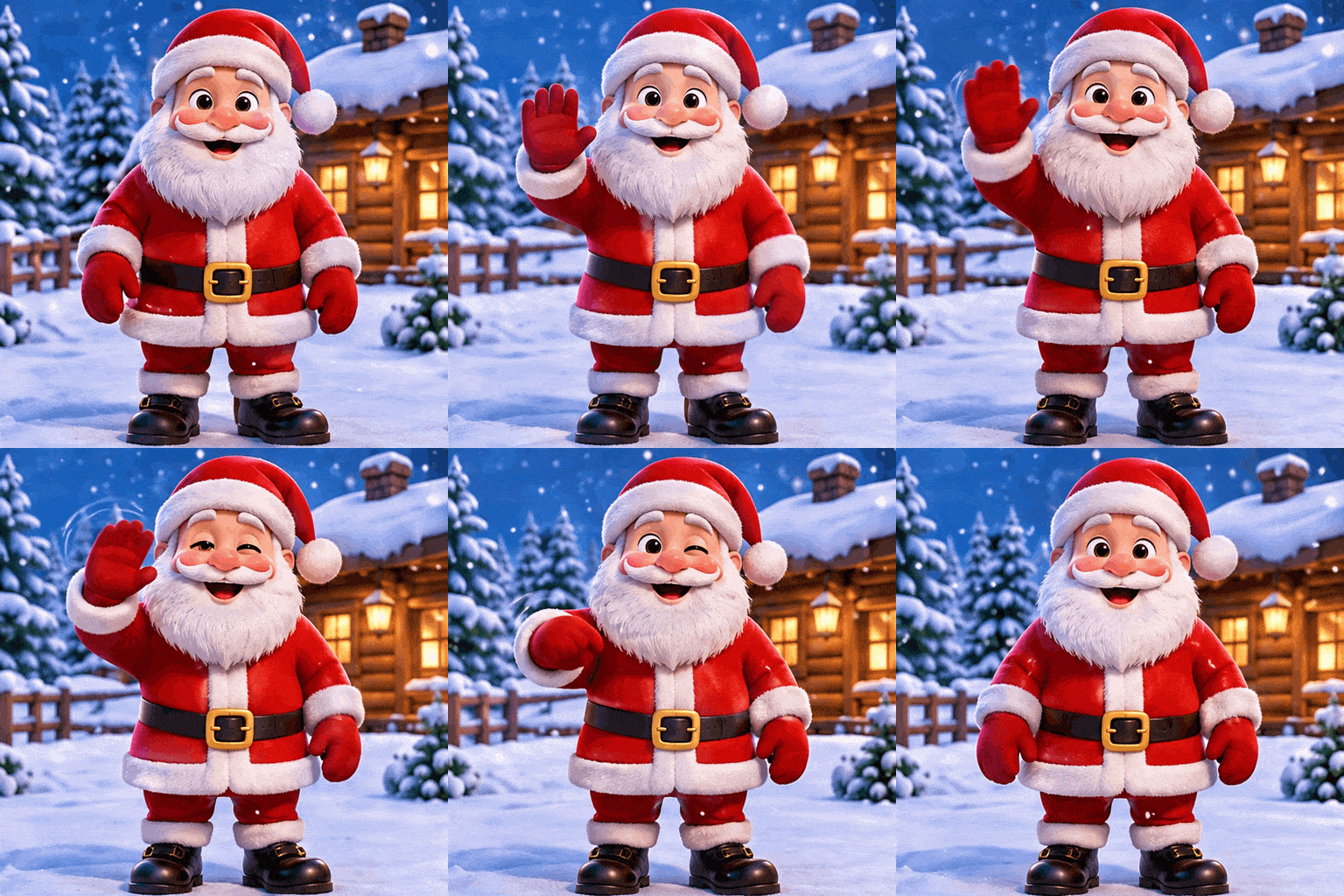
Santa waving
Prompt: Create a single animation sprite sheet for a seamless looping GIF. A jolly cartoon Santa Claus with a fluffy white beard and red suit, standing in front of a snowy log cabin. The sequence: Santa raises his right hand and waves, smiles wider and winks, then lowers his hand back to his side. Fixed front camera, same character, same background, snow gently falling. Clear incremental arm motion; the last frame transitions smoothly back to the first. Cute 3D cartoon style. No captions, no words, no logos, no borders, no gutters.
 GIF
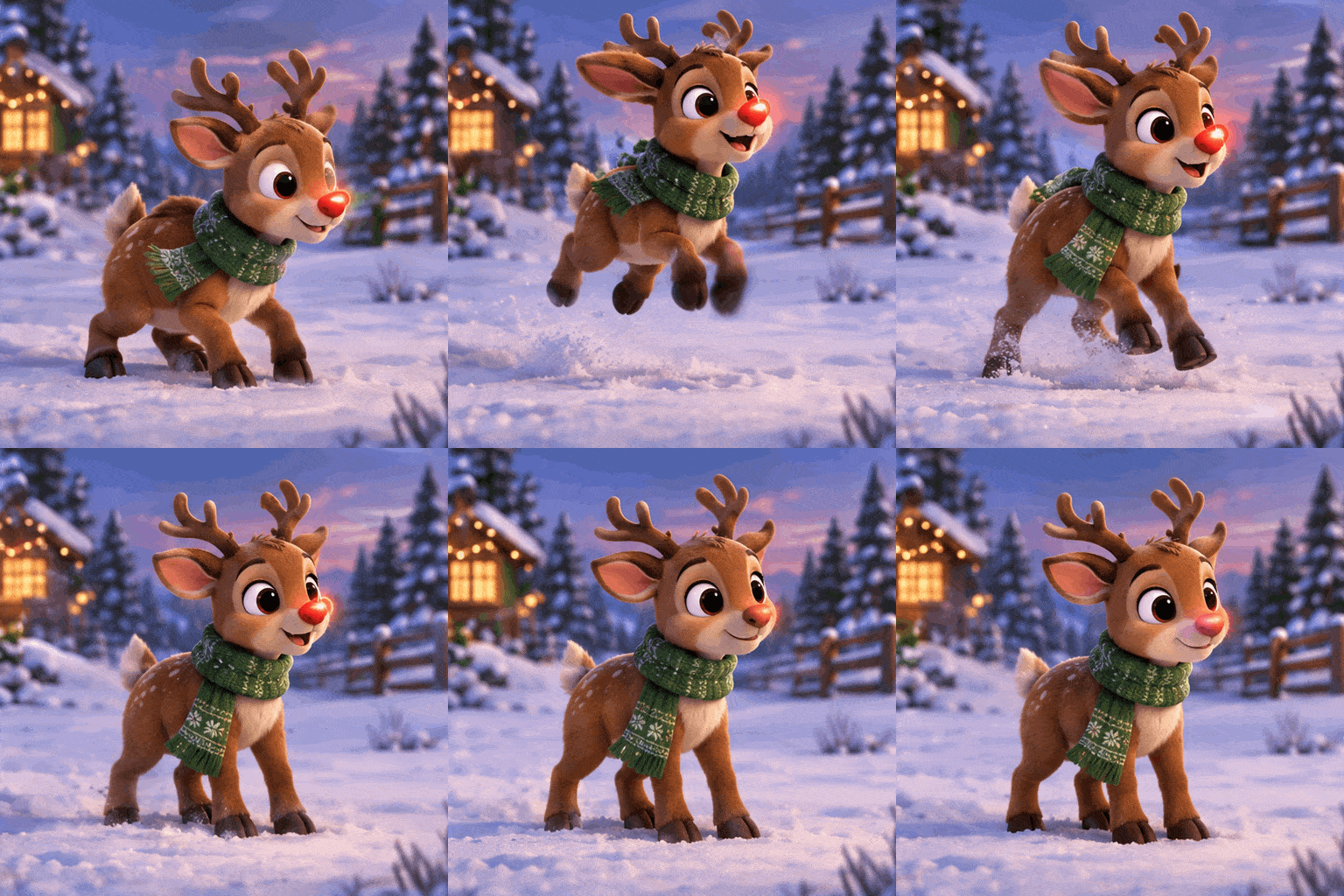
Hopping reindeer
Prompt: Create a single animation sprite sheet for a seamless looping GIF. A cute cartoon reindeer with a glowing red nose and a green knit scarf, standing in a snowy field at dusk. The sequence: the reindeer crouches, hops up with its ears flopping, lands softly, and its red nose blinks bright, then dim. Fixed side-front camera, same character, same background. Clear incremental body motion; the last frame transitions smoothly back to the first. Soft 3D cartoon style. No captions, no words, no logos, no borders, no gutters.
 GIF
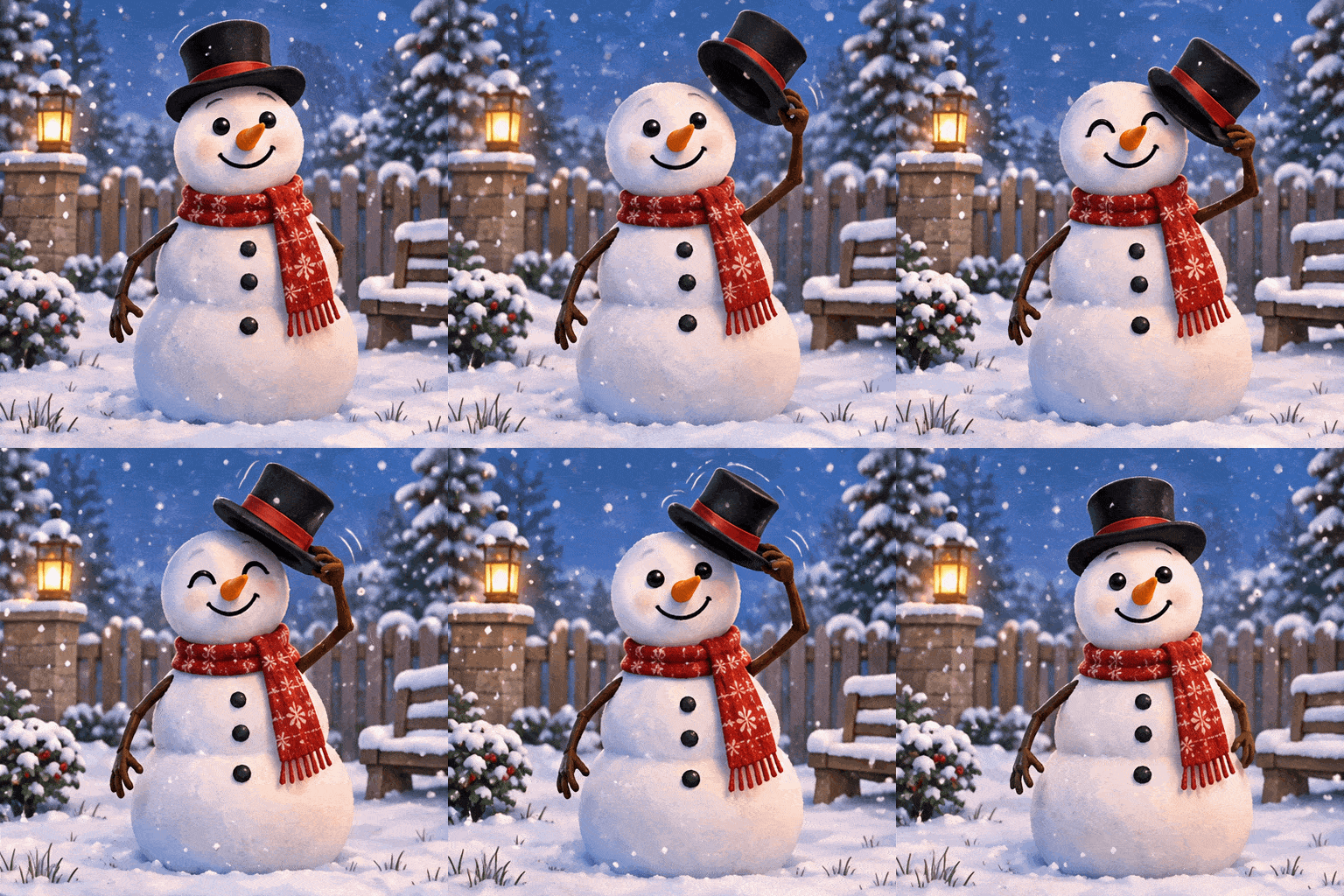
Snowman tipping its hat
Prompt: Create a single animation sprite sheet for a seamless looping GIF. A friendly snowman with a carrot nose, a black top hat and a red scarf, in a quiet snowy garden. The sequence: the snowman lifts its top hat with one stick arm, tips it in a little greeting, smiles, then puts the hat back on. Fixed front camera, same snowman, same garden, snowflakes falling slowly. Clear incremental arm motion; the last frame transitions smoothly back to the first. Storybook illustration style. No captions, no words, no logos, no borders, no gutters.
Reaction GIFs, Mascots and Product Loops
Make your own reaction GIFs and stickers, animate a brand mascot, or turn a product shot into a loop for social posts and emails.
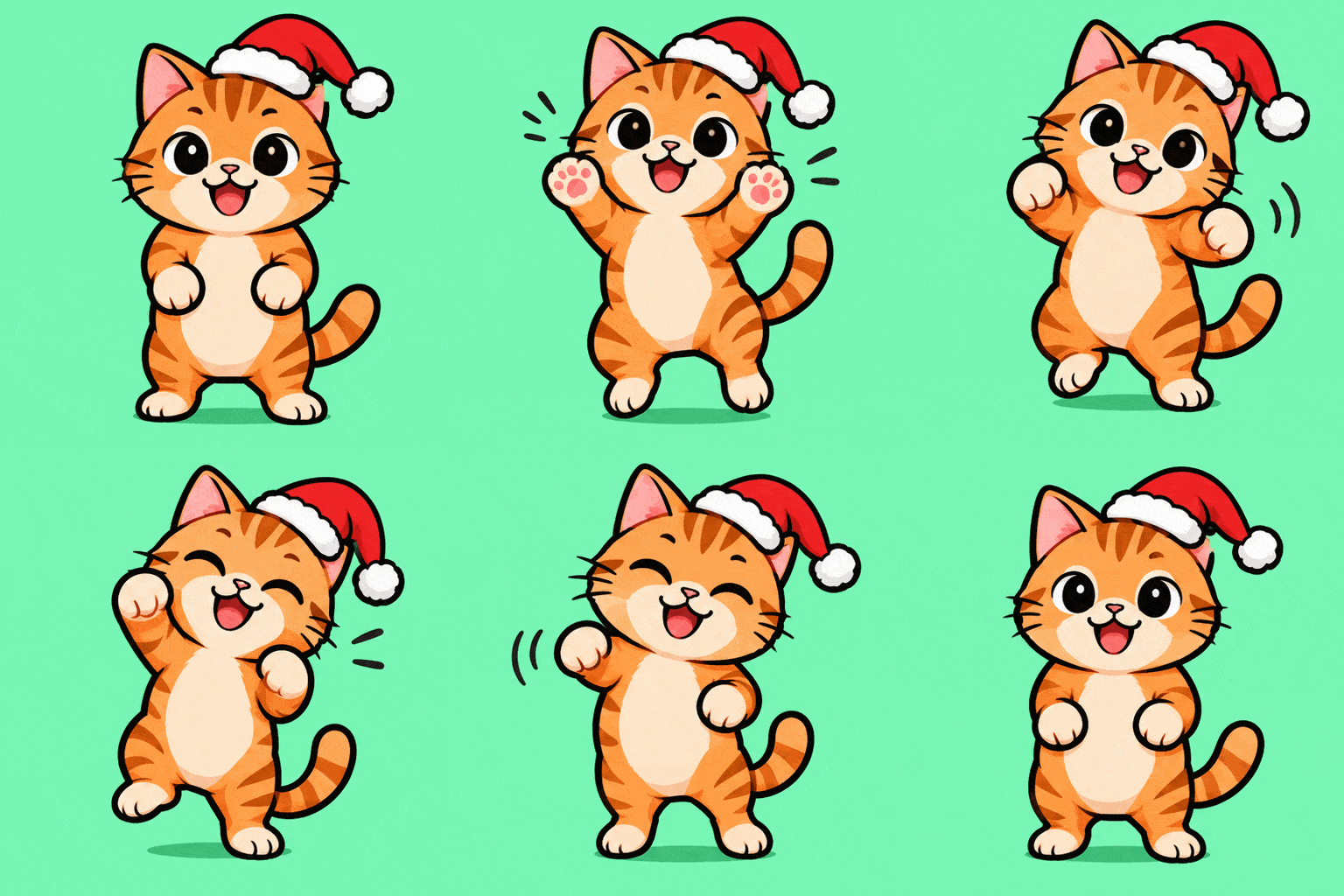 GIF
Dancing cat reaction GIF
Prompt: Create a single animation sprite sheet for a seamless looping GIF reaction sticker. A happy orange tabby cat wearing a tiny Santa hat does a little victory dance: it bobs left, raises both front paws, bobs right, closes its eyes with a big grin, then returns to the starting pose. Fixed front camera, same cat, plain mint green background. Clear incremental body and paw motion; the last frame transitions smoothly back to the first. Flat vector sticker style, thick outline. No captions, no words, no logos, no borders, no gutters.
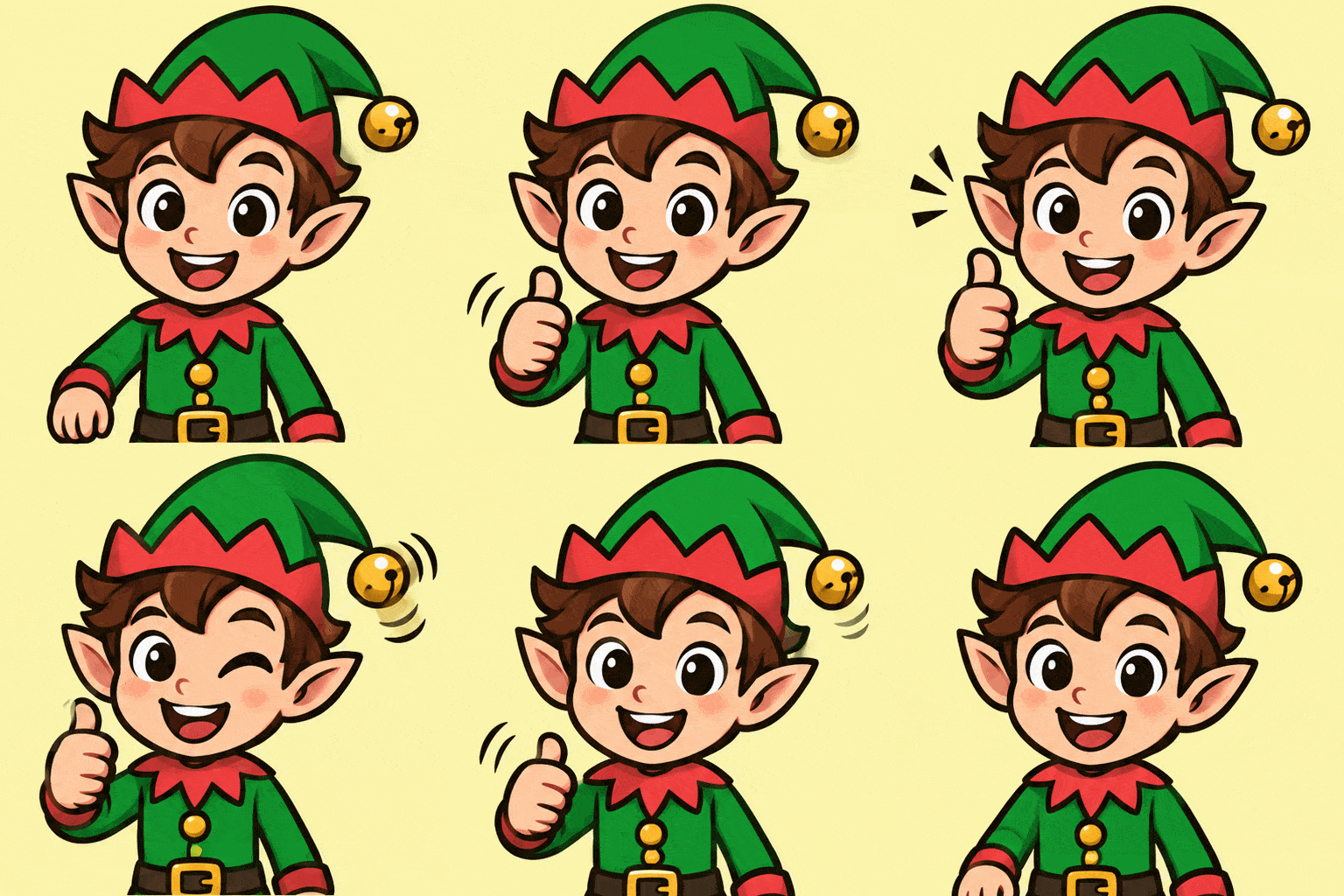 GIF
Thumbs-up reaction GIF
Prompt: Create a single animation sprite sheet for a seamless looping GIF reaction sticker. A cheerful cartoon Christmas elf in a green hat with a bell gives a big thumbs up: the elf raises one hand into a thumbs up, winks, the bell on the hat jingles, then the hand lowers again. Fixed front camera, same character, plain light yellow background. Clear incremental arm motion; the last frame transitions smoothly back to the first. Flat vector sticker style, thick outline. No captions, no words, no logos, no borders, no gutters.
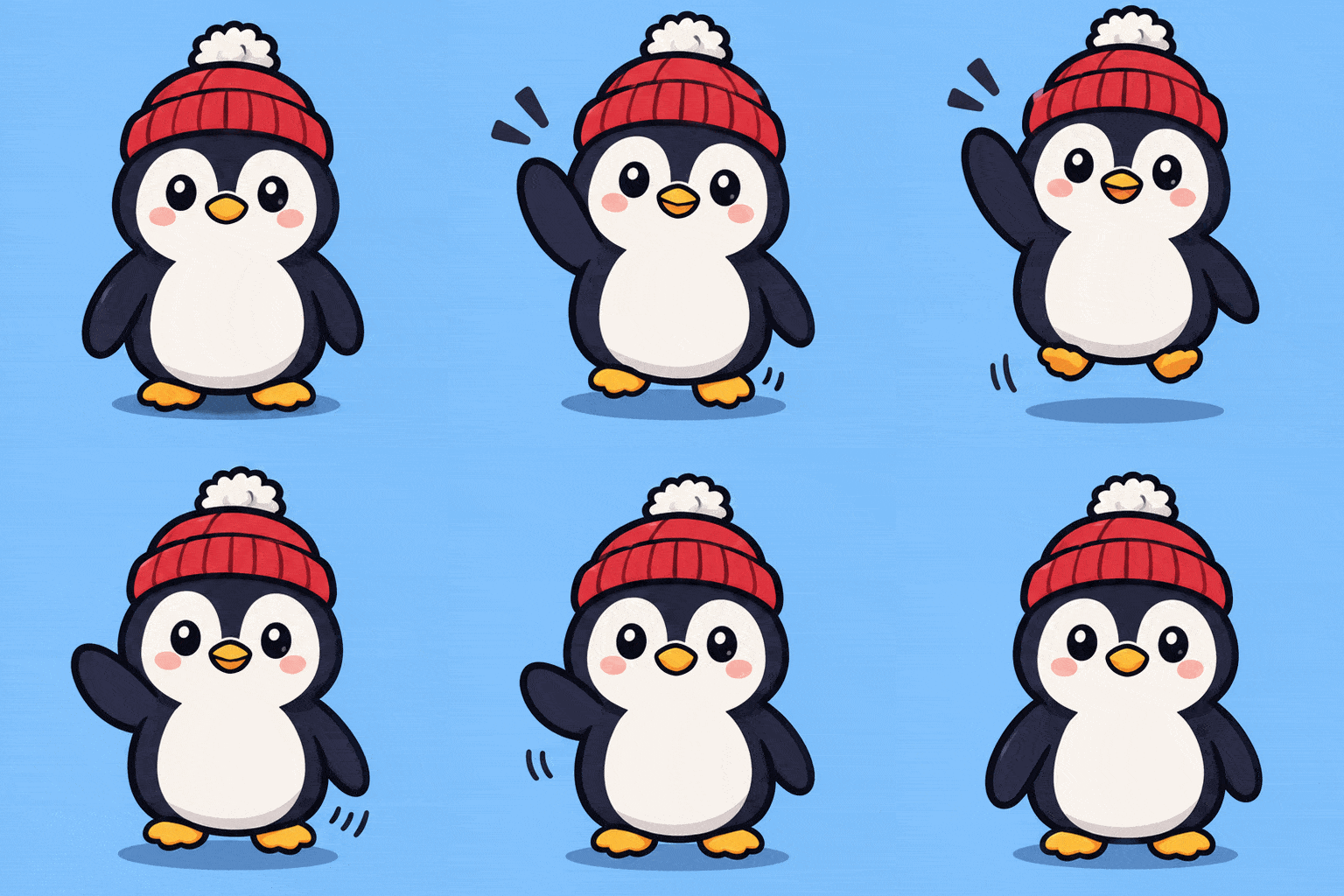 GIF
Brand mascot GIF
Prompt: Create a single animation sprite sheet for a seamless looping GIF. A round, cute penguin brand mascot wearing a red knit beanie with a white pompom. The sequence: the penguin waves one flipper hello, bounces up a little, blinks, then settles back to the starting pose. Fixed front camera, same character, plain soft blue background. Clear incremental flipper and body motion; the last frame transitions smoothly back to the first. Clean flat vector mascot style, thick outline. No captions, no words, no logos, no borders, no gutters.
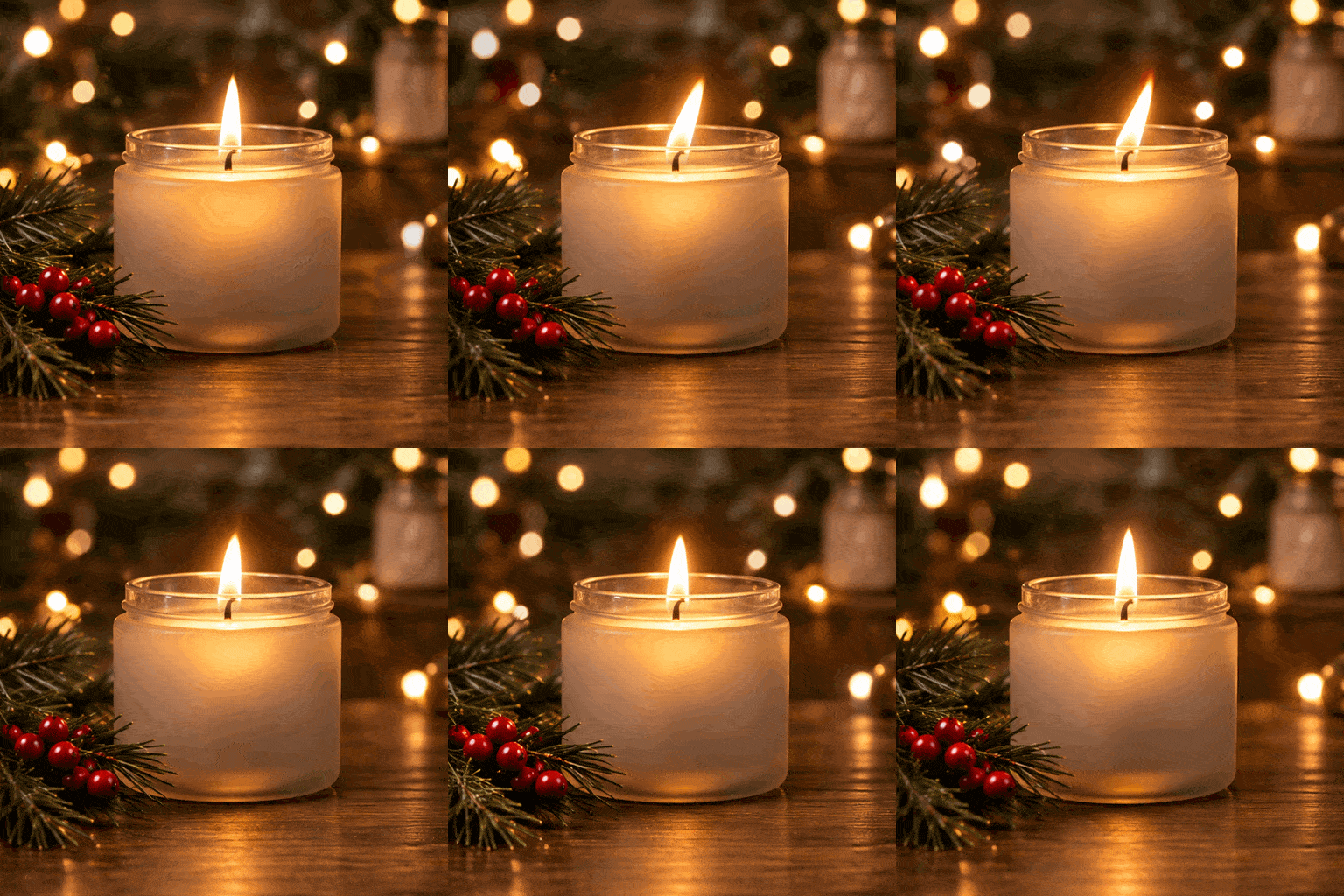 GIF
Product loop GIF
Prompt: Create a single animation sprite sheet for a seamless looping GIF. A frosted glass candle jar with a lit pine-scented candle on a wooden table, a sprig of pine and a few red berries beside it, blurred warm fairy lights in the background. The sequence: the candle flame flickers gently, warm light shimmers across the glass, and the fairy lights in the background twinkle softly. Fixed camera, same jar, same table, same framing. The last frame transitions smoothly back to the first for a seamless loop. Cozy product photography style. No captions, no words, no logos, no borders, no gutters.
Photo to GIF with AI
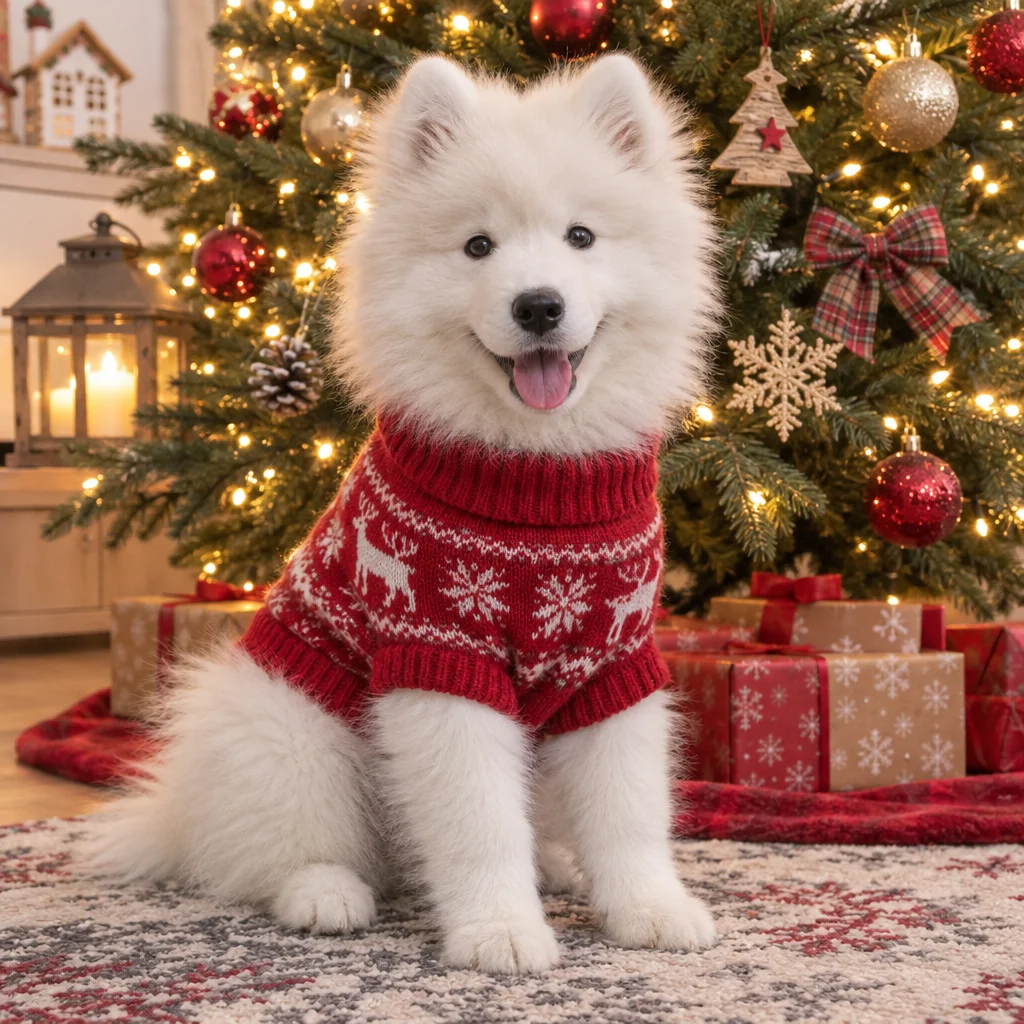
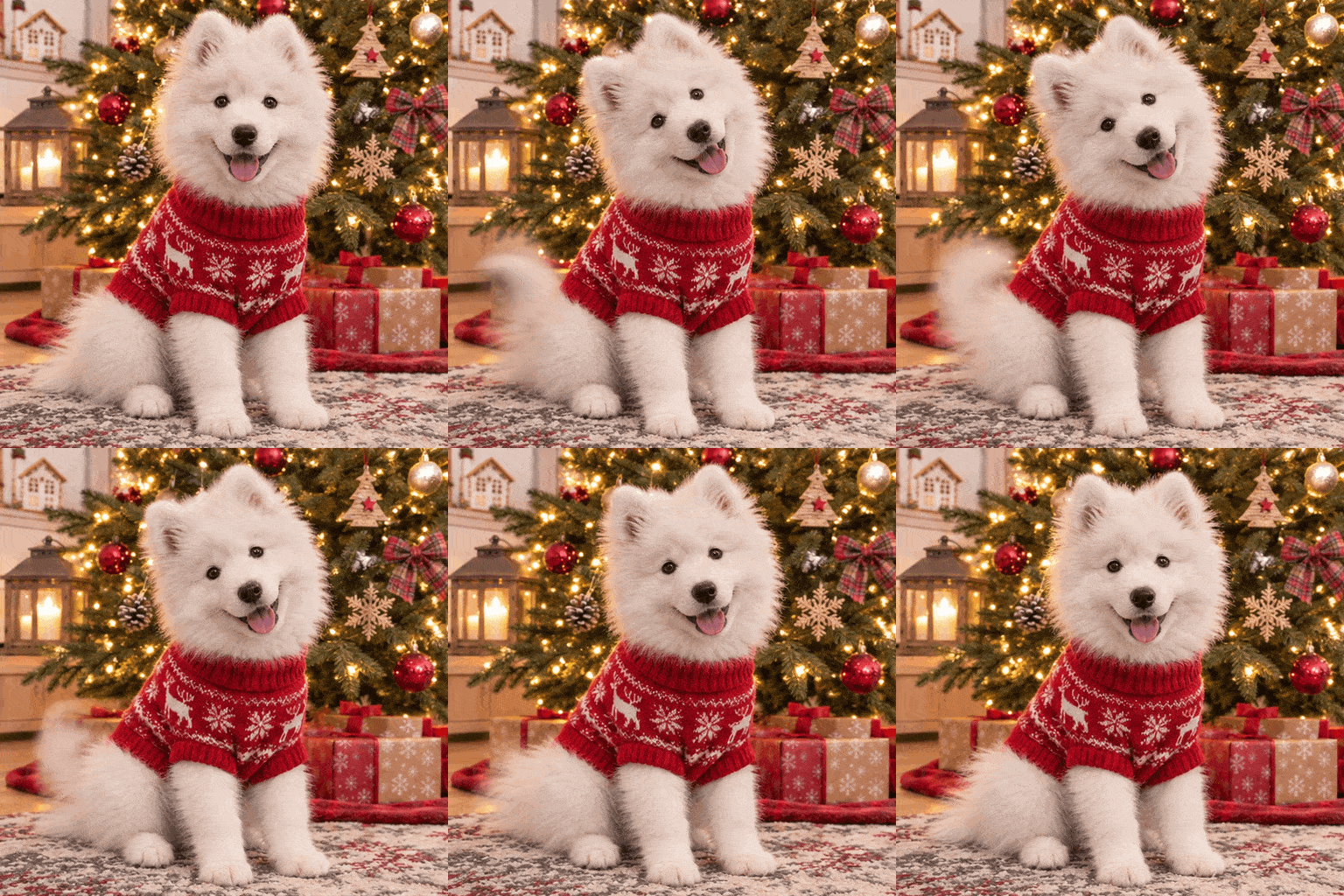
Upload a photo and describe how it should move. The subject and scene from your photo stay the same and come to life in a 9-frame loop.
 Photo
 GIF
Pet photo to GIF
Prompt: Create a single animation sprite sheet for a seamless looping GIF from this photo. The puppy tilts its head to one side, wags its tail and blinks, then returns to the starting pose, while the tree lights twinkle softly. Fixed camera, same puppy, same sweater, same Christmas tree and room as the photo. The last frame transitions smoothly back to the first. No captions, no words, no borders, no gutters.
 Photo
 GIF
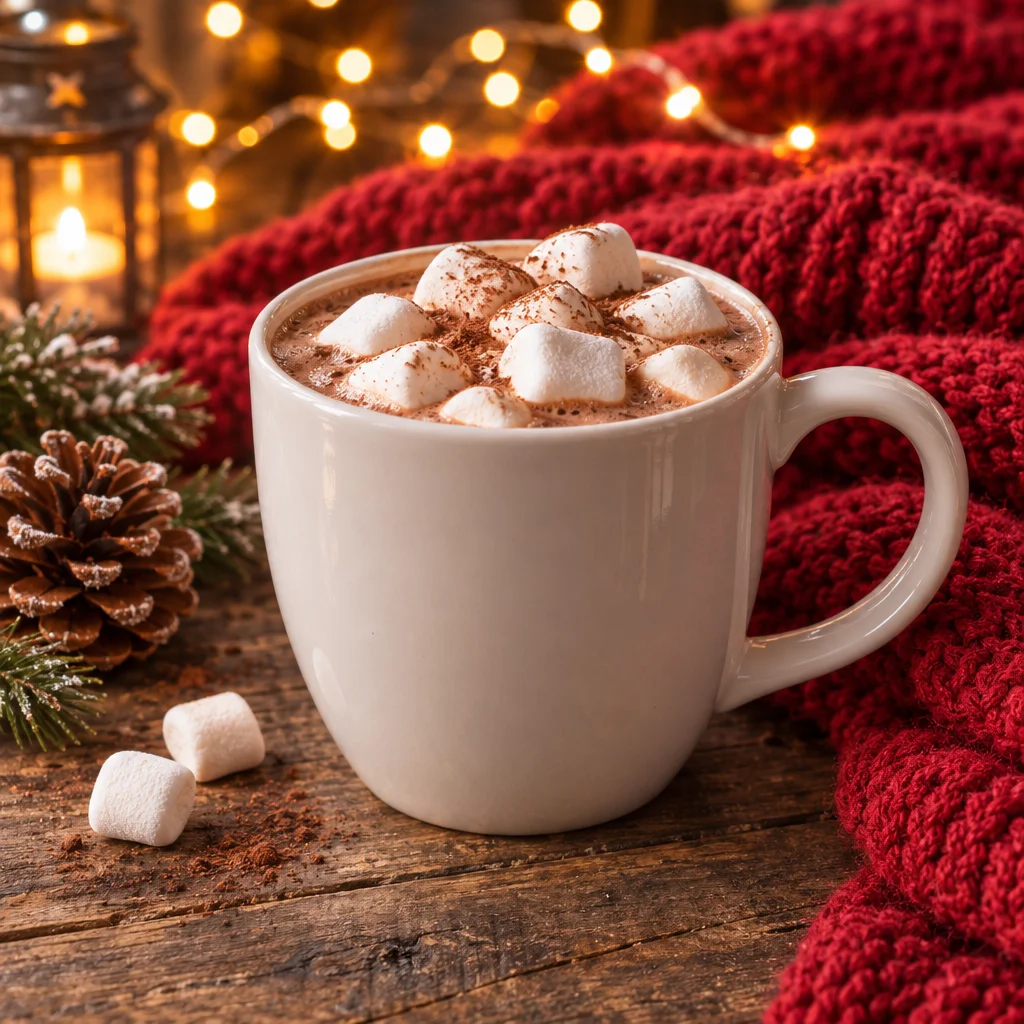
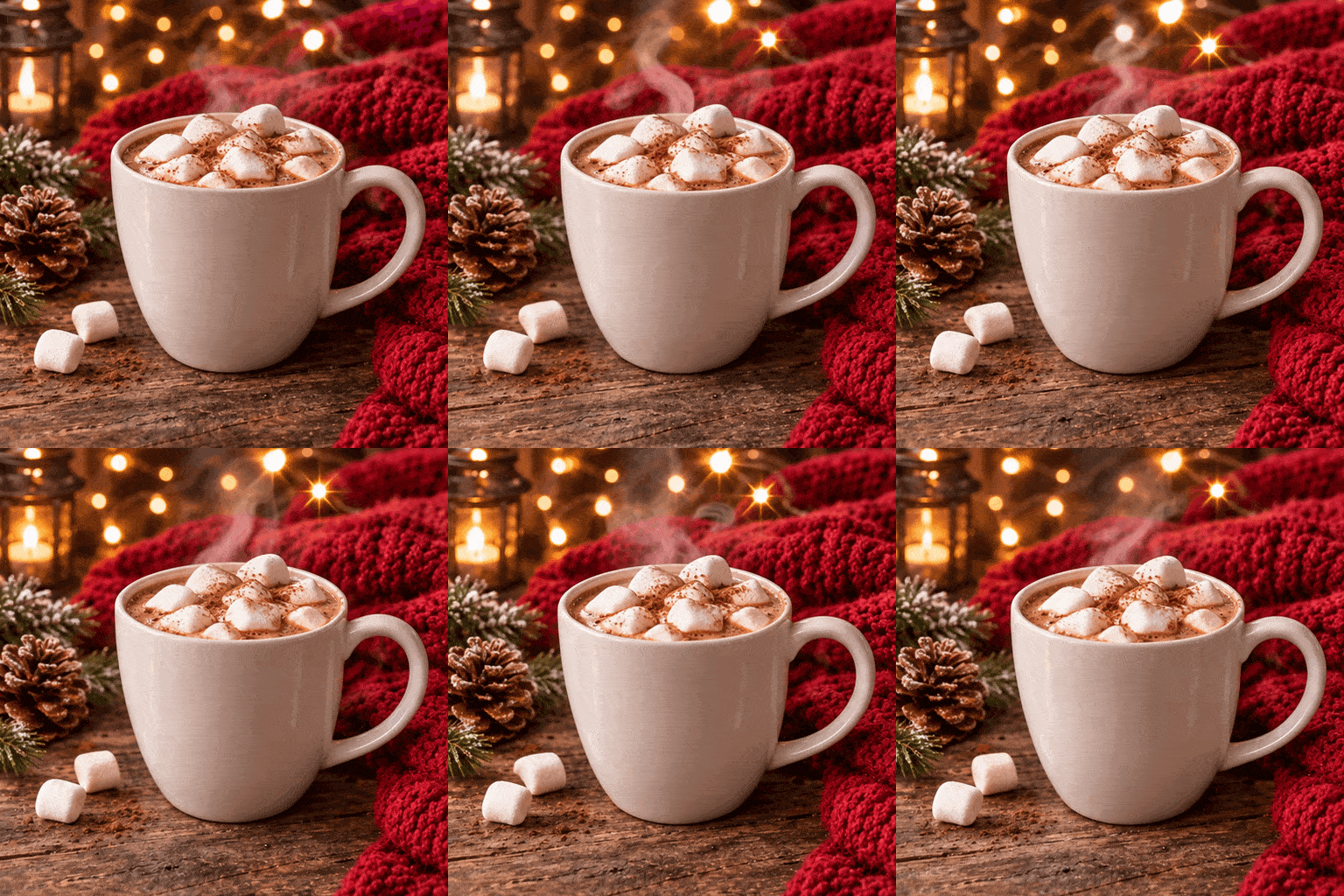
Product photo to GIF
Prompt: Create a single animation sprite sheet for a seamless looping GIF from this photo. Soft steam curls up from the hot cocoa, the fairy lights in the background twinkle, and the candle in the lantern flickers. Fixed camera, same mug, same marshmallows, same table and blanket as the photo. The last frame transitions smoothly back to the first. No captions, no words, no borders, no gutters.
Why Use the Veevid AI GIF Maker
Real animated GIFs from OpenAI GPT Image 2.6, with every frame drawn together so the loop stays consistent, ready to post.
Text to GIF
Describe the subject and the motion, like "a cat in a Santa hat does a little victory dance", and get an animated GIF. No timeline, keyframes or design skills needed.
Photo to GIF
Upload a photo of your pet, product or character and say how it should move. The GIF keeps what is in your photo and adds the motion.
Made to Loop
Each GIF has 9 frames at 200 ms each, about a 1.8-second loop that repeats forever. Ask for the last frame to flow back into the first and the loop has no visible jump.
Transparent Background Option
Choose Transparent for stickers and overlays that sit on any background, or keep Opaque, the default for GIFs, to get the backdrop your prompt describes.
A Real .gif File
You download an actual 512×512 GIF, not a video you still have to convert. Drop it into chats, Slack, Discord, emails or web pages that support GIFs.
16 Credits, No Watermark
Every GIF costs 16 credits, from text or from a photo, and downloads without a watermark. The price is shown on the button before you generate.
How to Make a GIF with AI
From idea to looping GIF in three steps.
Describe the Motion or Upload a Photo
Type what should happen in the box above. For photo to GIF, switch to Image to Image and upload your photo.
Keep GIF Selected
GIF output is already on: 512×512 square by default, or pick 16:9, 9:16, 4:3 or 3:4, with 9 frames. Leave Background on Opaque, or pick Transparent for a sticker.
Generate and Download
Download your GIF without a watermark. If the loop jumps, describe the motion in smaller steps and try again.
Frequently Asked Questions
Everything you need to know about making GIFs with AI on Veevid.
An AI GIF generator creates a new animated GIF from a description or a photo. On Veevid it is powered by OpenAI GPT Image 2.6: the model draws all 9 frames of the animation together and returns them as one looping GIF, so the character and scene stay consistent from frame to frame.
Describe one short action step by step and keep everything else fixed. A structure that works well: start with "Create a single animation sprite sheet for a seamless looping GIF", describe the character and the sequence of motion, ask for a fixed camera and the same character, say the last frame should transition smoothly back to the first, and end with "no captions, no borders, no gutters". Our GIF prompt guide has more examples and fixes for loops that jump.
Yes. Switch to Image to Image, upload a photo and describe the motion, for example "the puppy tilts its head, wags its tail and blinks". The subject and scene from your photo stay the same. One photo is included in the 16 credits; each extra reference image adds 2 credits.
No. Most free GIF makers stitch several images or a video clip together into a GIF, or convert files between formats. This tool creates the animation itself: you give it one sentence or one photo and the AI draws the motion. If you already have the frames or a video and only need to join or convert them, a converter is the simpler choice.
GIFs come in five sizes: 1:1 512×512 / 16:9 768×432 / 9:16 432×768 / 4:3 576×432 / 3:4 432×576. Each has 9 frames shown for 200 ms each, so one loop lasts about 1.8 seconds and then repeats. Size and frame count are fixed, so a short, simple action works better than a whole scene.
Yes, and short text works best. Put the exact words in quotes and ask for the text to stay identical in every frame, as in the "Merry Christmas" card above. If you do not want any text, end the prompt with "no captions, no words" so the model does not add stray letters. Long sentences and small print are less reliable, so check the GIF before you share it.
Yes. Set Background to Transparent and the GIF comes back with a transparent backdrop, handy for stickers and overlays. GIF pixels are either fully transparent or fully solid, so the edges have no soft fade and can show a thin hard outline on dark backgrounds. If that matters, keep Opaque (the default for GIFs) and ask for a background color that matches where the GIF will go. The price is the same.
Not as a GIF: GIFs here are always 9 frames with no audio. For a longer clip with camera movement or sound, turn your image into a video with Image to Video.
16 credits per GIF, whether you start from text or from one photo. If you upload more than one reference image, each extra image adds 2 credits. GIFs download without a watermark. You can buy a one-time credit pack or subscribe to a plan.
More AI Tools
Make still images, edits and videos on Veevid.
Make Your First AI GIF
Type a prompt or upload a photo and get a looping GIF for 16 credits. No watermark.
Make a GIF