MiniMax H3 Max AI Video Generator
MiniMax H3 Max is a post-trained build of MiniMax H3, tuned for prompt adherence and speed. Render 5 to 15 seconds at 480P, 768P or 1080P, with sound generated in the same pass as the picture.
Text to Video
Made with MiniMax H3 Max
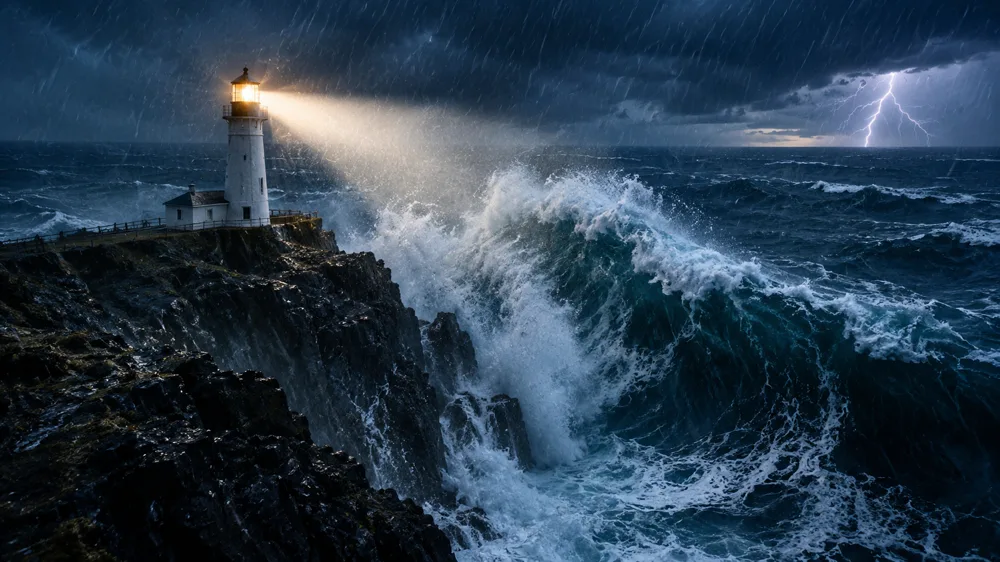
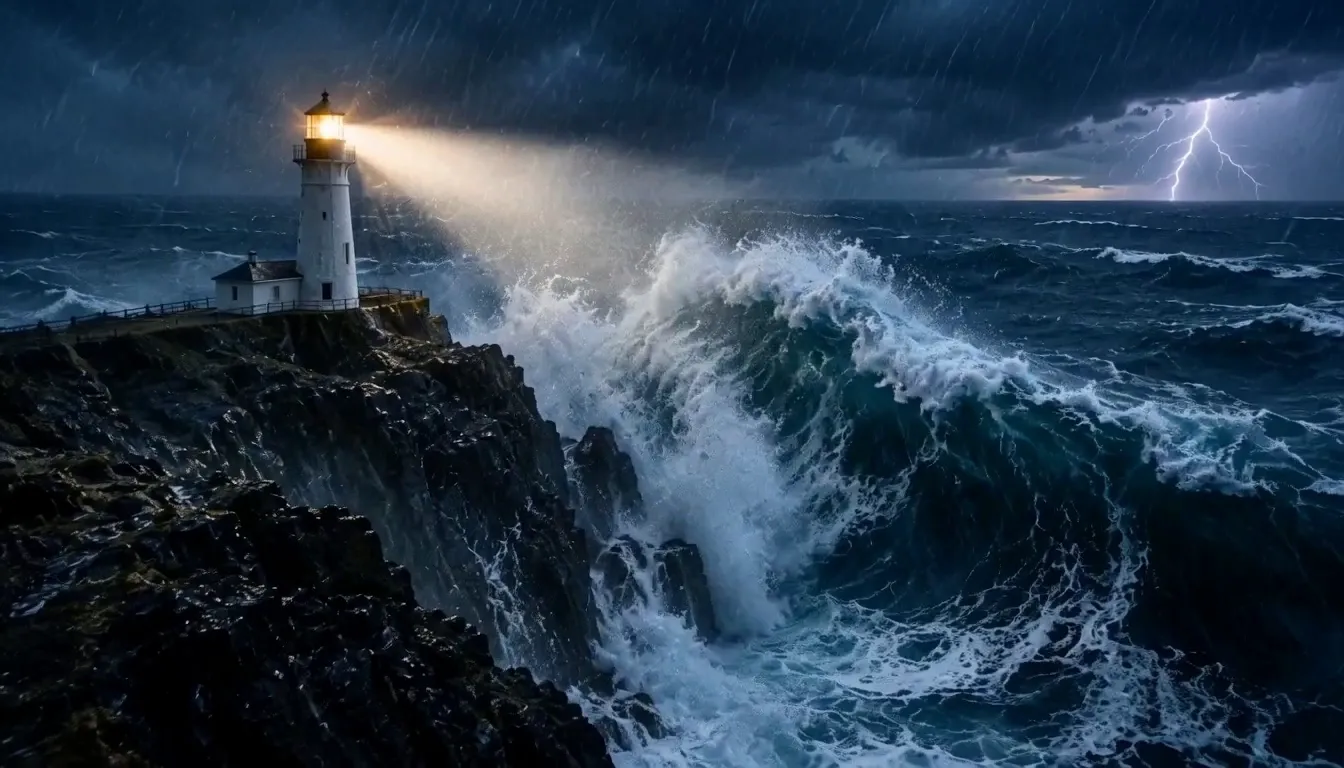
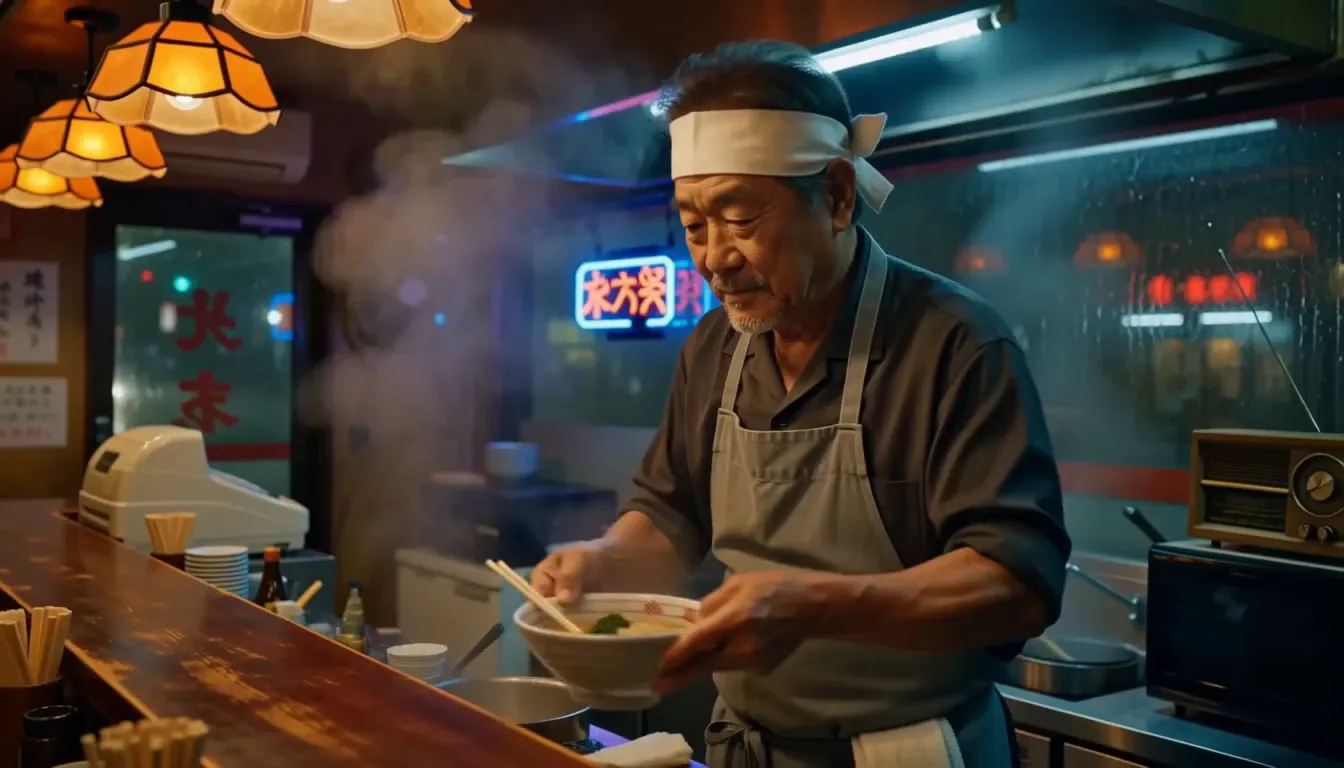
Four single-pass renders, no editing and no post-production. Turn the sound on: every clip came back with its audio already in place.
Dialogue that lands on the mouth
5sSpeech, room tone and foley arrive with the picture rather than after it, so there is nothing left to sync.
Instruments you can hear play
5sA trio mid-set: the saxophone, the upright bass and the brushes each sit where the picture puts them.
One look across six shots
15sA single 15 second generation that cuts between six views of Greek vase painting without breaking palette, linework or lettering.
Stylized worlds, held steady
5sClaymation surfaces, weight and lighting stay consistent from the first frame to the last.
What MiniMax H3 Max Does Well
MiniMax H3 Max was post-trained on MiniMax H3 for stronger prompt adherence and aesthetics, then co-optimized with a custom inference stack. Here is what that buys you.
Renders faster than it plays
A 5 second 768P clip takes about 2.5 seconds of inference, and a 15 second one about 15 seconds. Fast enough to try three takes where you used to wait for one.
Hits the beats in order
Prompt adherence is what the post-training targeted first. Name the beats and they arrive in sequence, and on-screen text comes back legible instead of approximated.
Camera moves you can direct
Ask for a low tracking shot, a slow push or a locked-off frame and you get that move, with the background streaking at the speed the shot implies.
Reference generation, not just prompts
Feed up to 9 reference images, 3 reference clips and 3 audio files in one request, then call them out in the prompt as Image 1 or Video 1. Twelve files total.
Sound made with the picture
Every render comes back with synchronized audio: ambience, foley, music and dialogue cues cut to what is on screen.
First and last frame control
Give image to video an opening still and, when the ending matters, a closing one. The model animates the whole journey between them.
How to Generate a Video with MiniMax H3 Max
Three steps from a written shot to a finished clip with sound.
Write the shot
Describe the subject, the camera move and the sound in one prompt. Or upload a still and let image to video animate it instead.
Set length and resolution
Pick 5 to 15 seconds and 480P, 768P or 1080P. Prompt expansion can rewrite your brief before rendering, from off to quality.
Generate and iterate
A 5 second 768P clip comes back in seconds, so compare a few takes side by side and keep the one that works.
MiniMax H3 Max FAQ
The questions worth answering before you spend credits.
Where to Use MiniMax H3 Max
The model runs in three generation modes on Veevid.
Render your first MiniMax H3 Max video
Write a shot, pick a length and a resolution, and get a clip back with its audio already in place.
Try MiniMax H3 Max