FLUX 3 Max
FLUX 3 Max AI Video Generator
Turn a prompt, a start and end frame, or up to 10 keyframes into a 5 to 20 second FLUX 3 video with sound, in 720p or 1080p.
FLUX 3 Max Video Examples
Every clip here was made with FLUX 3 Max at 720p. The prompt under each one is the exact prompt we used, and nothing was edited afterwards.
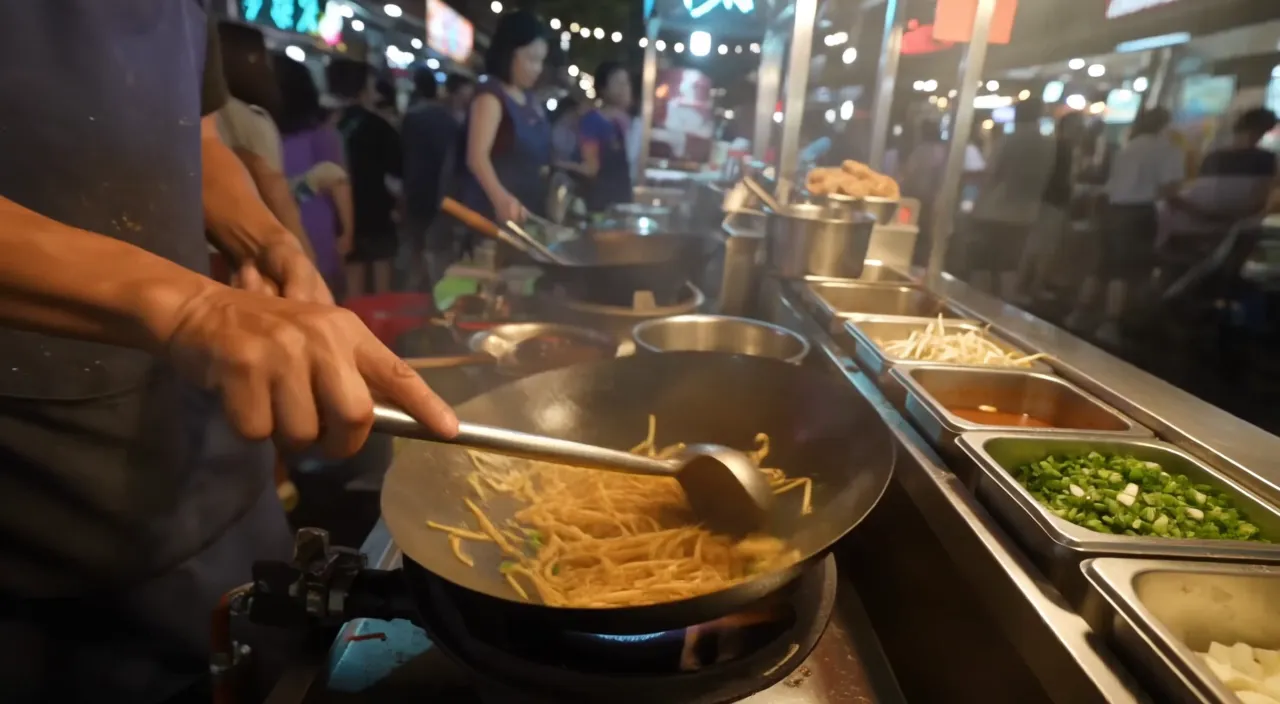
Night market wok with live sound
8 seconds from one prompt. The flames, sizzling oil and crowd noise come out with the picture.
Prompt: A street food cook tosses noodles in a flaming wok at a busy night market. Oil sizzles, flames flare up, steam drifts past neon signs, and the crowd chatters in the background. Handheld camera, cinematic night lighting.
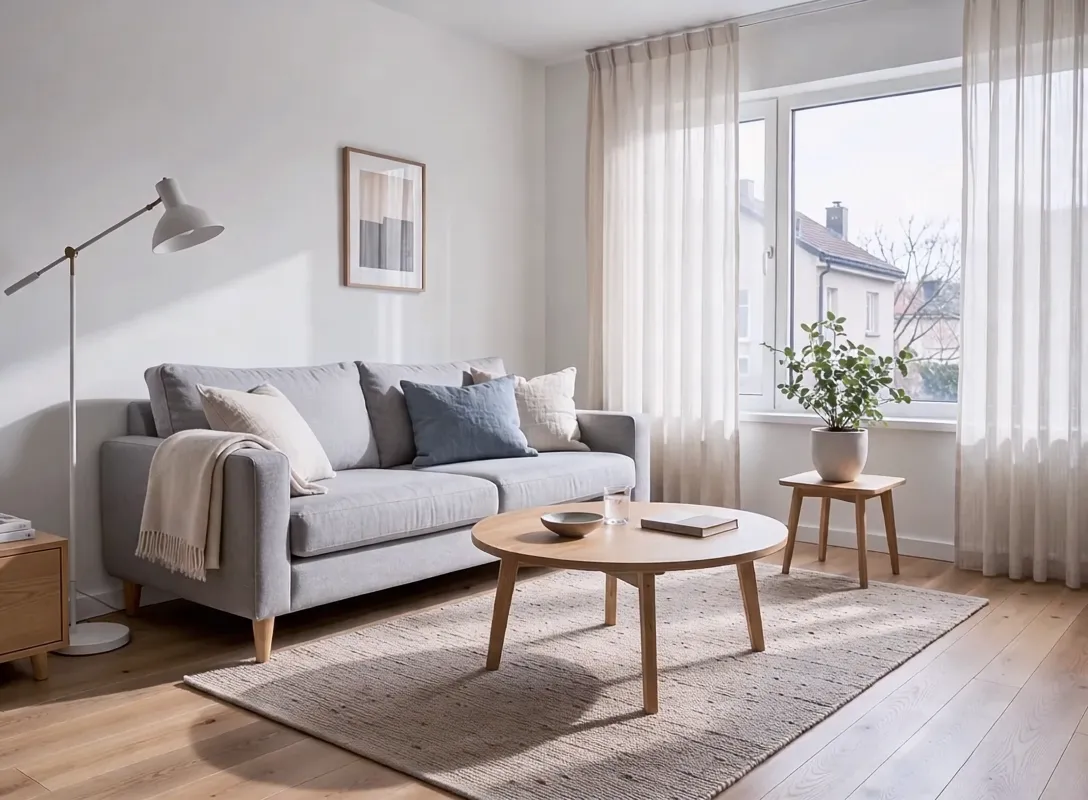
Living room makeover from 4 keyframes
Four stills pinned across 10 seconds. Each change lands on its frame: the new sofa, the terracotta wall, then the plant.
Input images, in order
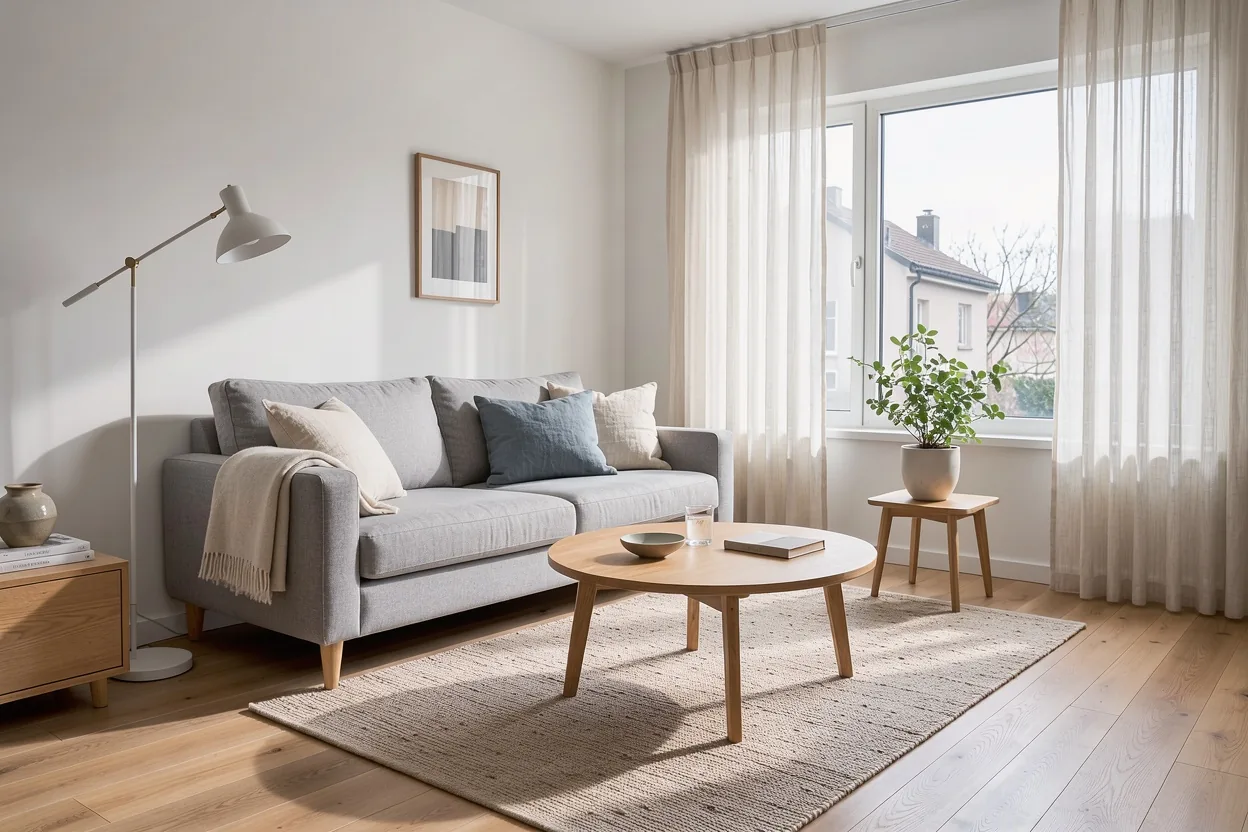
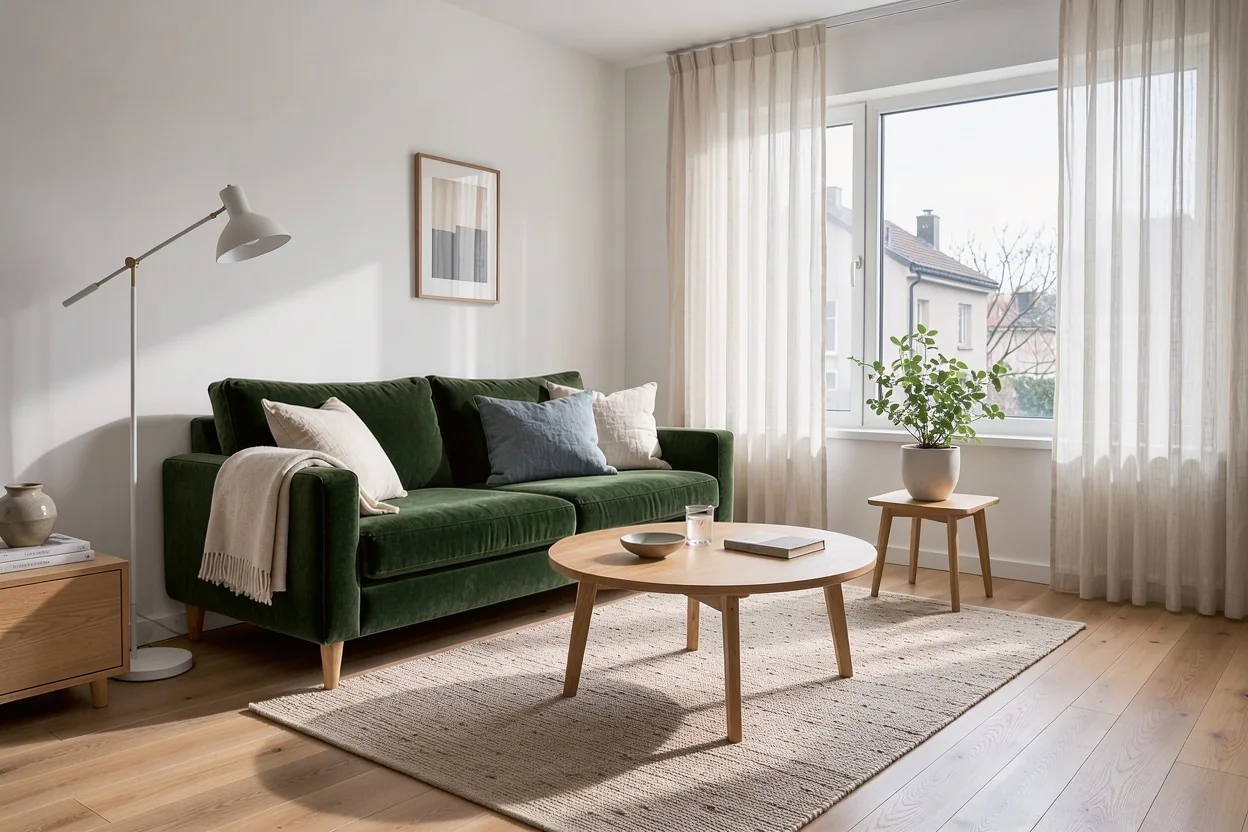
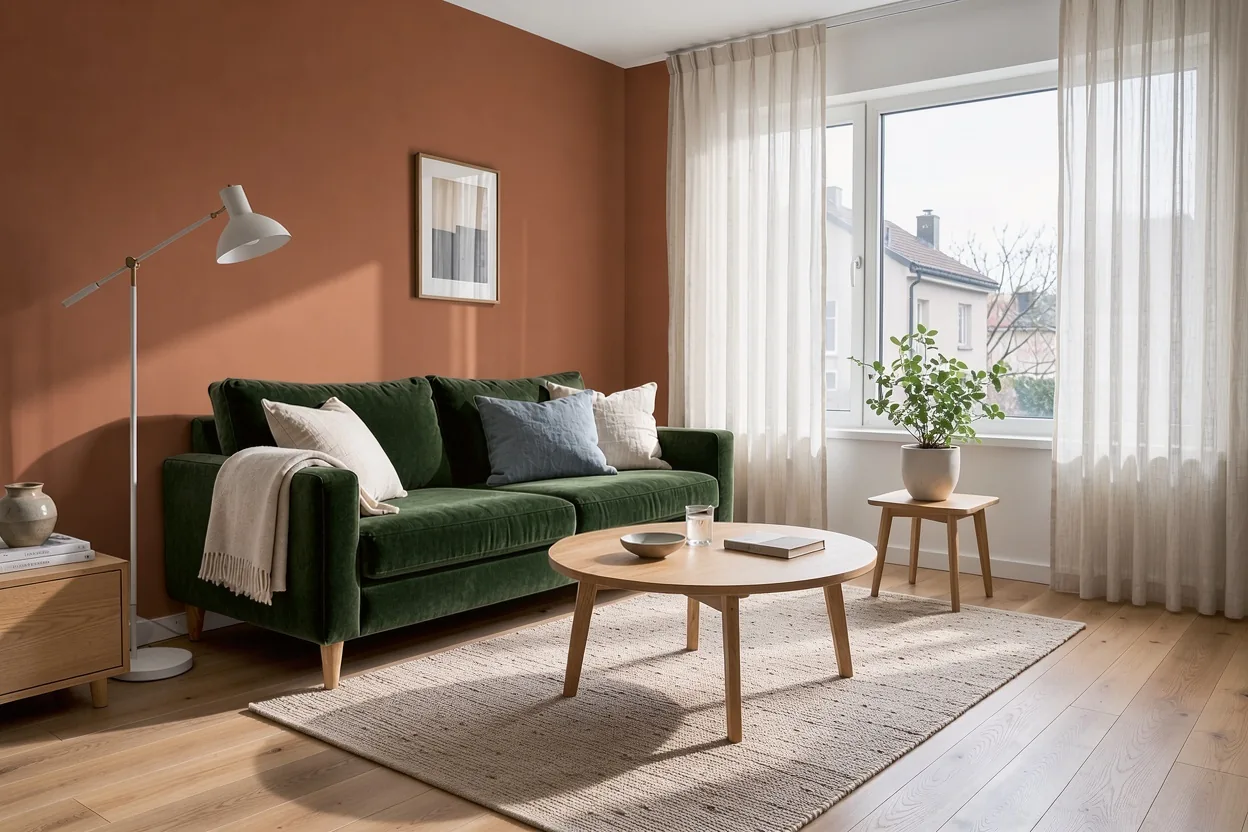
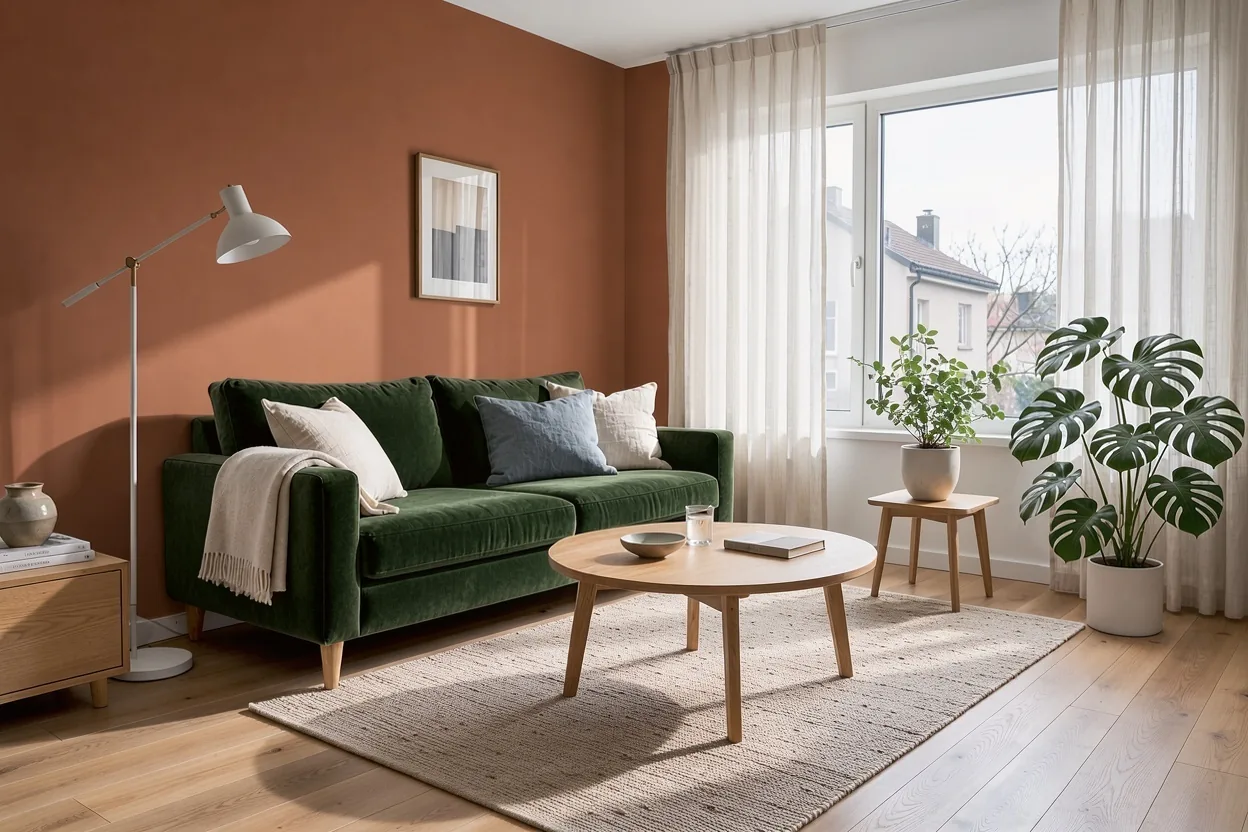
Prompt: A smooth time-lapse makeover of a living room, static camera. The light grey sofa becomes a green velvet sofa, the wall is painted warm terracotta, then a large leafy plant appears by the window.
Two lines of cafe dialogue
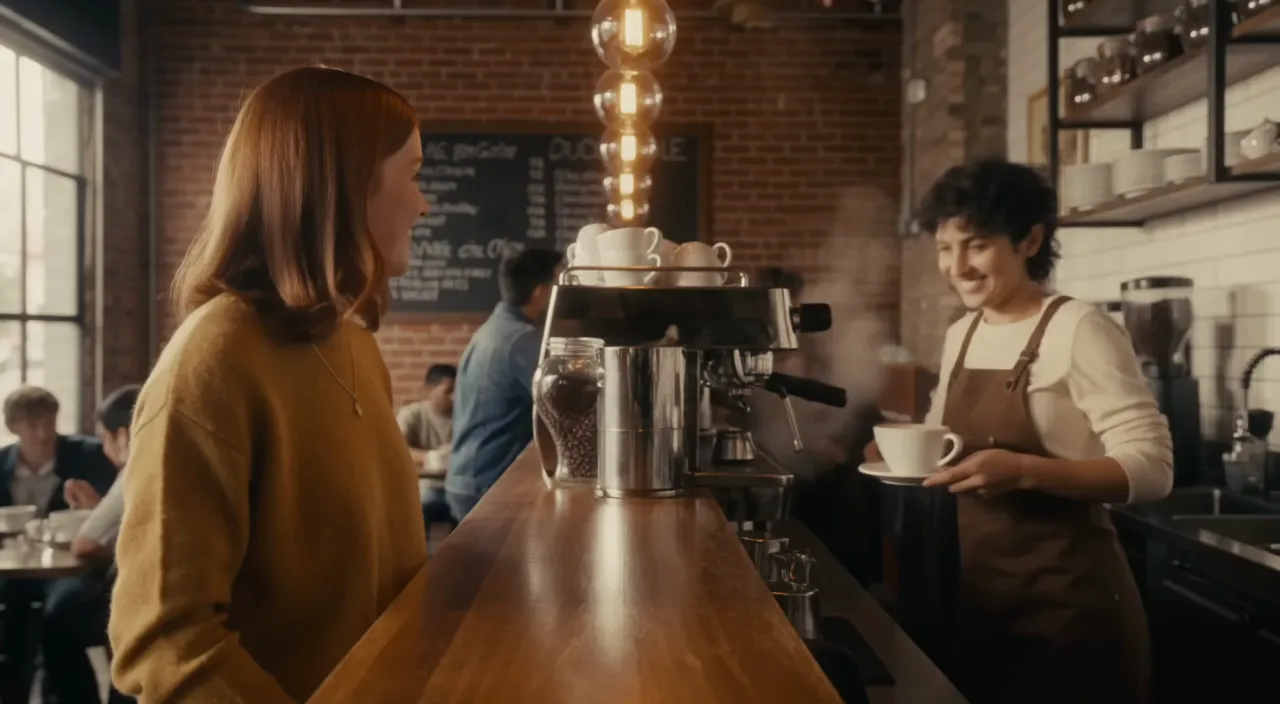
The lines written in the prompt are spoken in the clip, with the espresso machine and room noise underneath.
Prompt: Inside a cozy cafe, a barista slides a cup across the counter and says: "One oat latte, extra hot." The customer smiles and replies: "Perfect, thank you." Espresso machine hiss and soft background chatter. Medium shot, warm light.
Start and end frame transition
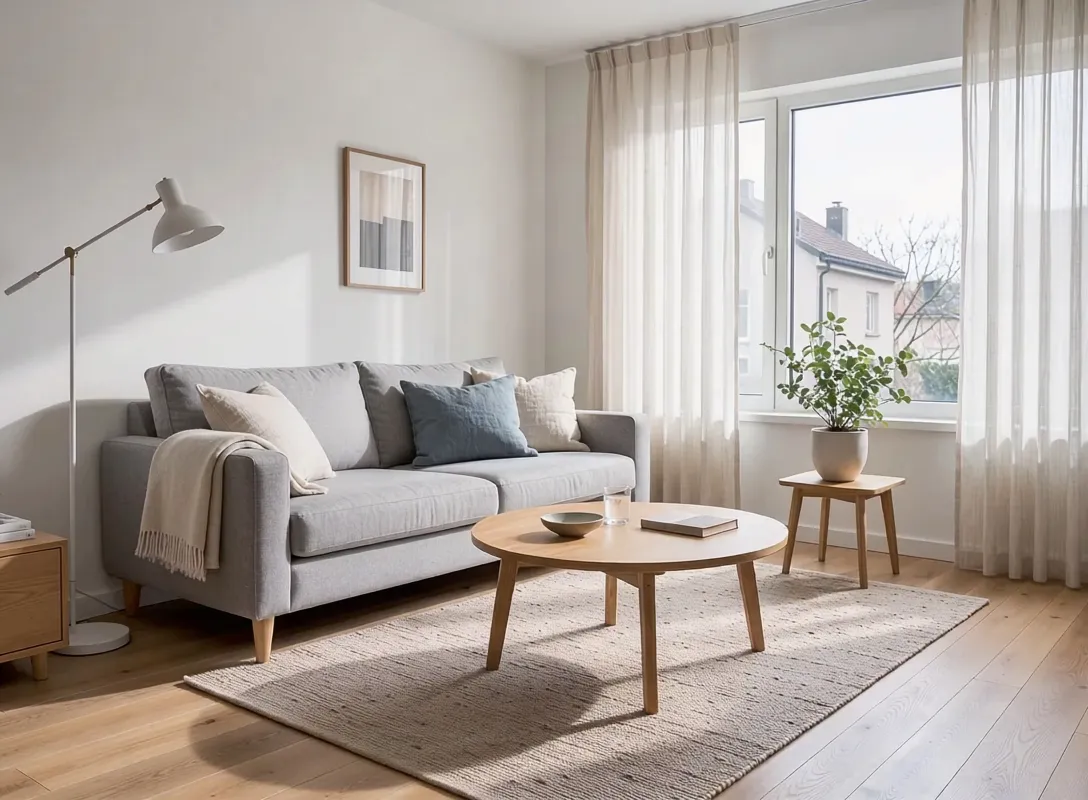
Give it the first and the last frame and it fills the 5 seconds in between, keeping the room and camera steady.
Input images, in order
Prompt: Static camera. The light grey sofa is swapped for a deep green velvet sofa and the white wall is repainted a warm terracotta color, soft daylight from the window.
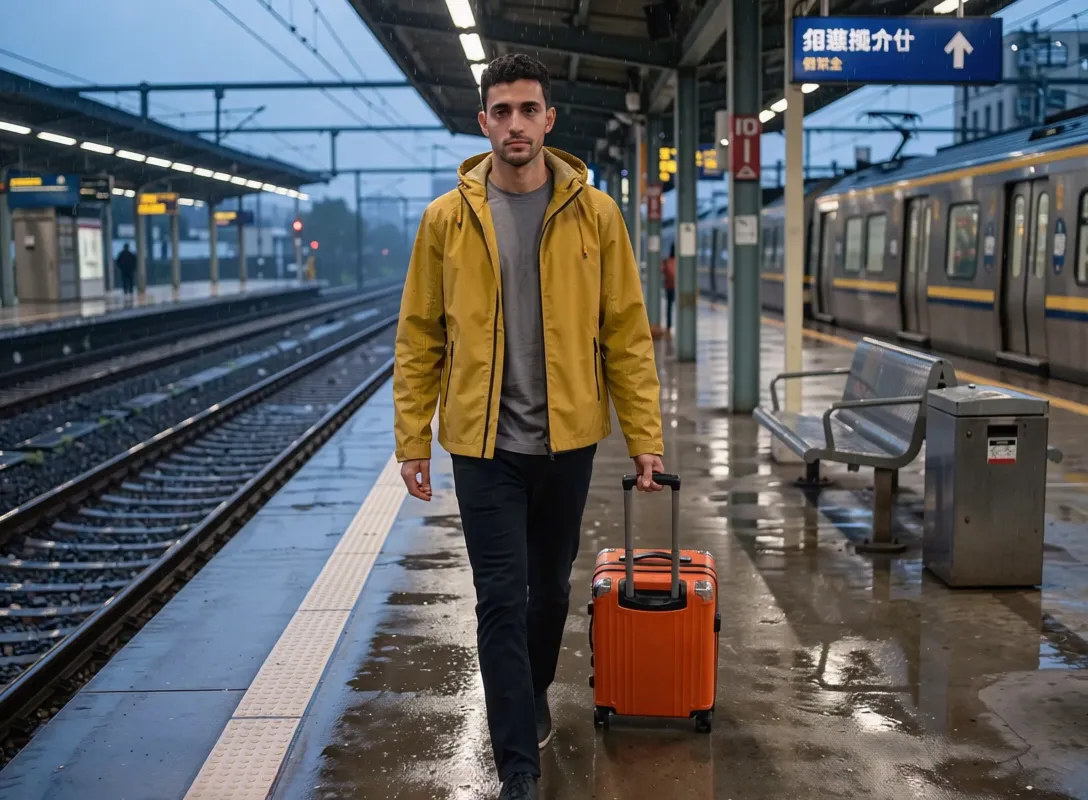
Train platform from a single photo
One still becomes a 6 second shot: the traveler walks in, a train arrives and the announcement echoes.
Input images, in order
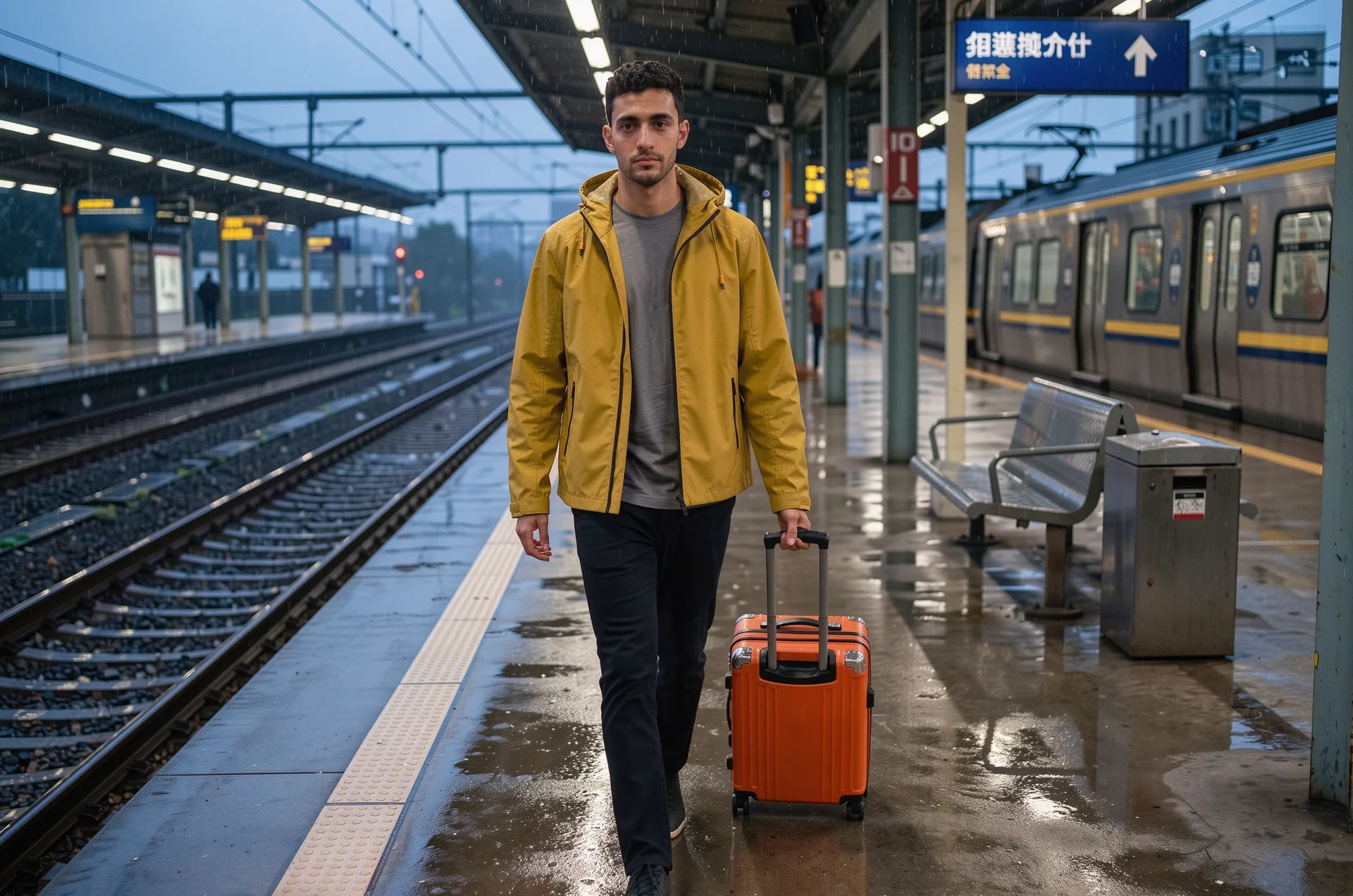
Prompt: The man walks toward the camera pulling his orange suitcase, a train slowly pulls in on the right, rain drips from the platform roof and a station announcement echoes.

Close-up detail from a photo
A slow push in on a pocket watch. Small parts stay sharp while the tweezers move.
Input images, in order

Prompt: Slow push in on the open pocket watch, the balance wheel ticks steadily, a pair of tweezers lifts a tiny brass gear, soft mechanical ticking.
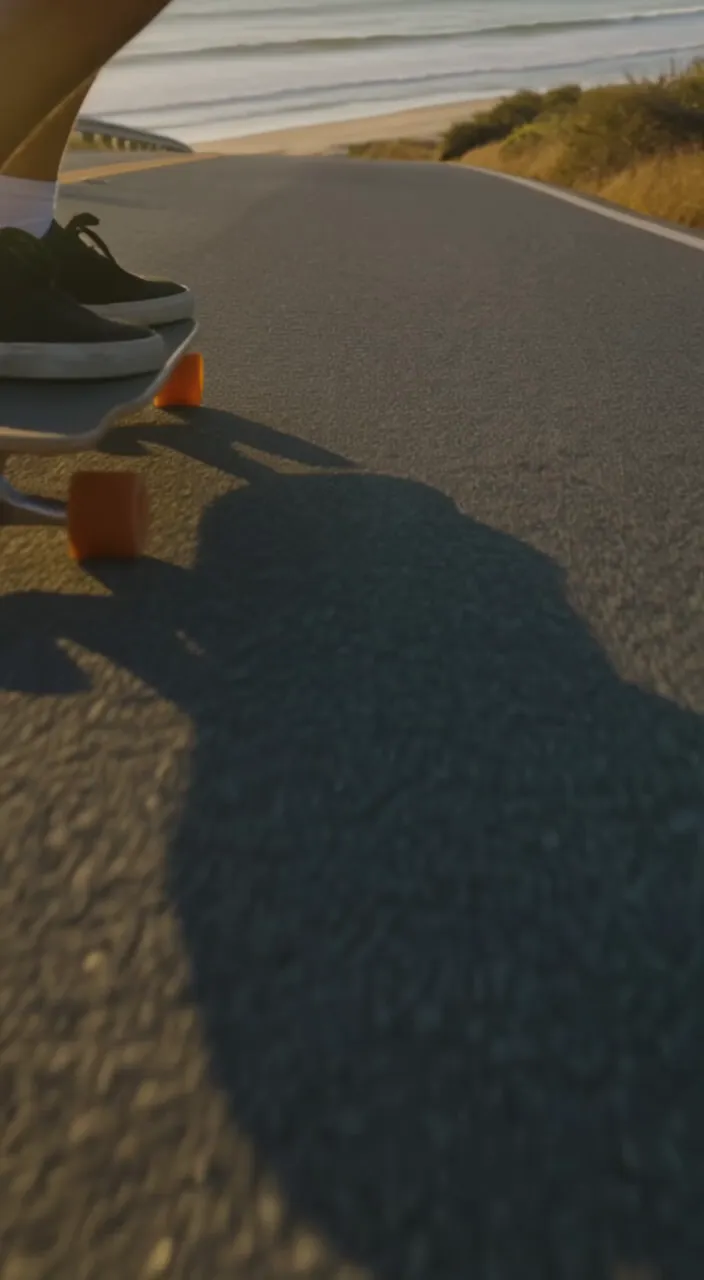
Vertical 9:16 for social
A 6 second portrait clip, ready for Reels, Shorts and TikTok without cropping.
Prompt: A skateboarder carves down an empty coastal road at golden hour, the camera follows low and close, wheels rolling over asphalt, ocean waves in the distance.
Why Make Videos With FLUX 3 Max
FLUX 3 Max turns text or images into short videos with sound, and lets you pin exactly where a shot starts, ends and changes.
Fast renders
A 5 second 720p clip is usually ready in about a minute, so you can try several takes of an idea instead of waiting on one.
Sound in the same pass
Dialogue, ambience and sound effects are generated with the picture. Turn audio off if you plan to add your own track.
Start and end frames
Upload the first frame, or the first and the last, and FLUX 3 Max animates everything in between.
Up to 10 keyframes
Pin 3 to 10 images across the clip. Drag them into the order you want, then keep the even spacing or set the second each image appears. Before and after stories and product reveals land exactly on the beat.
5 to 20 seconds
Pick any length from 5 to 20 seconds in 1 second steps, in 720p or 1080p.
Every common shape
21:9, 2:1, 16:9, 4:3, 1:1, 3:4 and 9:16, or Auto to follow the shape of your first image.
How to Use FLUX 3 Max
Three steps from idea to finished clip.
Pick text or images
Choose Text to Video, or Image to Video with a start frame, a start and end frame, or a set of keyframes.
Describe the shot
Write what happens, including any lines of dialogue or sounds you want, then set the length, resolution and aspect ratio.
Generate and download
Click Generate. The credit cost is shown on the button before you start, and the finished MP4 is saved to My Creations.
FLUX 3 Max FAQ
Answers to common questions about FLUX 3 Max and FLUX 3 video on Veevid.
FLUX 3 Max is a video model released in October 2026. It is a post-trained version of Black Forest Labs' FLUX 3 Video model, tuned for closer prompt following, better image quality and faster renders. It makes 5 to 20 second clips with sound from text or images.
Open the generator at the top of this page, choose Text to Video or Image to Video, write a prompt and click Generate. Your video appears in the generator when it is done and is also saved to My Creations.
No. FLUX 3 Max runs in the cloud through Veevid, so there is nothing to download or install. You only need a browser.
In Image to Video, one image becomes the first frame. Two images become the first and last frame, and the model fills in the motion between them. With Keyframes you upload 3 to 10 images and drag them into the order they should appear. They start out spaced evenly from the first frame to the last, and you can tap the time under any image to set the exact second it appears.
Yes. Dialogue, ambient sound and effects are generated together with the video. Put any spoken lines in quotes in your prompt. You can switch audio off, and the price is the same either way.
Each clip can be 5 to 20 seconds long, in 720p or 1080p. Some aspect ratios come out at slightly different pixel sizes, for example 1:1 at 720p is 960 by 960.
Credits are charged per second of video, and 1080p costs more per second than 720p. The exact cost is shown on the Generate button before you start. A launch price applies through November 6, 2026 (UTC), after which the standard rate is used. If a generation fails, the credits are refunded.
Discover More AI Tools
Explore more AI video and image tools on Veevid.
Make Your First FLUX 3 Max Video
Write a prompt or upload a few frames and get a video with sound in about a minute.
Start Creating