
MiniMax H3 Image
MiniMax H3 Image AI Generator
Create images up to 4K from a text prompt, or edit and combine up to 16 reference images in a single request with MiniMax H3 Image online.
Premium editorial product photography of a clear glass perfume bottle on black volcanic stone, soft mist, warm rim light, deep charcoal background, no logo, no text
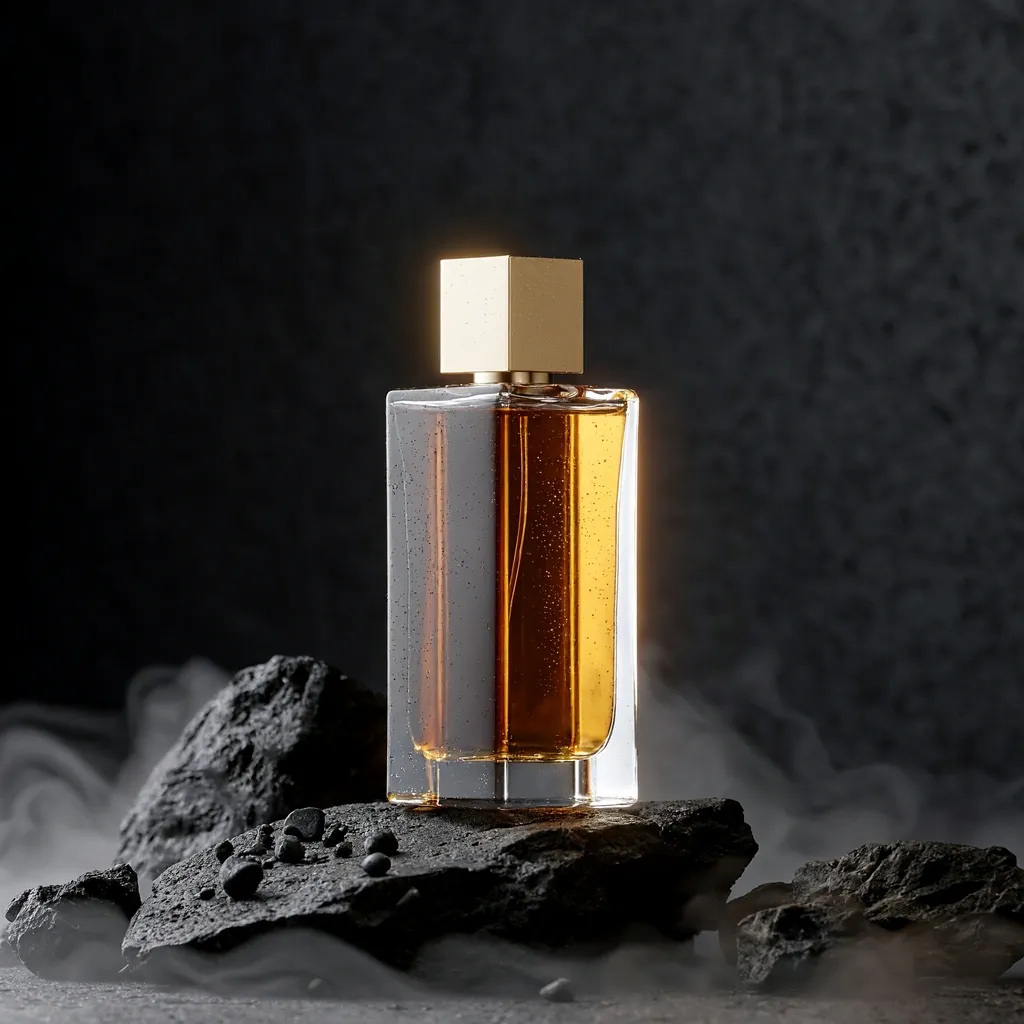
 Imagem de exemplo
0/32000
Made with MiniMax H3 Image
Every image below came out of MiniMax H3 Image with the prompt shown, including the reference photos used for the edits. Nothing was retouched afterwards.
Combine several reference images in one edit
Upload a person, an outfit, a prop and a location, then say how they fit together. The references are numbered in upload order, so the prompt can point at each one by name. This edit used four of the sixteen slots.
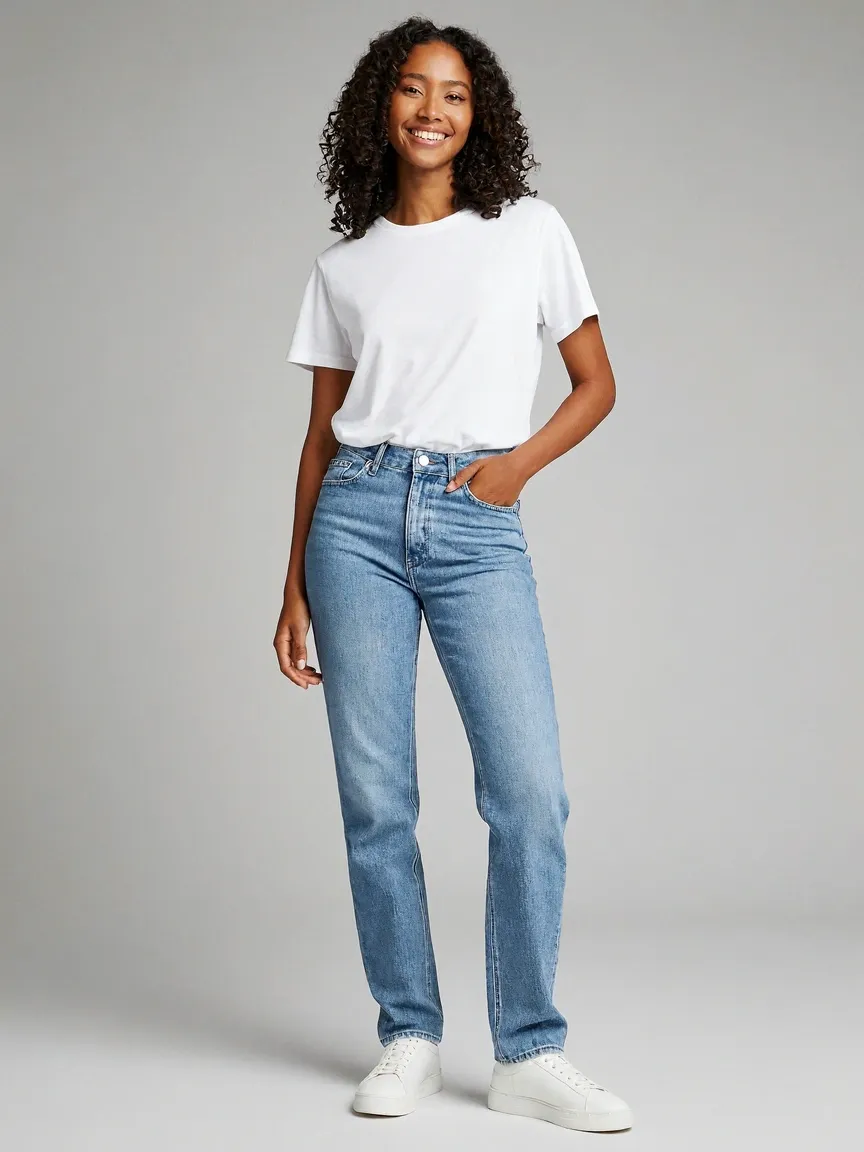 Image 1
Model
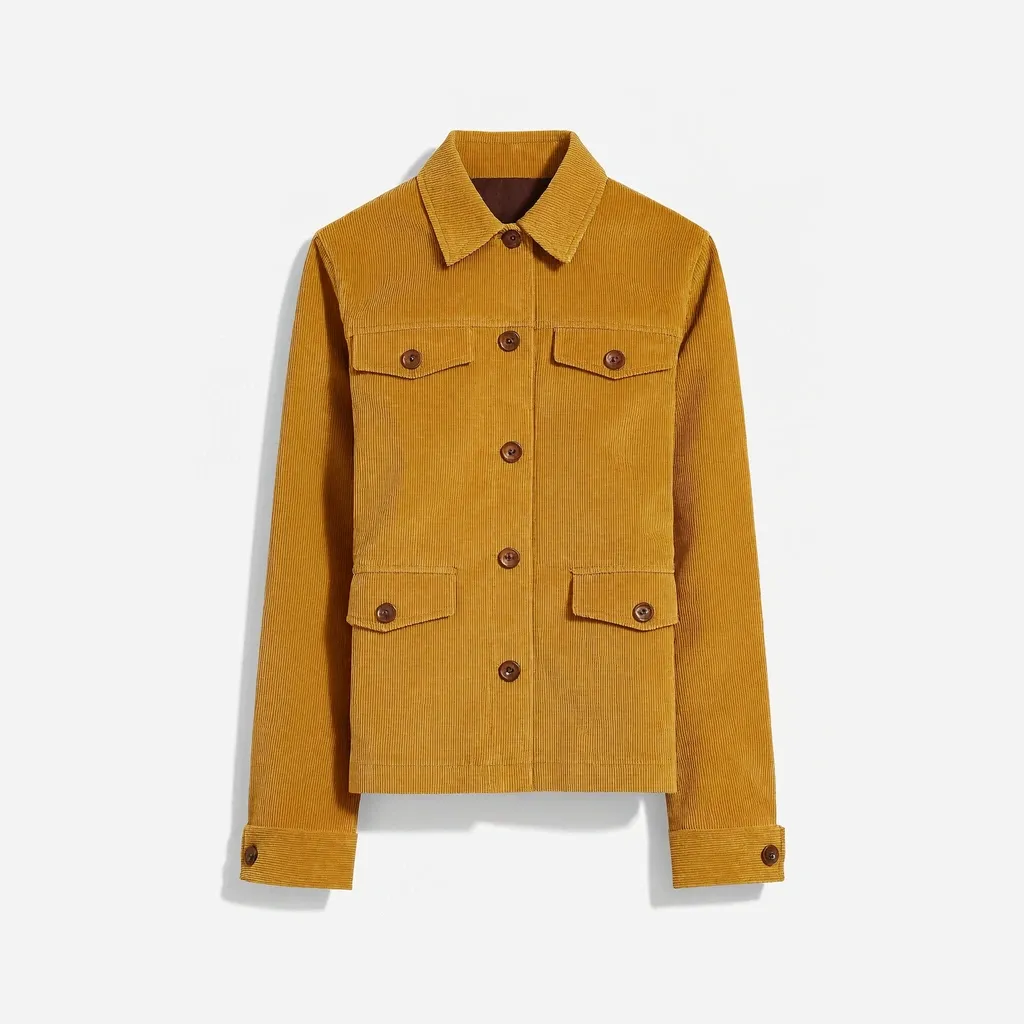 Image 2
Jacket
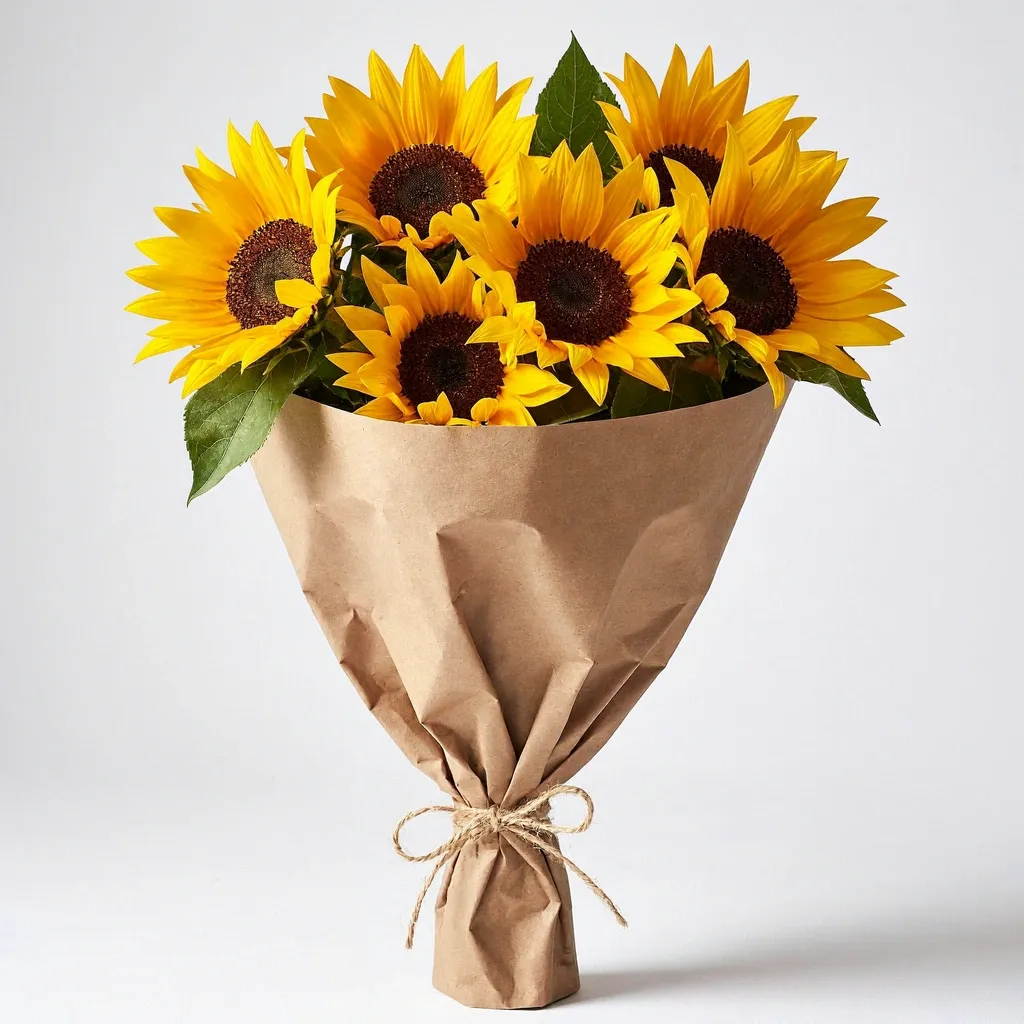 Image 3
Bouquet
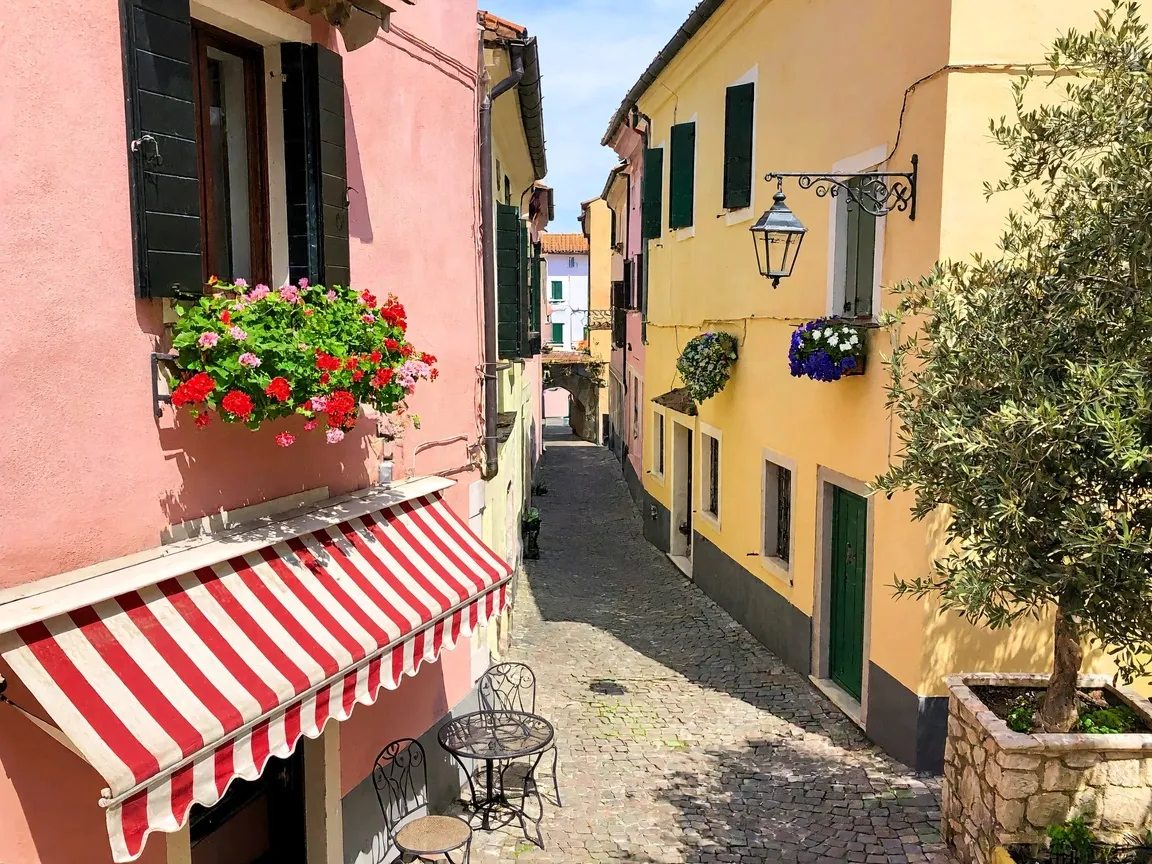 Image 4
Location
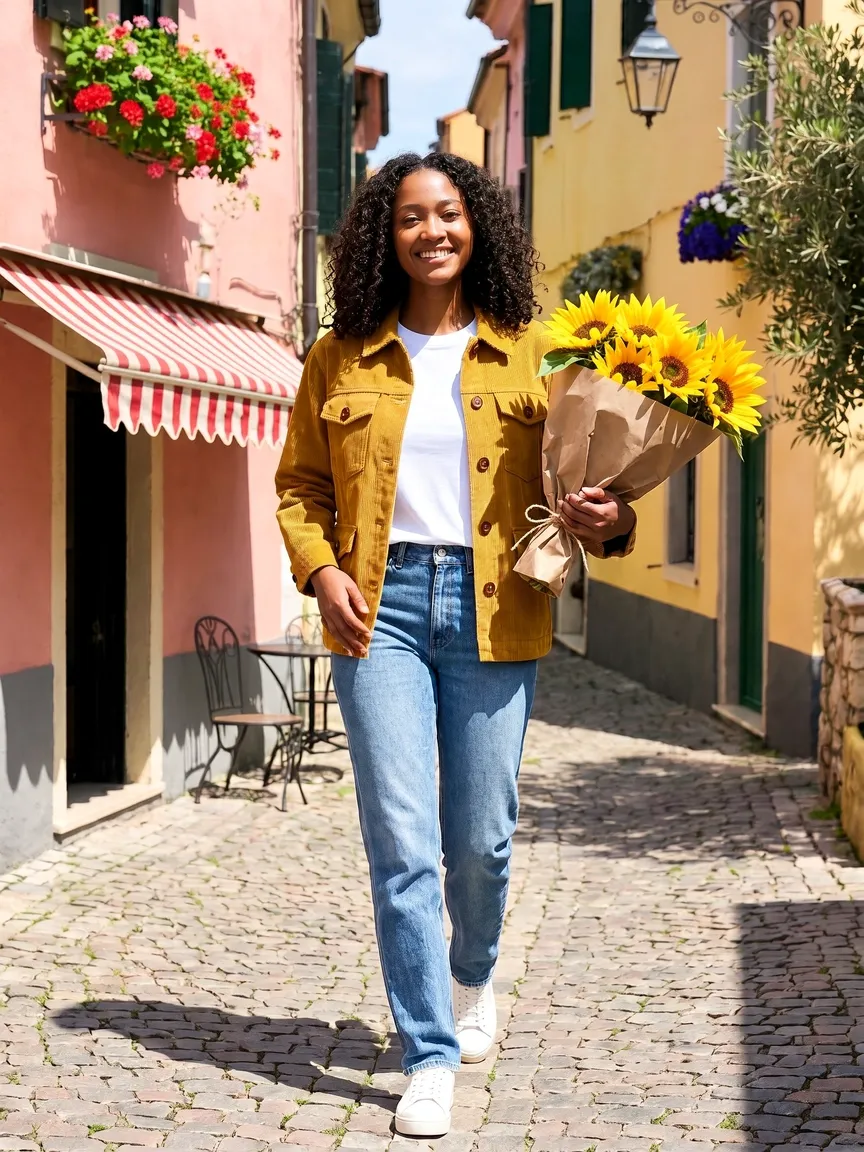 Result
Prompt: The woman from Image 1 wearing the jacket from Image 2 and holding the sunflower bouquet from Image 3, walking down the street from Image 4, smiling, bright midday sunlight, candid fashion photography.
Virtual try-on with two references
A person plus a flat-lay product shot. Her face, pose, jeans and the studio backdrop carry over; only the jacket is new.
Image 1Image 2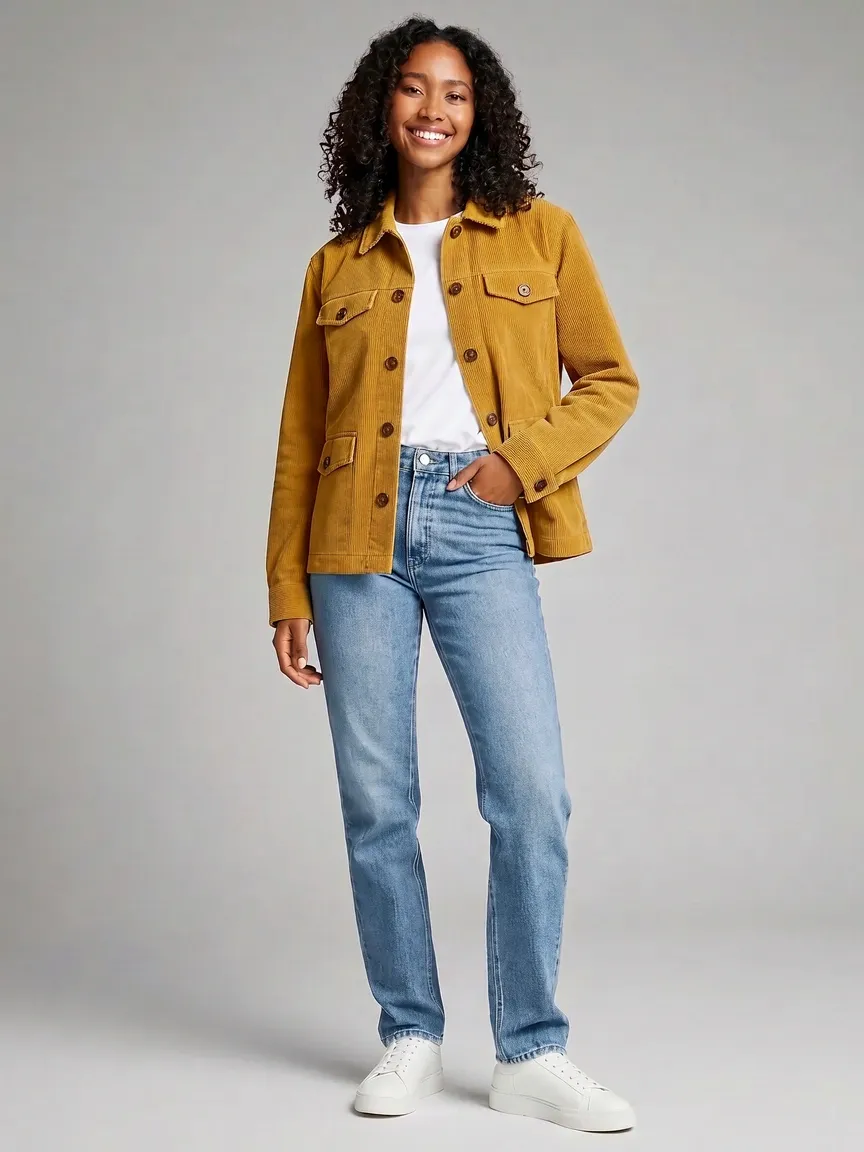 Result
Prompt: Dress the woman from Image 1 in the jacket from Image 2, worn open over her white t-shirt. Keep her face, hair, pose, jeans, sneakers and the grey studio backdrop unchanged.
How the reference images were made
Image 1: Bright studio fashion lookbook photo of a smiling young woman with shoulder-length dark curly hair, wearing a plain white t-shirt and light blue jeans with white sneakers, full body, standing relaxed against a seamless light grey backdrop, soft even lighting
Image 2: E-commerce product photo of a mustard yellow corduroy jacket with brown buttons, laid flat on a clean white background, soft shadow, no logo, no text
Image 3: Product photo of a bouquet of fresh sunflowers wrapped in brown kraft paper, isolated on a clean white background, soft studio light, no text
Image 4: A sunny European side street with pastel pink and yellow buildings, flower boxes on the windows, cafe tables under striped awnings, cobblestones, bright midday light, travel photography, no people, no text
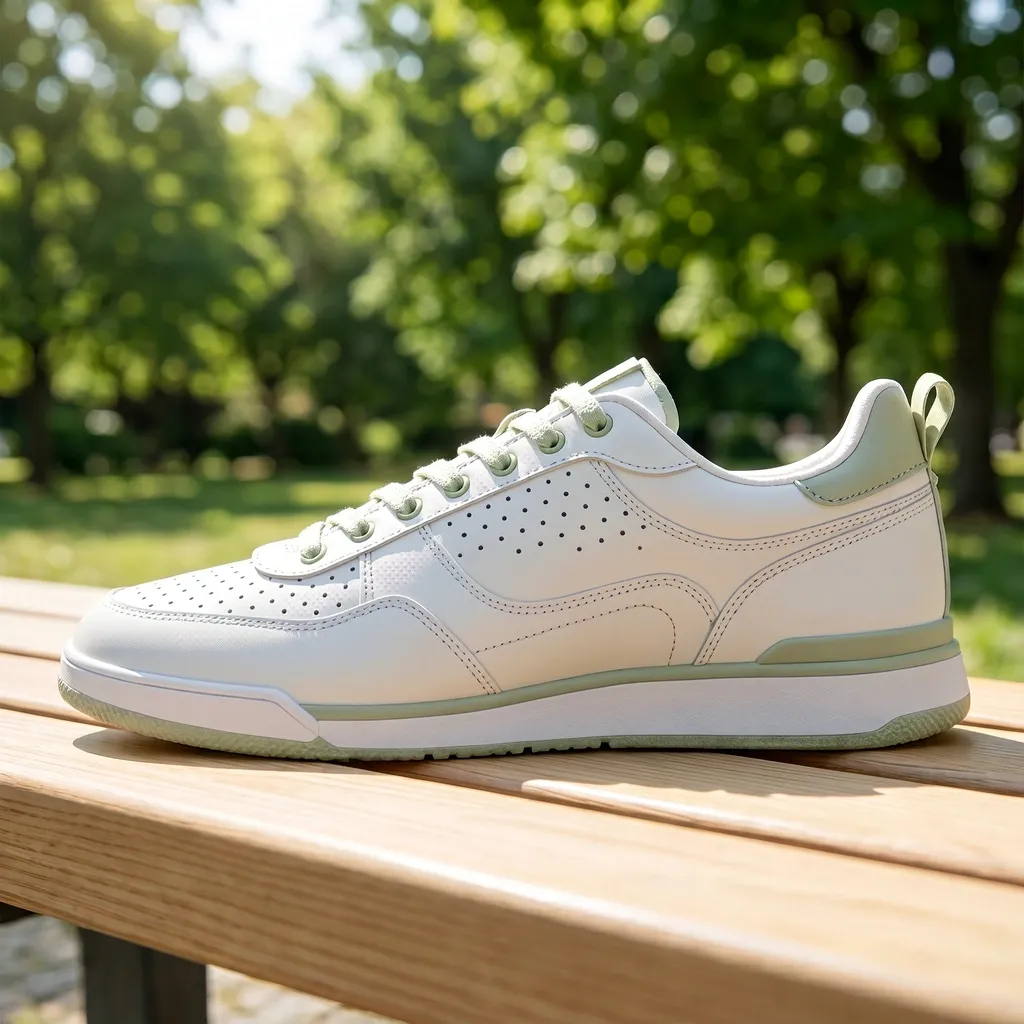
Move a product into a new scene
One product photo in, one lifestyle shot out. The product keeps its shape and design while the setting and the light change around it.
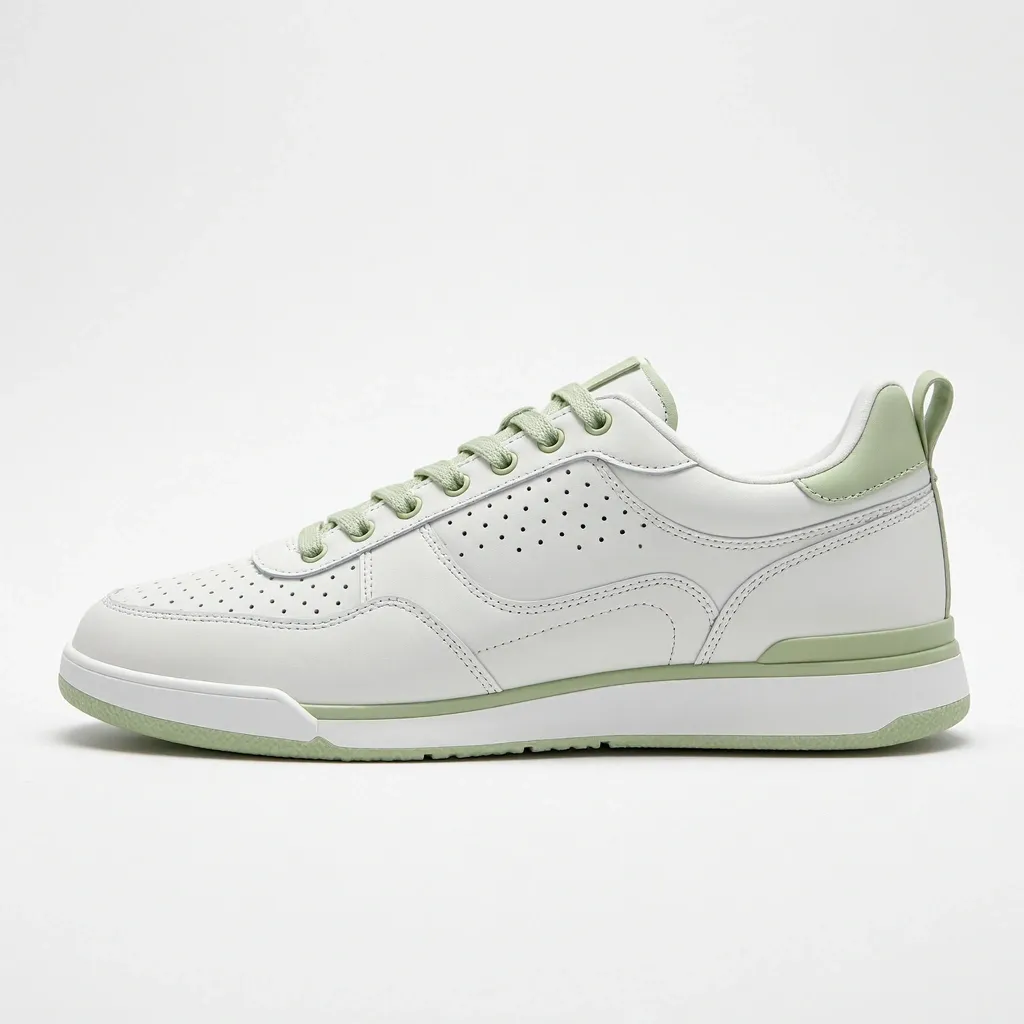 Original
 Result
Prompt: Place the sneaker from Image 1 on a light wooden park bench in bright morning sunlight, green trees softly blurred in the background, lifestyle product photography. Keep the sneaker's design and colors unchanged.
Original made with: E-commerce product photo of a white leather sneaker with pale green accents, side view, on a clean white background, soft studio shadow, no logo, no text
Original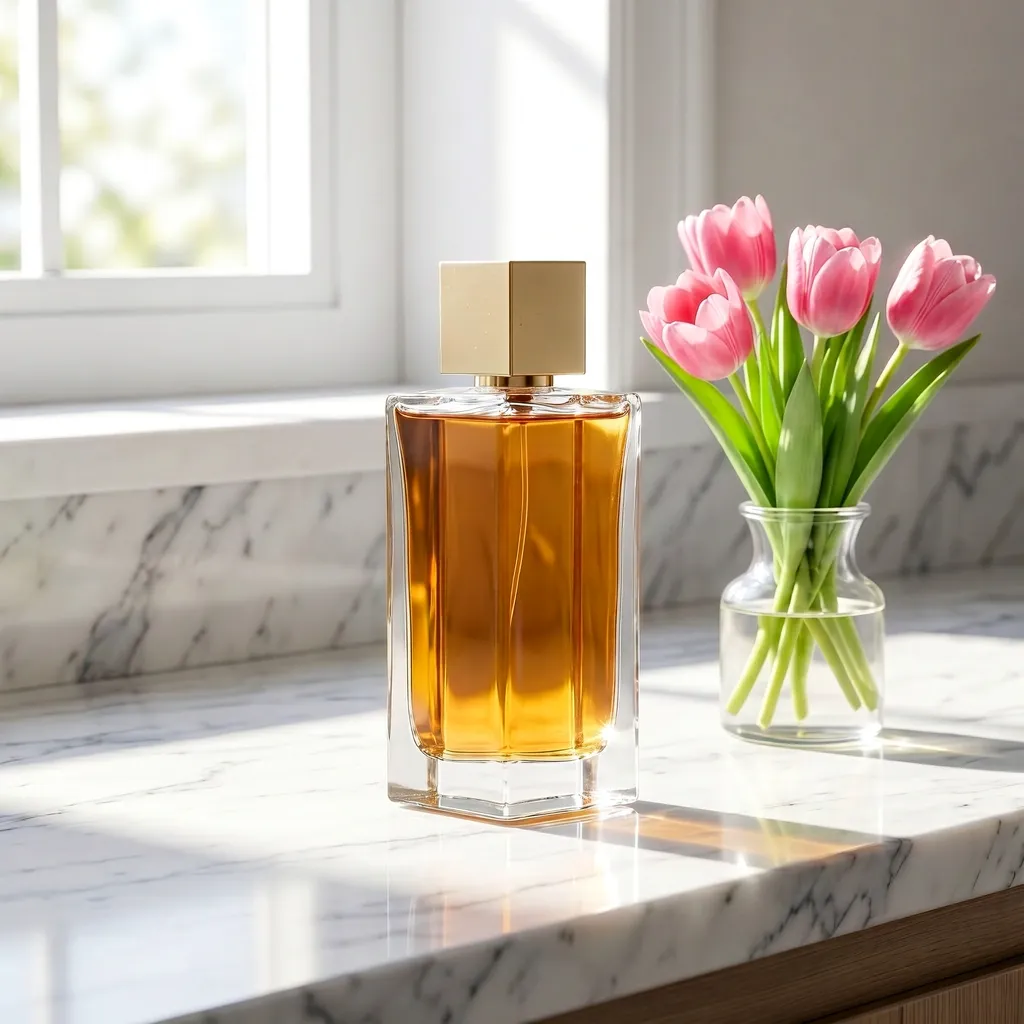 Result
Prompt: Move the perfume bottle from Image 1 onto a white marble bathroom counter next to a small vase of pink tulips, bright morning sunlight from a window, light and airy commercial product photography. Keep the bottle unchanged.
Original made with: Premium editorial product photography of a clear glass perfume bottle on black volcanic stone, soft mist, warm rim light, deep charcoal background, no logo, no text
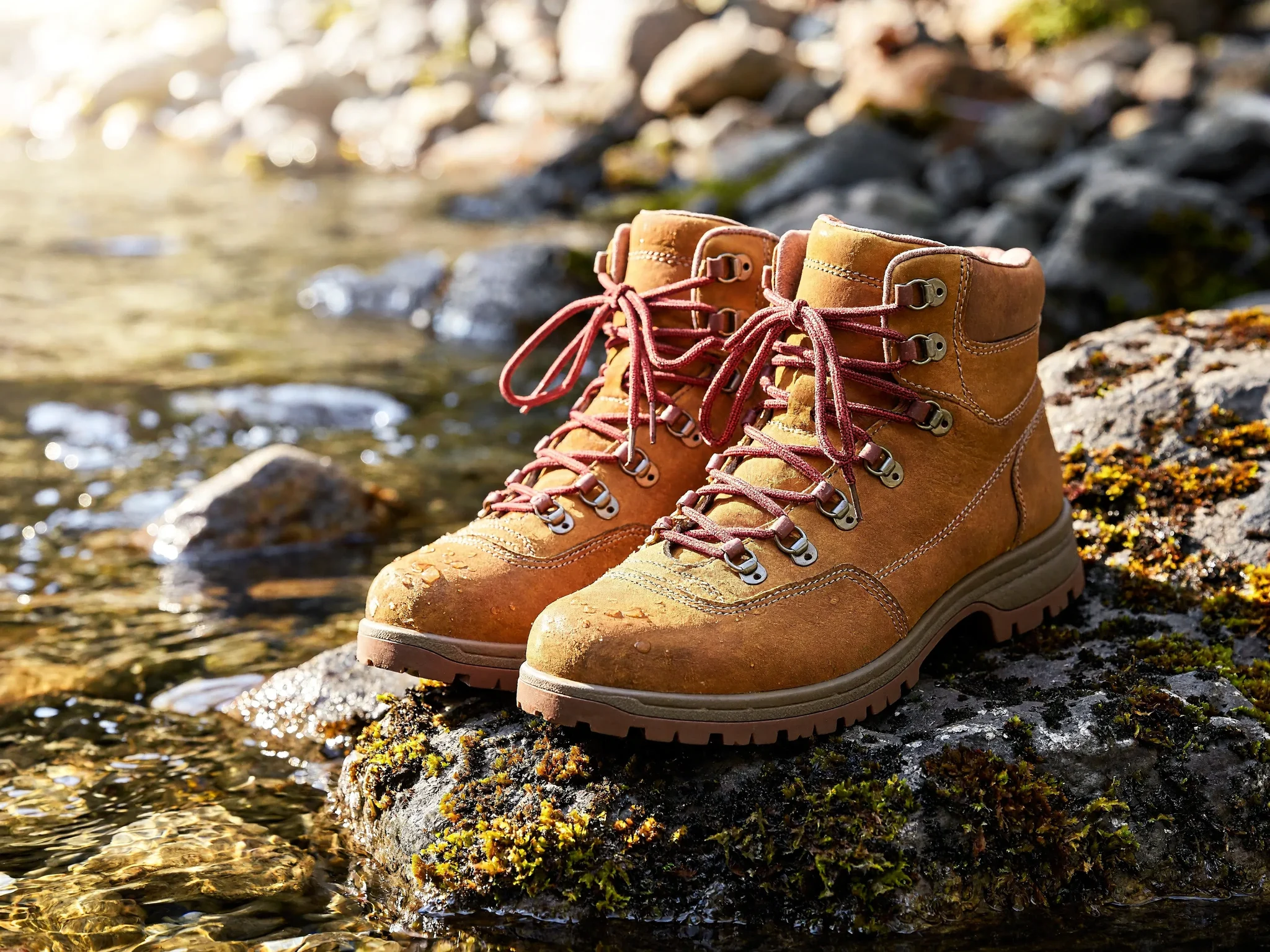
4K output you can crop into
Rendered at 4K (4096 x 3072). The first image is the whole frame, scaled down to fit this page. The second is a section cut out at its original pixels, with no upscaling: the lace weave, the stitching and the grain of the leather are all there.
 4K full frame
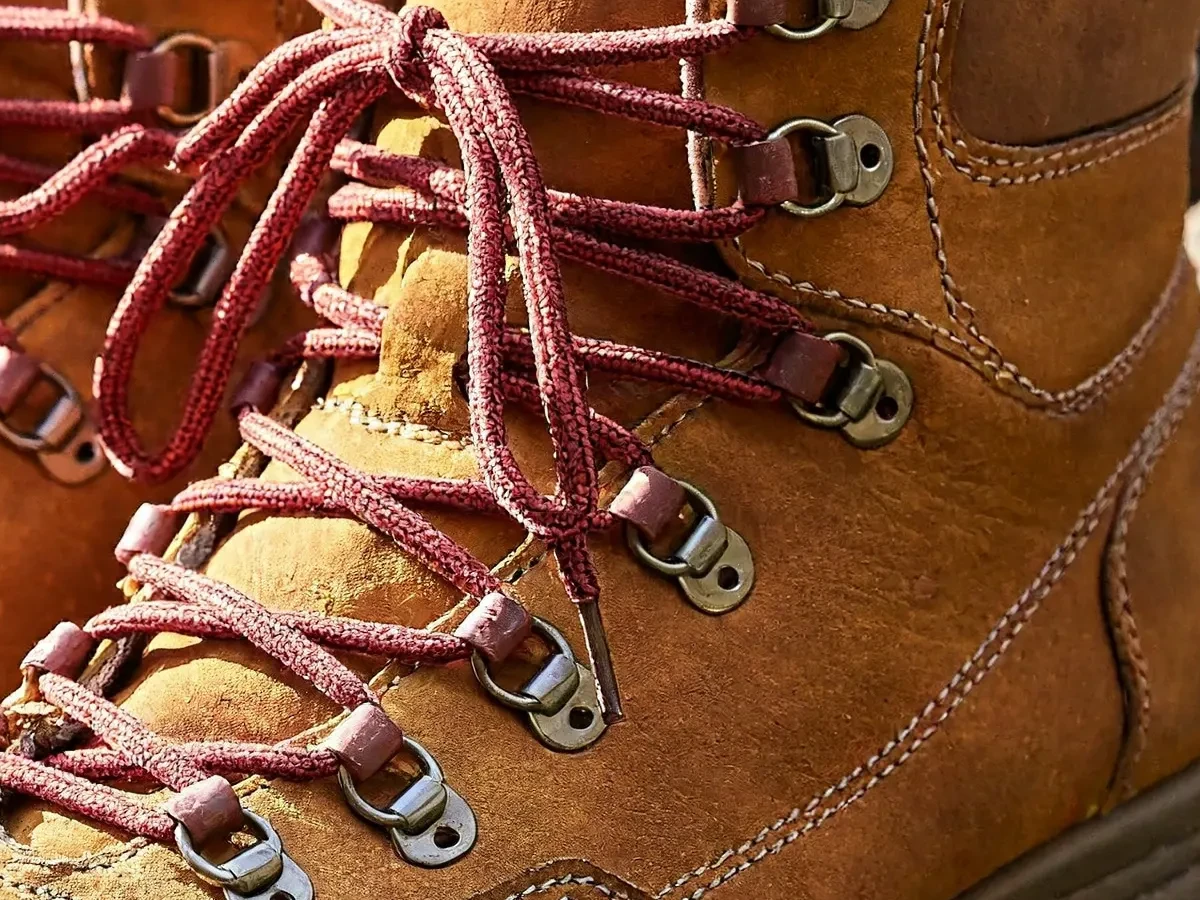 100% crop
Prompt: Commercial product photograph of a pair of tan leather hiking boots with red laces standing on a mossy rock beside a clear mountain stream, bright morning sunlight, water droplets on the leather, sharp focus on the stitching and leather grain, no logo, no text
Text to image
Short prompts, rendered at 1K. The prompt is expanded into a full scene description before generation, so one line is enough to get a composed image.
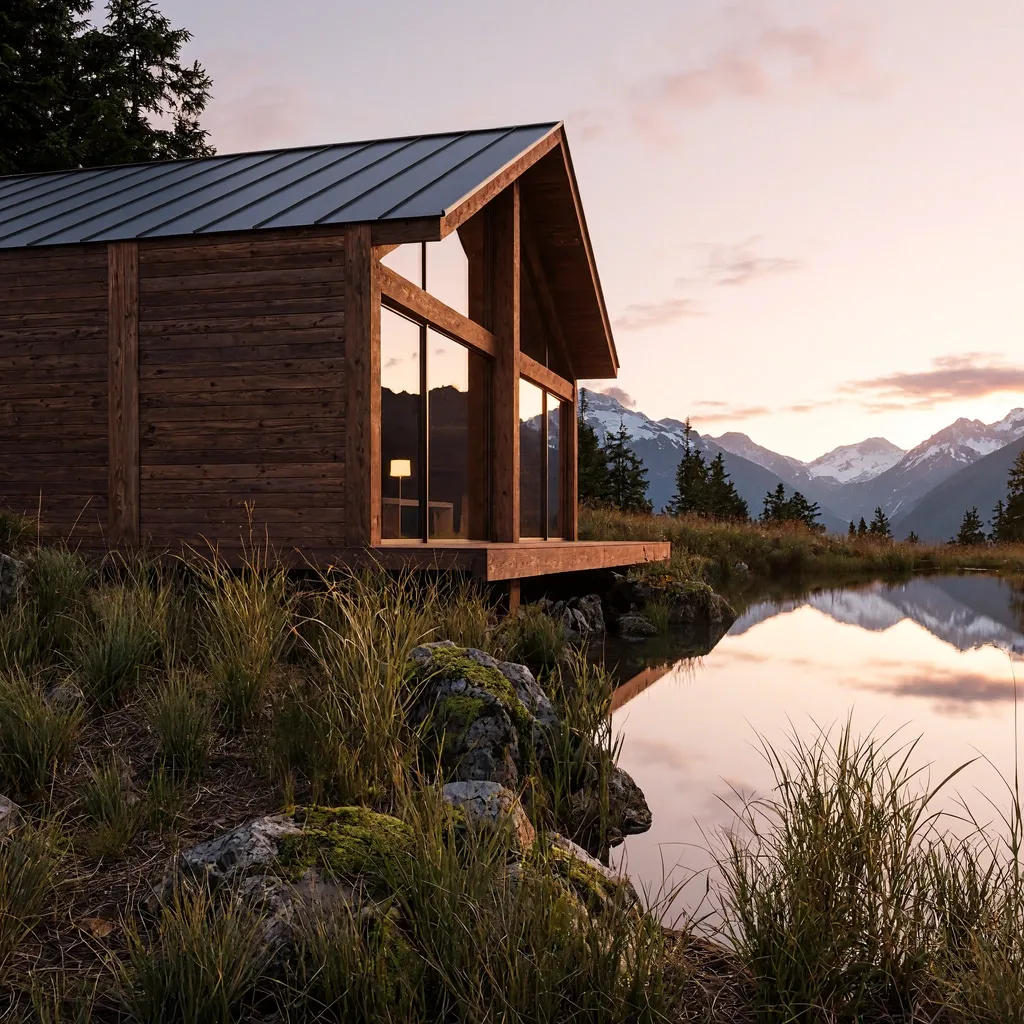 1K
Landscape
Prompt: A modern timber cabin beside a glassy alpine lake at sunrise, pale pink sky, wild grass, cinematic landscape photography, no people
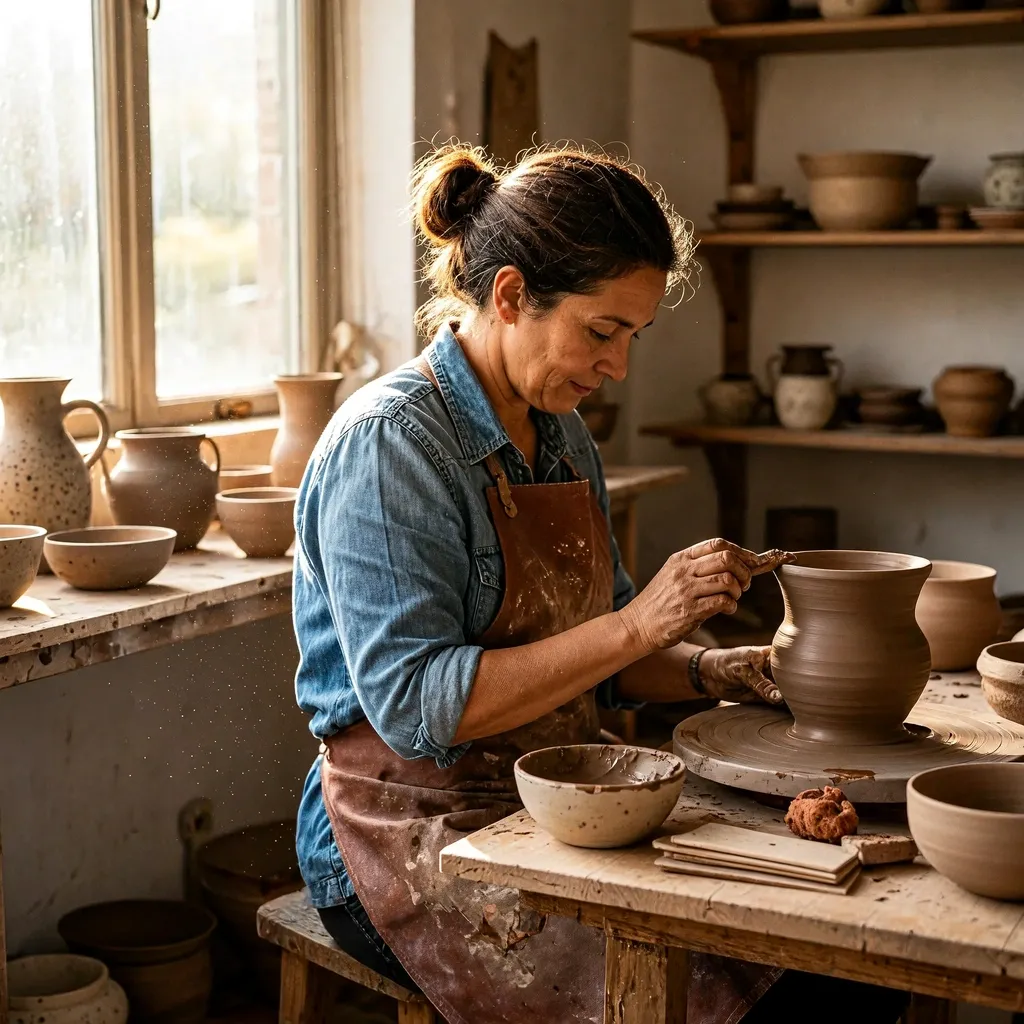 1K
Documentary portrait
Prompt: Documentary portrait of a ceramic artist in a bright sunlit workshop, clay dust in the air, handmade vessels, natural window light, authentic editorial photography
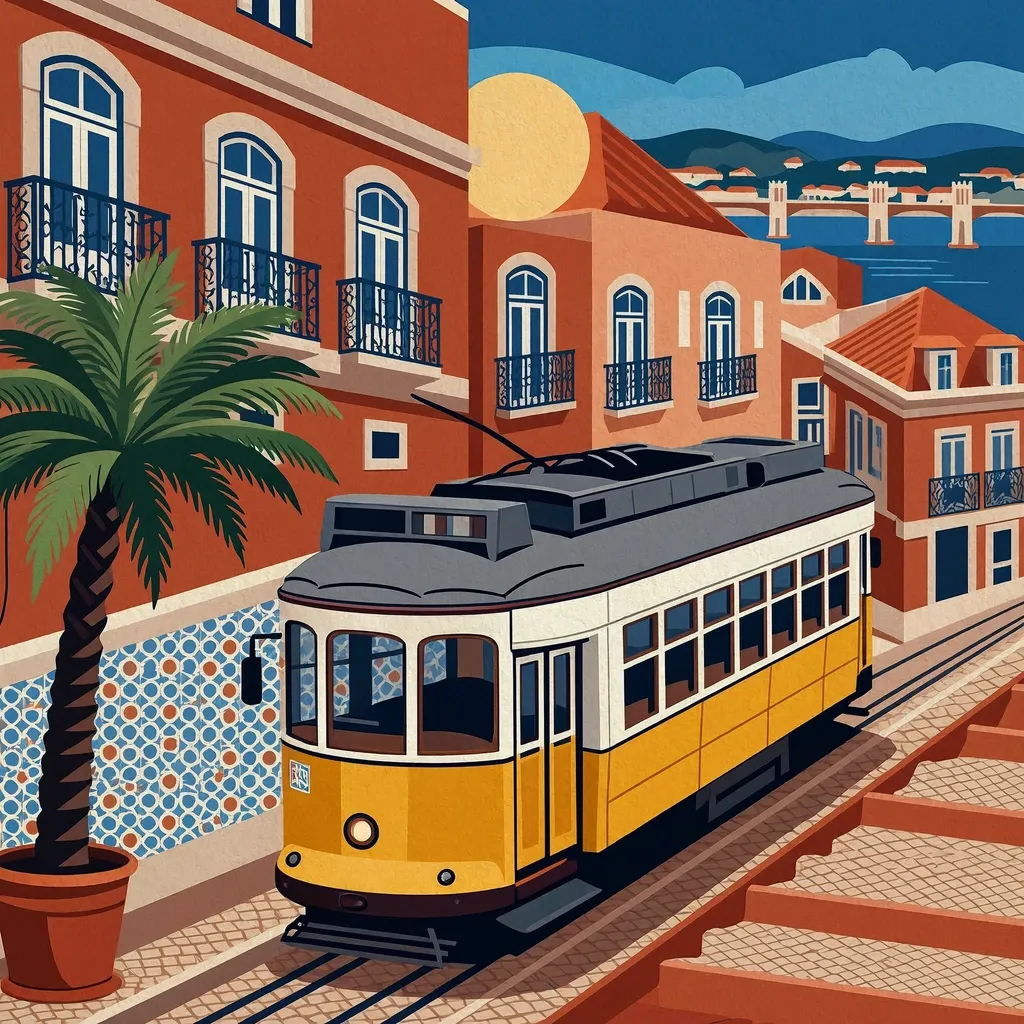 1K
Graphic poster
Prompt: A graphic travel poster of Lisbon with a yellow tram climbing a tiled street, warm terracotta and blue palette, bold clean geometric composition, no words, no lettering
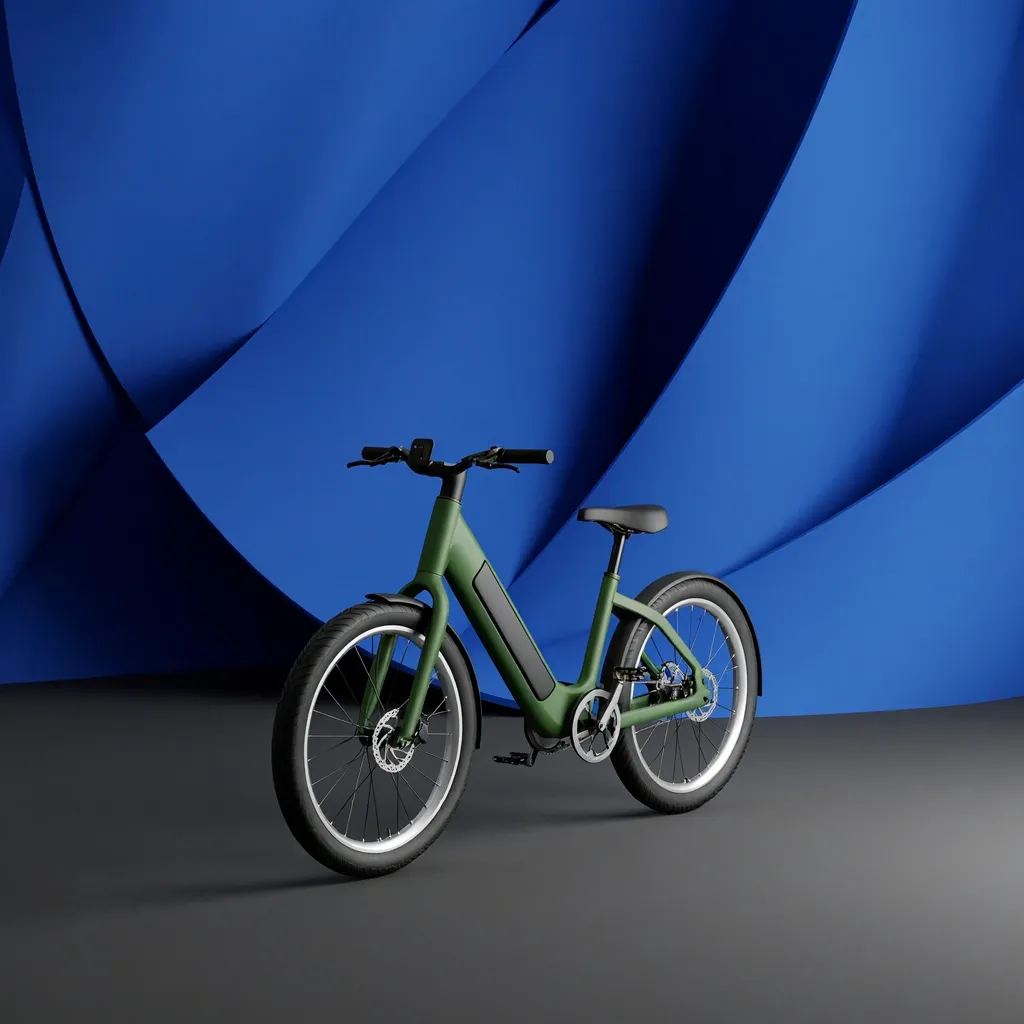 1K
Campaign visual
Prompt: Studio campaign image of a matte forest-green electric bicycle against a sculptural cobalt blue backdrop, soft shadows, modern art direction, no logo, no text
Why Use MiniMax H3 Image
MiniMax's image model for text-to-image creation and reference-guided editing, with output up to 4K.
4K Output at 4096 Pixels
Choose 1K, 2K or 4K. At 4K the long side reaches 4096 pixels, so you can crop, print and reuse the image without a separate upscaling step. 2K costs the same as 1K, so you can draft at higher detail for no extra cost.
Up to 16 Reference Images
Combine products, people, outfits, places and style references in a single edit. Sixteen inputs leave room for a full product line, several outfit options or a complete mood board.
Edits in Plain Language
Describe the change in a sentence: replace the background, restyle a jacket, put the bottle from Image 2 into the scene from Image 1. Say what should stay as it is, and keep each instruction specific.
Short Prompts, Full Scenes
In Text to Image, your prompt is expanded into a detailed scene description before generation, so a single line still produces a fully composed image. Longer, precise prompts work too.
7 Aspect Ratios
1:1, 16:9, 9:16, 4:3, 3:4, 3:2 and 2:3, covering social posts, vertical stories, thumbnails, product pages and print. Edits use the ratio you pick, not the shape of your first upload.
JPEG, PNG or WebP
Download in the format your next step needs: JPEG for small files, PNG for lossless editing, WebP for fast-loading web pages.
How to Use MiniMax H3 Image Online
From a prompt or a set of reference photos to a finished image in three steps.
Choose a Mode
Use the generator at the top of this page. Stay on Text to Image to start from a prompt, or switch to Image to Image and upload up to 16 reference images.
Describe the Image
Write the scene you want, or the change you want to make. When editing, refer to your uploads as Image 1, Image 2 and so on, in the order you added them.
Pick Size and Generate
Choose 1K, 2K or 4K, an aspect ratio and a file format. The generator shows the exact price before you submit, and the finished image is saved to Creations so you can download it later.
Frequently Asked Questions
What to know before you create with MiniMax H3 Image on Veevid.
MiniMax H3 Image is MiniMax's image model for generating and editing pictures. It creates images from a text prompt, and it can edit or combine up to 16 existing images in one request, with output up to 4K. On Veevid you can use both modes in your browser with no setup.
Yes. Choose 4K in the generator. A square image comes out at 4096 x 4096 pixels and a 16:9 image at 4096 x 2304. 1K and 2K are there for drafts and quick iterations, and 4K is available in both text-to-image and editing.
Up to 16 per edit. Use them for the subject, products, outfits, backgrounds or a style you want to match. Each reference image adds a small amount to the price, and the generator updates the total as you add or remove images.
Refer to them by position: Image 1, Image 2, Image 3 and so on, following the order you uploaded them. For example: "Place the perfume bottle from Image 2 on the stone surface in Image 1 and keep the lighting from Image 1."
No. In Text to Image, MiniMax H3 Image expands your prompt into a detailed description before it generates, so a short idea still gets a complete composition. For precise results, name the subject, setting, lighting and camera angle yourself and the expansion builds on them.
Seven aspect ratios: 1:1, 16:9, 9:16, 4:3, 3:4, 3:2 and 2:3. Download as JPEG, PNG or WebP. When editing, the result uses the aspect ratio you select rather than the shape of your first reference image.
Yes. A common workflow is to create the first frame with MiniMax H3 Image, then animate it with MiniMax H3 image-to-video on Veevid. Making the frame first lets you lock in the look, product and composition before you generate the video.
Each image costs credits. 1K and 2K cost the same, 4K costs more, and each reference image in an edit adds a small charge. The generator always shows the exact cost before you submit, and if a generation fails, the credits are returned.
Discover More AI Image Tools
Try other image models on Veevid, or turn your images into video.
Create Your Next Image with MiniMax H3 Image
Start from a prompt or up to 16 reference images, and download at up to 4K.
Try MiniMax H3 Image