AI Camera Controls — Orbit, Dolly and Crane Shots From One Image
Turn a single image into a moving shot. Pick a camera move and H3 Max keeps your subject locked and undistorted while the camera travels around it.
Camera Controls Examples
One image in, one camera move chosen, one finished shot out — the subject stays exactly as it was.

ヒーロー登場
ローアングルから上昇しつつ寄っていく、ドラマチックな登場シーン
Soft cinematic ambient music swells gently, quiet studio room tone in the background. She stays still and simply looks at the camera.
This clip has sound. Unmute the player to hear it — on a phone, tap the video first to bring up the controls.
Nine camera moves, one click each
Every move is a preset built from tested keyframes. You never type an angle.
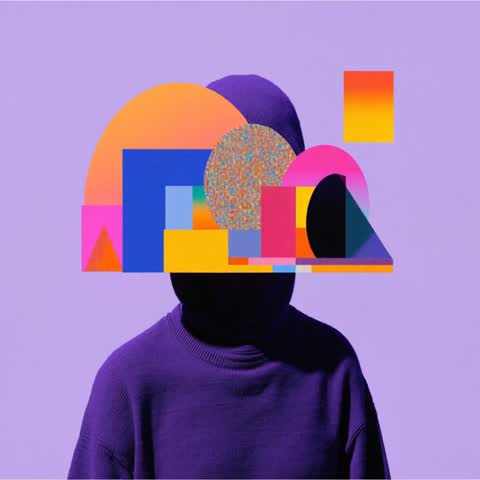
360°オービット
被写体の周りをぐるりと一周。商品紹介の定番です
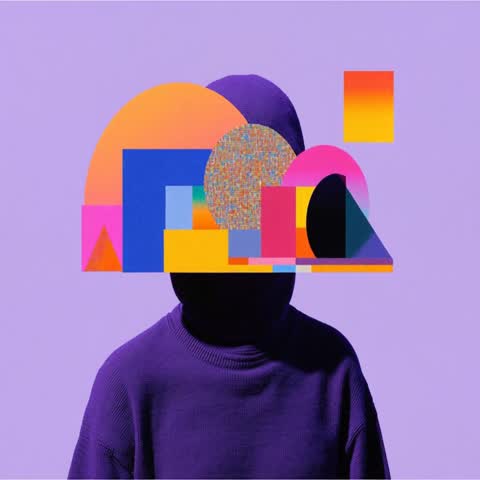
俯瞰から降下
真上に近い俯瞰から、一気にクローズアップまで降りていきます
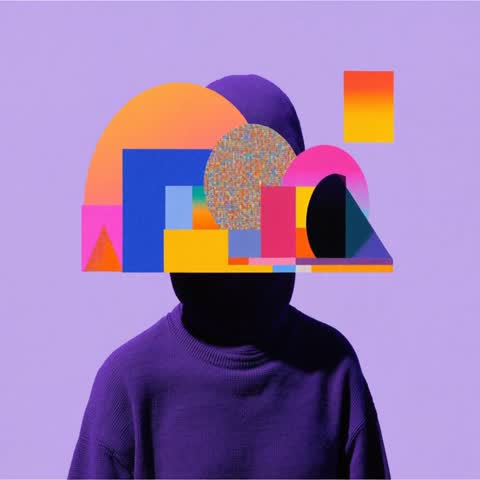
ウィップスピン
高速で2回転し、元の位置に戻ります
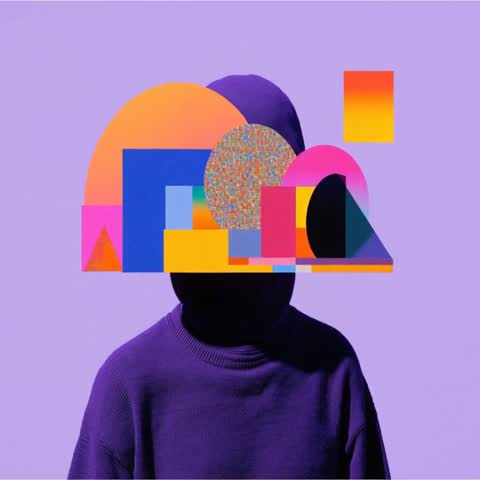
ヒーロー登場
ローアングルから上昇しつつ寄っていく、ドラマチックな登場シーン
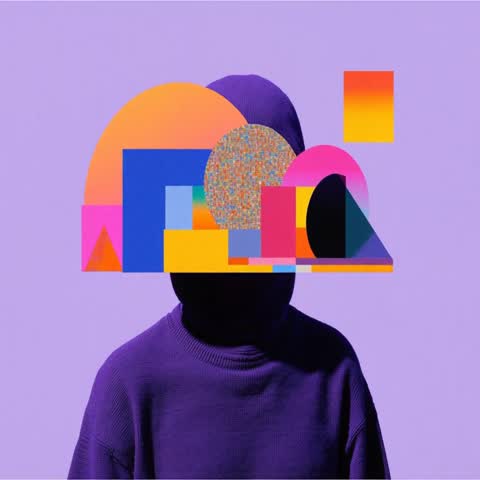
ドリーイン
被写体に向かってまっすぐ近づきます
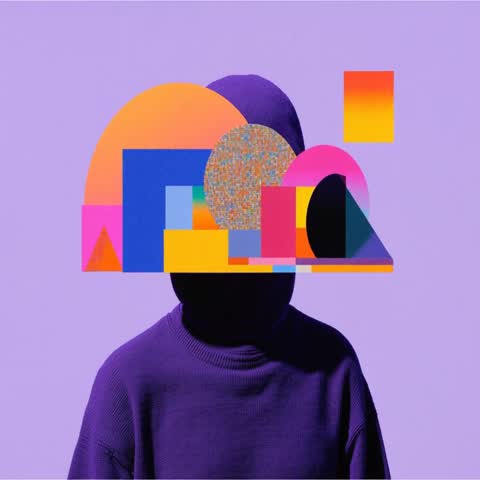
ドリーアウト
後ろに引いて、周囲の景色を見せます
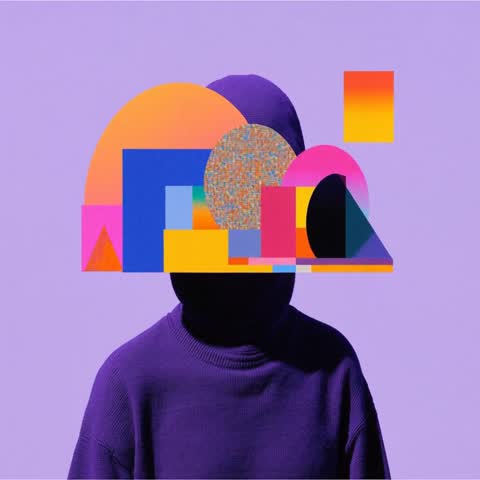
左にアーク
左方向に4分の1周回り込みます
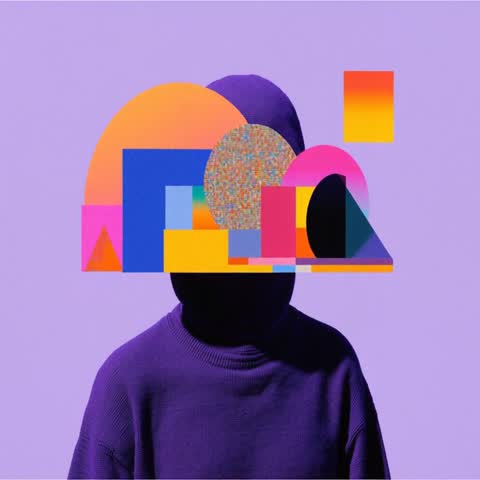
右にアーク
右方向に4分の1周回り込みます
あおりから上昇
低い位置から見上げた状態で始まり、水平の目線まで上がります
Why this beats writing “orbit the product” in a prompt
Camera movement driven by an actual camera path, not by a model rewriting your scene.
Your subject does not warp
Prompt-driven camera moves usually fail the same way: ask for an orbit and the model redraws the product from a guess instead of moving the viewpoint. This model runs a fixed internal camera path, so the subject you uploaded is the subject you get back.
Presets, not numbers
Orbit, arc, dolly, overhead descent and more are ready to click. The underlying keyframes were calibrated on real generations, so you skip the trial and error entirely.
5 to 15 seconds, sound when you ask for it
Pick any length from 5 to 15 seconds. Describe the sound you want in the prompt and it usually comes back on a synchronized track — leave the prompt empty and you get a silent camera move.
Up to 1080P
Render at 480P for quick drafts, 768P as the everyday default, or 1080P when the shot is going somewhere public.
How to add camera movement to an image
Three steps, no keyframing.
Upload your image
Whatever sits at the centre of the frame becomes the subject the camera orbits. The output keeps your image's aspect ratio.
Pick a camera move
Choose from nine presets — 360 orbit for product reveals, dolly in to build tension, bird's eye descend for a dramatic open.
Set length and resolution, then generate
Choose 5 to 15 seconds and a resolution. The prompt is optional — leave it empty and the camera move alone drives the shot.
Camera Controls FAQ
What it does, and what it does not.