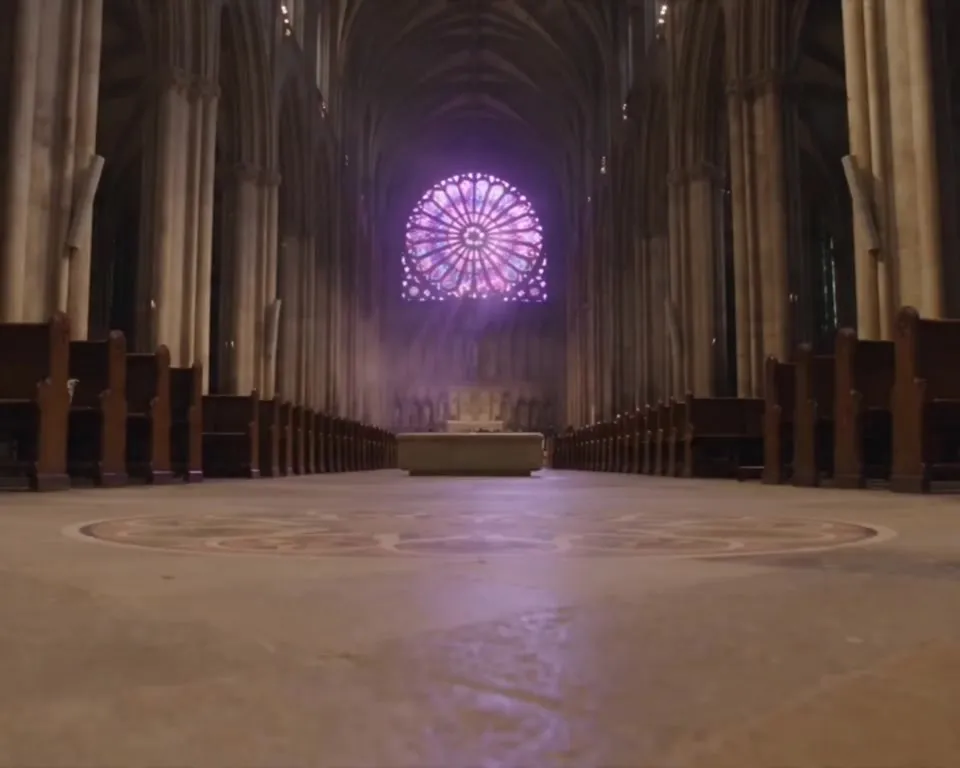
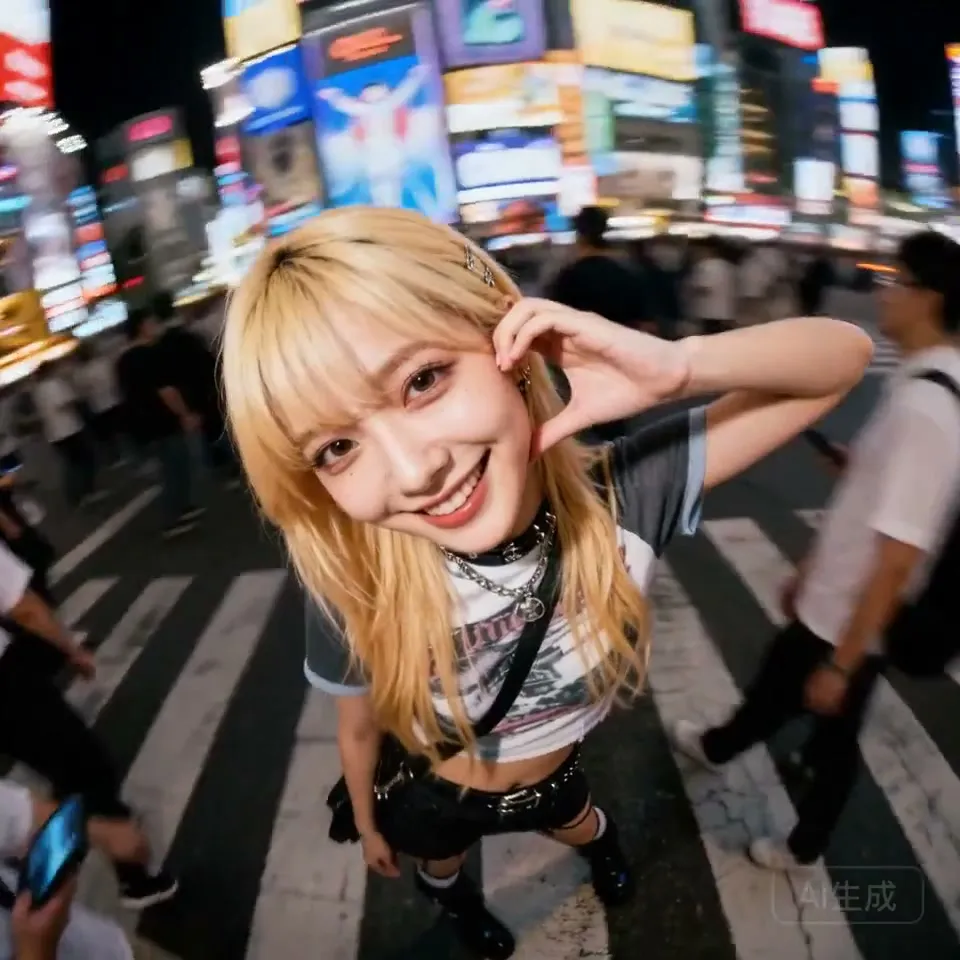
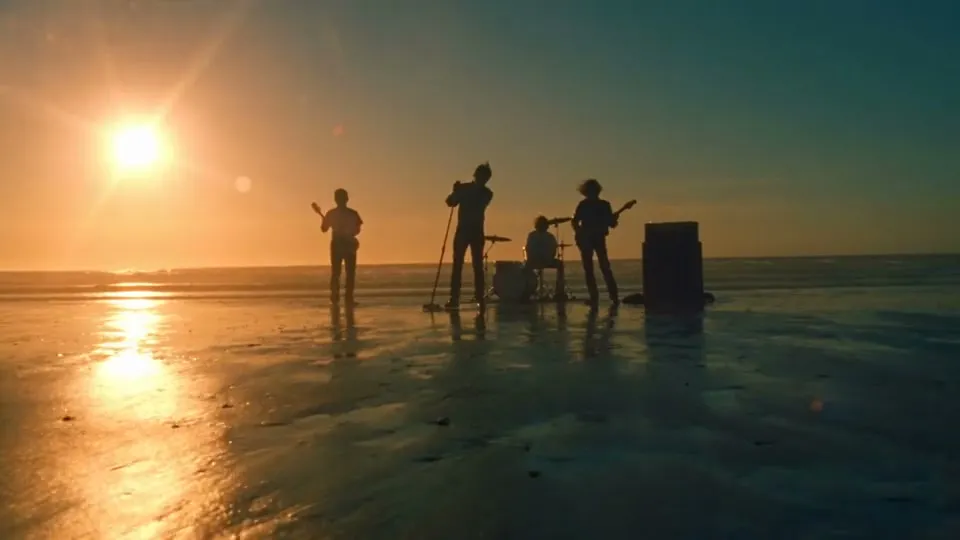
Seedance 2.5 AI Video Generator

One continuous 30-second take with native audio, no stitching. Guide the shot with up to 50 image, video and audio references, then edit or extend the result in place.

サンプル動画

Made with Seedance 2.5

Editing, extension, first-frame animation and multilingual audio, all from the model itself.

Region-Level Editing

Remove everyone except the protagonist. Output keeps the source video's 5:4 ratio and length.

Video Extension

Continue a clip into a new scene. Output keeps the 7:5 ratio of the video being extended.

First Frame to Video

Animate a still image. Output ratio follows the 1:1 of the first-frame image.

Multilingual Audio

Speech generated alongside the picture, with native output across 11 languages. Tap the speaker icon to hear it.

GPT Image 2.5 to Seedance 2.5 Workflow

Design the exact frame you want in GPT Image 2.5, then hand it to Seedance 2.5 as the first frame. The still locks characters, style and composition; Seedance adds the action, camera and sound.

  1. 1

    Make the Still in GPT Image 2.5

    Describe the scene, characters and style. For a frame break, ask for the subject to already be pushing past the panel or screen edge so the motion has somewhere to go.

  2. 2

    Send It to Seedance 2.5

    Drop the image into the Seedance 2.5 generator at the top of this page, or click "To Video" under any image result and pick Seedance 2.5. The image becomes the first frame and the output keeps its aspect ratio.

  3. 3

    Direct the Motion

    Write what happens next, not what is already in the picture. Timestamped beats like 0-3s and 3-6s plus a line about sound keep a 10-second take on script.

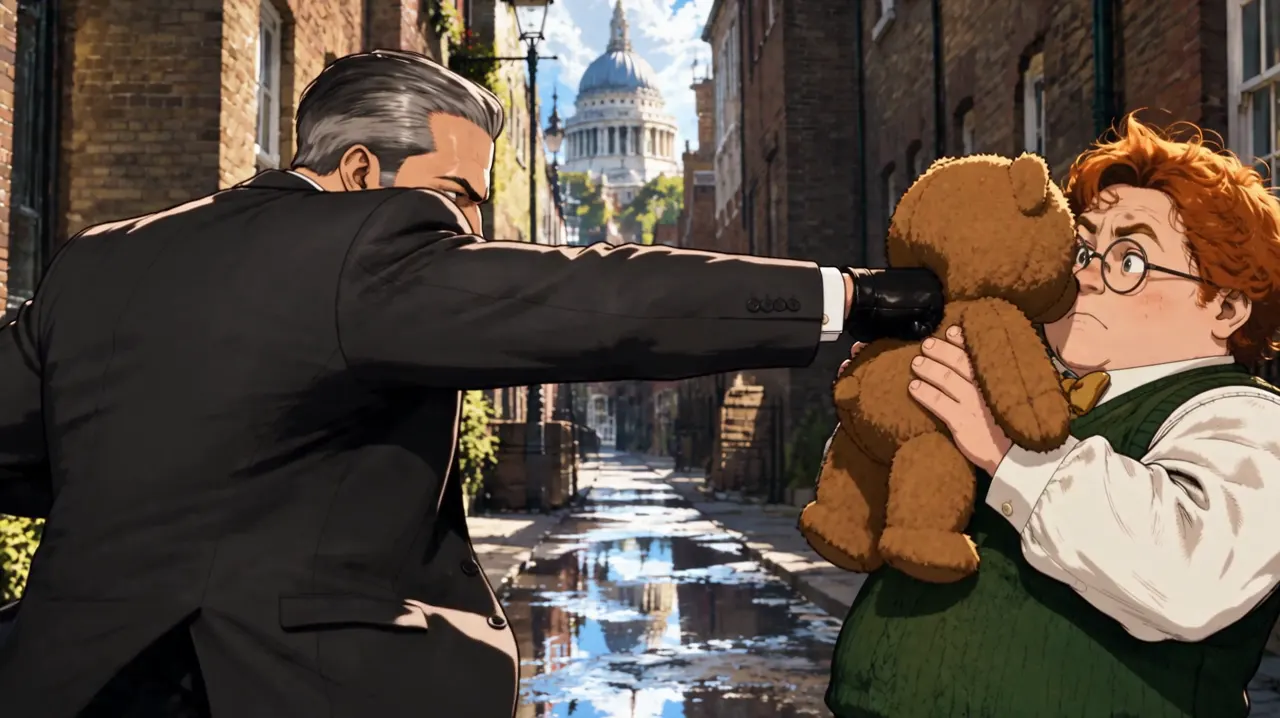
Character Showdown: Hitman vs Gentleman

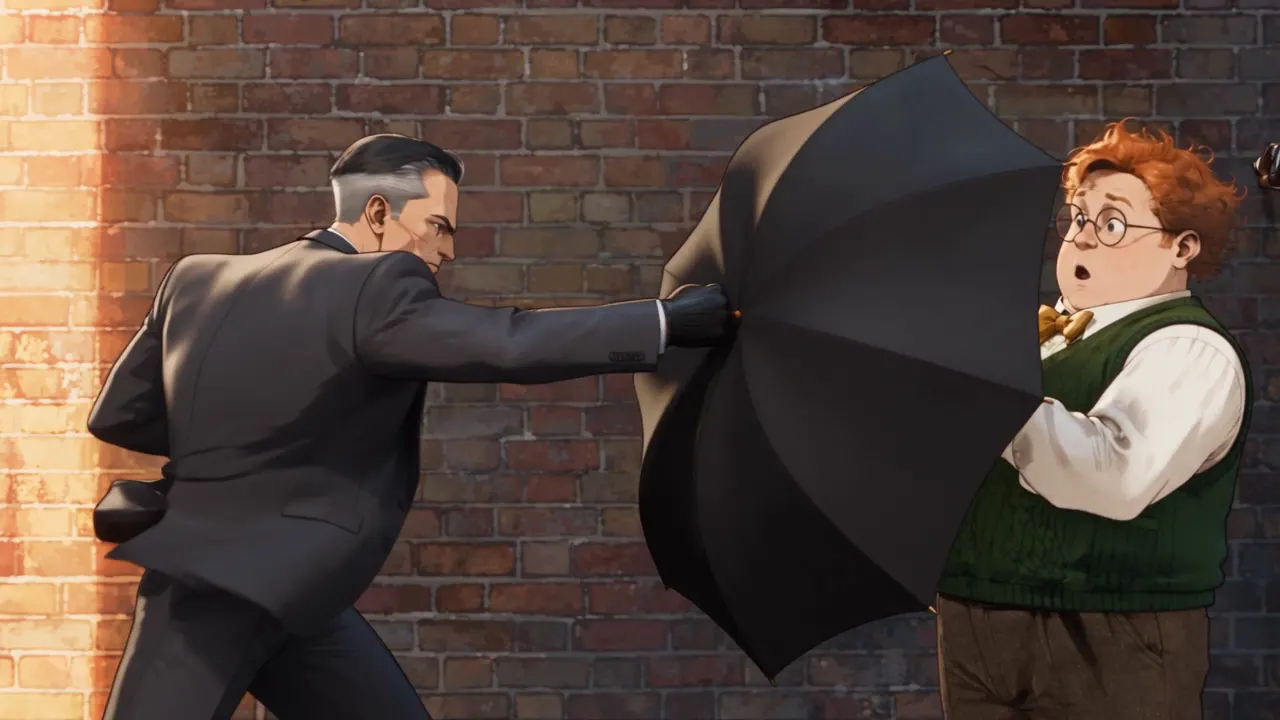
The formula behind the viral John Wick vs Mr. Bean clip: one deadly serious fighter, one who wins by accident. GPT Image 2.5 sets up the standoff, Seedance 2.5 plays out the umbrella block, the teddy bear shield and the fish slap in one take.
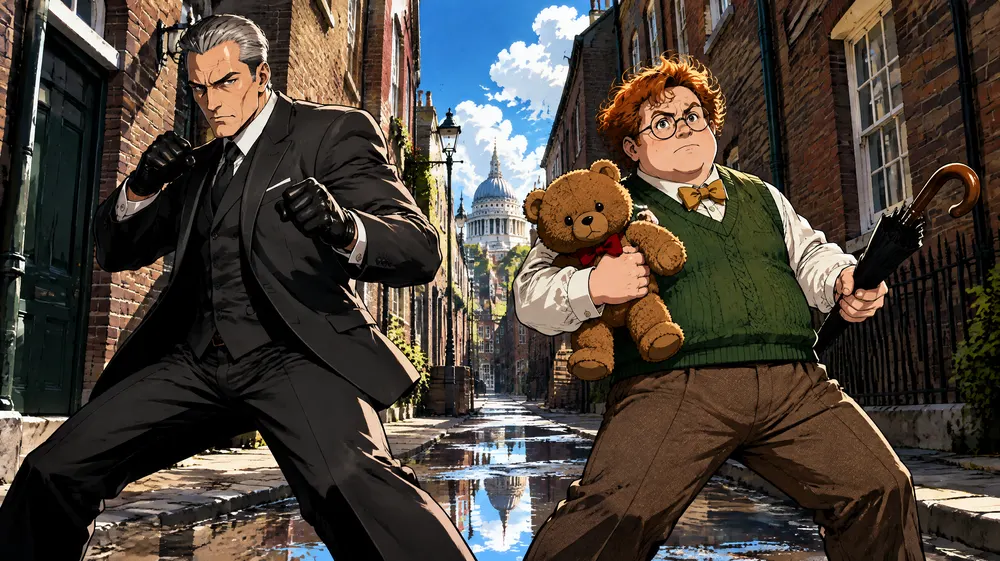
GPT Image 2.5 still of a silver-haired assassin facing a clumsy gentleman with a teddy bear on a London street, cel-shaded anime style
Step 1: GPT Image 2.5 still
Step 2: Seedance 2.5 video
Show both prompts

GPT Image 2.5 prompt: Wide cinematic 16:9 film frame in cel-shaded 3D anime style: a narrow London brick street at midday, bright sunshine, puddles reflecting the sky. A silver-haired assassin in a charcoal three-piece suit and black gloves stands on the left in a precise fighting stance, fists raised. A round clumsy gentleman with ginger curls, round glasses, a green knitted vest and a yellow bow tie stands on the right, holding his teddy bear up like a shield and a closed umbrella like a sword, completely serious. Low camera angle, bold flat color blocking, hard edge shadows, thick black outlines, film grain. No text.

Seedance 2.5 prompt: Cel-shaded 3D anime fight comedy, one continuous take. 0-3s: the silver-haired assassin fires a lightning-fast jab-cross combination; the ginger gentleman pops open his umbrella at the last instant and every punch thuds harmlessly into it. 3-6s: the assassin rips the umbrella away and tosses it; the gentleman holds his teddy bear up like a shield, the assassin's punch sinks into the bear with a squeak, and the gentleman checks the bear for damage with genuine indignation. 6-10s: the assassin lunges for his collar; the gentleman pulls a huge raw fish out of his vest and slaps him across the face with a loud wet slap, fish scales stuck on the assassin's cheek, his cold expression frozen in disbelief. Camera switches between low wide shots, side angles and extreme close-ups on faces. Bold flat colors, hard shadows, thick outlines, film grain. Orchestral score swinging between deadly serious and absurd comedy.
Frame Break: Samurai Leaps Out of a Comic

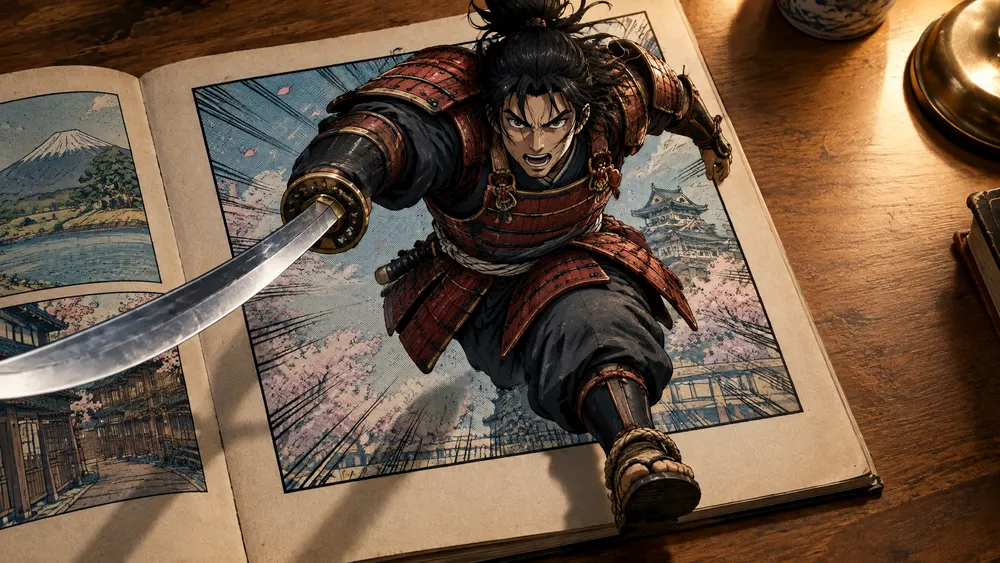
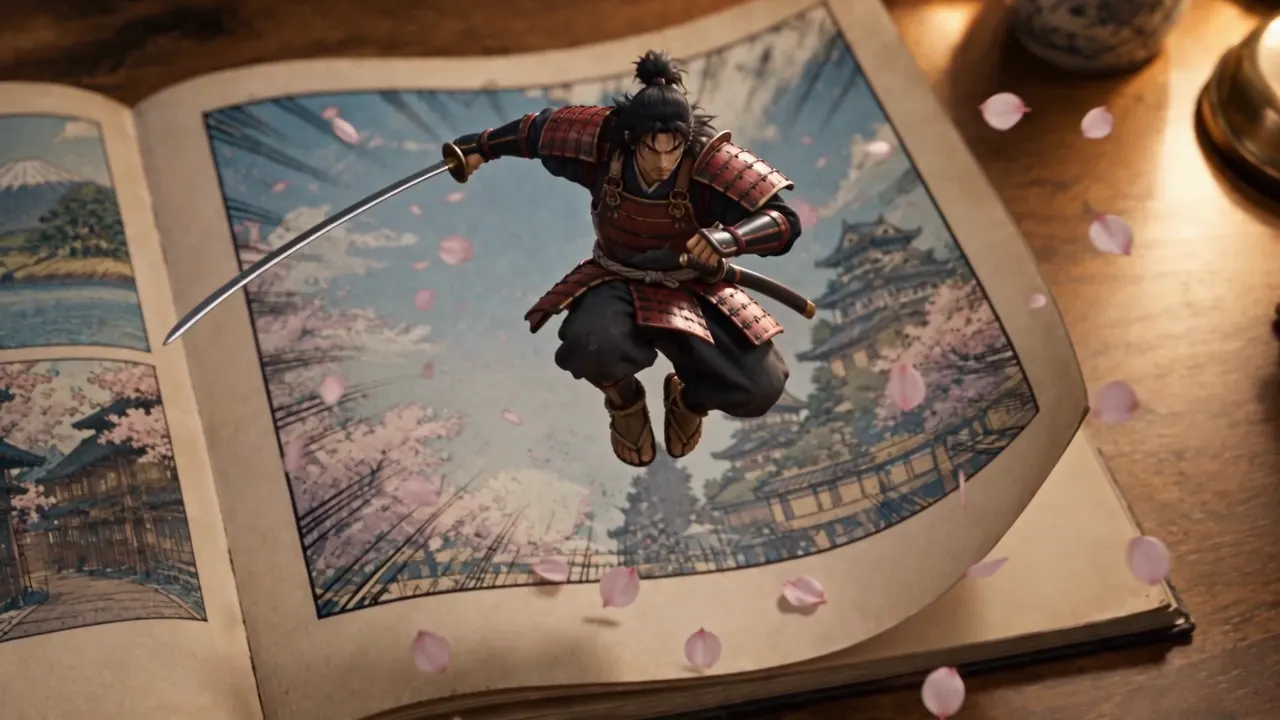
A frame break (out-of-frame) shot starts with the subject partly outside its border. Seedance 2.5 finishes the escape: the samurai kicks off the panel edge and lands on the real desk with real shadows.

GPT Image 2.5 still of an anime samurai bursting out of a comic book panel onto a wooden desk
Step 1: GPT Image 2.5 still
Step 2: Seedance 2.5 video
Show both prompts

GPT Image 2.5 prompt: Photorealistic overhead-angled photo of an open vintage comic book lying on a wooden desk, warm desk-lamp light. The right page shows one large comic panel with a thick black border: a fierce cel-shaded anime samurai in red-and-black armor, katana drawn, mid-leap toward the viewer. FRAME BREAK effect: the samurai's sword blade, his right arm and one sandaled foot already burst out past the panel border and extend into the real 3D space above the paper, casting real soft shadows on the page and the desk. Halftone dots and speed lines inside the panel, crisp realistic paper texture outside it. Strong depth, 16:9, high detail, no speech bubbles, no text.

Seedance 2.5 prompt: The anime samurai bursts completely out of the comic panel: he slashes his katana in a wide arc, kicks off the panel border and leaps off the page into the real world, landing in a crouch on the wooden desk next to the comic book as a small 3D figure with real shadows and lamp light on his armor. Paper corners flutter, a few cherry-blossom petals and halftone speed lines spill out of the panel with him. Camera slowly pushes in and tilts down to follow him. He rises, flicks his sword and looks straight into the lens. Sound: paper ripping, a sharp sword swish, a soft thud on wood, a short taiko drum hit.

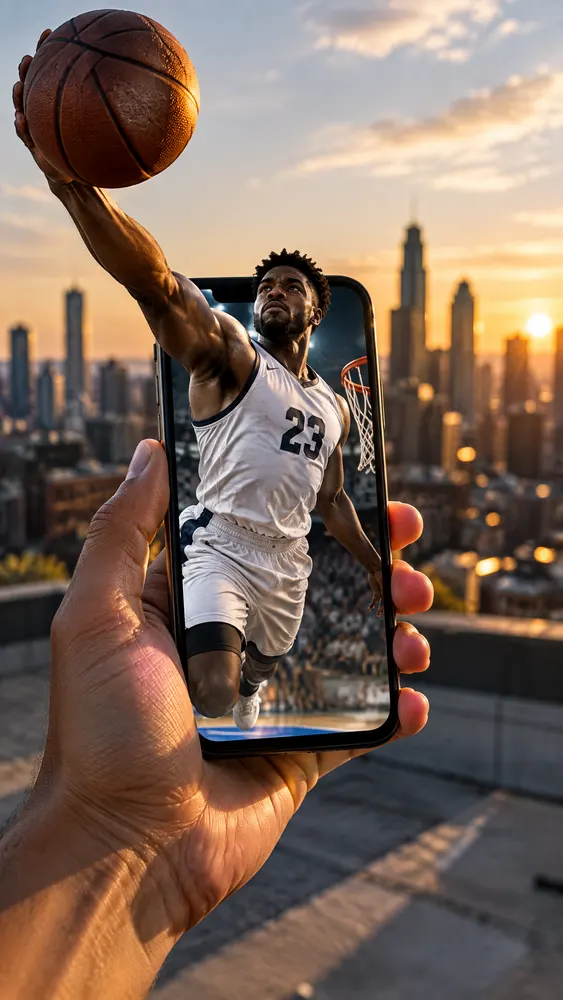
Frame Break: Dunk Out of a Phone Screen

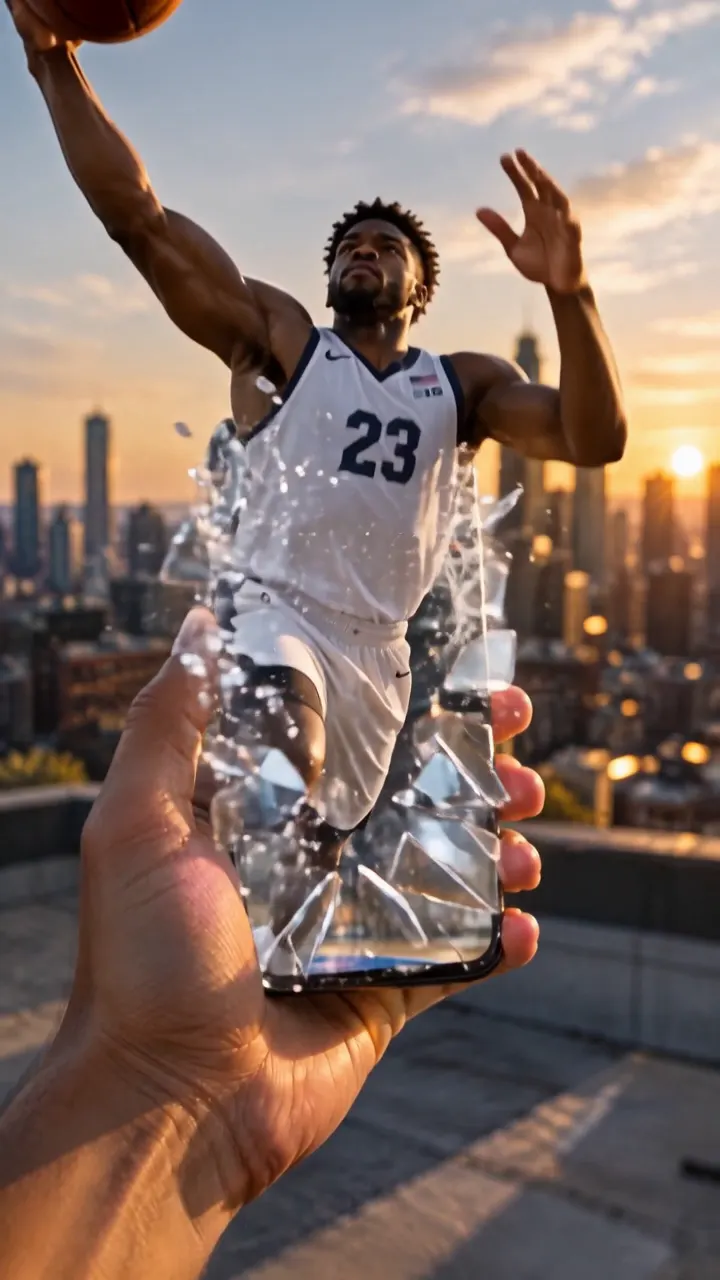
The same trick on a vertical 9:16 frame. The player shatters out of the phone, dunks above it and lands on the rooftop at full size, ready for Reels and Shorts.

GPT Image 2.5 still of a basketball player breaking out of a smartphone screen on a rooftop at golden hour
Step 1: GPT Image 2.5 still
Step 2: Seedance 2.5 video
Show both prompts

GPT Image 2.5 prompt: Photorealistic shot of a hand holding a smartphone vertically on a city rooftop at golden hour. On the phone screen, a professional street basketball player in a white jersey with the number 23 is rising for a dunk. FRAME BREAK effect: his arm and the basketball already break out of the phone screen's edge into the real world, larger than the phone, casting real shadows on the hand; the rest of his body is still inside the screen. Realistic lighting, shallow depth of field, city skyline bokeh behind, 9:16 vertical, high detail, no logos, no text.

Seedance 2.5 prompt: The basketball player explodes out of the phone screen into the real rooftop: his whole body pushes through the screen edge, he rises above the phone and slams the ball down with a powerful one-handed dunk motion, then lands on the rooftop floor behind the hand at full human size, casting a long golden-hour shadow. The phone screen behind him now shows an empty court. The hand holding the phone jolts slightly. Camera tilts up with the jump and pulls back to reveal him standing on the roof against the skyline. Sound: crowd roar from the phone speaker, a whoosh, a heavy ball bounce, city wind.

Character Sheet as Reference: The Viral Clip Method

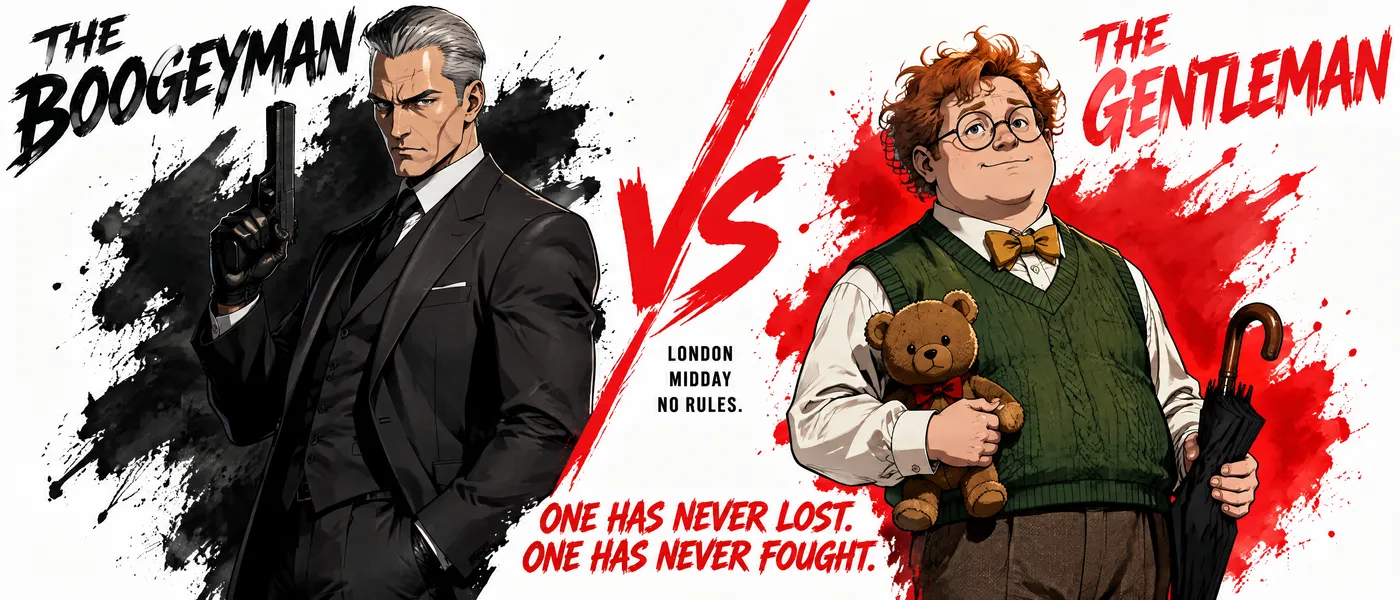
Want the same two characters across many cuts? Generate a VS character sheet in GPT Image 2.5 and attach it in Reference to Video instead of using it as the first frame. Seedance 2.5 keeps both looks consistent while the camera cuts between wide shots and close-ups, all in one 15-second take.

GPT Image 2.5 VS character sheet of an original silver-haired assassin and a clumsy ginger gentleman
GPT Image 2.5 character sheet (reference image)
Seedance 2.5 Reference to Video, 15 seconds

What Seedance 2.5 Adds

Longer takes, far more reference slots, and editing that works on footage you already have.

01

30 Seconds in One Pass

Generate up to 30 seconds of continuous video in a single render, double the 15-second ceiling of the Seedance 2.0 series. A full spot comes back whole instead of stitched from short clips.

02

Up to 50 References

Feed 30 images, 10 videos and 10 audio clips in one request to lock character, set and palette. The 2.0 series caps at 9 images and 3 clips.

03

Audio-Only Reference

A voice, music or sound-effect track can drive pacing, beat matching and lip sync on its own. The 2.0 series requires an image or video alongside any audio.

04

Region-Level Editing

Swap a subject, add or remove an object, or replace the soundtrack while the rest of the frame stays untouched. Output keeps the length and aspect ratio of your source video.

05

Extend in Both Directions

Continue a clip past its last frame or generate the moment before its first, holding character and rhythm across the seam. Reference videos can run up to 30 seconds.

06

1080p and MOV Output

Render natively at 480p, 720p or 1080p. The 1080p tier uses 10-bit color, and MOV output carries yuv444p chroma with PCM audio for editing workflows.

How to Use Seedance 2.5

Three steps from a written brief to a finished take.

1

Describe the Shot

Write the subject, action, camera move and lighting. Timestamped beats such as 0-3s and 3-6s help the model pace a longer take.

2

Attach References

Add images for character and style, videos for motion and composition, or audio to drive rhythm. Refer to them as @Image1 or @Video1 inside the prompt.

3

Generate and Refine

Pick resolution, duration and output format, then render. Send the result back through editing or extension without losing the take you liked.

Frequently Asked Questions

What Seedance 2.5 changes, and where its limits are.

Seedance 2.5 is ByteDance's video generation model built around long single takes and multimodal references. It renders up to 30 seconds in one continuous pass with audio generated alongside the picture, and accepts up to 50 reference assets to hold a character, set or style across the shot.

Three changes matter most. Maximum duration doubles from 15 to 30 seconds. Reference capacity goes from 15 assets to 50. And audio can now be used on its own as a reference, where the 2.0 series required an image or video alongside it. On resolution the two currently overlap up to 1080p, and Seedance 2.0 also offers a 4K tier today.

Not yet. Seedance 2.5 currently outputs 480p, 720p and 1080p, with the 1080p tier using 10-bit color. 4K is on the roadmap and will be added once the model exposes it, so this page will pick it up when it lands. If you need 4K right now, Seedance 2.0 already supports it.

On Veevid, 480p Seedance 2.5 generations run in Draft mode automatically. A draft costs the same as a regular 480p clip and lets you check the scene, motion and timing before paying for high resolution. If you like it, click Upgrade to 1080p on the result within 7 days: the same prompt, inputs, seed and duration are re-rendered at 1080p and charged at the 1080p rate. You never have to upgrade — a draft is a normal 480p video you can download and use. If a result doesn't show the upgrade button, that clip can't be upgraded.

Between 4 and 30 seconds, generated as one continuous take rather than stitched segments. You can also let the model pick the length itself, in which case an edit keeps the length of your source video.

Yes. Editing changes one region of a clip, such as replacing a subject or removing an object, and leaves the rest of the frame alone. Extension adds time before or after an existing clip. Both accept source videos up to 30 seconds, and editing preserves the original length and aspect ratio.

Yes. Upload your GPT Image 2.5 image straight into the generator at the top of this page, or click "To Video" under a GPT Image 2.5 result and choose Seedance 2.5. Either way the image becomes the first frame and the output keeps its aspect ratio. You can also use a GPT Image 2.5 character sheet as a reference image instead of a first frame.

Start from a still where the subject is already crossing a border, such as a comic panel, photo frame or phone screen, with part of the body casting real shadows outside it. Then prompt Seedance 2.5 to finish the motion: the subject climbs, jumps or bursts fully out and lands in the real scene. Describing the border and the landing spot gives the most reliable result.

Generation runs on credits, charged per second of output. Cost scales with resolution, so a 480p clip costs far less than the same clip at 1080p. Requests that include a reference video are charged across the combined input and output duration. The exact credit cost is shown before you generate.

Discover More AI Tools

Explore the rest of our video and image generation suite.

Start Your First 30-Second Take

Bring your references, write the brief, and let Seedance 2.5 render the whole scene in one pass.

Get Started Now