AI GIF生成
AI GIFメーカー|テキストや写真からGIFアニメを作成
動きを文章で書くか写真をアップロードするだけで、512×512・9フレームのループするGIFアニメが完成。リアクションGIF、ミーム、ブランドキャラクター、商品紹介のループに使えます。1枚16クレジット、透かしなし。
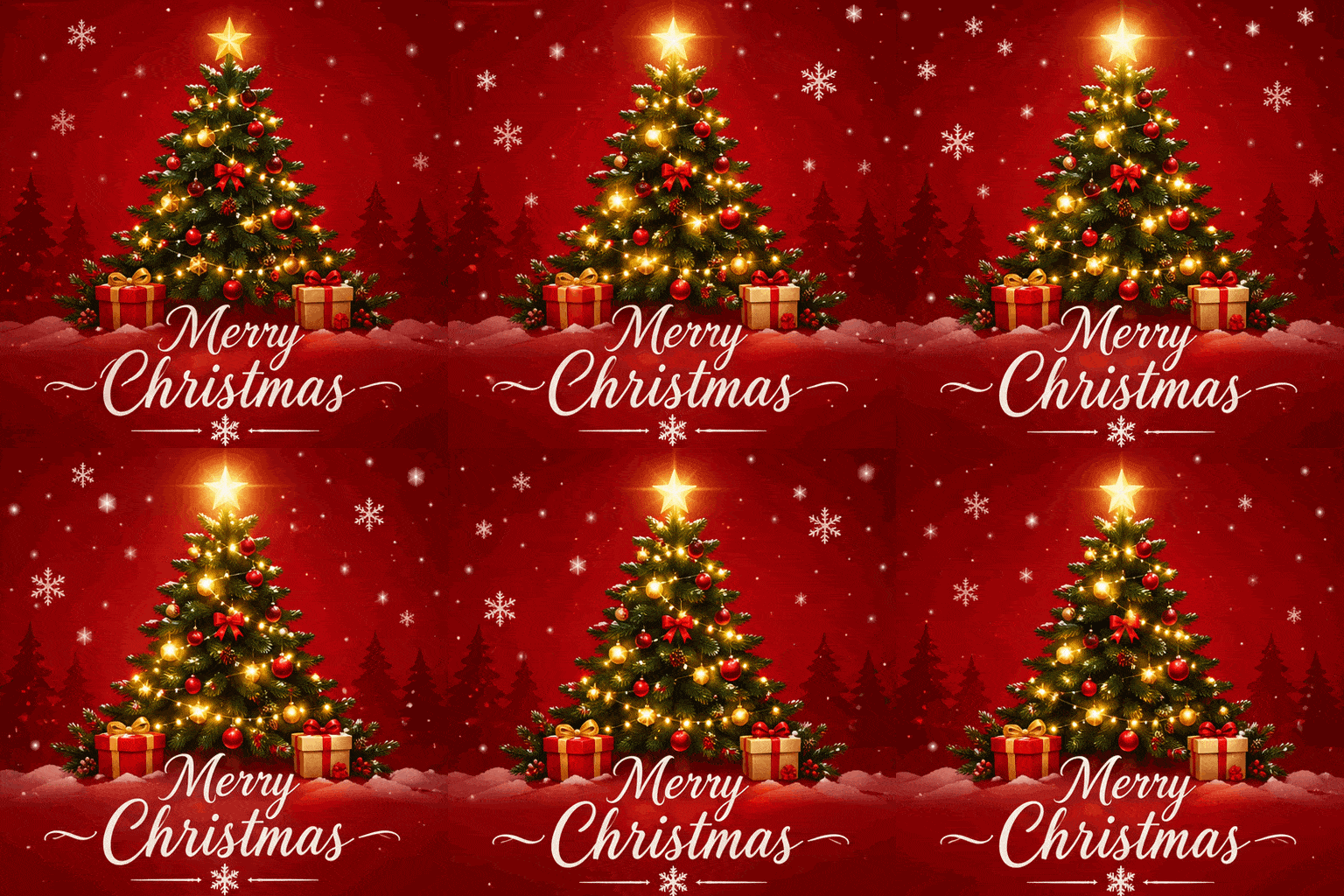
Create a single animation sprite sheet for a seamless looping GIF. A festive Christmas greeting card: a small decorated pine tree with glowing string lights on a deep red background, with the words "Merry Christmas" in elegant white script below the tree. The sequence: the tree lights twinkle on and off in a gentle wave, snowflakes drift down across the card, and the gold star on top glows brighter, then softer. Fixed front camera, same card layout; the text stays sharp and identical in every frame. The last frame transitions smoothly back to the first. Flat illustrated holiday card style. No other text, no borders, no gutters.
 サンプル画像
生成したい内容を入力してください
GIFのサイズ:1:1 512×512 / 16:9 768×432 / 9:16 432×768 / 4:3 576×432 / 3:4 432×576。1フレーム200msの9フレームで出力されます。
AIで作ったGIFアニメの作例とプロンプト
下のGIFはすべて、表示しているプロンプトから、この生成ツールと同じ設定(512×512・9フレーム)で作成したものです。「試してみる」を押すと作例が生成ツールに読み込まれます。
クリスマスのGIFアニメ
動くクリスマスカード、手を振るサンタ、跳ねるトナカイ、雪だるま。どれもプロンプト1つで作りました。「Merry Christmas」のような短い文字は、プロンプトで指示すると全フレームで崩れずに表示されました。
GIF動く「Merry Christmas」カード
プロンプト: Create a single animation sprite sheet for a seamless looping GIF. A festive Christmas greeting card: a small decorated pine tree with glowing string lights on a deep red background, with the words "Merry Christmas" in elegant white script below the tree. The sequence: the tree lights twinkle on and off in a gentle wave, snowflakes drift down across the card, and the gold star on top glows brighter, then softer. Fixed front camera, same card layout; the text stays sharp and identical in every frame. The last frame transitions smoothly back to the first. Flat illustrated holiday card style. No other text, no borders, no gutters.
 GIF
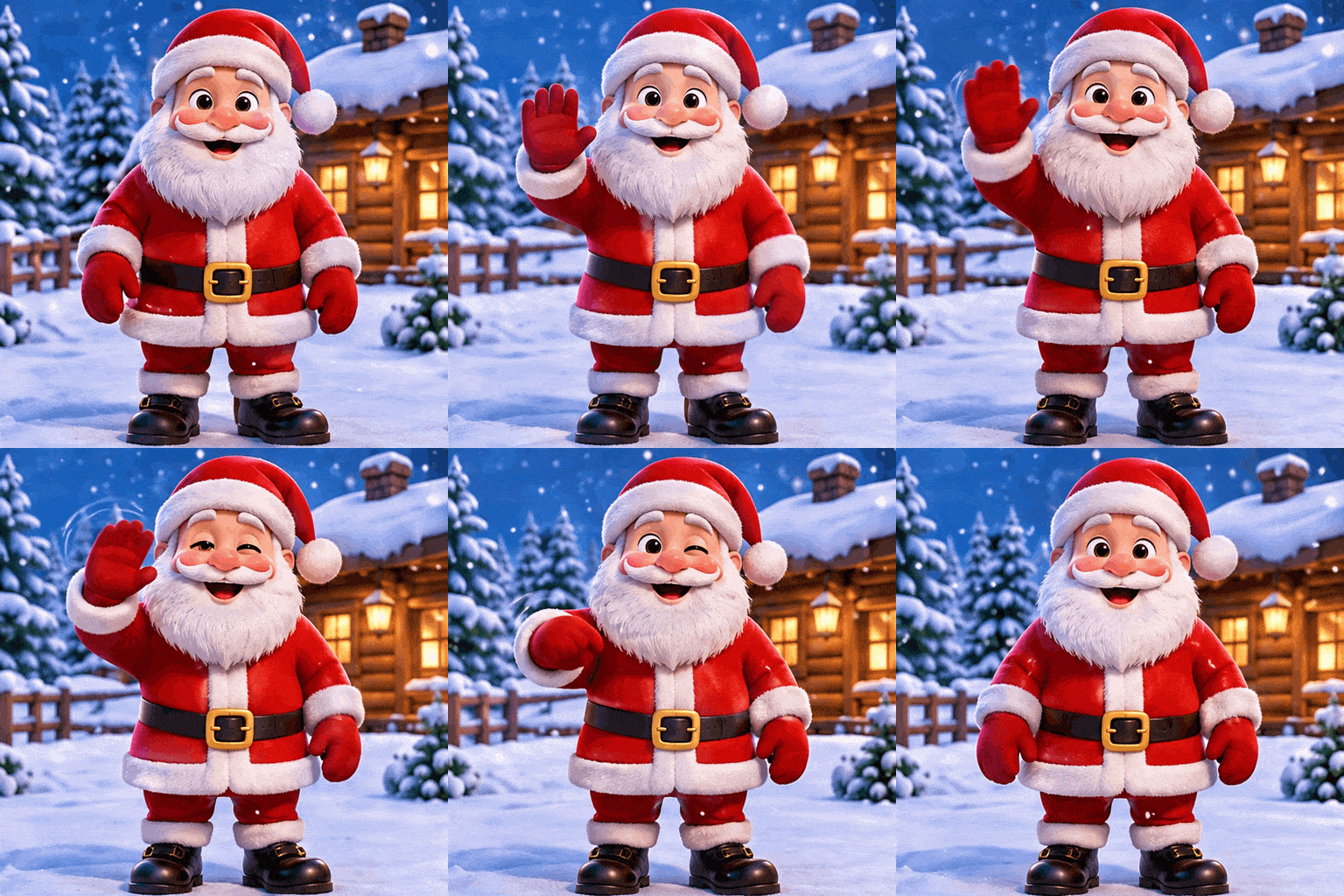
手を振るサンタクロース
プロンプト: Create a single animation sprite sheet for a seamless looping GIF. A jolly cartoon Santa Claus with a fluffy white beard and red suit, standing in front of a snowy log cabin. The sequence: Santa raises his right hand and waves, smiles wider and winks, then lowers his hand back to his side. Fixed front camera, same character, same background, snow gently falling. Clear incremental arm motion; the last frame transitions smoothly back to the first. Cute 3D cartoon style. No captions, no words, no logos, no borders, no gutters.
 GIF
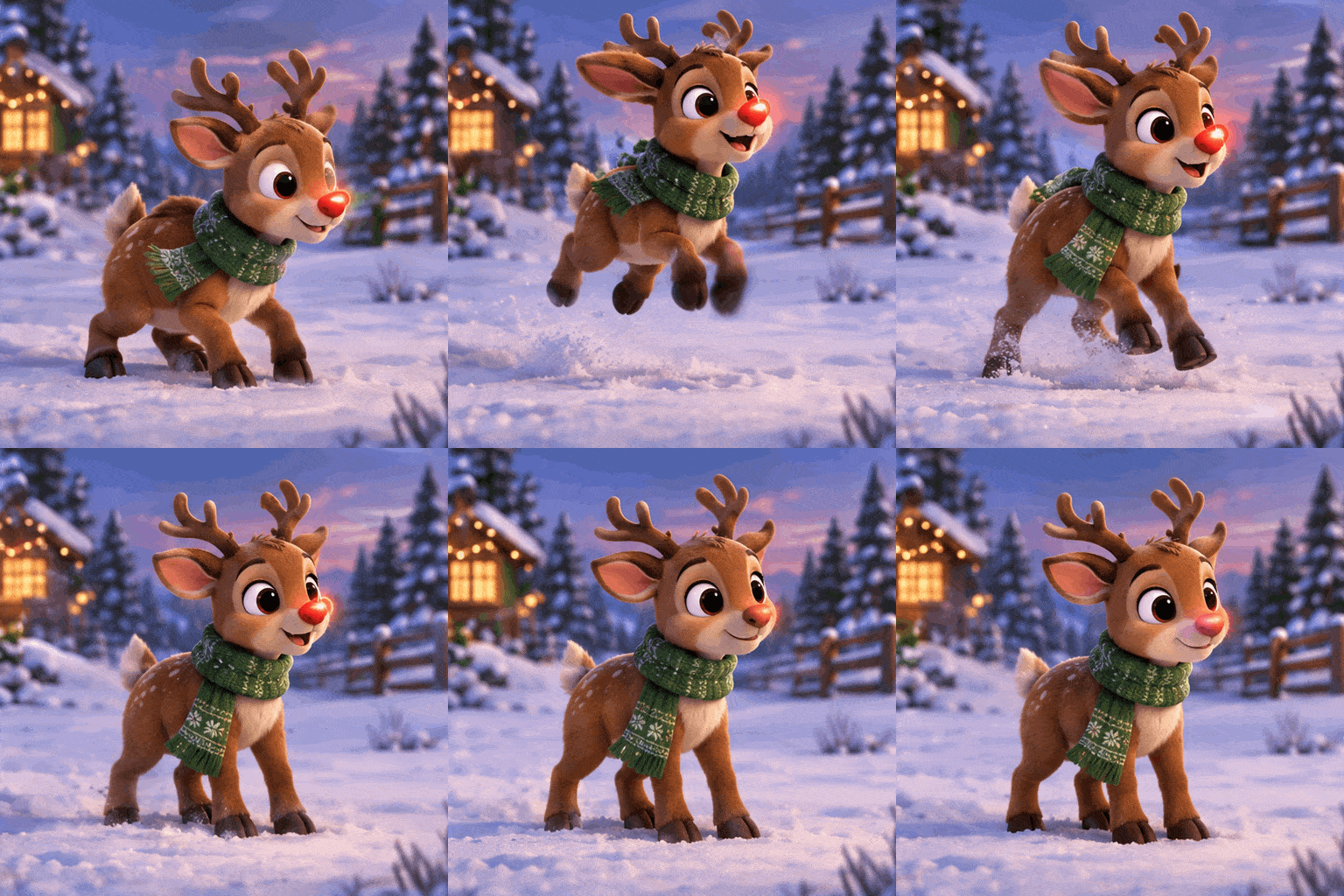
跳ねるトナカイ
プロンプト: Create a single animation sprite sheet for a seamless looping GIF. A cute cartoon reindeer with a glowing red nose and a green knit scarf, standing in a snowy field at dusk. The sequence: the reindeer crouches, hops up with its ears flopping, lands softly, and its red nose blinks bright, then dim. Fixed side-front camera, same character, same background. Clear incremental body motion; the last frame transitions smoothly back to the first. Soft 3D cartoon style. No captions, no words, no logos, no borders, no gutters.
 GIF
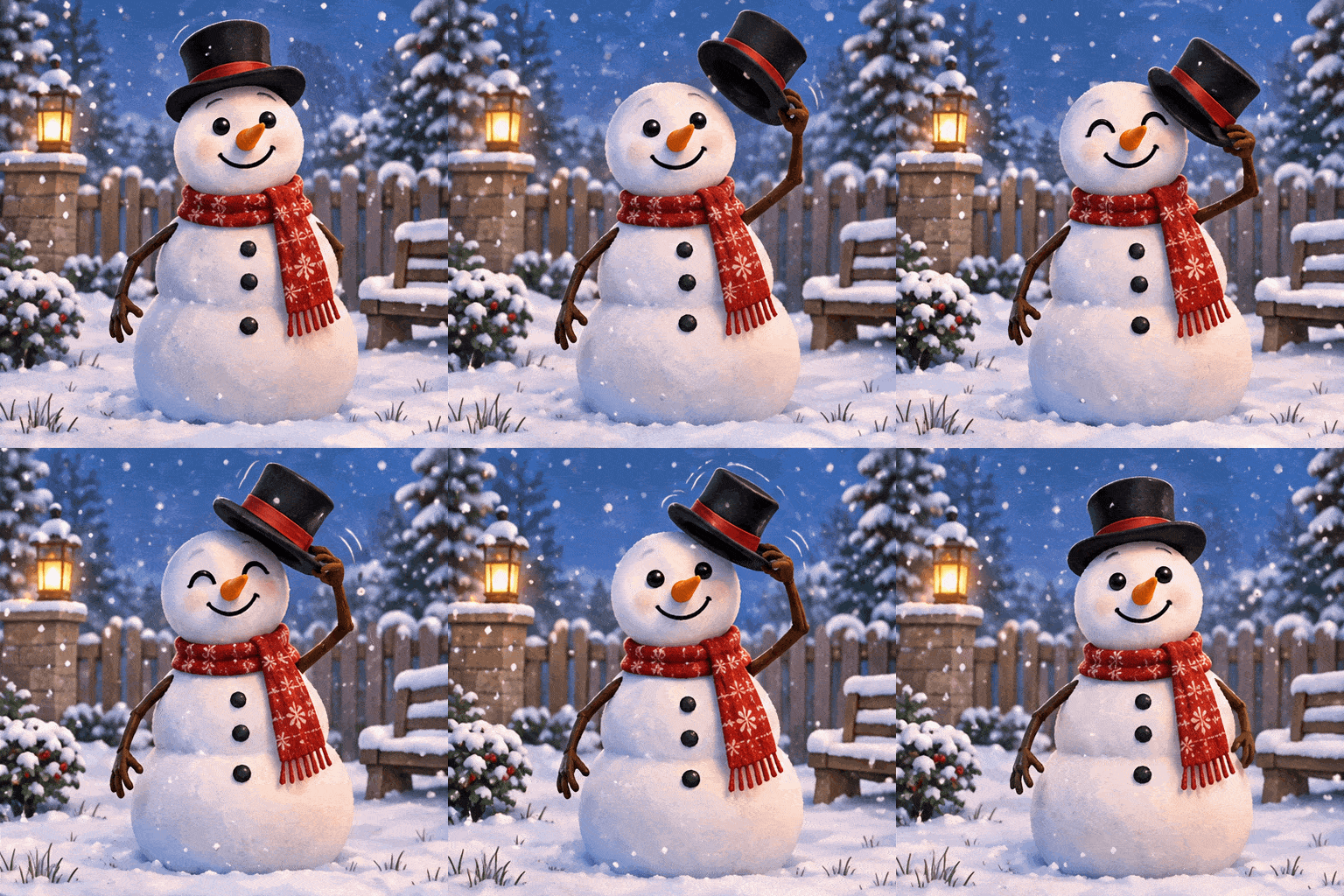
帽子を上げてあいさつする雪だるま
プロンプト: Create a single animation sprite sheet for a seamless looping GIF. A friendly snowman with a carrot nose, a black top hat and a red scarf, in a quiet snowy garden. The sequence: the snowman lifts its top hat with one stick arm, tips it in a little greeting, smiles, then puts the hat back on. Fixed front camera, same snowman, same garden, snowflakes falling slowly. Clear incremental arm motion; the last frame transitions smoothly back to the first. Storybook illustration style. No captions, no words, no logos, no borders, no gutters.
リアクションGIF・キャラクター・商品のループ
オリジナルのリアクションGIFやスタンプ風アニメを作ったり、ブランドのキャラクターを動かしたり、商品写真をSNSやメール用のループにしたりできます。
 GIF
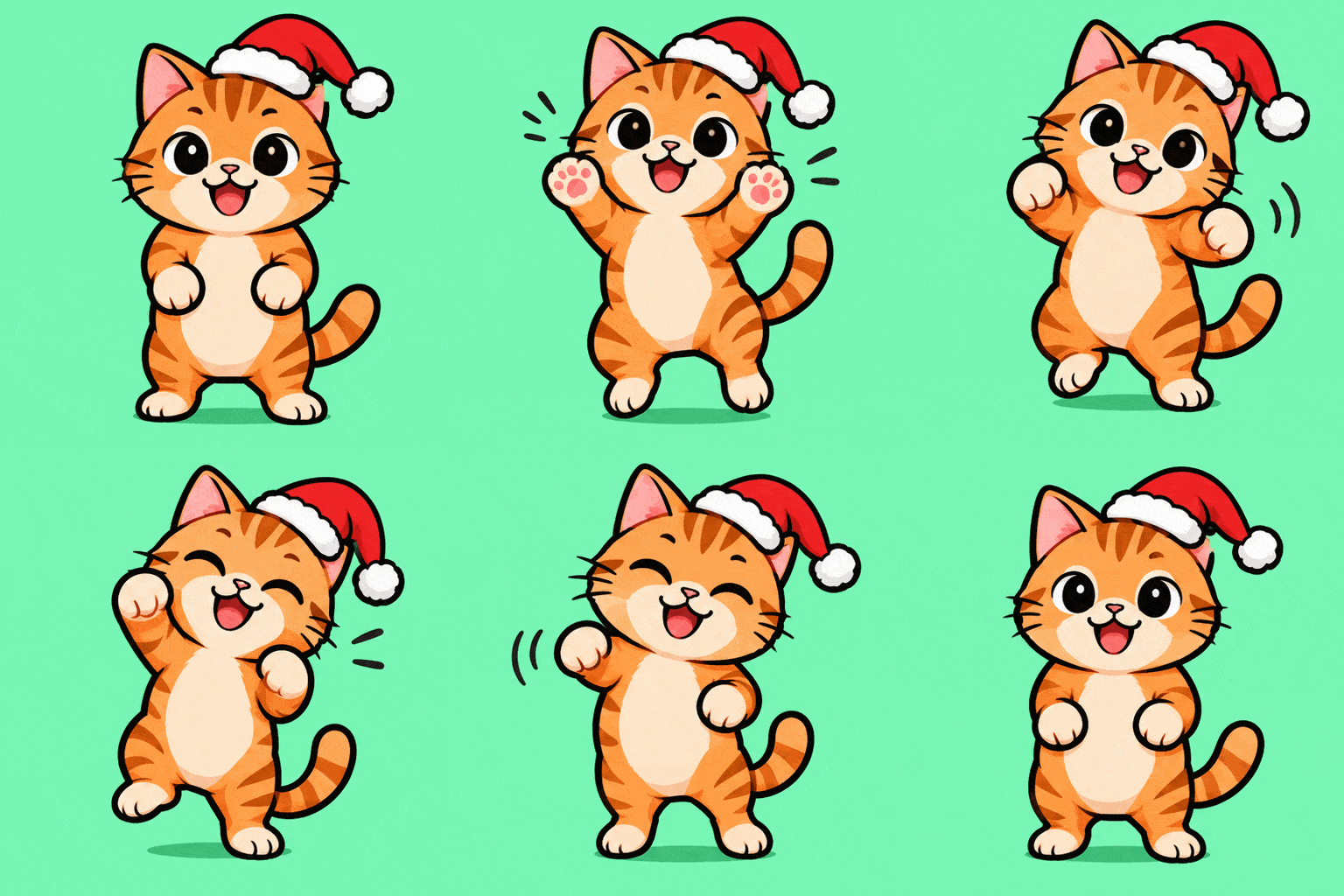
リアクションGIF:踊るネコ
プロンプト: Create a single animation sprite sheet for a seamless looping GIF reaction sticker. A happy orange tabby cat wearing a tiny Santa hat does a little victory dance: it bobs left, raises both front paws, bobs right, closes its eyes with a big grin, then returns to the starting pose. Fixed front camera, same cat, plain mint green background. Clear incremental body and paw motion; the last frame transitions smoothly back to the first. Flat vector sticker style, thick outline. No captions, no words, no logos, no borders, no gutters.
 GIF
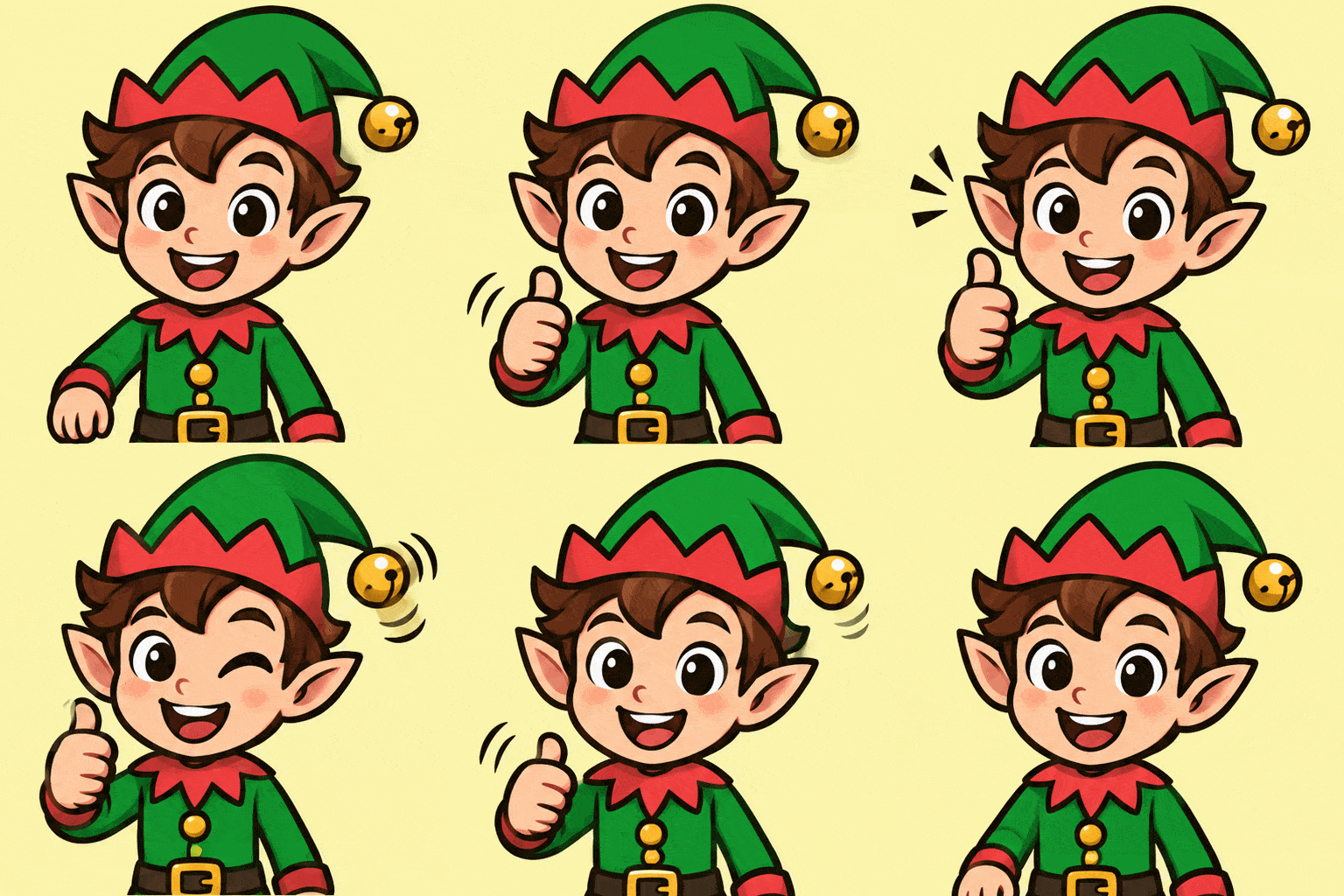
リアクションGIF:グッドサイン
プロンプト: Create a single animation sprite sheet for a seamless looping GIF reaction sticker. A cheerful cartoon Christmas elf in a green hat with a bell gives a big thumbs up: the elf raises one hand into a thumbs up, winks, the bell on the hat jingles, then the hand lowers again. Fixed front camera, same character, plain light yellow background. Clear incremental arm motion; the last frame transitions smoothly back to the first. Flat vector sticker style, thick outline. No captions, no words, no logos, no borders, no gutters.
 GIF
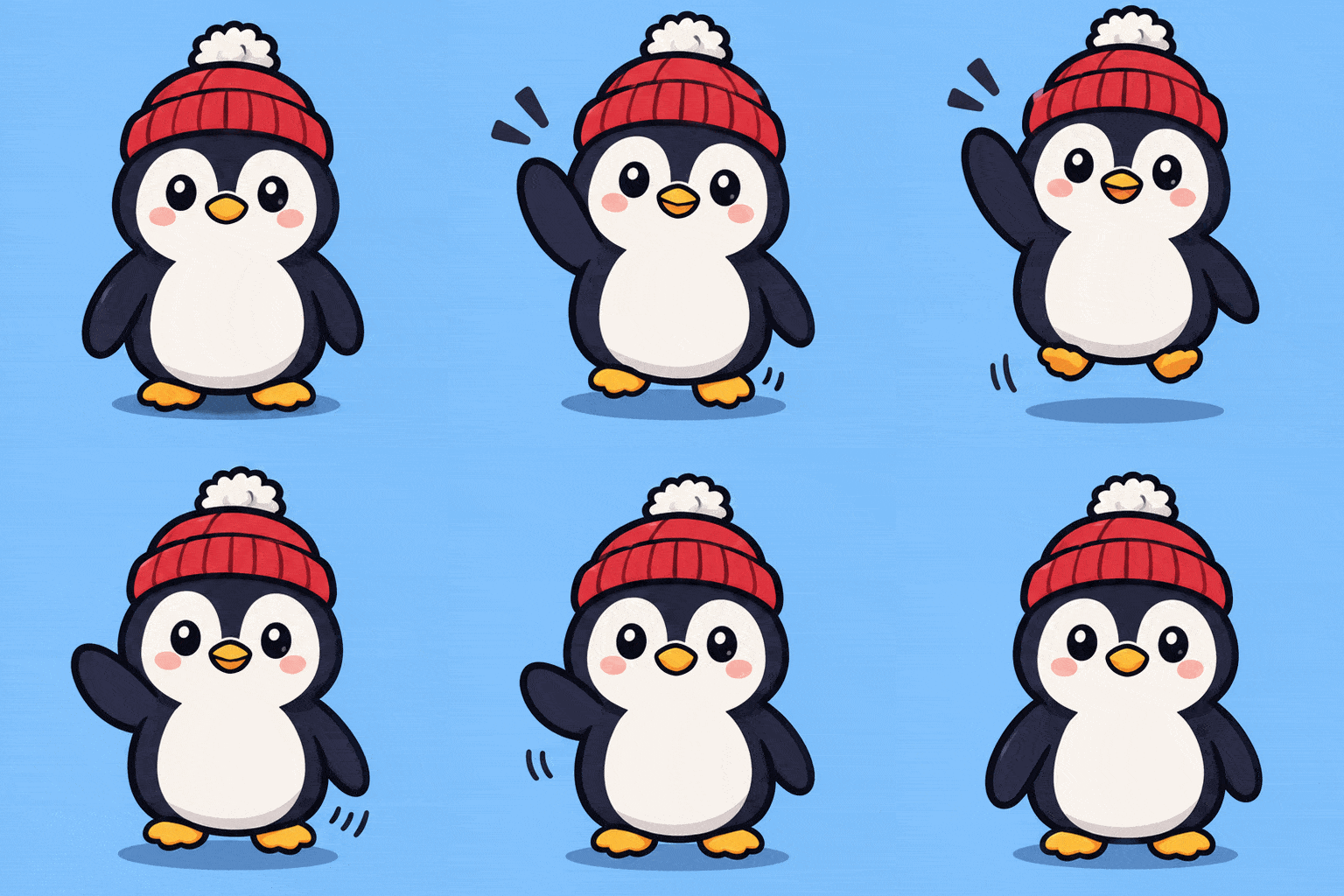
ブランドキャラクターのGIF
プロンプト: Create a single animation sprite sheet for a seamless looping GIF. A round, cute penguin brand mascot wearing a red knit beanie with a white pompom. The sequence: the penguin waves one flipper hello, bounces up a little, blinks, then settles back to the starting pose. Fixed front camera, same character, plain soft blue background. Clear incremental flipper and body motion; the last frame transitions smoothly back to the first. Clean flat vector mascot style, thick outline. No captions, no words, no logos, no borders, no gutters.
 GIF
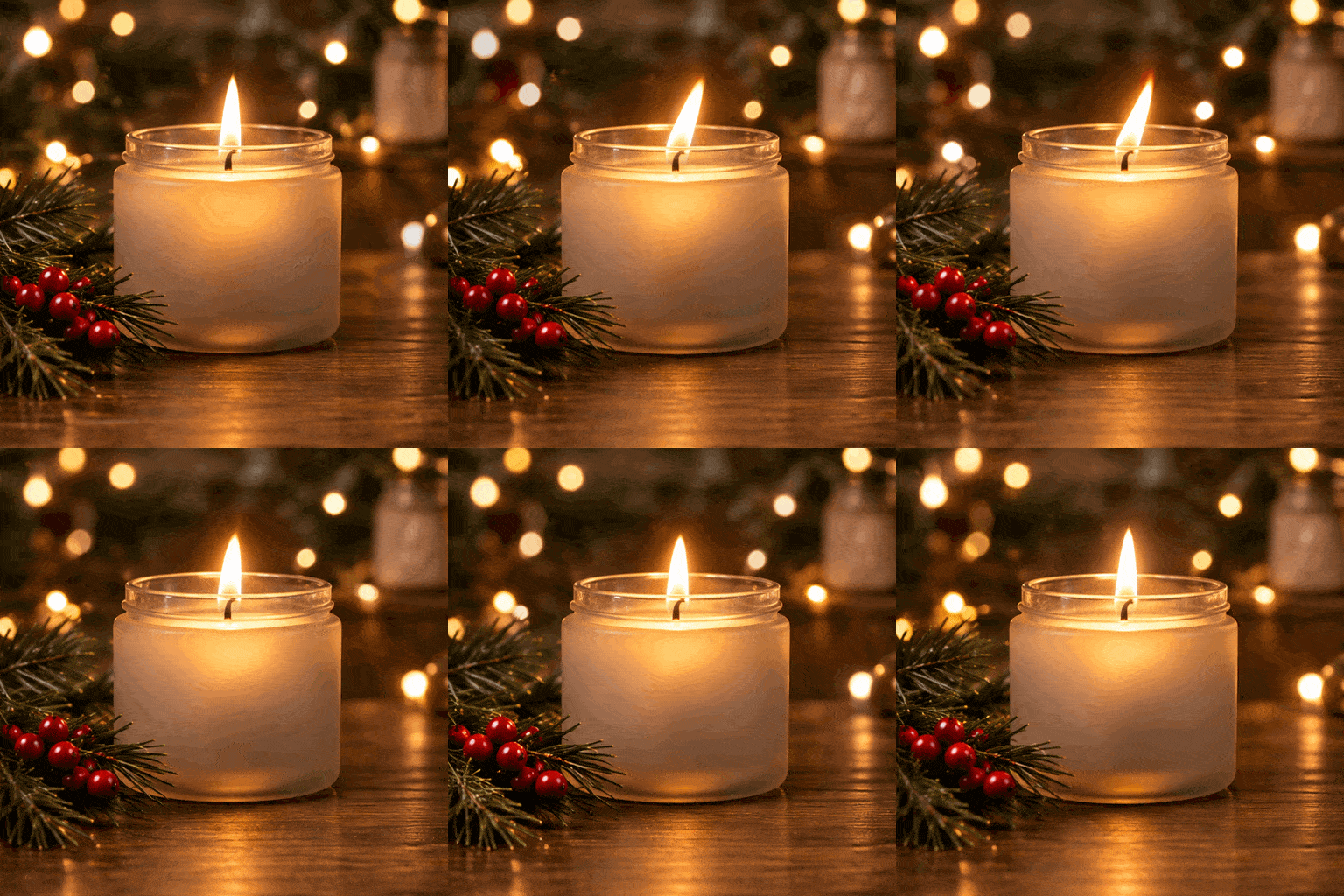
商品紹介のループGIF
プロンプト: Create a single animation sprite sheet for a seamless looping GIF. A frosted glass candle jar with a lit pine-scented candle on a wooden table, a sprig of pine and a few red berries beside it, blurred warm fairy lights in the background. The sequence: the candle flame flickers gently, warm light shimmers across the glass, and the fairy lights in the background twinkle softly. Fixed camera, same jar, same table, same framing. The last frame transitions smoothly back to the first for a seamless loop. Cozy product photography style. No captions, no words, no logos, no borders, no gutters.
写真からGIFアニメを作成
写真をアップロードして、どう動かしたいかを書くだけ。写真の被写体や背景はそのままに、9フレームのループアニメになります。
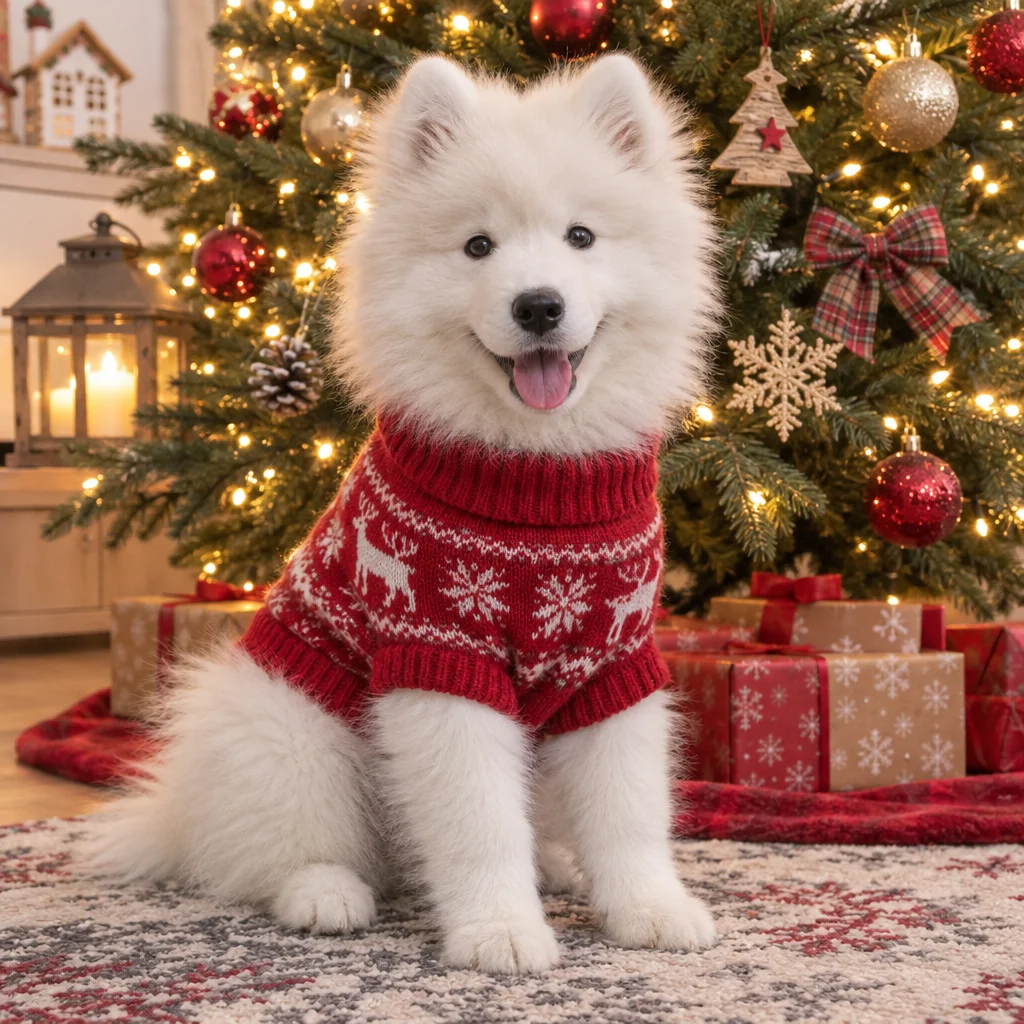 元の写真
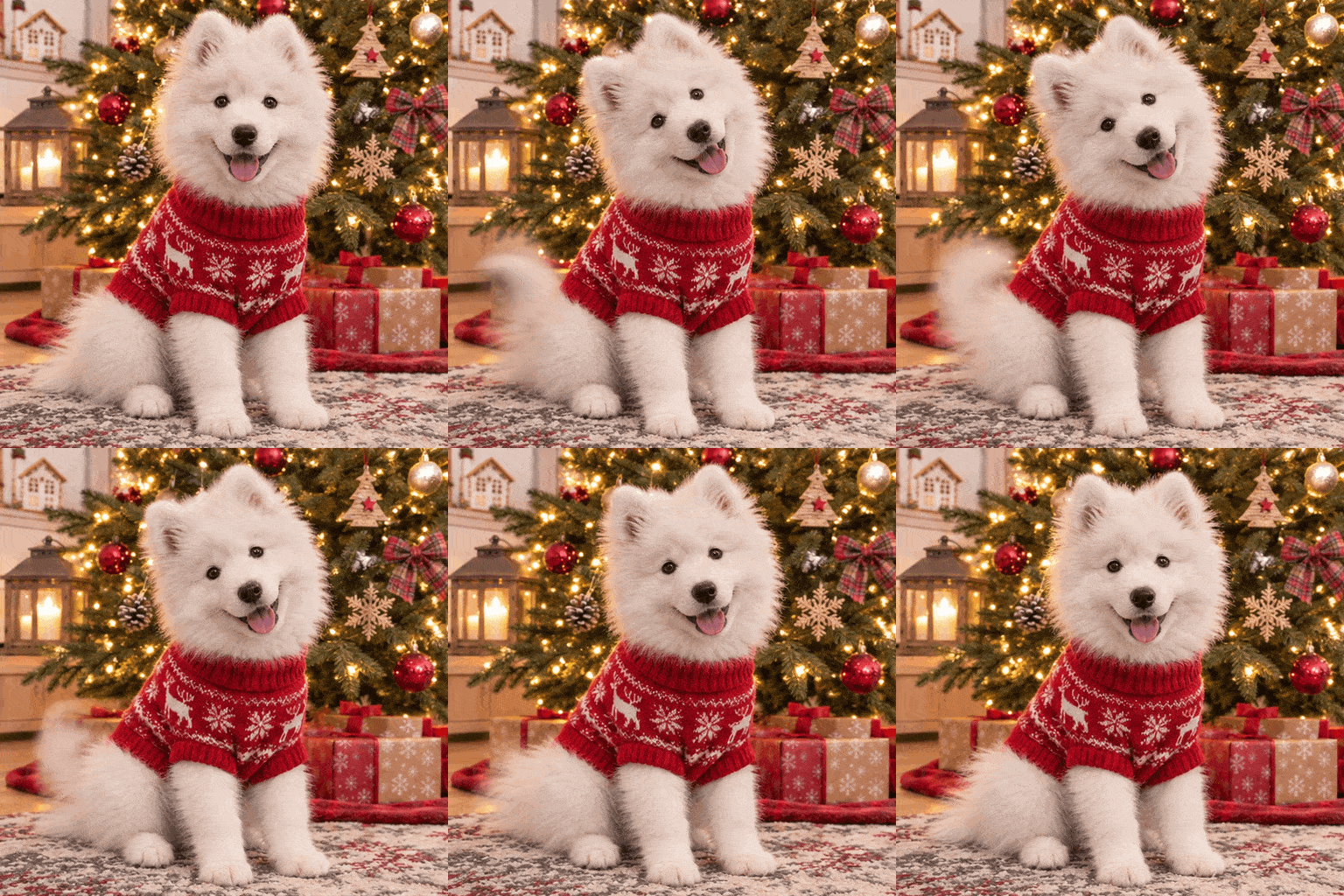 GIF
ペットの写真をGIFに
プロンプト: Create a single animation sprite sheet for a seamless looping GIF from this photo. The puppy tilts its head to one side, wags its tail and blinks, then returns to the starting pose, while the tree lights twinkle softly. Fixed camera, same puppy, same sweater, same Christmas tree and room as the photo. The last frame transitions smoothly back to the first. No captions, no words, no borders, no gutters.
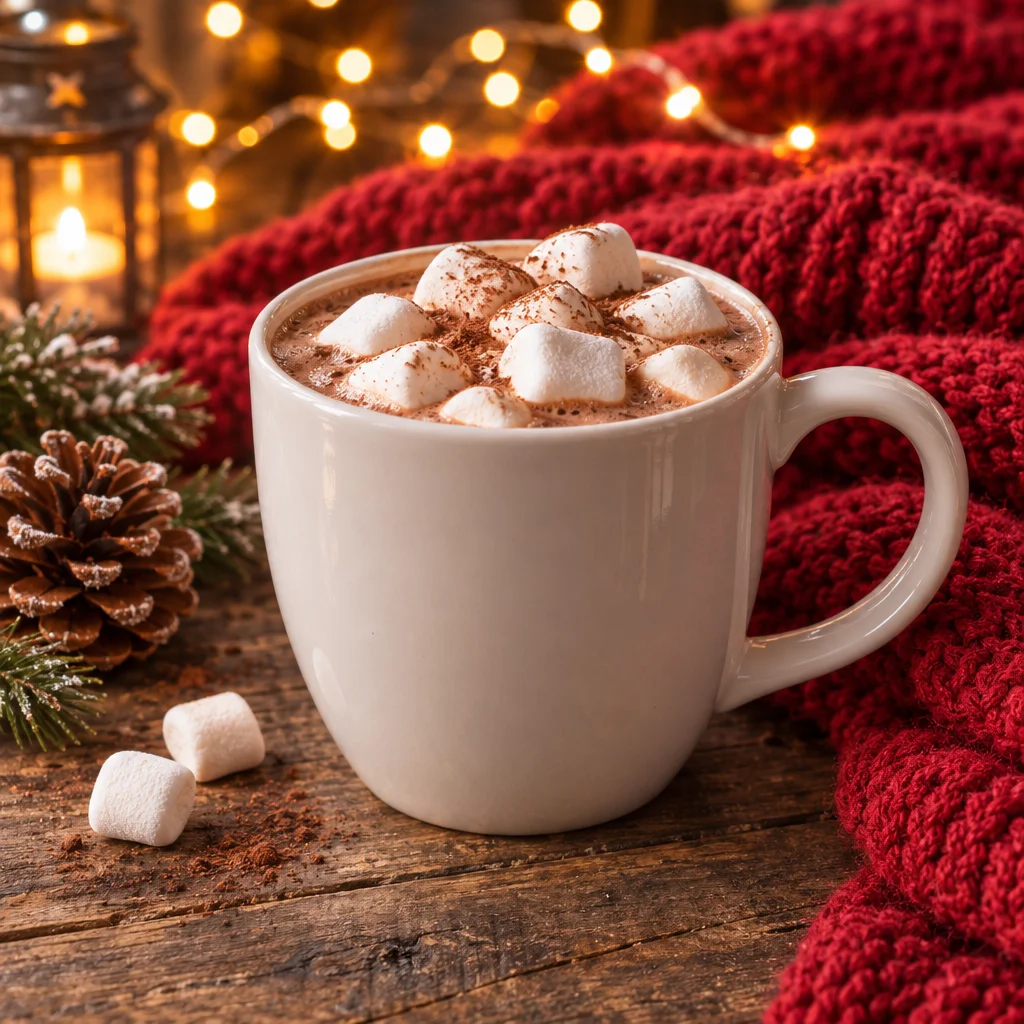 元の写真
 GIF
商品写真をGIFに
プロンプト: Create a single animation sprite sheet for a seamless looping GIF from this photo. Soft steam curls up from the hot cocoa, the fairy lights in the background twinkle, and the candle in the lantern flickers. Fixed camera, same mug, same marshmallows, same table and blanket as the photo. The last frame transitions smoothly back to the first. No captions, no words, no borders, no gutters.
VeevidのAI GIFメーカーが選ばれる理由
OpenAIのGPT Image 2.6が全フレームをまとめて描く、本物のGIFアニメ。そのまま投稿できます。
テキストからGIF
「サンタ帽をかぶったネコが小さく勝利のダンスをする」のように、被写体と動きを書くだけでGIFアニメに。タイムラインやキーフレームの操作、デザインの知識はいりません。
写真からGIF
ペットや商品、キャラクターの写真をアップロードして、どう動くかを書くだけ。写真に写っているものはそのままに、動きが加わります。
ループ前提のアニメ
1枚のGIFは200msのフレームが9枚、約1.8秒で一周してくり返し再生されます。最後のフレームが最初につながるよう指示すれば、つなぎ目で動きが飛びません。
背景透過も選べる
どんな背景にもなじむスタンプやオーバーレイには「透明」を。GIFの初期設定の「不透明」なら、プロンプトで指定した背景がそのまま描かれます。
本物の.gifファイル
ダウンロードされるのは512×512のGIFそのもの。動画から変換する手間はありません。チャット、Slack、Discord、メール、GIF対応のWebページにそのまま使えます。
16クレジット、透かしなし
テキストからでも写真からでも、GIF1枚16クレジット。透かしなしでダウンロードできます。料金は生成前にボタンに表示されます。
AIでGIFアニメを作る方法
アイデアからループGIFまで、3ステップで完成。
動きを書くか、写真をアップロード
上の入力欄に、どんな動きにしたいかを書きます。写真からGIFを作るときは「画像から画像」に切り替えて写真をアップロードします。
GIF出力はそのままでOK
最初からGIF出力が選ばれています(標準は512×512の正方形で、16:9・9:16・4:3・3:4も選べます。9フレーム)。背景は「不透明」のままか、スタンプにするなら「透明」を選びます。
生成してダウンロード
できたGIFは透かしなしでダウンロードできます。ループのつなぎ目で動きが飛ぶときは、動きをもっと細かい段階に分けて書き直してみましょう。
よくある質問
VeevidでAIを使ってGIFアニメを作るときによくある質問です。
文章や写真から、新しいGIFアニメをAIが作るツールです。Veevidでは、OpenAIのGPT Image 2.6を使っています。アニメの9フレームをまとめて描き、1つのループGIFとして返すので、フレームが変わってもキャラクターや背景がぶれにくくなっています。
短い動きを1つだけ、順を追って書き、それ以外は固定するのがコツです。うまくいきやすい書き方(英語)は、まず「Create a single animation sprite sheet for a seamless looping GIF」で始め、キャラクターと動きの流れを書き、固定カメラ・同じキャラクターを指定し、最後のフレームが最初になめらかにつながるよう頼んで、「no captions, no borders, no gutters」で締めます。作例やループが飛ぶときの直し方はGIFプロンプトのガイドにまとめています。
作れます。「画像から画像」に切り替えて写真をアップロードし、「子犬が首をかしげて、しっぽを振ってまばたきする」のように動きを書いてください。写真の被写体や背景はそのまま保たれます。写真1枚分は16クレジットに含まれ、2枚目以降の参考画像は1枚ごとに2クレジット加算されます。
無料のGIF作成ツールの多くは、複数の画像や動画をつなげてGIFにしたり、ファイル形式を変換したりするものです。このツールはアニメそのものを作ります。一文か写真1枚を渡すと、動きをAIが描きます。すでにコマ画像や動画があって、つなげたり変換したりするだけなら、変換ツールのほうが手軽です。
GIFのサイズは5種類(1:1 512×512 / 16:9 768×432 / 9:16 432×768 / 4:3 576×432 / 3:4 432×576)。200msのフレームが9枚。約1.8秒で一周してくり返します。サイズとフレーム数は固定なので、シーン全体よりも短くシンプルな動きのほうがきれいに仕上がります。
入れられます。短い文字ほどきれいに出ます。入れたい言葉を引用符で囲み、全フレームで同じ文字のままにするよう指示してください(上の「Merry Christmas」カードがその例です)。文字がいらないときは、プロンプトの最後に「no captions, no words」と書くと余計な文字が入りにくくなります。長い文や小さな文字は崩れやすいので、共有する前にGIFを確認してください。
作れます。「背景」で「透明」を選ぶと、背景が透けたGIFになり、スタンプやオーバーレイに便利です。ただしGIFは各ピクセルが「完全に透明」か「完全に不透明」のどちらかなので、輪郭がなめらかにぼけず、暗い背景の上ではふちが少しギザギザに見えることがあります。気になる場合は「不透明」(GIFの初期設定)のまま、GIFを置く場所に合う背景色をプロンプトで指定してください。料金は同じです。
GIFではできません。ここで作るGIFは常に9フレームで、音声もありません。カメラワークや音のある長めの映像にしたいときは、画像から動画で画像を動画にしてください。
テキストからでも写真1枚からでも、GIF1枚16クレジットです。参考画像を2枚以上アップロードした場合、2枚目以降は1枚ごとに2クレジット加算されます。GIFは透かしなしでダウンロードできます。クレジットは買い切りのパックでも、月額プランでも入手できます。
ほかのAIツール
Veevidで画像の生成・編集や動画づくりもできます。