
Remove Background from Image
Upload a photo and get a transparent PNG at the same size (up to 4096 px on the long side) in about 15 seconds. This image background remover keeps fine hair, veils and printed packaging sharp, and one short sentence tells it what to keep when the photo has more than one subject.
Leave it empty to keep the main subject. Describe what to keep in plain words when the photo has several people or objects. Same price either way.
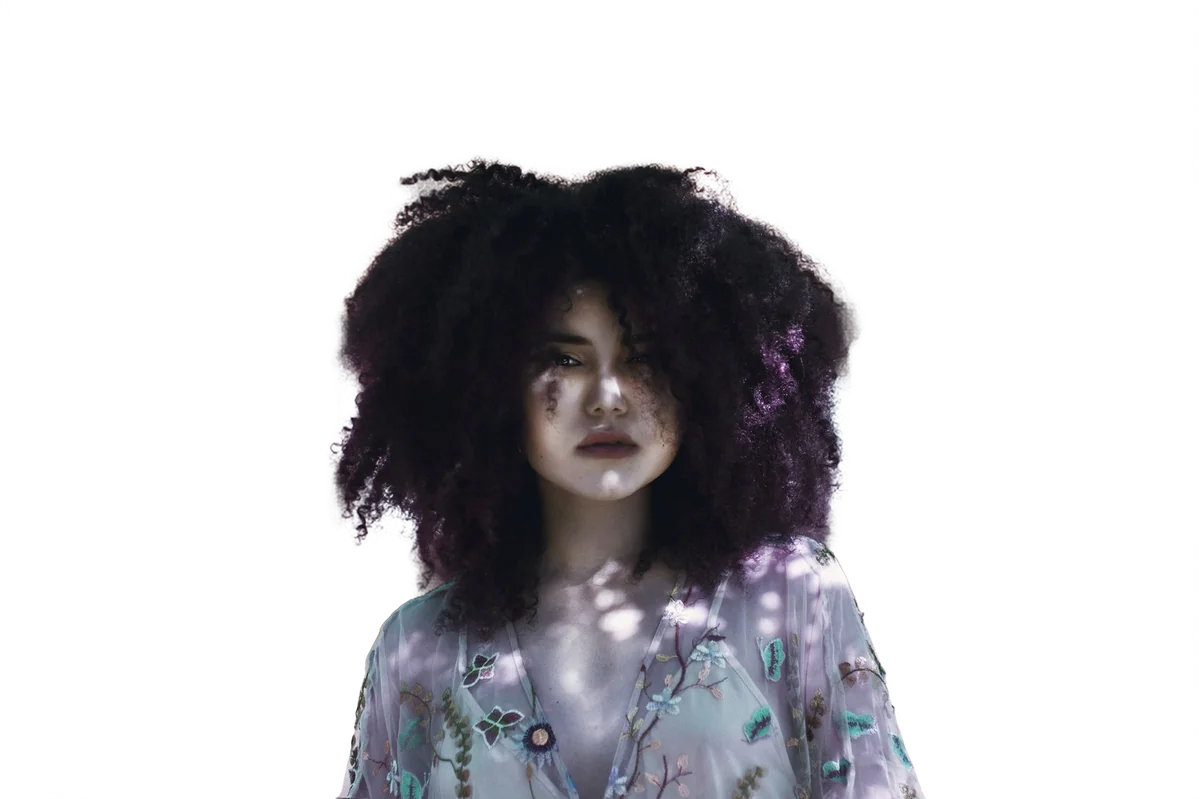
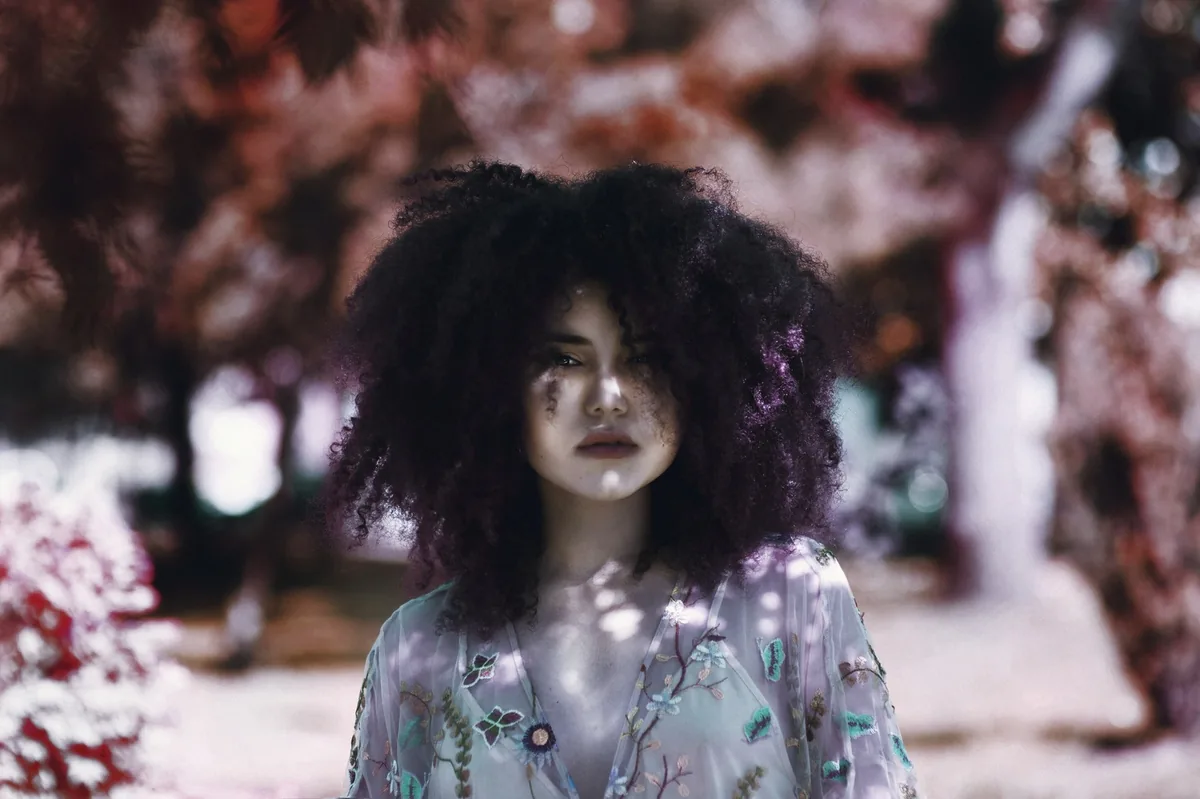
Drag the slider to compare the original with the result. The checkerboard marks the transparent area; pick a color to preview the cutout on a solid background.
Make Background Transparent
Three steps from a photo to a cutout you can drop onto anything.
Upload a photo
JPG, PNG or WebP. Portraits, products, pets, group shots and screenshots all work.
Say what to keep, if needed
By default the main subject stays. Type a short phrase like "only the chair" to keep something else. Each image costs 4 credits either way.
Download the PNG
The background becomes transparent and the subject keeps its original pixels. Download it as is, or on a solid color.
Remove White Background
Product shots on a white sweep, scanned signatures and logos on white paper are the most common cutout jobs. Upload the image and the white area turns transparent, including the soft shadow edges that a magic wand tool leaves behind.
Output is always a transparent PNG. You can also preview it over white, black, or a custom color before downloading. That is a preview layer, not a regenerated background.
Change the background color at no extra cost: pick a color, click download, and your browser places the cutout on that color and saves a PNG. Nothing is sent back to the server and no credits are used.
One cutout, any background color
Get a Transparent PNG
A PNG with an alpha channel, at the same width and height as the image you upload.
Design and social posts
Place the cutout in Canva, Figma, Photoshop or a thumbnail editor without masking it by hand.
Product listings
Put products on the plain background a marketplace asks for, or on your brand color.
Slides and documents
Drop a person or product onto a slide or a one-pager without a white box around it.
Stickers and overlays
Turn a photo into a sticker or a video overlay. The transparent edge stays clean on any background.
Working with a clip instead of a still? Remove background from video with the same kind of cutout, frame by frame.
Remove Background from Photo
Real results from this image background remover. The checkerboard marks the transparent area.
Original
Transparent PNG
Portrait with curly hair
The curly outline is kept against a colorful, out-of-focus background instead of being cut into a hard edge.
Original
Transparent PNG
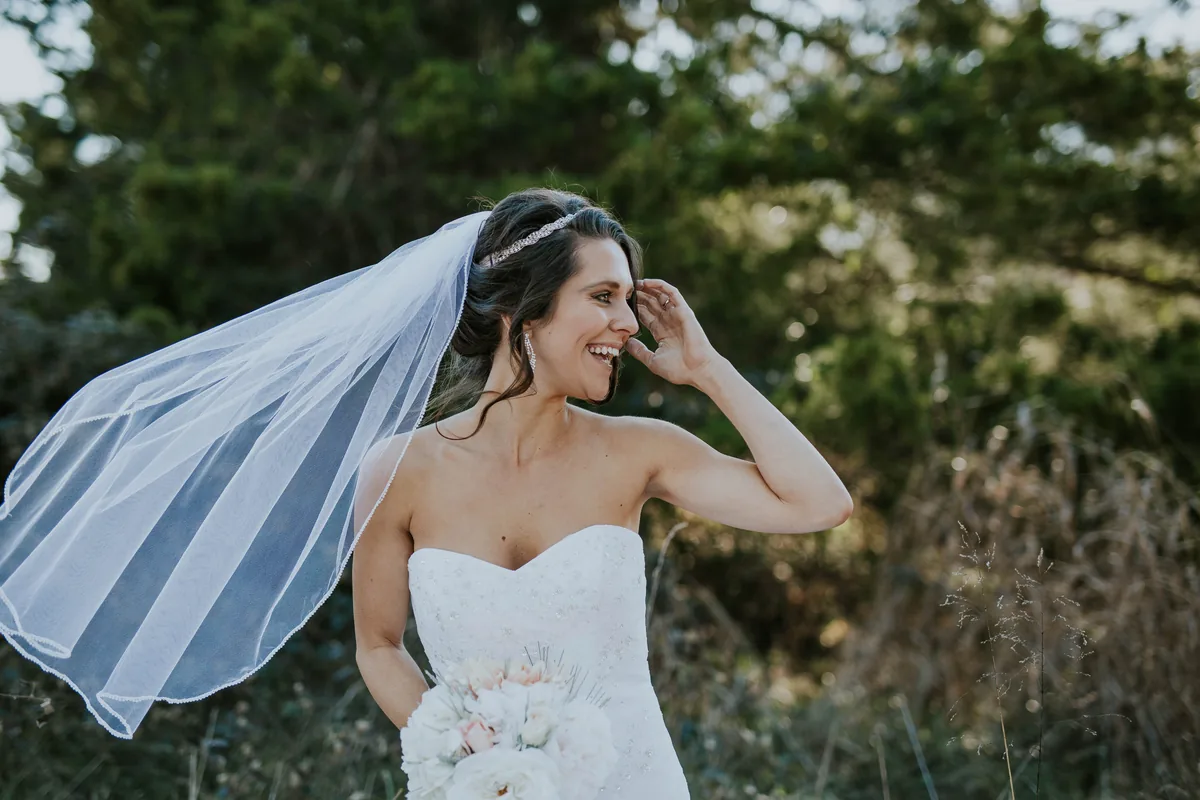
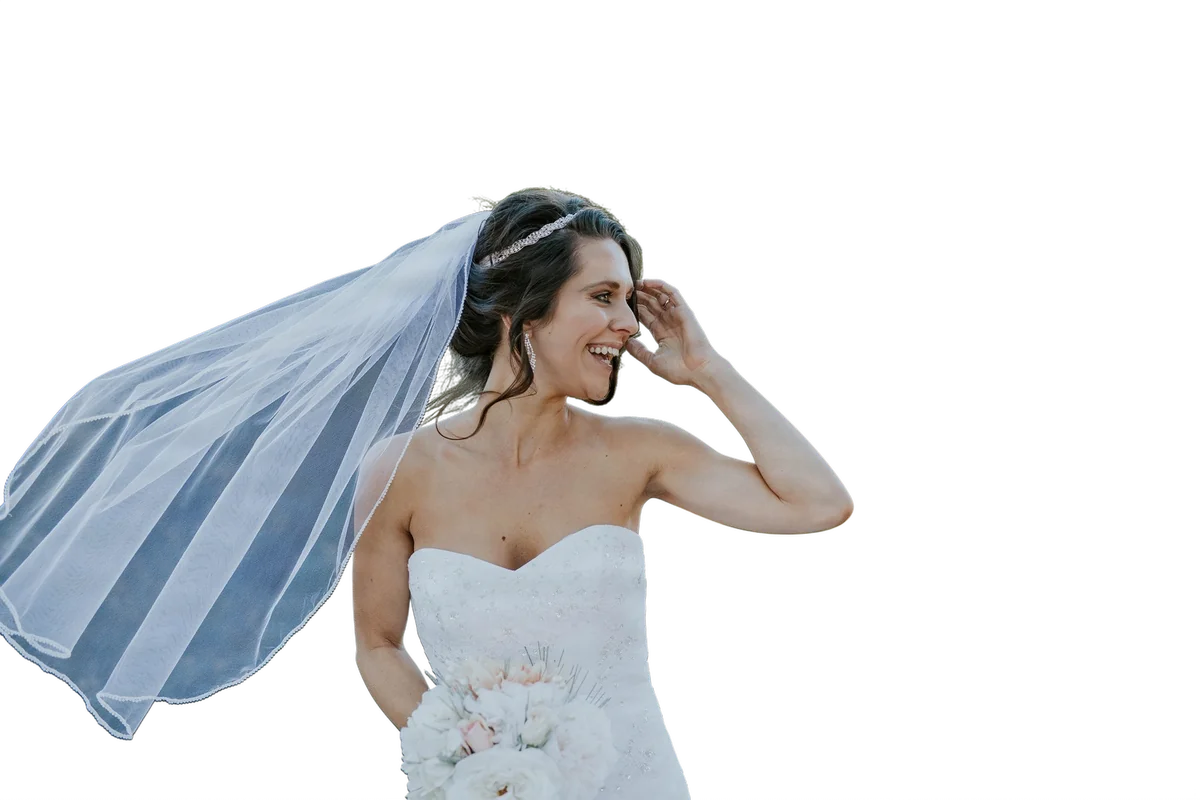
Bride with a sheer veil
The sheer veil is kept as semi-transparent fabric instead of being cut away. Some of the original background tint stays inside the fabric.
Original
Transparent PNG
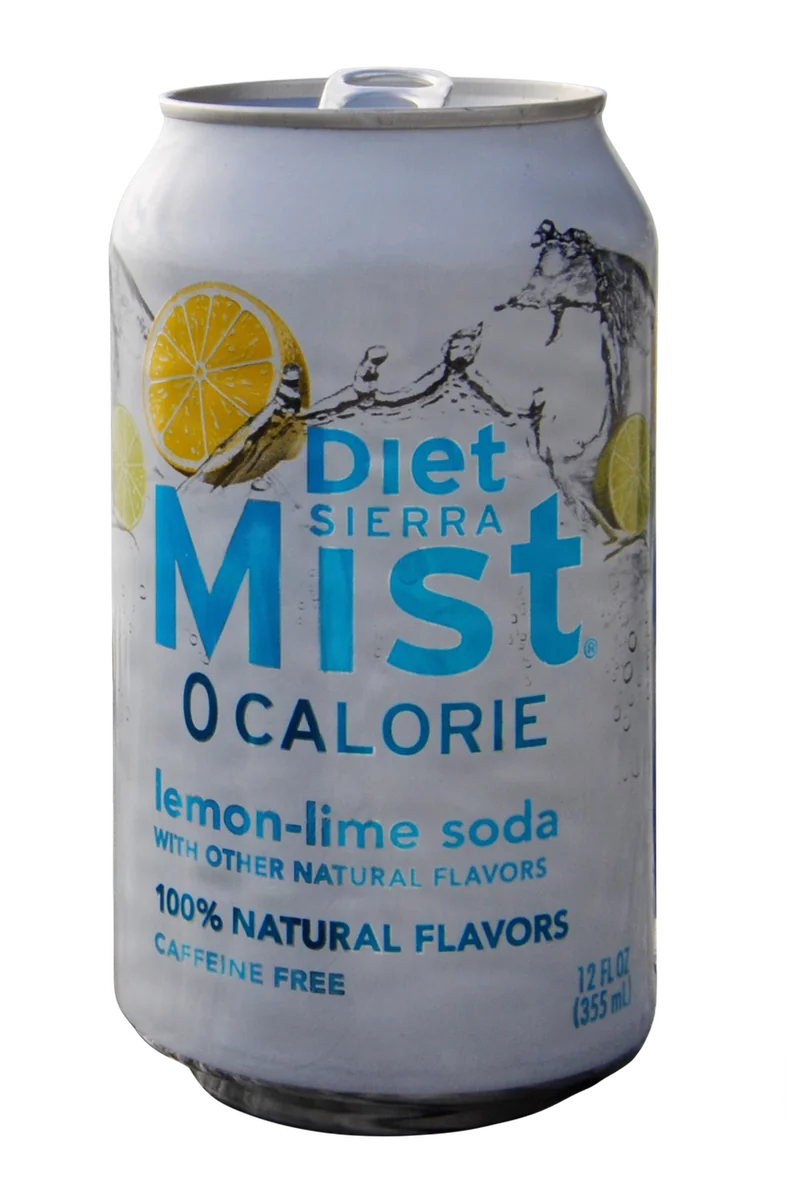
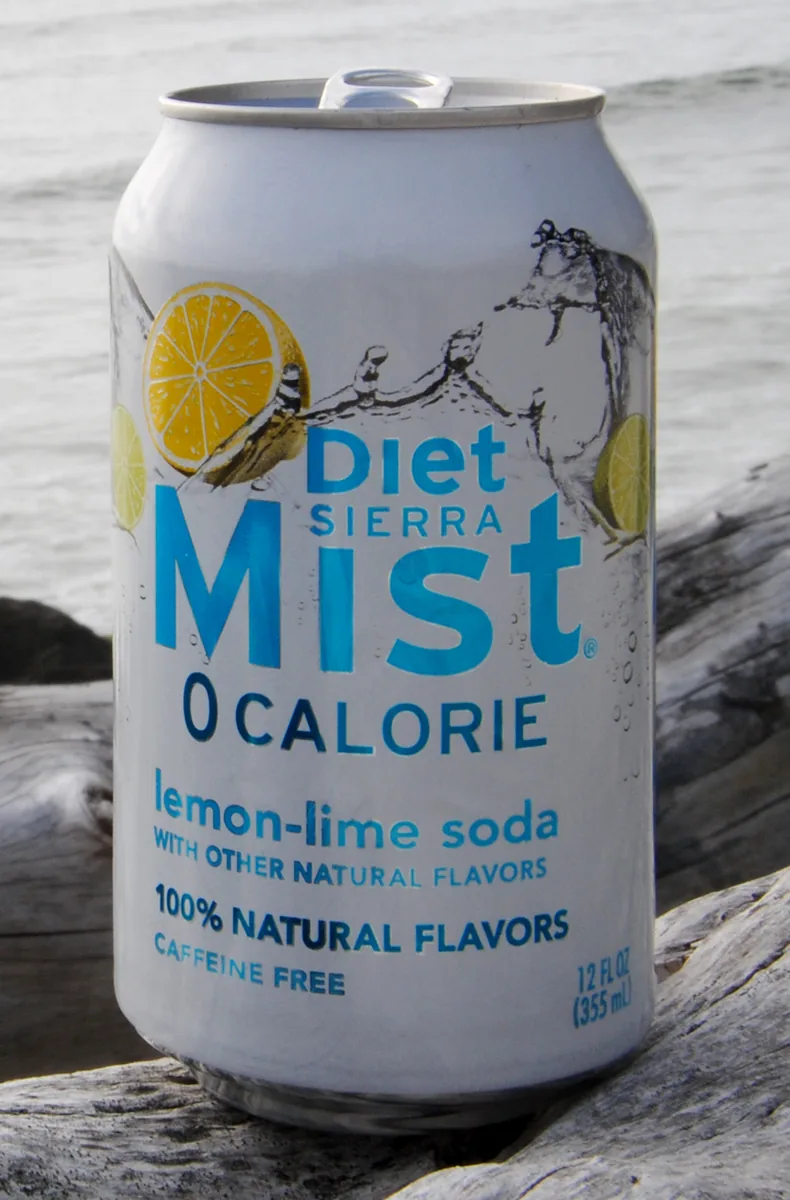
Printed product packaging
Labels and printed text keep their original pixels. Only the background changes.
Original
Transparent PNG
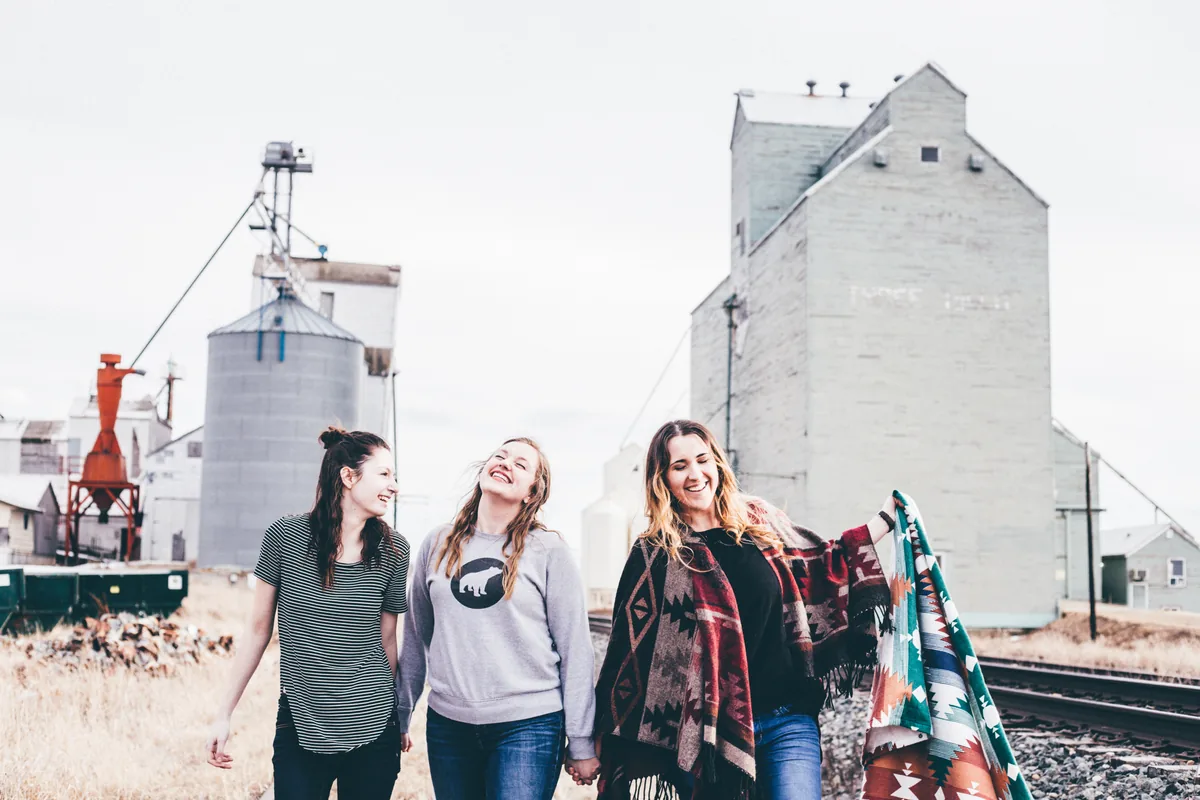
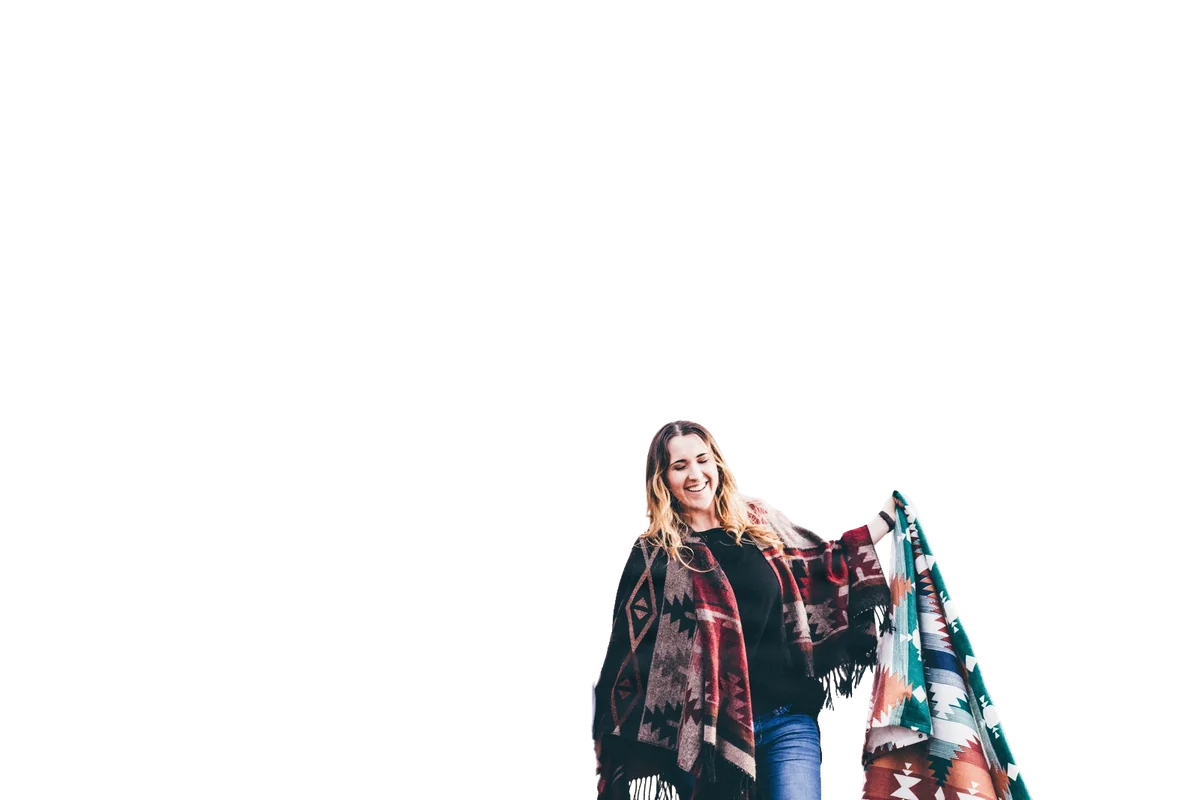
Keep one person from a group photo
Left empty, the cutout keeps everyone. A short phrase keeps only the person you name.
What to keep: only the woman on the right
Example photos are CC0 (public domain) images from Wikimedia Commons by Tiko Giorgadze, Brooke Cagle, DimiTalen and Priscilla Du Preez. The results are unedited outputs.
FAQ
Price, output and tips for better cutouts.
How much does it cost to remove the background from an image?
Each image costs 4 credits, with or without What to keep. New accounts get 4 credits when they sign up, which covers one full cutout. Credits are taken when you click Remove Background; if the job fails, they are returned automatically.
How do I use What to keep?
Leave it empty and the main subject is kept. When the photo has several people or objects, describe what you want in plain words, such as "only the chair", "the woman on the left" or "the person without the lamp". Everything kept is the original photo; only the background turns transparent.
What file do I get?
A PNG with a transparent background, at the same width and height as the image you upload. JPG photos larger than 4096 pixels on the long side are scaled down to 4096 pixels before processing.
Which photos work best?
Photos with a clear subject work best, and fine detail such as hair, fur, veils and lace is kept well. If the photo is busy or it is not obvious what the subject is, use What to keep to name it. Very dark or blurry photos give softer edges, and motion-blurred strands that fade into a similar-colored background (for example hair blowing in the wind) can come out thinner than in the original.
Can I change the background color?
Yes, at no extra cost. After the cutout, preview it on white, black or any custom color and download it as a PNG on that color. The color is added in your browser as a layer behind the cutout; it does not regenerate the image or use credits.
Which image formats and sizes can I upload?
JPG up to 25MB; larger than 4096 pixels on the long side is scaled down to 4096 in your browser before upload. PNG and WebP (which may already have transparency) are uploaded unchanged, so they need to be at most 10MB and 4096 pixels on the long side. Any image has to be under 10MB once it is ready to upload.
Where do my images go?
Uploaded photos are used only to make your cutout. Results are saved to My Creations, where you can download or delete them.
Upload a photo and get a transparent PNG in about 15 seconds.
Upload an image