
AI Video Effects
Ready-made AI video templates for the moments people love to share: a kiss, a hug, a zombie love story, a Halloween costume reveal, a message from Santa or a full character swap. Pick an effect, add your photos or message and get a finished video.
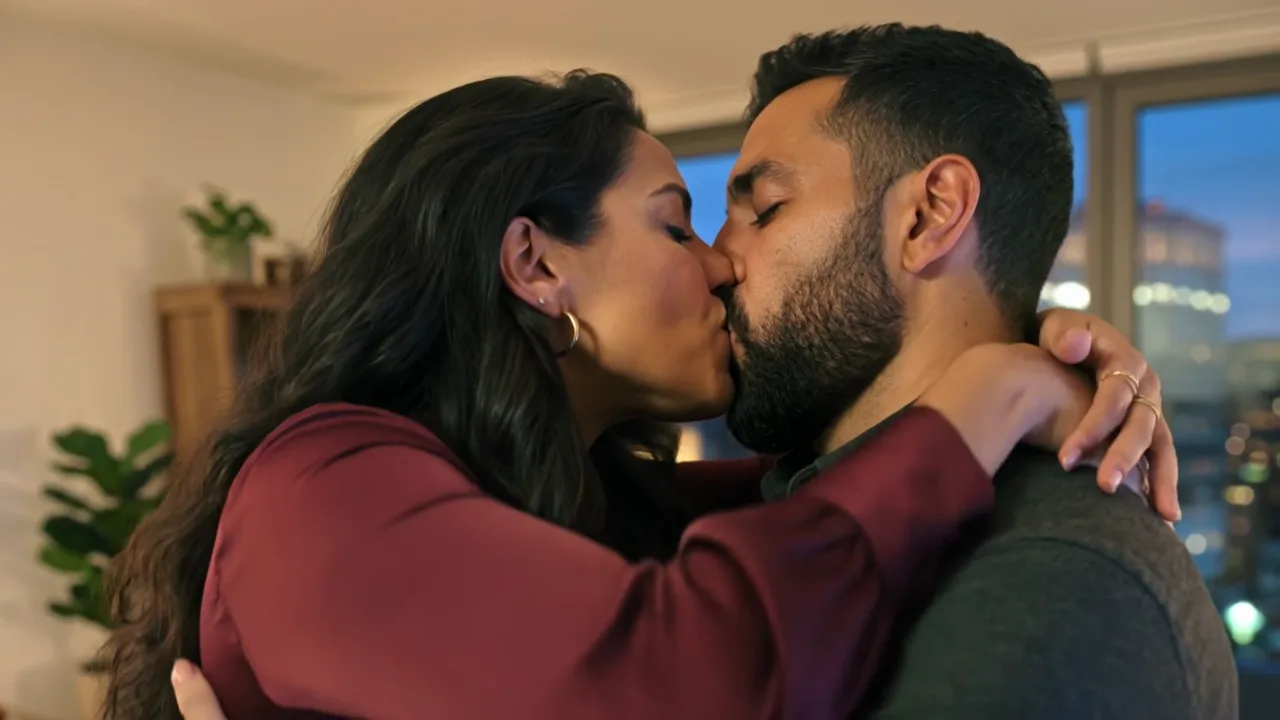
AI Kissing
Turn two photos, or one couple photo, into a romantic kissing video.
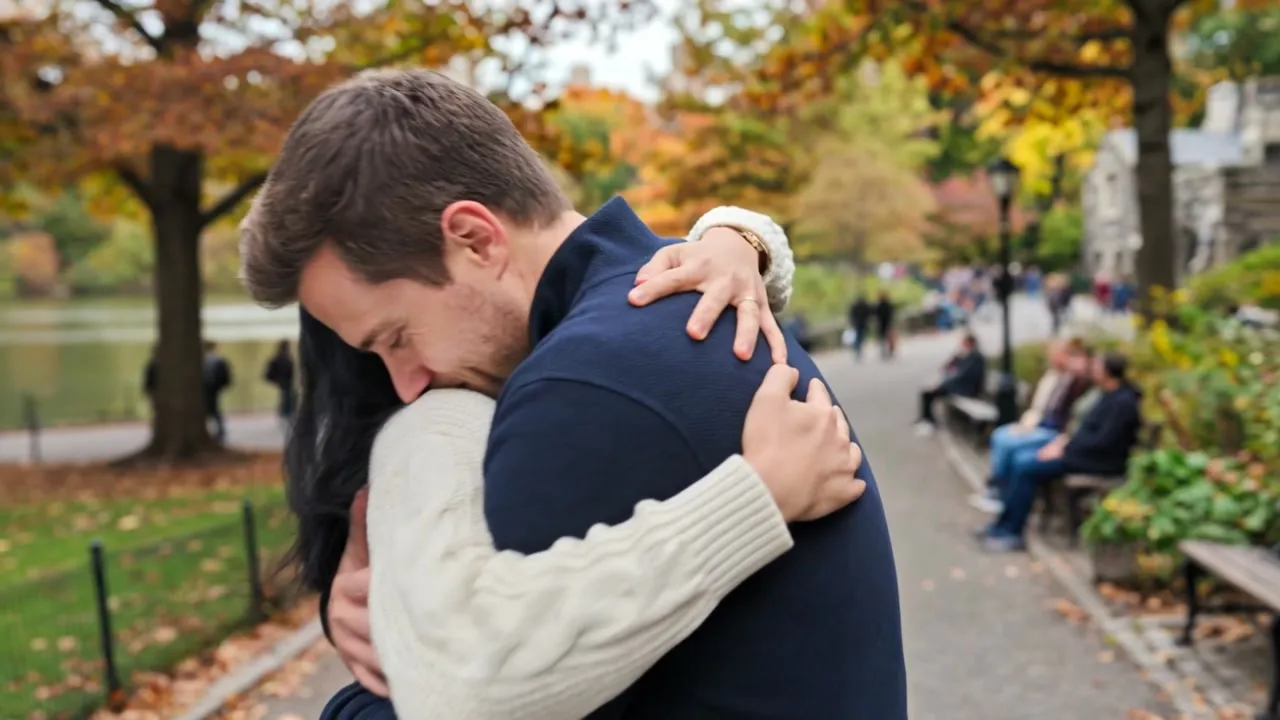
AI Hug
Make two people hug from separate photos, for reunions, family or pets.
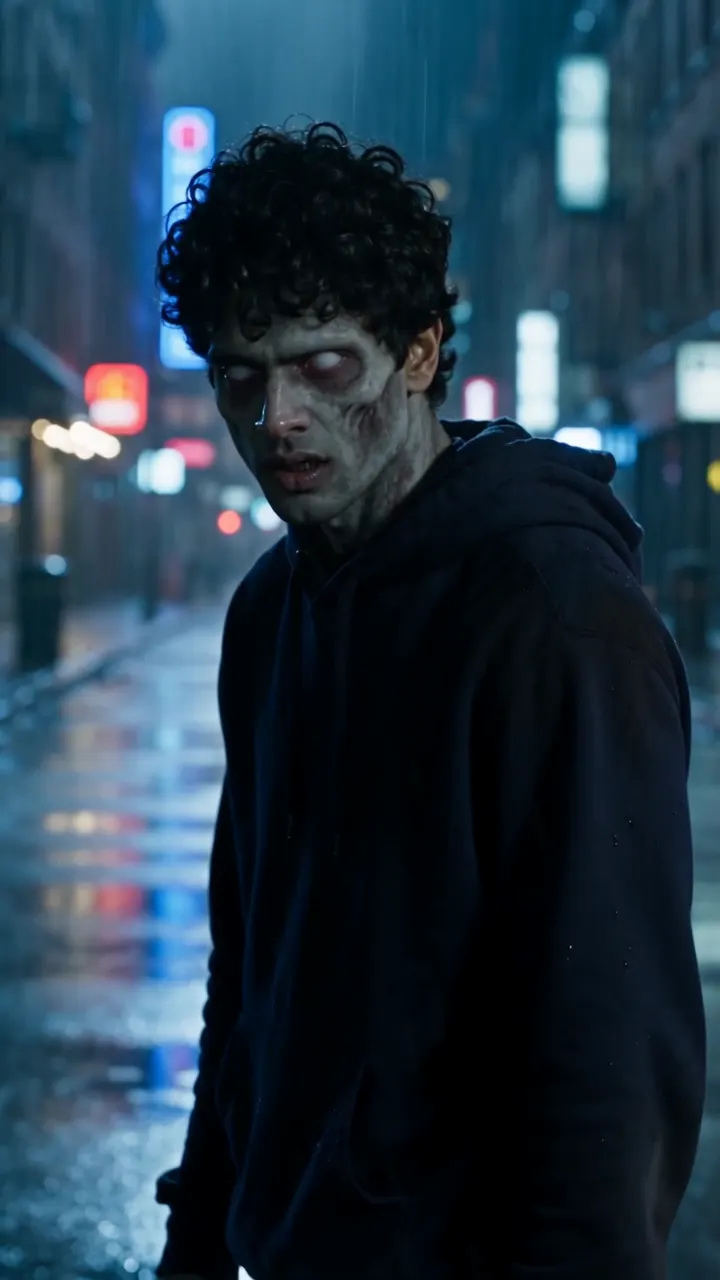
AI Zombie
Turn two photos into the viral zombie love story, with a partner, friend or pet.
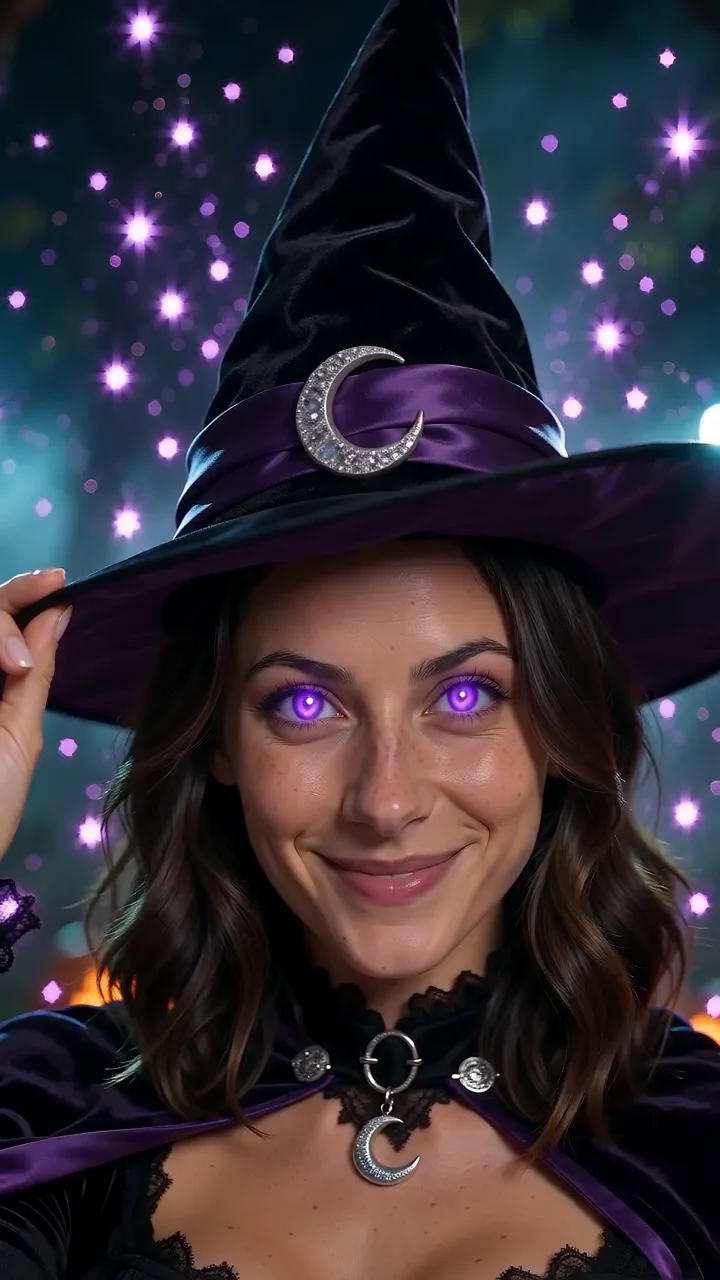
AI Halloween Costume
Turn one photo into a Halloween costume reveal that drops on the beat.
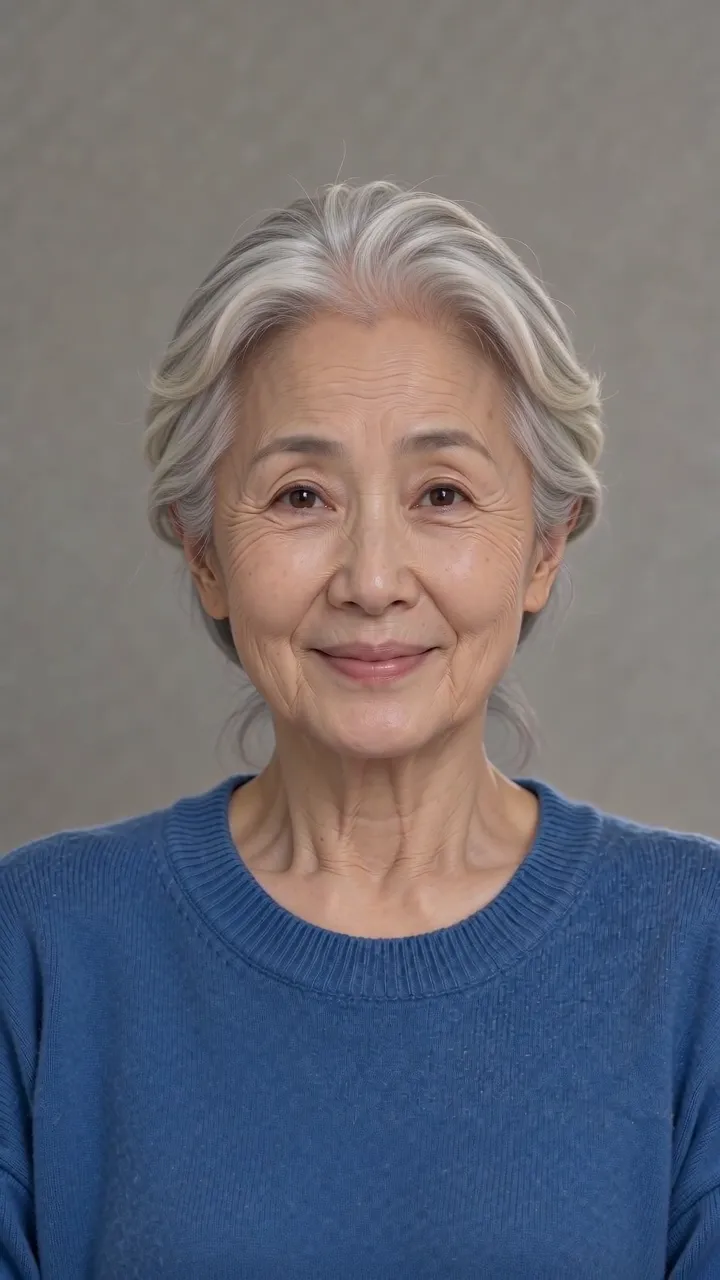
AI Aging Filter
Turn one selfie into a vertical video of you slowly growing old, or run it in reverse to look younger.
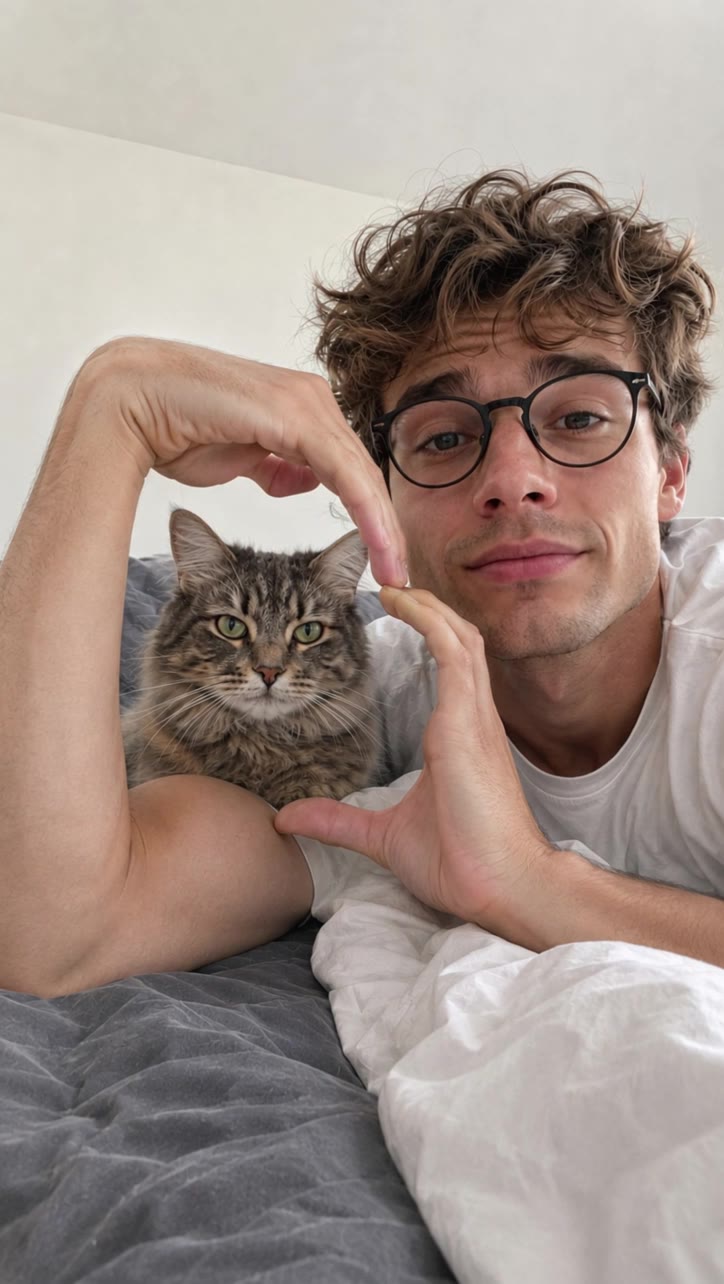
AI Bicep Heart
Turn one photo into the bicep heart trend, framing your pet or partner inside the heart.
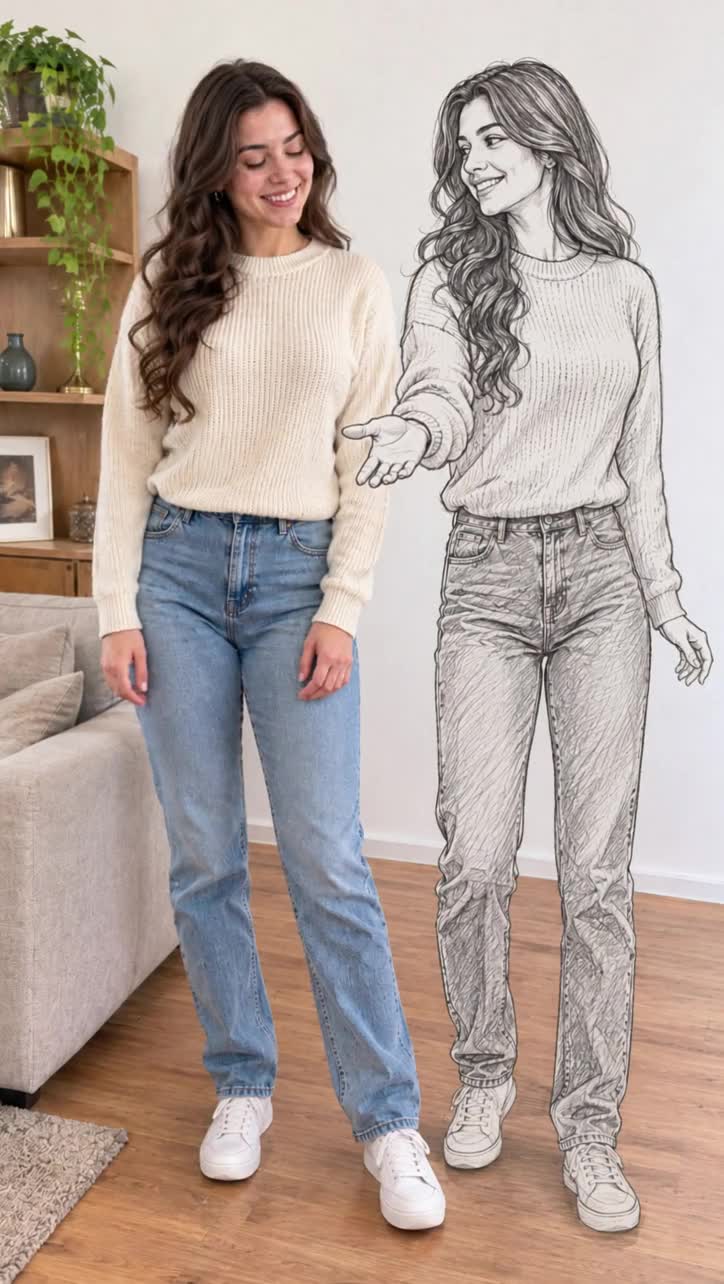
Magic Double Dance
Turn one photo into a dance with your own pencil-sketch double, ending in a high five, a color swap or a twirl.
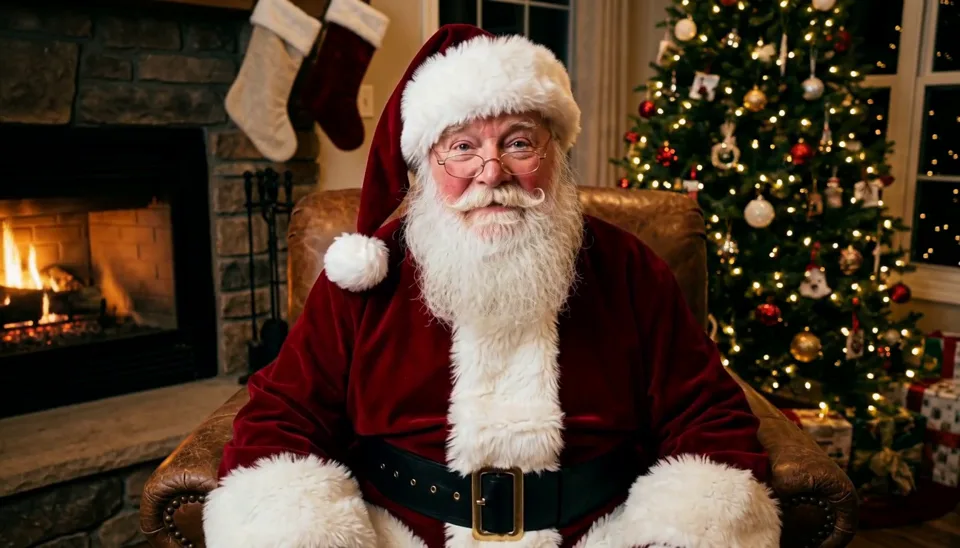
AI Santa Video
Write a message and get a video of Santa saying your child's name, in 13 languages.
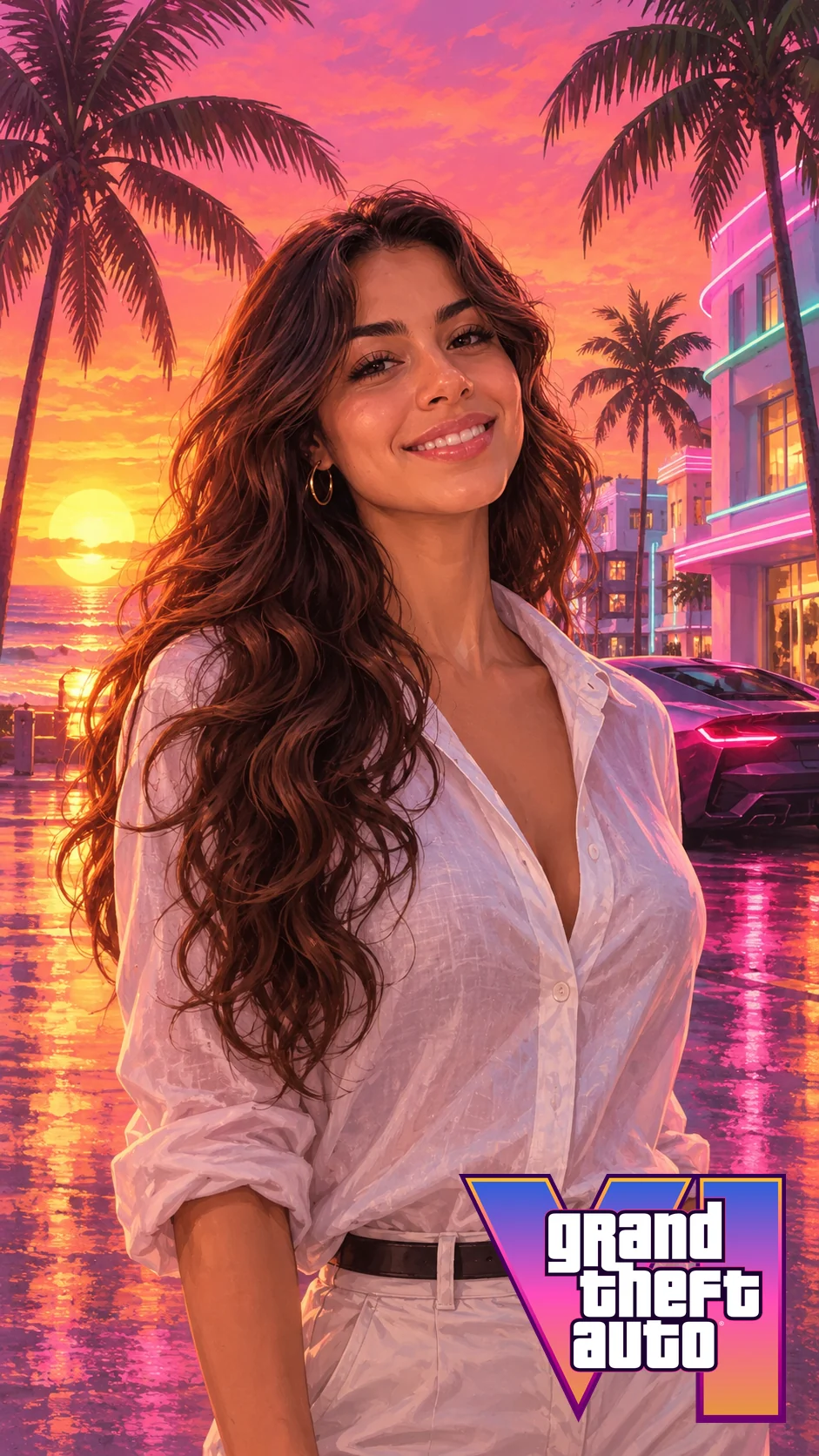
GTA 6 Filter
Turn a selfie into GTA 6 style loading screen art, then animate it into a short video.

GTA 6 AI Video Generator
Put yourself or your pet on a GTA 6 jet ski off Vice City beach and get an 8-second game-style video from one photo.
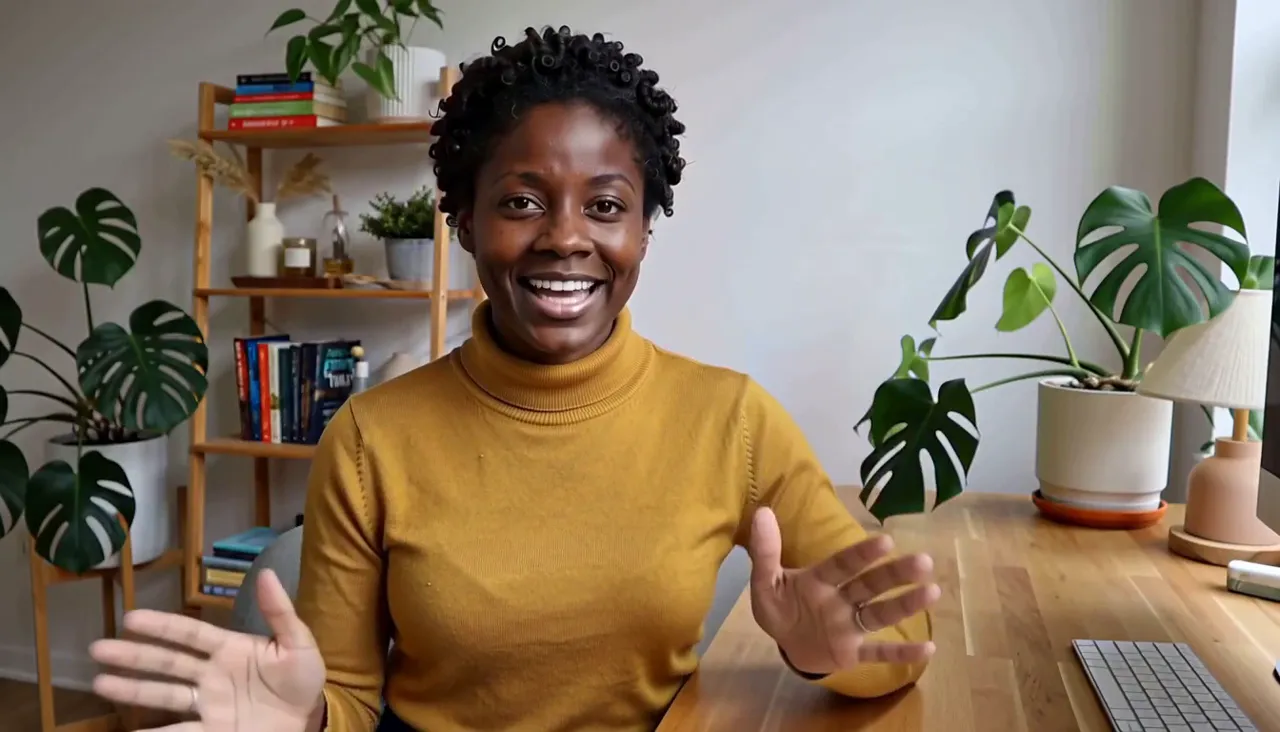
AI Character Swap
Replace the person in a video clip with someone new, keeping the motion and sound.
How It Works
- Step 1
Pick an effect
Choose the effect you want. Each one already knows what kind of video to make.
- Step 2
Add your photos or message
Add one or two photos. For Character Swap, add a video clip plus photos of the new person. For AI Santa, just add a name and a message.
- Step 3
Generate and share
Get a finished video in minutes, then download it and post it anywhere.
FAQ
What are AI video effects?
They are ready-made video templates. The kissing, hug, zombie and Halloween effects come with the scene, motion and camera move worked out, AI Santa comes with the scene and voice ready, and Character Swap keeps the performance and camera of your own clip. You only add your photos (the clip too for Character Swap, a written message for AI Santa) and get a short video back, with no editing skills needed.
What do I need to upload?
It depends on the effect. AI Kissing takes two photos or one couple photo, AI Hug and AI Zombie take two photos, AI Halloween Costume, AI Aging Filter, AI Bicep Heart and Magic Double Dance take one photo, AI Santa Video needs no upload, just a name and a message, and AI Character Swap takes a video clip plus one or more photos of the new person.
Whose photos can I use?
Use photos of yourself or of people who have agreed to it. Kissing videos are for adults only. Pets work in AI Hug, AI Zombie, AI Halloween Costume and AI Bicep Heart.