How to Make the Bulin 47 AI Freestyle Video (Swap Yourself In)
Bulin 47 AI freestyle video tutorial: swap yourself into a street freestyle clip with one photo and a video you filmed, then post it in 9:16 on TikTok or Reels.

If your feed has been full of people rapping and dancing to the same dembow beat on a street corner, you've seen the Bulin 47 AI trend. Everyone wants to be the one on the mic. Here's how to make your own version with a photo of yourself and a video you're allowed to use.
What the Bulin 47 AI Trend Is
Bulin 47 is a Dominican dembow artist. In early October 2026, a content creator walked up to him outside a restaurant in Spain with a speaker playing a dembow beat and started freestyling. Bulin answered with his own rhymes and a dance move, and the clip spread fast on TikTok and Instagram.
The Bulin 47 trend took off when the "AI" part came in. People started using AI to put someone else in the performer's place while keeping the moves, the gestures and the sound. That's the whole format: same freestyle energy, a different person in the shot.
You don't need the original clip to join in, and you shouldn't use it. Reposting someone else's video, or putting a face into it, isn't yours to do without permission. The fun version is your own: film a friend doing the freestyle bit, then swap yourself in.
How to Make a Bulin 47 AI Video in 3 Steps
All of this happens on one page: AI Character Swap. It replaces the whole person in a video, not just the face, so the hair, build and clothes change too, while the scene, the camera and the original sound stay.
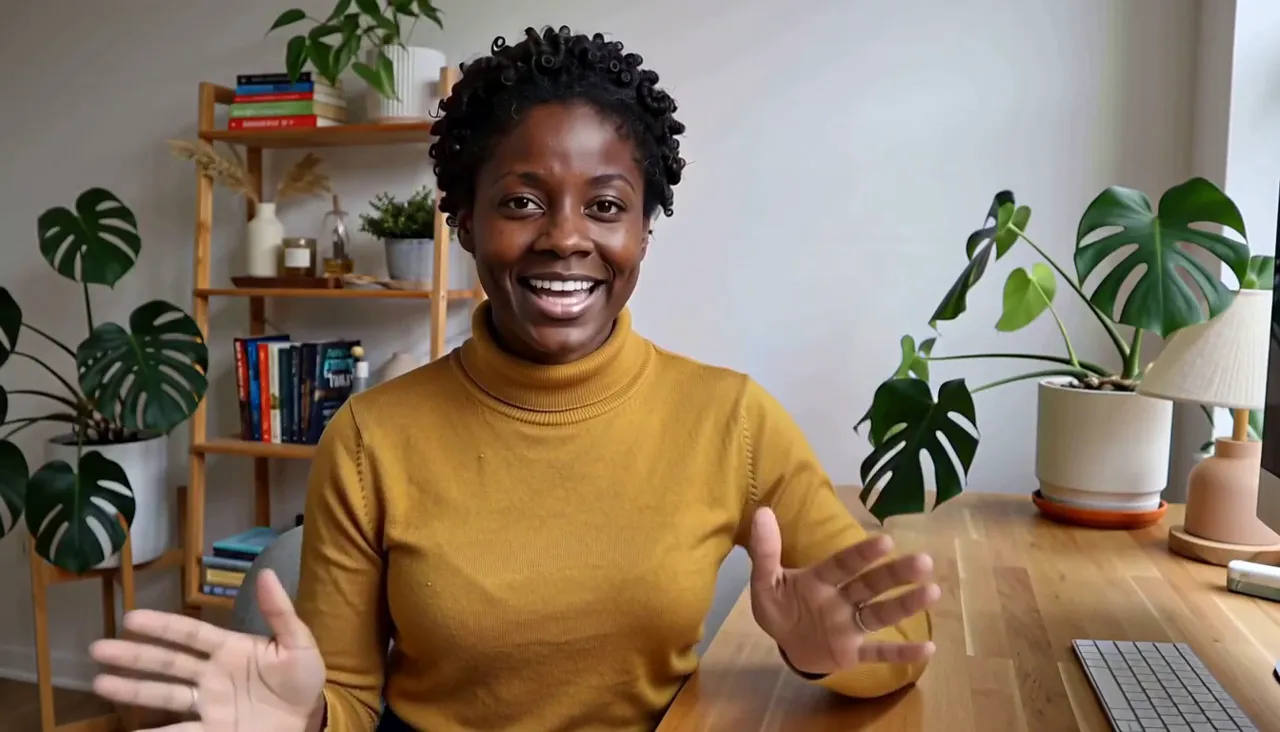
Here's what that looks like on one of the examples from the AI Character Swap page (this is a sample clip, not a Bulin 47 video). The presenter is swapped for a new character, and the gestures and timing follow the original performance:
Step 1: Get a clear photo and a freestyle video
- Your photo: One clear, front-facing photo of you, with your face visible and even lighting. JPG, PNG or WebP.
- Your video: A short street rap or freestyle clip that you filmed yourself, or one you have permission to use. MP4 or MOV, 5 to 30 seconds, up to 50MB, with no single shot longer than 15 seconds. Film it vertically if you're posting to TikTok or Reels.
The easiest setup is to recreate the moment: a friend with a speaker, a beat, someone performing a few bars and a dance move, all on your phone.
Step 2: Swap yourself in with AI Character Swap
Open AI Character Swap, upload your video and add your photo. If there's only one person in the clip, you don't need to write anything. The swap happens automatically.
If there are two people, like the freestyler and the person holding the speaker, add a short instruction to say who becomes you, for example "Replace the man in the white cap with the person in image 1". You can also tell it what to keep, such as "Keep the black jacket".
Pick 768P or 1080P and click Generate. The exact price is shown on the Generate button before you start, and you can check plans on the pricing page.
Step 3: Download it in 9:16 and post it
The swapped video keeps the length and aspect ratio of your clip, along with its original soundtrack. So if you filmed vertically, you get a vertical video back, ready for TikTok, Instagram Reels or YouTube Shorts. Download it and post it as is.
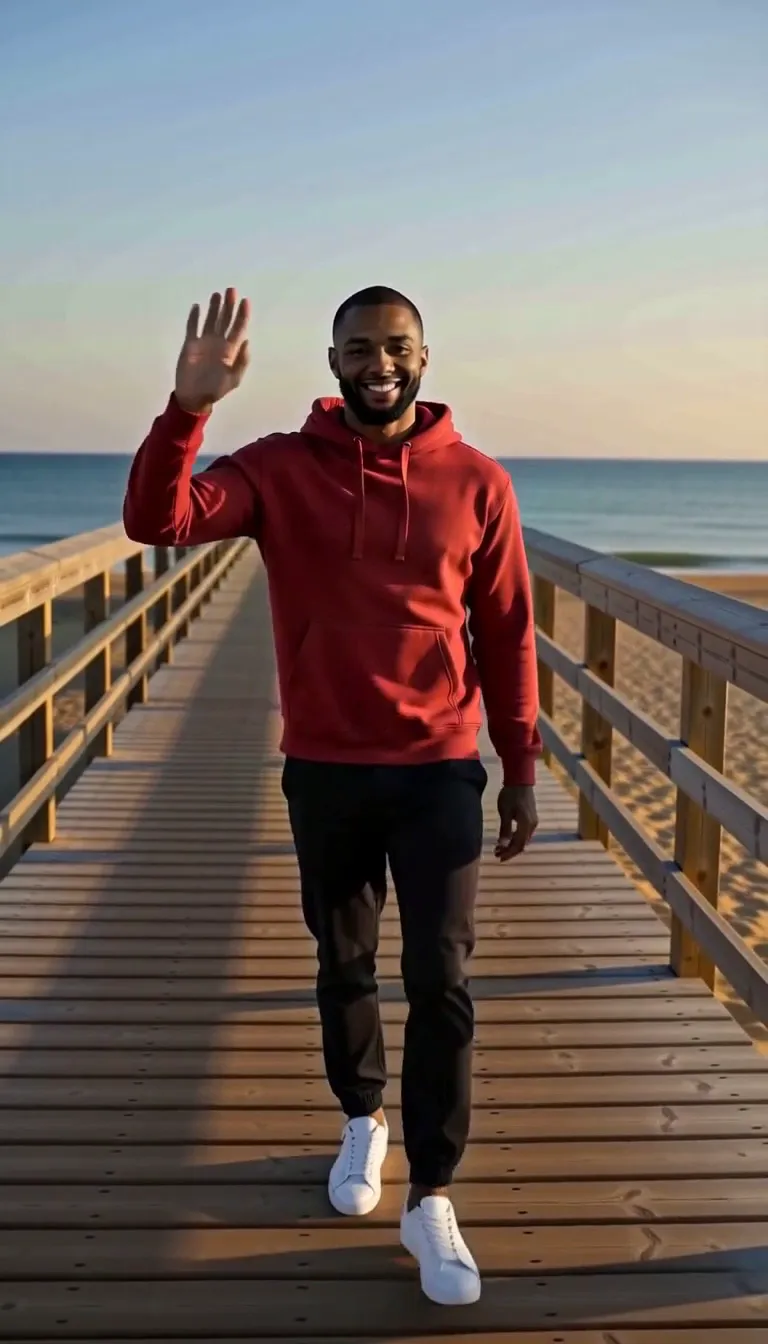
Here's a vertical example from the same page, swapped head to toe from one full-body photo:
Tips for a Better Result
For the photo:
- Use even light. No harsh shadows across the face, no strong backlight.
- Face the camera. A front-facing photo gives the best likeness. For an even closer match, add 2 or 3 photos of yourself from different angles.
- Use a full-body photo if the outfit matters. The swap takes your clothes from the photo. To keep the performer's outfit instead, say so in the instruction.
- Keep it to one person. Crop out friends and busy backgrounds.
For the video:
- One performer is easiest. With several people in the frame, you'll need an instruction to say who becomes you.
- Face the camera. A performer who's clearly visible and mostly facing the lens swaps more cleanly than one in profile or half out of frame.
- Keep the moves moderate. Very fast dancing is followed in overall rhythm and position, but may not match move for move. A few bars and one signature move work better than a full routine.
- Hold the camera steady. Use a tripod or lean on something. A shaky handheld shot makes the person harder to follow.
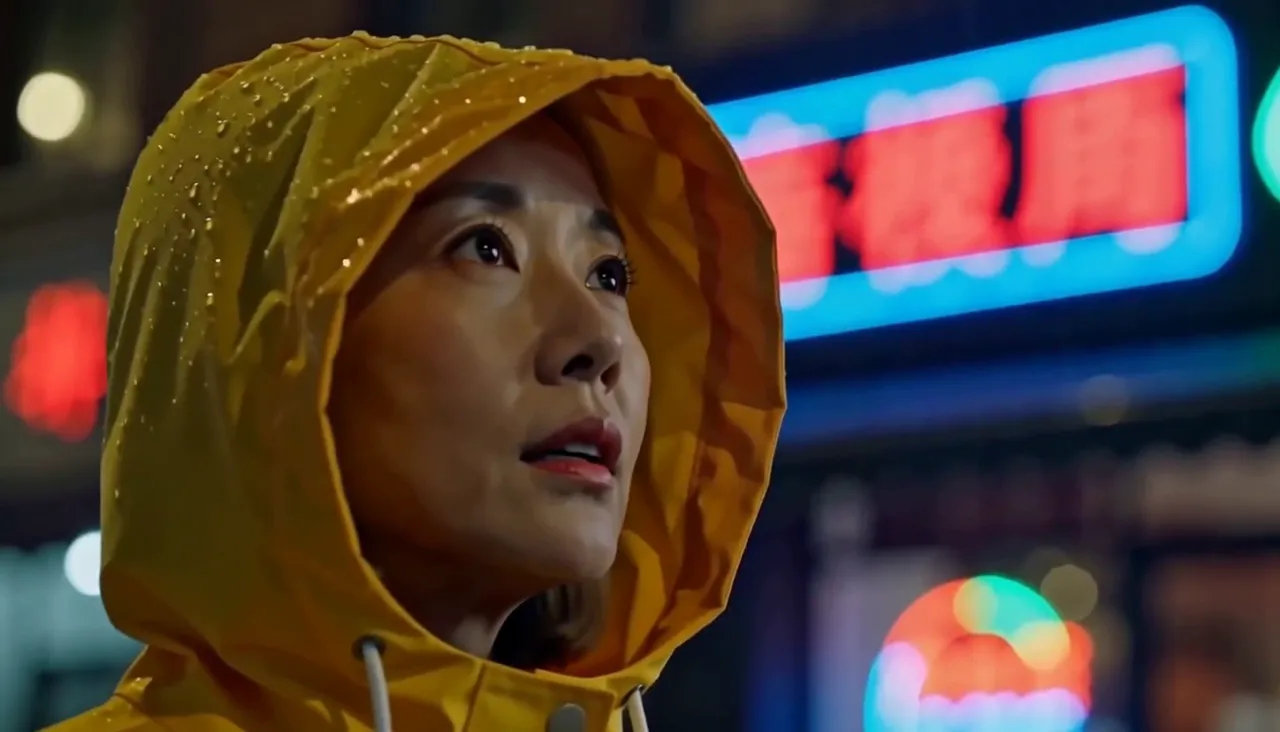
If your clip cuts between shots, that's fine. The same new character is used every time the person appears, as in this rainy street example where the instruction "Keep the yellow raincoat" kept the original outfit:
Other Ways to Make It
- No freestyle video to start from? Try Motion Control. It starts from a photo of you and moves it with the motion from a reference clip, so you can use a dance clip you filmed yourself.
- Want different bars? Record your verse as a clean voice track and use the Video tab in AI Lip Sync to re-sync the mouth in your clip to it. The result plays your new track, so it won't have the beat underneath unless you add it back.
FAQ
How many photos do I need?
One clear photo is enough. For a closer likeness, upload 2 or 3 photos of yourself from different angles, such as front, side and full body. You can add up to 4 photos in total. If you add several photos of the same person to a clip with more than one person, say so in the instruction, for example "Images 1 and 2 show the same person".
How long can the video be?
Between 5 and 30 seconds, up to 50MB, as MP4 or MOV, with no single shot longer than 15 seconds. The swapped video comes back the same length as your clip. Most freestyle clips are well within that.
Can I swap in my pet or a cartoon character?
Yes, but switch the model first. The default model, H3 Max Recast, only swaps people. Pick Seedance 2.5 in the model selector on the AI Character Swap page and you can swap in an animal, a cartoon character or an object instead. If the background music in your clip is copyrighted, that model may fail with sound on, so turn off "Generate sound" and try again. The result will then be silent, so add a sound from the TikTok or Instagram library when you post, or music you have the rights to in a video editor.
How long does it take?
Most videos are ready in a few minutes. You can close or refresh the page while it runs; the video keeps generating and shows up in your creations when it's done.
Will there be a watermark?
No. Veevid doesn't add a watermark to the swapped video, so you can download it and post it as it is.
Can I swap in anyone I want?
Only use videos and photos you have the right to use, and only swap in a real person who has agreed to it. Don't use it to impersonate someone or to make people think a real person did something they didn't.
Get Started
Film your clip, grab a good photo and head to AI Character Swap. It takes a few minutes to turn a street freestyle into one with you on the mic.